


Trusted by 1M+ creators
Subtitle Translator
Translate subtitles online. Translate your SRT file, audio, or video instantly
No credit card required

4.6
2,100+ reviews














Go global with VEED’s online subtitle translator
Use VEED’s online automatic subtitle translator to translate your subtitles to over 125 languages. Translate subtitles written in your native language to any foreign language or vice versa. You can translate your audio or video or upload an SRT file. No need to spend countless hours manually translating your content. Our online subtitle translator and editor tool features up to 99.9% accuracy—and you can easily edit words or phrases after auto-translating.
Auto-generate subtitles for YouTube videos in minutes. Generate captions, translate to any language, and download the SRT file for uploading to YouTube Studio. You can also export your video with dynamic captions burned in. No need to pay for expensive translation services or manually translate transcripts. Our online translation software offers professional translation. Generate English subtitles and translate them to Spanish, French, Greek, Brazilian, Portuguese, and more.
How to translate subtitles:
Step 01
Upload your video or start with a blank canvas
Upload your video or audio to VEED. If you don’t have a media file to upload, you can start with a blank canvas and start recording.
Step 02
Auto translate
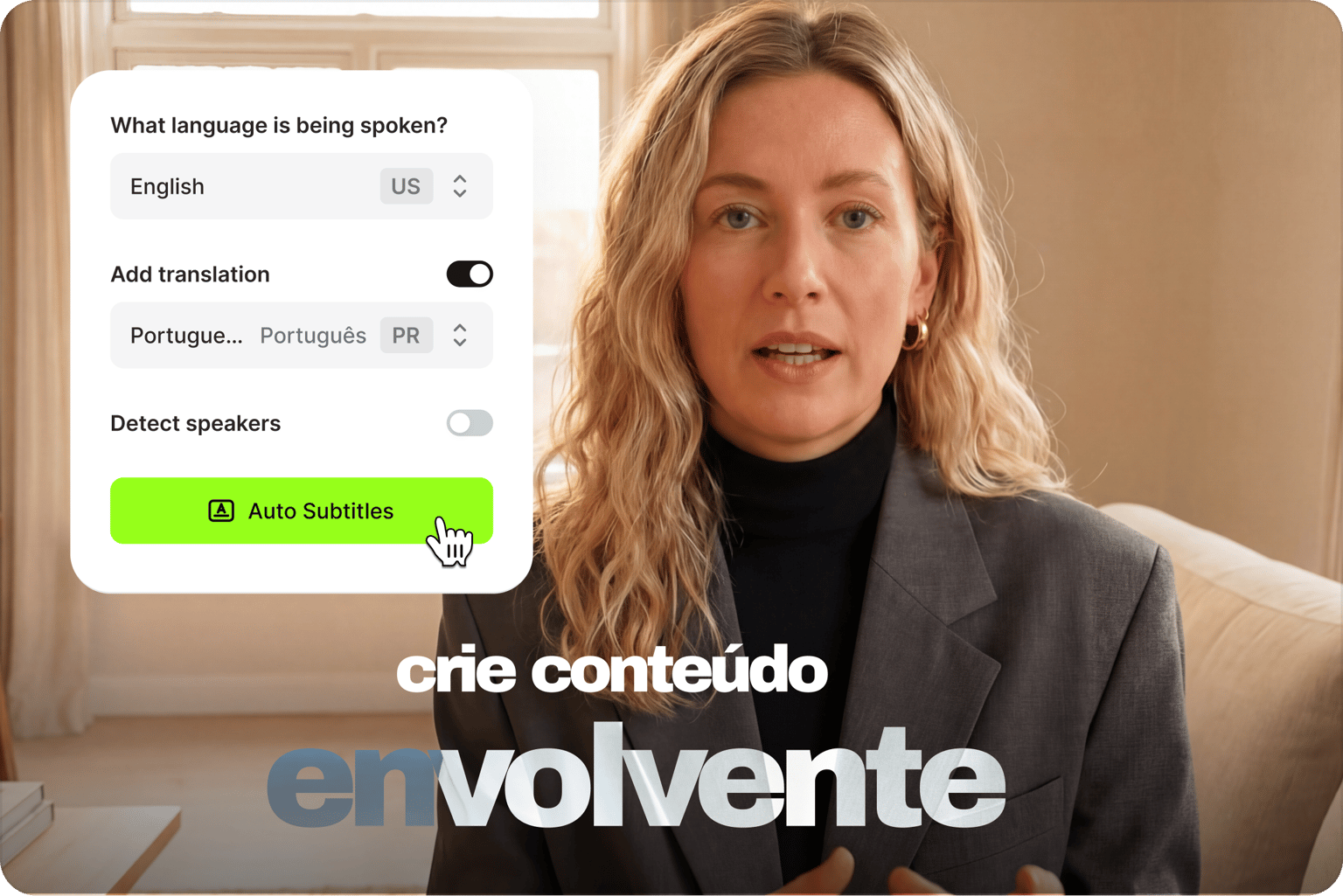
Select the spoken language and your target language. You can also upload a subtitle file if you have one. Click the auto subtitle button to start translating.
Step 03
Export your translated subtitle file
Download your translated subtitle file by clicking on the download button. You can download it in SRT or TXT format. Or download your video with the subtitles burned in.
Learn More
Watch this AI subtitle translator walkthrough:
Auto translate subtitles, break language barriers
Break language barriers and reach a global audience. Automatically add subtitles to your videos or translate an existing SRT file. Use our auto-subtitle tool to add subtitles instantly. You can also translate directly from an audio file. You may need or want to edit the text, but it only takes a few minutes since VEED subtitles feature up to 99.9% accuracy. Once the subtitles are generated, click on the Translate button and select a language. Our automatic subtitle translation tool can detect different accents and translate subtitles to any language.
Easy, fast, and affordable online translation
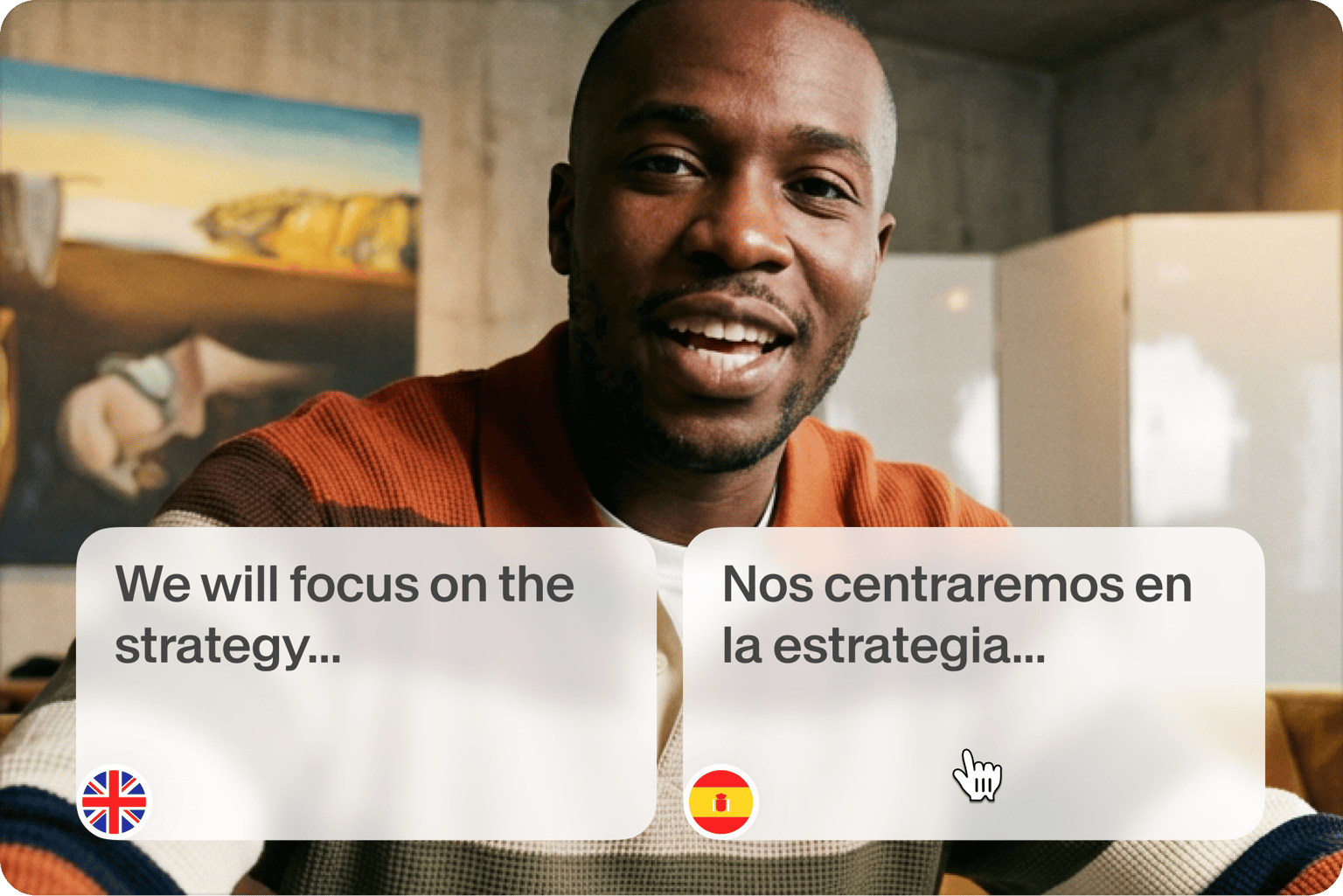
VEED’s online subtitle translation tool features an intuitive interface. Translating your subtitle file only takes a few clicks. It also offers higher accuracy than other translation and transcription services in its price range. With VEED, you get auto transcription and translation within a single platform. With a premium subscription, you get all our video editing features plus unlimited downloads of your transcripts.
From subtitle translation to publish-ready video
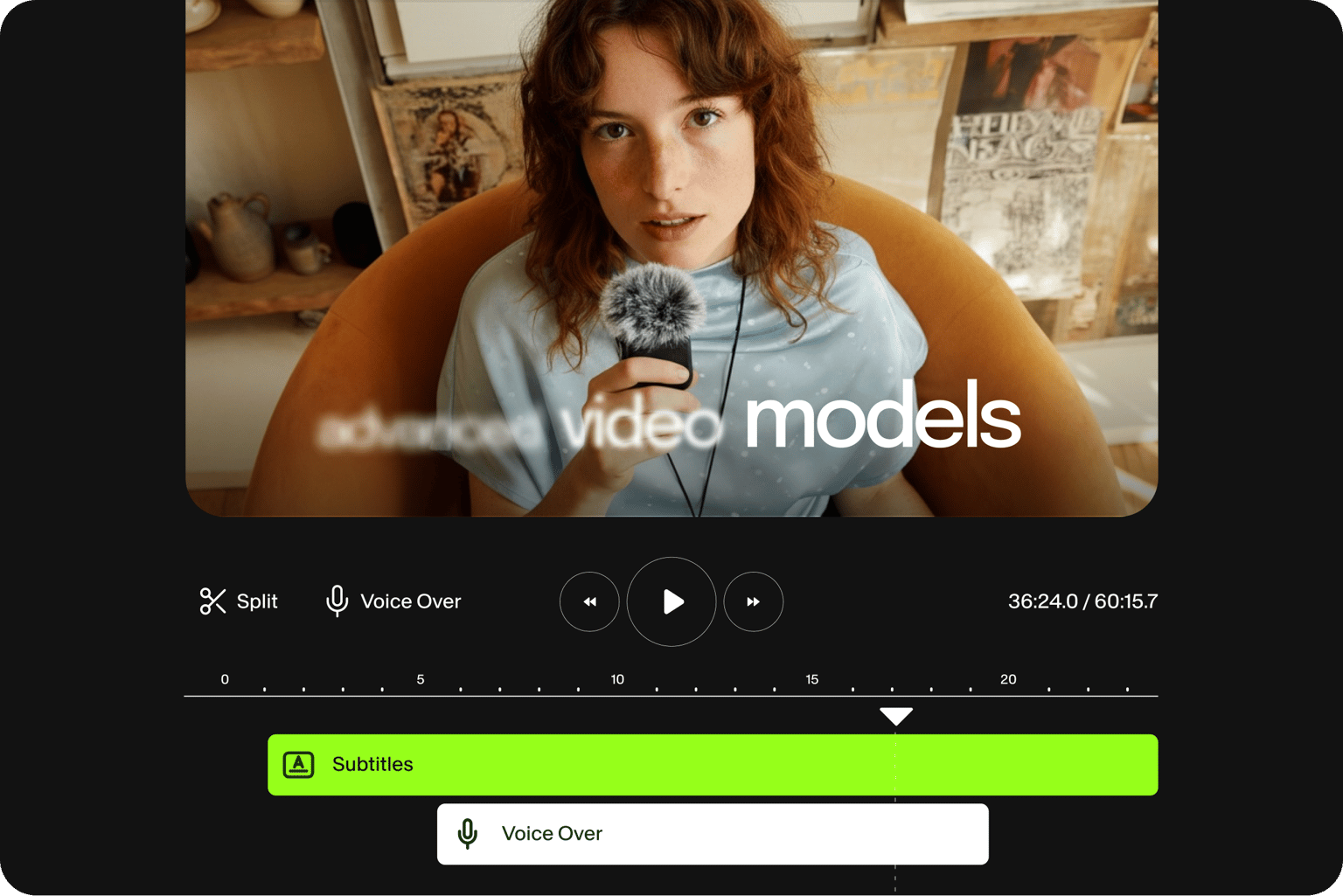
Beyond subtitle translation, VEED gives you everything you need to polish your video without switching tools. Add AI B-roll, background music, and dynamic captions. Remove background noise, replace distracting backgrounds, and resize for any platform. Generate AI voiceovers or dub your video into new languages in one click. Access your projects from any browser, on any device. Translating large volumes of video? Check out our subtitles API for automating the workflow for your team or platform.
FAQ
If you don’t have a subtitle file to upload, what you can do is transcribe the audio directly from a video. Just upload the video to VEED, click on Subtitles and select Auto Subtitles. You can edit the subtitles by clicking on a line of text from the left panel.
- Upload your video or audio to VEED.
- Select the spoken language and your target language. You can also upload an existing SRT file if you have one.
- Click 'Auto-subtitle with translation' to generate and translate your subtitles automatically.
- Download the translated SRT or TXT file, or export your video with subtitles burned in.
Translate from Japanese to English, English to Sinhala, Hindi to Portuguese, and many more language combinations.
Yes. Upload your video or audio to VEED, then drop in your existing SRT file via the Subtitles menu instead of auto-transcribing. From there, add a translation, select your target language, and download the translated SRT file when done.
Use our dictionary feature to add custom vocabulary, so the AI recognizes words specific to your field — product names, technical terms, or industry jargon. Go to the subtitle settings, and click ‘Dictionary.’ Add your terms under Find and Replace, then click Apply. Future transcriptions will use your custom vocabulary for more accurate results.
When VEED has finished generating or translating your subtitles, click on Options and select your preferred format from the dropdown under Download Subtitles. You can choose from SRT, VTT, or TXT.
Yes—and it’s as fast and easy as subtitling any video file. Just click on Upload, select your audio file from your folders, and follow the same steps to auto-generate subtitles. When the transcription is done, you can then download the transcription file.
Loved by creators.
Loved by the Fortune 500
“
With VEED I didn't need 15 tutorials - I jumped straight in and started editing.

Gwenne Wilcox
Founder,
Brand Brainery
“
You can go beyond choppping things. VEED actually makes my videos look great.

Michael Glover
Demand Gen Manager,
ConvertFlow
“
The first four videos i created with VEED got over 40,000 impressions on LinkedIn.

Travis Tyler
Senior Content Producer,
PandaDoc
“
I found VEED at the right time: if you're making UGC ads and not using Eye Contact Correction and Noise Reduction on VEED you're missing out on ROI.

Sebastian Schurgers
Head of Growth Marketing,
Gronda
“
With VEED I didn't need 15 tutorials - I jumped straight in and started editing.
Gwenne Wilcox
Founder,
Brand Brainery
“
You can go beyond choppping things. VEED actually makes my videos look great.
Michael Glover
Demand Gen Manager,
ConvertFlow
“
The first four videos i created with VEED got over 40,000 impressions on LinkedIn.
Travis Tyler
Senior Content Producer,
PandaDoc
“
I found VEED at the right time: if you're making UGC ads and not using Eye Contact Correction and Noise Reduction on VEED you're missing out on ROI.
Sebastian Schurgers
Head of Growth Marketing,
Gronda
“
The first four videos i created with VEED got over 40,000 impressions on LinkedIn.
Travis Tyler
Senior Content Producer,
PandaDoc
“
I found VEED at the right time: if you're making UGC ads and not using Eye Contact Correction and Noise Reduction on VEED you're missing out on ROI.
Sebastian Schurgers
Head of Growth Marketing,
Gronda
“
With VEED I didn't need 15 tutorials - I jumped straight in and started editing.
Gwenne Wilcox
Founder,
Brand Brainery
“
You can go beyond choppping things. VEED actually makes my videos look great.
Michael Glover
Demand Gen Manager,
ConvertFlow
Explore related tools
More from VEED

Subtitling 101: How to Automatically Add and Customize Subtitles with VEED
Everything you need to automatically add, customize, translate, and download subtitles like a pro using VEED.
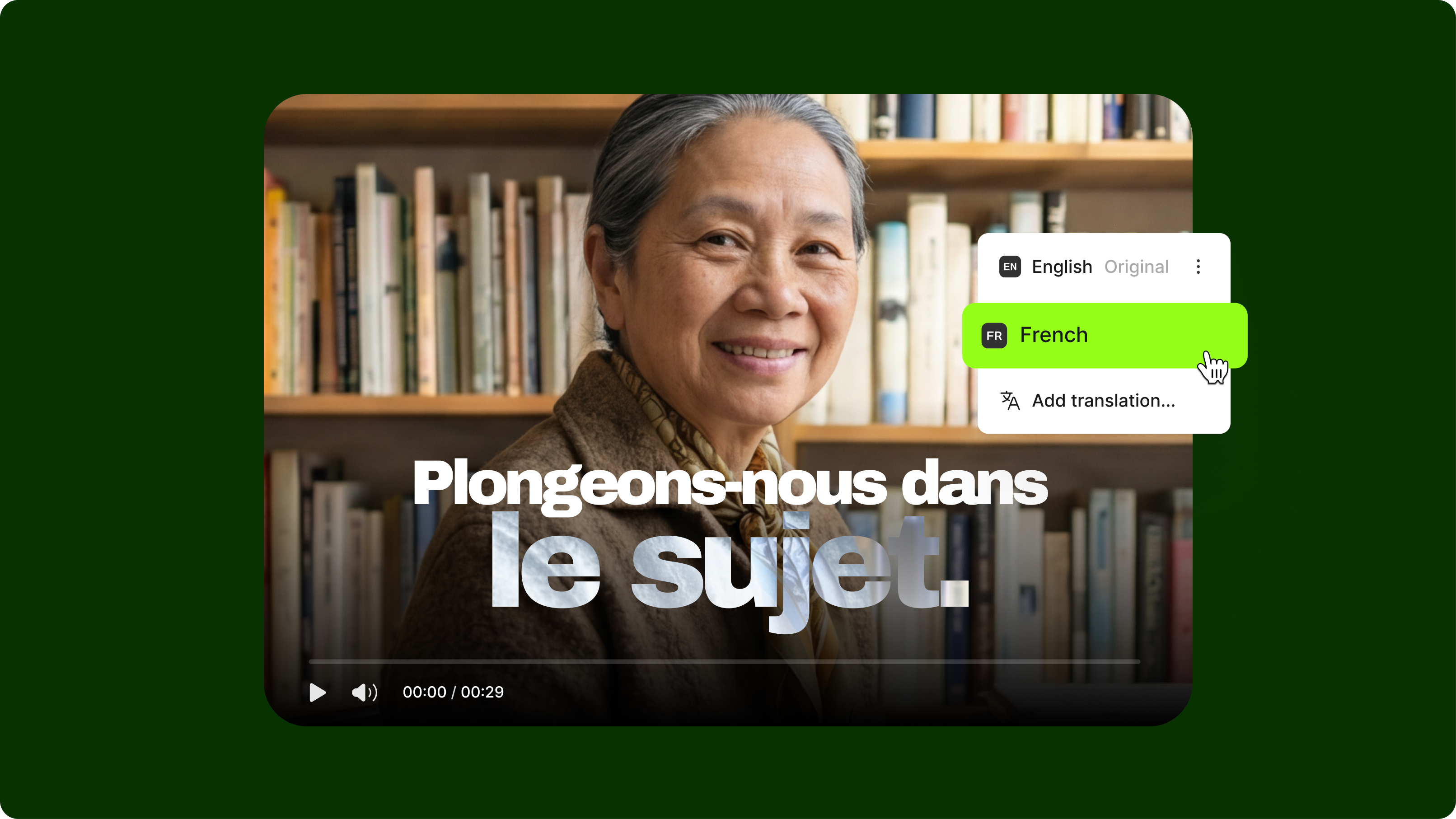
How to Translate YouTube Subtitles: A Complete 2026 Guide for Viewers and Creators
This guide explains how to translate YouTube subtitles for both viewers watching foreign-language videos and creators publishing in multiple languages.
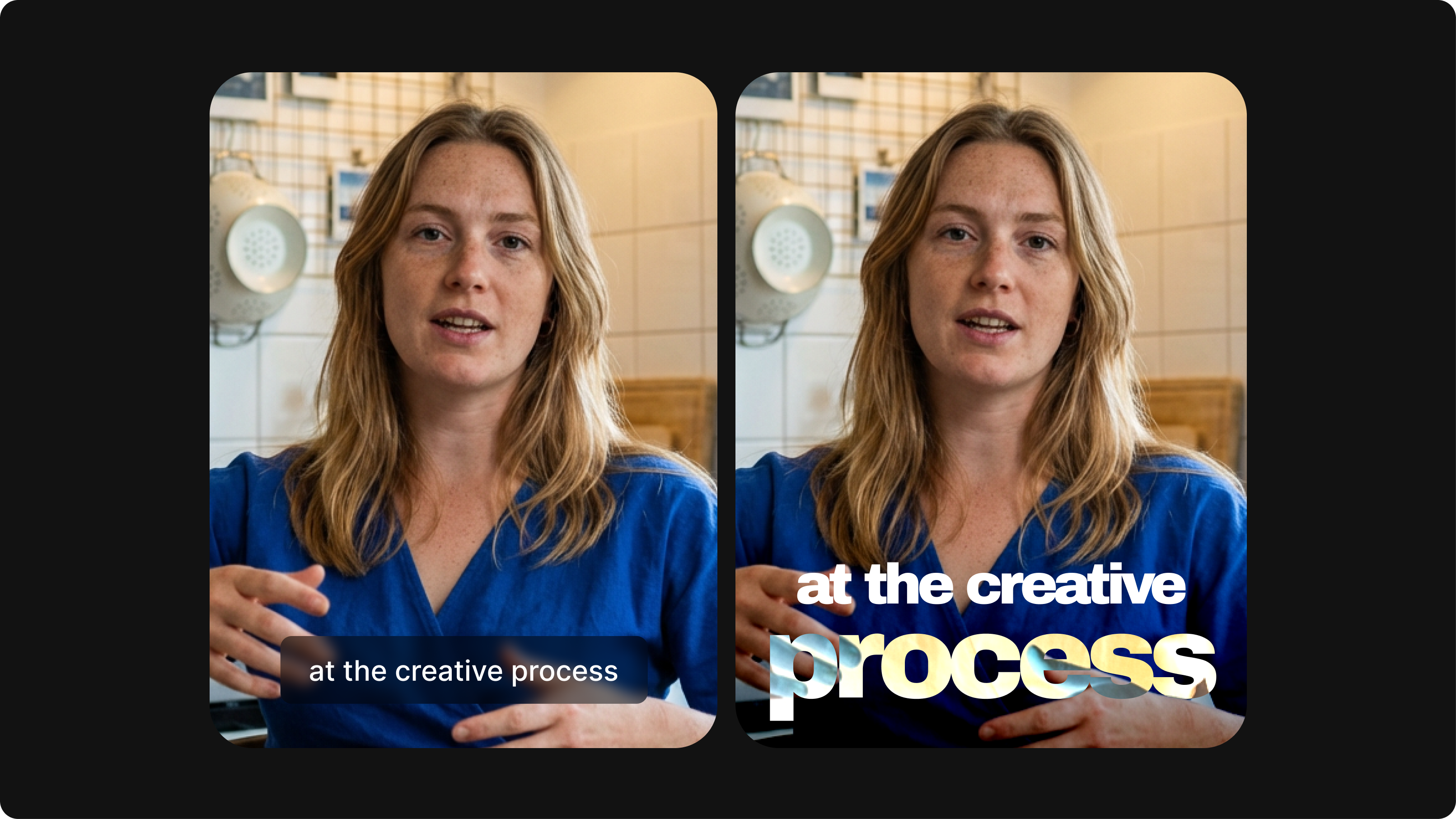
Closed Captioning VS Subtitles: Differences & When to Use Them
Understand what differentiates subtitles and closed captioning and how to add them to your own videos with ease.
Trusted by 1M+ creators
When it comes to amazing videos, all you need is VEED
No credit card required
More than a subtitle translator
Beyond subtitles, scale your content with AI dubbing and lifelike talking avatars in any language. Grow your reach and localize videos without additional filming or recording. Start from existing footage or an idea. VEED is an AI video creation platform where you can generate, refine, and repurpose videos. No need to stitch together different tools. Go from idea to post-ready video in minutes. Sign up now to start creating. Download the VEED mobile app on iOS!