


Trusted by 1M+ creators
Remove Background Noise from Video
Remove background noise from video in seconds. Try our AI noise remover for free
No credit card required

4.6
2,100+ reviews














How to remove background noise from video:
Step 01
Upload or record video
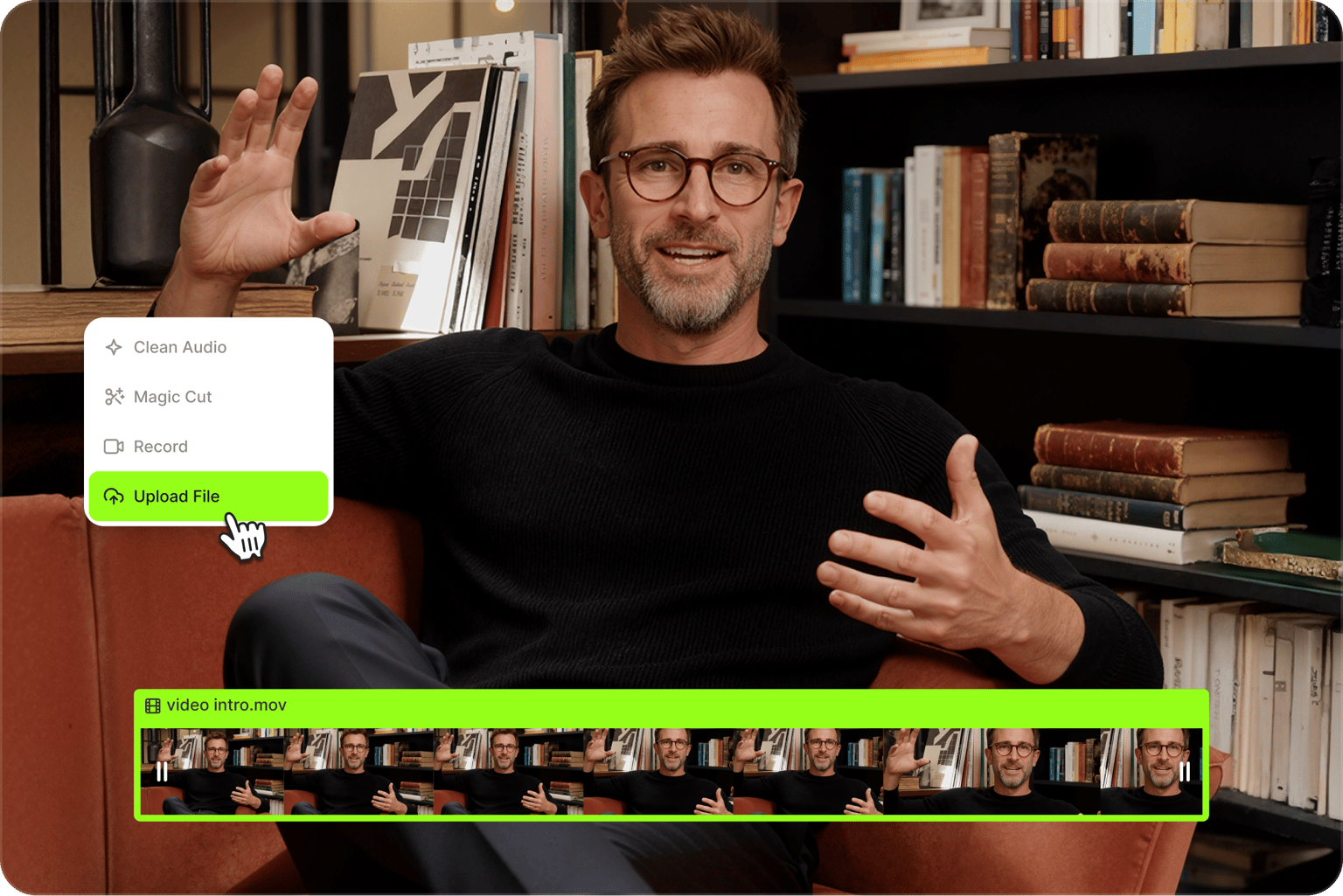
Upload your video to the editor. Our platform supports popular video formats, including MP4, MOV, AVI, MKV, FLV, and MPEG. You can also record a video using our webcam recorder.
Step 02
Remove background noise
Our AI noise remover automatically detects and removes unwanted sounds – wind noise in vlogs, traffic during street interviews, AC hums in home recordings, and more. Want to hear the difference? Toggle 'Clean audio' off under AI tools.
Step 03
Enhance and export video
Increase the volume of your video, add fade-ins and fade-outs for smooth transitions, or layer in background music from our stock library. Export your polished video, with full HD and 4K ultra HD options on a premium plan.
Learn More
Watch our background noise removal demo:

Remove background noise from video instantly
Remove background noise from video online. Our AI noise reduction tool removes wind noise, AC hums, keyboard clicks, background chatter, and echo from your video. Just upload your video, and get studio-quality sound in seconds. Try it for free.

Crystal-clear audio that keeps viewers watching
Background noise forces viewers to strain to hear your content, leading to higher drop-off rates. Our AI removes distracting sounds so your message comes through clearly. You can also remove filler words with Magic Cut for smoother dialogue.

AI noise reduction powered by Dolby
No need for complicated audio editing software. Our Dolby-powered AI noise remover enhances your audio automatically. The AI noise removal tool detects unwanted sounds and wipes them clean from your video. Get studio-quality sound without expensive equipment.
Support for all major video formats
Skip the compatibility issues and file conversion. Our AI noise remover works with any video file type — MP4, MOV, AVI, MPEG2, MPEG4, M4A, MKV, FLV, and many more. Upload and clean your video's audio right away. No more worrying about video quality loss from converting between formats.
FAQ
Yes. VEED’s AI audio tool can instantly reduce background noise in videos. Upload your video to the editor, and the AI automatically detects and removes unwanted sounds in seconds.
- Upload your video to VEED and select your clip in the timeline.
- Toggle on 'Clean Audio' under AI tools. The AI automatically detects and removes unwanted sounds, including wind, AC hums, background chatter, and echo. Toggle Clean Audio off to compare the before and after.
- Export your video with the enhanced audio. No plugins or software downloads needed.
VEED's AI is designed to isolate and remove unwanted background sounds while preserving your voice and intended audio.
Remove unwanted background noise from any content, whether you’re filming at home or on location:
- Social videos & talking head content: Remove background chatter, AC hums, and ambient noise from home or office recordings
- Instagram Reels & TikTok: Clear wind noise, street sounds, background chatter
- Vlogs & tutorials: Remove mouth clicks, breathing sounds, keyboard clicking
- Marketing videos: Remove office noise, conference room echo, and traffic sounds from outdoor shoots
VEED offers a simpler online solution for video creators. Our AI removes background noise automatically, while Premiere Pro requires complex workflows, adjustment layers, and manual fine-tuning of effects that many users find difficult. With VEED, you simply upload your video and the ‘Clean Audio’ tool removes noise in seconds. Our platform also offers other AI enhancement tools, like filler word removal.
VEED’s background noise remover is free to try. You can then upgrade to Pro to keep using the tool. A Pro account also gives you access to more AI features like video background removal, voice cloning, and text-to-speech.
Loved by creators.
Loved by the Fortune 500
“
With VEED I didn't need 15 tutorials - I jumped straight in and started editing.

Gwenne Wilcox
Founder,
Brand Brainery
“
You can go beyond choppping things. VEED actually makes my videos look great.

Michael Glover
Demand Gen Manager,
ConvertFlow
“
The first four videos i created with VEED got over 40,000 impressions on LinkedIn.

Travis Tyler
Senior Content Producer,
PandaDoc
“
I found VEED at the right time: if you're making UGC ads and not using Eye Contact Correction and Noise Reduction on VEED you're missing out on ROI.

Sebastian Schurgers
Head of Growth Marketing,
Gronda
“
With VEED I didn't need 15 tutorials - I jumped straight in and started editing.
Gwenne Wilcox
Founder,
Brand Brainery
“
You can go beyond choppping things. VEED actually makes my videos look great.
Michael Glover
Demand Gen Manager,
ConvertFlow
“
The first four videos i created with VEED got over 40,000 impressions on LinkedIn.
Travis Tyler
Senior Content Producer,
PandaDoc
“
I found VEED at the right time: if you're making UGC ads and not using Eye Contact Correction and Noise Reduction on VEED you're missing out on ROI.
Sebastian Schurgers
Head of Growth Marketing,
Gronda
“
The first four videos i created with VEED got over 40,000 impressions on LinkedIn.
Travis Tyler
Senior Content Producer,
PandaDoc
“
I found VEED at the right time: if you're making UGC ads and not using Eye Contact Correction and Noise Reduction on VEED you're missing out on ROI.
Sebastian Schurgers
Head of Growth Marketing,
Gronda
“
With VEED I didn't need 15 tutorials - I jumped straight in and started editing.
Gwenne Wilcox
Founder,
Brand Brainery
“
You can go beyond choppping things. VEED actually makes my videos look great.
Michael Glover
Demand Gen Manager,
ConvertFlow
Discover more
Explore related tools
More from VEED

11 Best Audio Recording Software to Try in 2025
We tried and tested multiple audio recording software, so you won't have to. Read on to find out which one made the 2024 list and why.

How to Clean Up Audio in a Video With This One-Click Trick
Remove distracting background noises in a single click using VEED. Learn how in this guide!
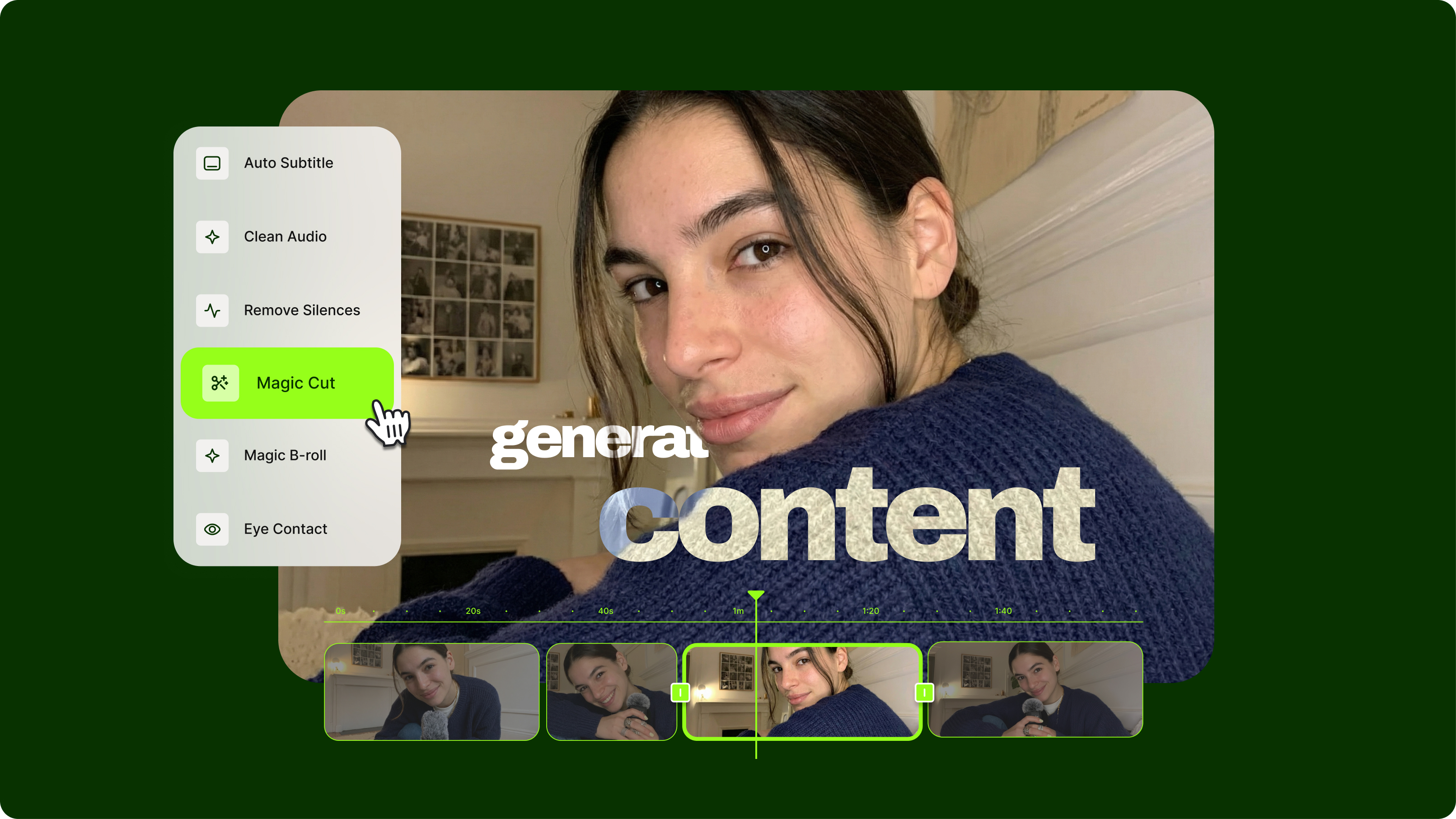
Streamlining Video Editing with AI: A Guide for Busy Marketers
Want to streamline your video editing workflow? Check out this list of the best AI tools for video editing.
Trusted by 1M+ creators
When it comes to amazing videos, all you need is VEED
No credit card required
More than video background noise removal
Great video needs more than clean audio. VEED is an AI video creation platform where you can generate content with the best AI models, add your own assets and branding, and layer in captions and text — all without switching tools. Built for marketers who need social videos that look and sound good. Sign up for VEED now to start creating.