


Trusted by 1M+ creators
Subtitles API
Subtitles API for automatic subtitle generation and burned-in styling. Upload a video, apply a style preset or customize, and export captioned video
No credit card required
4.6
2,100+ reviews














Generate styled, burned-in subtitles at scale with our Subtitles API
VEED's Subtitles API takes a video URL, auto-transcribes the audio, applies a style preset, and returns a video with subtitles burned in. No manual timing, no separate styling step, no rendering pipeline to build. Submit one job, and get back a post-ready MP4: video in, video out.
The subtitle API automates high-volume workflows. Caption ad creative, batch-style YouTube uploads, or generate scroll-stopping subs for short-form social cuts. It features auto language detection. You will also have optional SRT input to skip transcription. And async job model with status polling. Get API access on fal.ai.
How to use the Subtitles API:
Step 01
Provide a video URL
Submit your video via URL: upload to FAL storage or use a presigned link from your own bucket. The Subtitles API accepts standard video formats (MP4, MOV, WebM). You can optionally include srtContent to skip transcription if you already have captions for the video.
Step 02
Apply a style preset
Choose from VEED's library of subtitle presets. You can also use custom styling, such as your own fonts or colors. The API auto-transcribes the video, auto-detects the language, and applies your chosen preset to the timed captions, formatted and ready to render.
Step 03
Poll for the styled video
The Subtitles API returns a job ID. Poll the status endpoint until processing completes. The final response is an MP4 with subtitles burned in: formatted, styled, and ready to publish to social, YouTube, or wherever your video lives.
Learn More
Watch this to learn more about our Subtitles API tool:
End-to-end subtitle generation in one API call
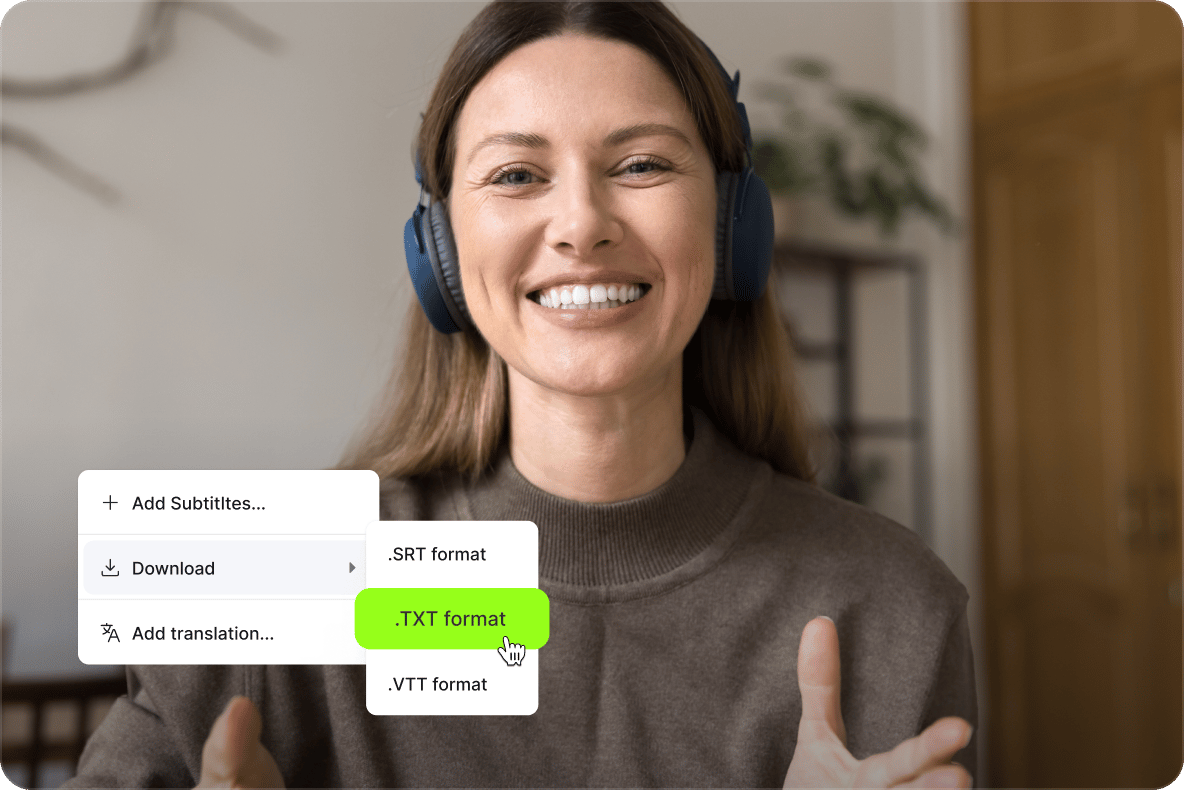
Most subtitle APIs stop at the transcript. Pure speech-to-text services give you accurate text out, but getting from a transcript to a styled, burned-in video means building five more layers yourself: timestamp alignment, line break logic, visual styling, frame rendering, and output formatting. VEED's automatic subtitle generation API handles the full chain in a single call. Submit a video, get back a styled MP4. Skip the work of stitching together a transcription API, a styling layer, and a render pipeline, and ship a subtitle feature in days instead of weeks.
Battle-tested subtitle styles, ready out of the box
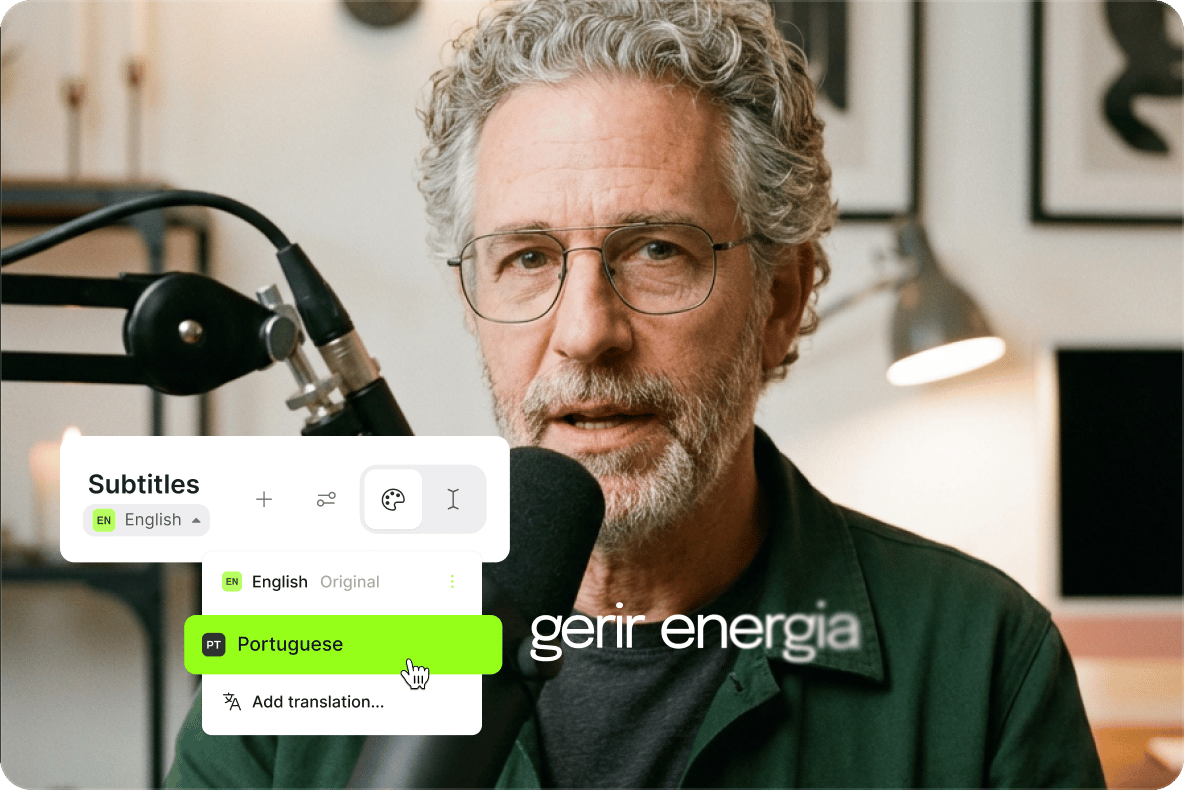
Pull from VEED's existing preset library, the same caption styles powering subtitle workflows in the VEED app across millions of videos. Each preset is tuned for readability across vertical, horizontal, and square aspect ratios, with font sizes, line spacing, and contrast levels chosen for social-first viewing on mute. Presets cover use cases from talking-head content to UGC ad creative to short-form social cuts. Pick the preset that fits your video and platform, and the subtitle generator API returns post-ready, on-brand captions every time, no design work or styling iteration required.
Built for high-volume, async video pipelines
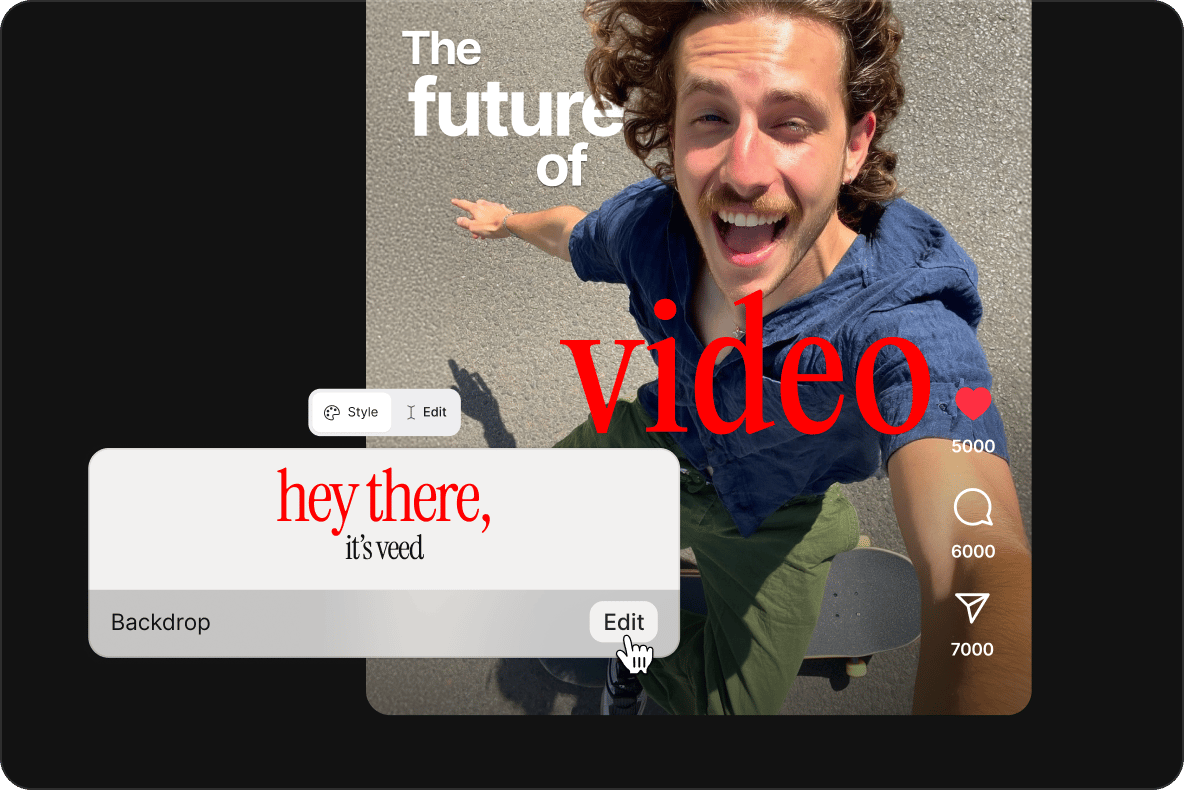
The video subtitle API uses an async job model, so high-volume workflows don't block your application. Submit a job through FAL, get a job ID back in milliseconds, and poll the status endpoint until processing completes. The API auto-detects the input language, accepts an optional srtContent parameter to override transcription, and processes any aspect ratio without extra configuration. Pricing is duration-based and billed per minute through FAL, with predictable costs at scale and no seats or subscription tiers to manage. Submit jobs in parallel to caption a backlog of long-form content, batch-process daily YouTube uploads, or push live recordings through the API the moment they wrap.
FAQ
A Subtitles API is a service that programmatically adds captions to video. You send a video, and the API returns it with subtitles, burned directly into the video frames. VEED's subtitle API focuses on: auto-generated, styled, burned-in captions, returned as a finished MP4. For a deeper explainer on what an API is and how video APIs fit into modern content workflows, check VEED's guide.
You submit a video URL through the FAL endpoint. The Subtitles API auto-transcribes the audio (or accepts your own SRT via the srtContent parameter), applies your chosen style preset to the timed captions, then renders a new MP4 with the subtitles burned in. The job runs async, so you receive a job ID and poll the status endpoint until it's complete. The final output is a video with styled subtitles permanently rendered into the frames.
Pricing is duration-based, billed per minute of video processed. Billing is handled through FAL, so you pay for what you process with no minimums, seats, or subscriptions. See the FAL listing for current per-minute pricing.
Yes, you can use your own SRT. Pass raw SRT content via the optional srtContent parameter to skip transcription entirely. This is useful when you've already transcribed the audio elsewhere, or when you want to override the auto-generated captions. The API will style and burn in your SRT directly without re-running transcription.
You can use custom styling, such as your own fonts and colors to match the subtitles to your brand!
The Subtitles API auto-detects the input language and runs transcription using VEED's existing pipeline. It supports the same languages VEED's auto subtitle generator supports in the main app, including English, Spanish, French, German, Portuguese, Japanese, and over a hundred more.
Yes. The Subtitles API returns a standard MP4 with captions burned into the frames, meaning the subtitles always display regardless of the platform. This is ideal for TikTok subtitles, Instagram Reels, YouTube Shorts, and any social channel where most viewers watch on mute. Apply the preset that fits the aspect ratio and platform you're targeting.
Loved by creators.
Loved by the Fortune 500
“
With VEED I didn't need 15 tutorials - I jumped straight in and started editing.

Gwenne Wilcox
Founder,
Brand Brainery
“
You can go beyond choppping things. VEED actually makes my videos look great.

Michael Glover
Demand Gen Manager,
ConvertFlow
“
The first four videos i created with VEED got over 40,000 impressions on LinkedIn.

Travis Tyler
Senior Content Producer,
PandaDoc
“
I found VEED at the right time: if you're making UGC ads and not using Eye Contact Correction and Noise Reduction on VEED you're missing out on ROI.

Sebastian Schurgers
Head of Growth Marketing,
Gronda
“
With VEED I didn't need 15 tutorials - I jumped straight in and started editing.
Gwenne Wilcox
Founder,
Brand Brainery
“
You can go beyond choppping things. VEED actually makes my videos look great.
Michael Glover
Demand Gen Manager,
ConvertFlow
“
The first four videos i created with VEED got over 40,000 impressions on LinkedIn.
Travis Tyler
Senior Content Producer,
PandaDoc
“
I found VEED at the right time: if you're making UGC ads and not using Eye Contact Correction and Noise Reduction on VEED you're missing out on ROI.
Sebastian Schurgers
Head of Growth Marketing,
Gronda
“
The first four videos i created with VEED got over 40,000 impressions on LinkedIn.
Travis Tyler
Senior Content Producer,
PandaDoc
“
I found VEED at the right time: if you're making UGC ads and not using Eye Contact Correction and Noise Reduction on VEED you're missing out on ROI.
Sebastian Schurgers
Head of Growth Marketing,
Gronda
“
With VEED I didn't need 15 tutorials - I jumped straight in and started editing.
Gwenne Wilcox
Founder,
Brand Brainery
“
You can go beyond choppping things. VEED actually makes my videos look great.
Michael Glover
Demand Gen Manager,
ConvertFlow
Explore related tools
More from VEED
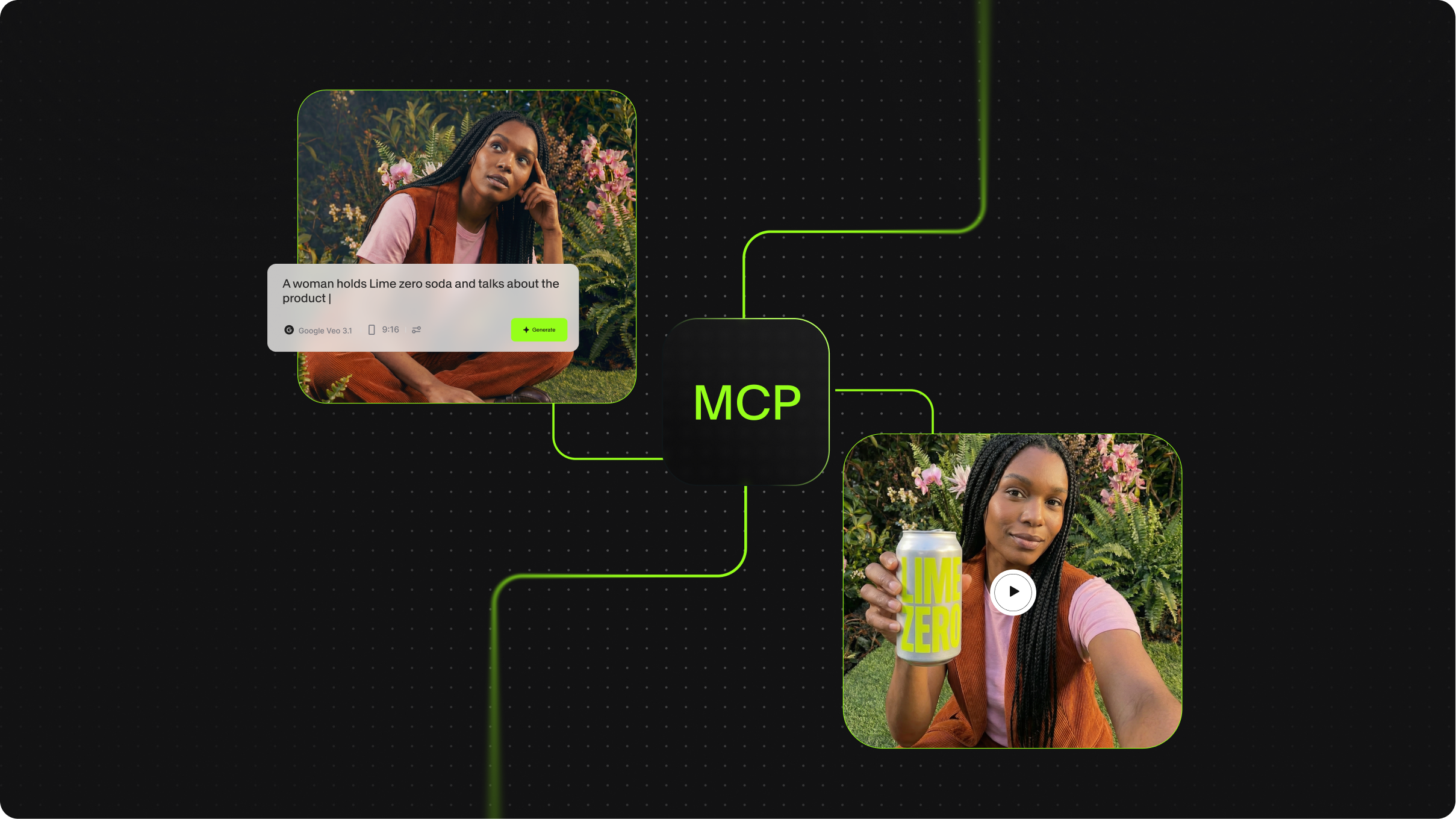
What is MCP in AI? The Model Context Protocol, Explained

Background Removal API for Developers: VEED's Video-First Endpoints Explained
Most background removal APIs are built for images. VEED's API processes video natively across three endpoints, standard, fast, and green screen, with 4K output and alpha channel support built for social content pipelines.
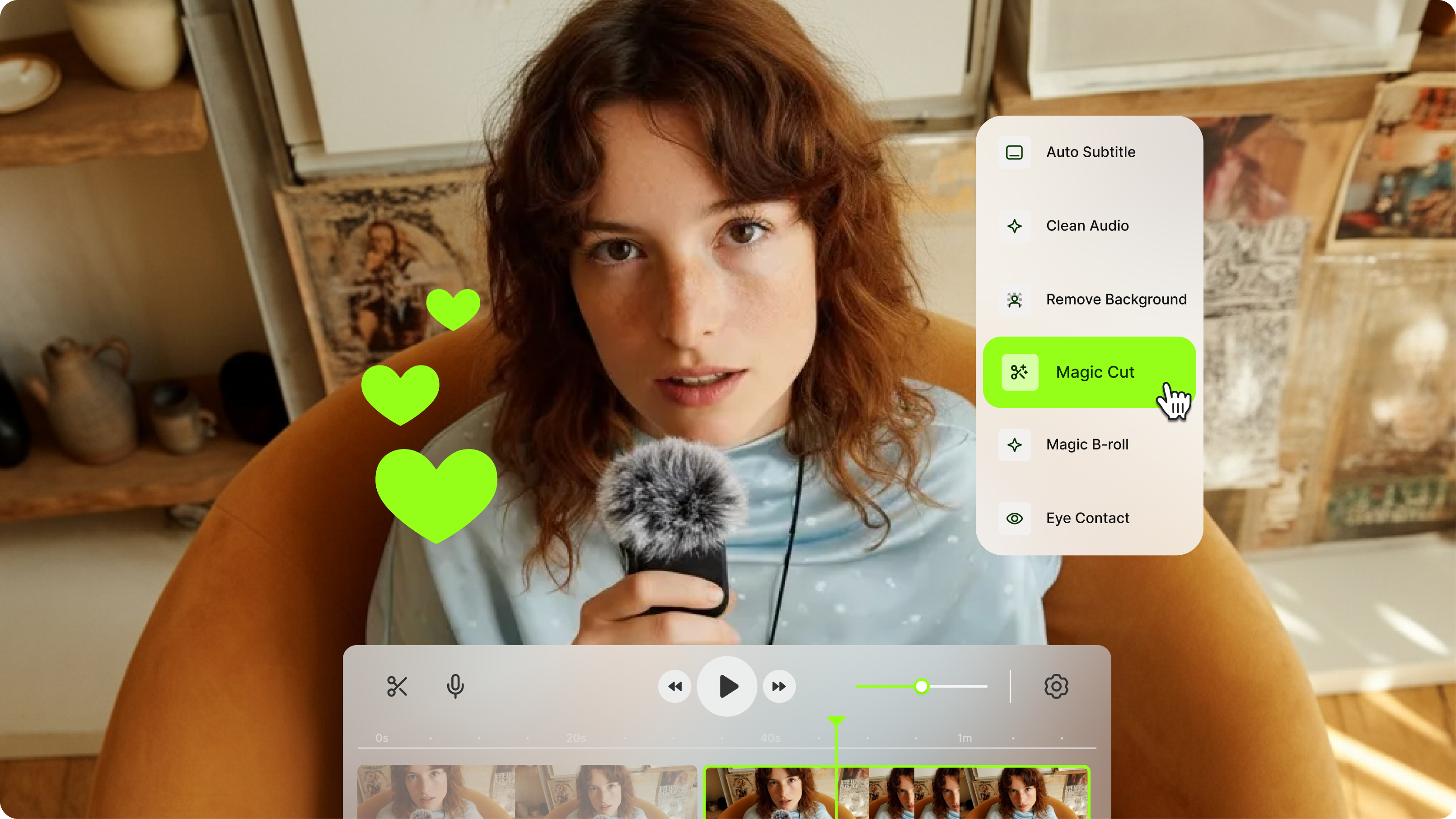
VEED Video Editing API: Build Social-Ready Video Creation at Scale
Build social-ready video at scale with VEED's API. AI captions, encoding, generation, and more — no media infrastructure required.
Trusted by 1M+ creators
When it comes to amazing videos, all you need is VEED
No credit card required
More than a Subtitles API
The Subtitles API is only one tool in VEED's AI video creation platform. Generate full talking videos from a static image with Fabric 1.0, remap speaker lips to new audio with the lip sync API, or strip backgrounds with the background removal API. Build automated video pipelines with avatars, voice generation, and dynamic captions, all from one platform. Whether you're styling subtitles for short-form ads or generating full videos with Fabric, VEED brings every video API into one place.