


Trusted by 1M+ creators
Explainer Video Software
Transform complex ideas into animated explainer videos. Educate, entertain, and build credibility
No credit card required
4.6
2,100+ reviews














Get your message across with dynamic video explainers
Simplify complex concepts into bite-sized, engaging video content using VEED’s professional video editor. Effortlessly turn your ideas into infographics with animation using our customizable assets—animated stickers, shapes, annotations, GIFs, and CTA popups. Add music tracks, sound effects, and animated stock videos from our royalty-free stock library. You can even use an AI avatar to present information in your videos! Our intuitive, drag-and-drop interface offers a seamless experience, allowing you to craft professional videos minus the learning curve. From startups to established enterprises, our video maker is the best tool for sharing ideas that resonate.
Tools you can use to create dynamic explainer videos:

Step 01
Add text, images, music, and voiceovers
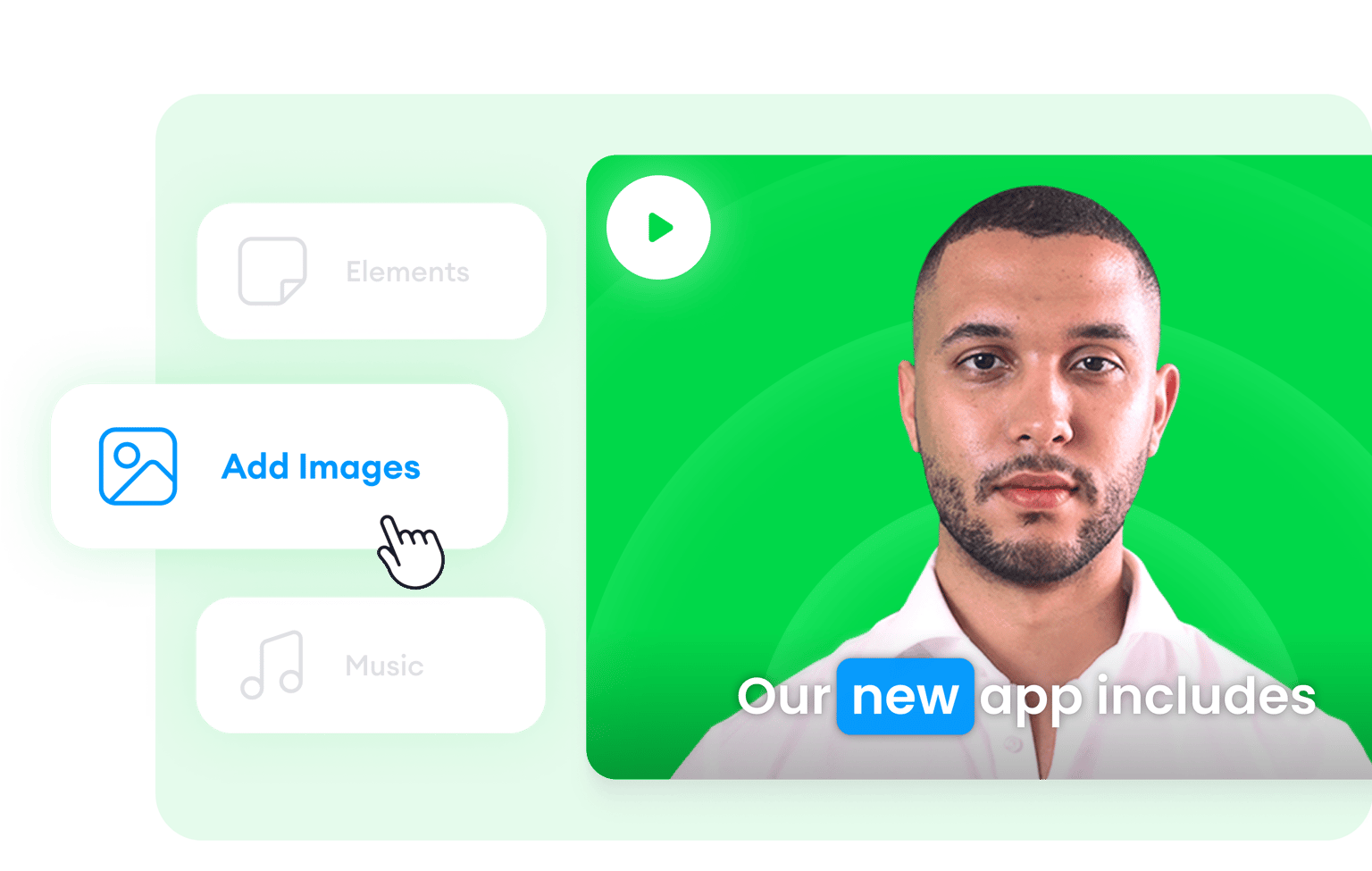
Add text and product images and animate them. You can also select from our library of royalty-free stock music and sound effects. Use our AI text-to-speech tool to convert text into voiceovers.

Step 02
Use an AI avatar to present your ad
Select from over 50 AI avatar presets with diverse backgrounds, personalities, and voices to present your products and services. Or contact our sales team to learn how you can create a custom avatar based on your photo.

Step 03
Start with a template, use magic cut, and add a CTA
If you don’t know where to start, use one of our customizable video templates. Or upload your raw video and let our AI magic cut tool select the best clips and turn it into a masterpiece. Add a CTA from our Elements menu. All that and more on VEED’s online video editor.
Learn More
Watch this to learn more about our explainer video maker:

Prioritize clarity using animated explainers
VEED can help you make your DIY explainer video’s message as crystal clear as possible. Use animated characters from our GIF selection to draw attention to important facts, images, and links. Draw on your video and add annotations in places you want to highlight. You can even add pointers, arrows, shapes, and more, and add animation to ensure your audience notices them. VEED makes creating custom explainer videos fun and pain-free!

Add transitions to convey shifts in ideas
Help your viewers understand shifts in ideas and points clearly by adding visual transitions in between. That means you can split your videos into parts and smoothly transition from one clip to another. You can choose from several transition effects, like Cross Blur, Cross Warp, and Dissolve. This strategy also works not just for making your own explainer videos but also for video marketing.

Create accessible content with captions and translations
Text and captions are key elements in informative videos. This is especially helpful to your viewers, who like to read along as they watch. Some people also learn better by reading. VEED can automatically generate subtitles for you, and you can translate them into multiple languages for better accessibility.
FAQ
VEED lets you make your own explainer video in several ways, and you can be as creative as you want. We have a full suite of video editing tools, including AI tools, that will let you craft your best explainer video content at a fraction of the time and effort you’d spend on other video editing apps. Add text and images and animate them to clarify your points; add animated stickers, annotations, drawings, and more!
While there are plenty of video editors out there that let you create DIY explainer videos, VEED stands out because of its intuitive interface, complete set of editing tools, and competitive pricing for its premium features. Plus, VEED offers the most accurate auto-subtitle feature, which is not something you’ll find in many free video editing apps.
Yes! VEED includes a built-in webcam and screen recorder—perfect for creating animated video explainers, talking head videos, and other business video content. It’s free to use and you can use our nifty magic cut tool to let our AI magically edit your recording to perfection.
Some explainer videos use animation. You can film an animated video and edit it on VEED or select one from our stock video library. Others include a screen recording, which you can also do on VEED! These are just some examples.
Ideally, your explainer video should only be about 1 to 2 minutes. This will ensure that you don’t lose your viewers’ attention. However, if you really need to create a longer video, it’s best to add elements like transitions, sound effects, and background music, all of which, are free to use on VEED!
The effectiveness of your explainer video will highly depend on how you present it. Make sure to combine high-quality audio and visual elements to keep the attention of your viewers.
Loved by creators.
Loved by the Fortune 500
“
With VEED I didn't need 15 tutorials - I jumped straight in and started editing.

Gwenne Wilcox
Founder,
Brand Brainery
“
You can go beyond choppping things. VEED actually makes my videos look great.

Michael Glover
Demand Gen Manager,
ConvertFlow
“
The first four videos i created with VEED got over 40,000 impressions on LinkedIn.

Travis Tyler
Senior Content Producer,
PandaDoc
“
I found VEED at the right time: if you're making UGC ads and not using Eye Contact Correction and Noise Reduction on VEED you're missing out on ROI.

Sebastian Schurgers
Head of Growth Marketing,
Gronda
“
With VEED I didn't need 15 tutorials - I jumped straight in and started editing.
Gwenne Wilcox
Founder,
Brand Brainery
“
You can go beyond choppping things. VEED actually makes my videos look great.
Michael Glover
Demand Gen Manager,
ConvertFlow
“
The first four videos i created with VEED got over 40,000 impressions on LinkedIn.
Travis Tyler
Senior Content Producer,
PandaDoc
“
I found VEED at the right time: if you're making UGC ads and not using Eye Contact Correction and Noise Reduction on VEED you're missing out on ROI.
Sebastian Schurgers
Head of Growth Marketing,
Gronda
“
The first four videos i created with VEED got over 40,000 impressions on LinkedIn.
Travis Tyler
Senior Content Producer,
PandaDoc
“
I found VEED at the right time: if you're making UGC ads and not using Eye Contact Correction and Noise Reduction on VEED you're missing out on ROI.
Sebastian Schurgers
Head of Growth Marketing,
Gronda
“
With VEED I didn't need 15 tutorials - I jumped straight in and started editing.
Gwenne Wilcox
Founder,
Brand Brainery
“
You can go beyond choppping things. VEED actually makes my videos look great.
Michael Glover
Demand Gen Manager,
ConvertFlow
Trusted by 1M+ creators
When it comes to amazing videos, all you need is VEED
No credit card required
More than an explainer video creator
Whether you are creating videos for marketing, advertising, or product releases, VEED is the best software to use to edit them to perfection. Create how-to videos by recording your screen, and add drawings, shapes, images, and more. You can even add transitions, subtitles, and all other helpful elements to help you convey your message clearly to your audience. Explore our full suite of tools today!