


Trusted by 1M+ creators
Video Ad Maker
Craft compelling advertisement videos that convert into sales. The best ad maker with AI advertising tools for effective video ads
No credit card required

4.6
2,100+ reviews














The best ad creator for online video advertising
Transform your marketing ideas into captivating videos with the online AI ad generator tools. Make advertisement videos to step up your game in social media marketing in half the time compared to using complicated tools like Adobe Express. Use the full suite of AI tools, like our AI video generator to create AI-generated ads that convert traffic into paid subscribers.
You will also have access to the Brand Kit. Save your logos, custom fonts, and other marketing assets to use on all your projects. Create Facebook ads, online video ads, and video clips for all social media platforms and win on your ad campaigns. Use the quick ad creator to streamline your marketing content creation.
How to create video ads with the AI ad maker:

Step 01
Upload your video
Upload your video to the editor. You can also record a video or add a voiceover.

Step 02
Edit and enhance with AI
Edit and use our full suite of AI tools to enhance your online video ads. You can also use a AI avatar to present your products and services on your videos. Generate voiceovers in one click.

Step 03
Export and share
Export your video in the highest quality to start running your ad campaigns on multiple social media platforms.
Learn More
Learn more about our AI commercial generator:

Online ad maker: Craft compelling video ads that drive results
Tailor each video ad for your target audience on different social media platforms to ensure results that convert into sales. The AI ad creator lets you optimize your video for a specific platform in one click, saving you time from manually cropping and resizing your video. Get more likes and views, and increase your content’s overall engagement.

Gain your client's trust by delivering top-notch content
Deliver top-notch videos that resonate with your clients, building credibility that lasts. Showcasing your ideas through captivating videos demonstrates your commitment to excellence, which is a great long-term investment for content creators. VEED has all the tools you need to achieve that. Clean background noise in your recordings in one click, remove and replace your video’s background, and remove filler words in your presentations.

Use AI-powered subtitles and translations to go global
Automatically generate subtitles for your content and translate them into multiple languages to reach a global audience. Adding subtitles also ensures that people watch your social media ads even on mute. It’s an effective video advertising strategy that can also put your content on top of search results. These are just some of VEED’s AI tools that you can use. Explore the full suite of tools in our professional video editing software.
FAQ
The online video ad maker features plenty of tools that you can use to craft compelling video ads that convert into sales. Add product images and text and animate them on the screen to grab attention. You can also add royalty-free stock music and sound effects from our stock library. Add animated transitions, subtitles, and more.
One way to make eye-catching video ads is to focus on the first few seconds. Ensure that you highlight what makes your product or brand the best compared to competitors. Add a clear call to action at the end of your video. VEED lets you do all of those in just a few clicks—straight from your browser.
You can access most of VEED’s features for free. While some features require a premium subscription, VEED lets you create advertisement videos in a cinch. Add product images, text, logos, and music in a few clicks. Create captivating transition effects, auto-generate subtitles, and more.
If you don’t know where to start, you can use the AI script generator, which will write a video script for you in seconds—from the opening shots to the closing and call to action.
The AI free video ad maker lets you add a lot of elements to your videos, including images and audio. To add pictures and music to your video, simply click on the plus (+) icon on the bottom right of the editor. Select your image or audio files, and they will be added to your videos.
You absolutely can! VEED can automatically generate subtitles for you, or you can type them manually! Just click on the Subtitles tab, click Auto Subtitles, and edit as needed.
Loved by creators.
Loved by the Fortune 500
“
With VEED I didn't need 15 tutorials - I jumped straight in and started editing.

Gwenne Wilcox
Founder,
Brand Brainery
“
You can go beyond choppping things. VEED actually makes my videos look great.

Michael Glover
Demand Gen Manager,
ConvertFlow
“
The first four videos i created with VEED got over 40,000 impressions on LinkedIn.

Travis Tyler
Senior Content Producer,
PandaDoc
“
I found VEED at the right time: if you're making UGC ads and not using Eye Contact Correction and Noise Reduction on VEED you're missing out on ROI.

Sebastian Schurgers
Head of Growth Marketing,
Gronda
“
With VEED I didn't need 15 tutorials - I jumped straight in and started editing.
Gwenne Wilcox
Founder,
Brand Brainery
“
You can go beyond choppping things. VEED actually makes my videos look great.
Michael Glover
Demand Gen Manager,
ConvertFlow
“
The first four videos i created with VEED got over 40,000 impressions on LinkedIn.
Travis Tyler
Senior Content Producer,
PandaDoc
“
I found VEED at the right time: if you're making UGC ads and not using Eye Contact Correction and Noise Reduction on VEED you're missing out on ROI.
Sebastian Schurgers
Head of Growth Marketing,
Gronda
“
The first four videos i created with VEED got over 40,000 impressions on LinkedIn.
Travis Tyler
Senior Content Producer,
PandaDoc
“
I found VEED at the right time: if you're making UGC ads and not using Eye Contact Correction and Noise Reduction on VEED you're missing out on ROI.
Sebastian Schurgers
Head of Growth Marketing,
Gronda
“
With VEED I didn't need 15 tutorials - I jumped straight in and started editing.
Gwenne Wilcox
Founder,
Brand Brainery
“
You can go beyond choppping things. VEED actually makes my videos look great.
Michael Glover
Demand Gen Manager,
ConvertFlow
Discover more
Explore related tools
More from VEED

Subtitling 101: How to Automatically Add and Customize Subtitles with VEED
Everything you need to automatically add, customize, translate, and download subtitles like a pro using VEED.

How To Resize Video For Instagram For Free (Quick And Easy)
Learn how to resize videos for Instagram in SECONDS with VEED.
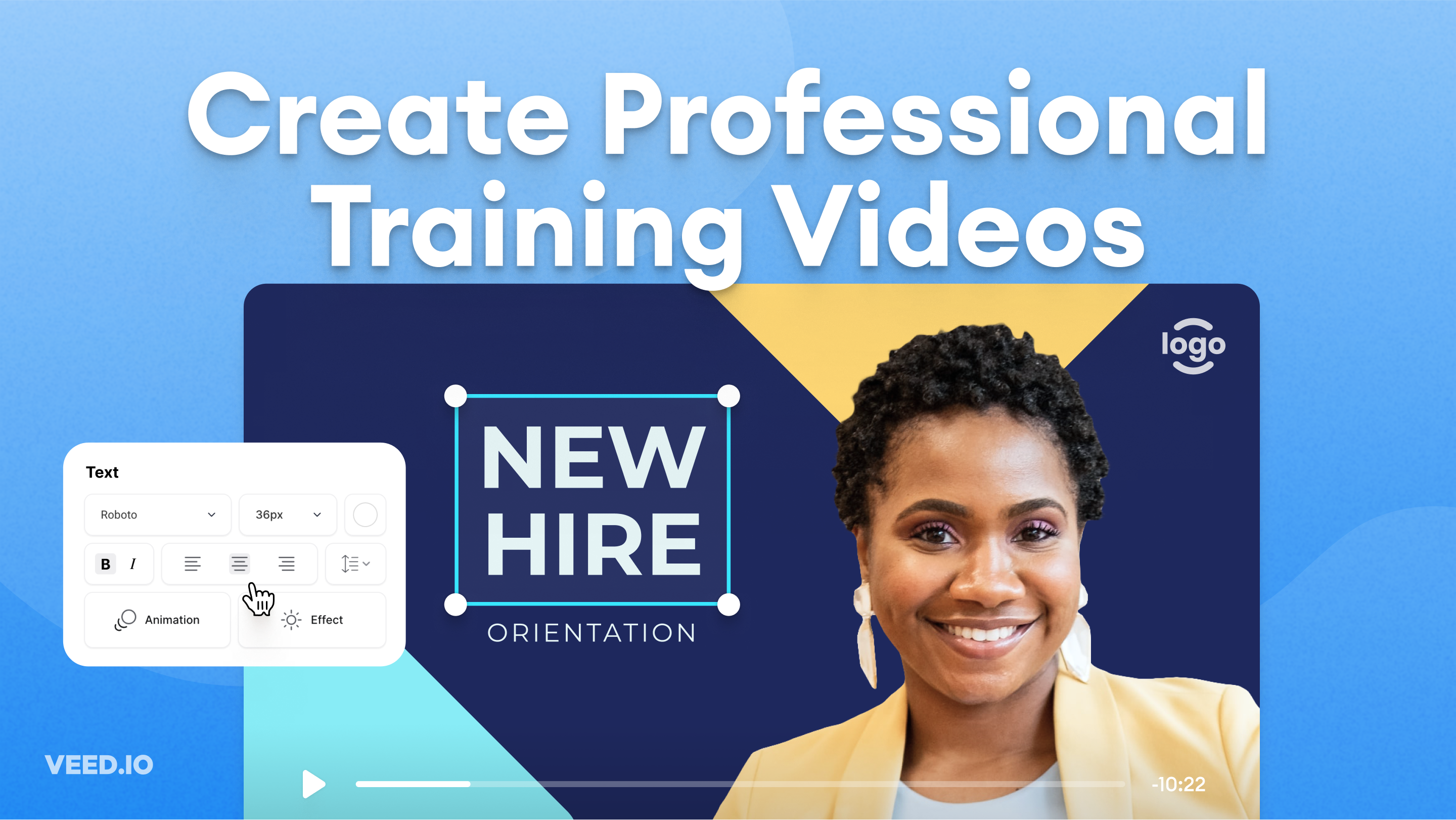
How to Easily Create Training Videos (With Examples)
How to create training videos to support your business with VEED's easy-to-use video recording, editing, and collaboration tool.
Trusted by 1M+ creators
When it comes to amazing videos, all you need is VEED
No credit card required
More than a video ad maker
VEED is a professional video editing suite that lets you transform stories into captivating visuals in just a few clicks. Apart from creating video ads, you can use VEED to create tutorial videos, video presentations, and social media content. You can also check out our premium features, such as our automatic background noise remover. Explore our video editing tools today!