


Trusted by 1M+ creators
Audio Editor
Studio-quality audio at your fingertips
No credit card required

4.6
2,100+ reviews














A professional audio editor for studio-quality recordings
VEED’s audio editor lets you refine your content and make your recordings sound professional. Split, trim, and rearrange audio clips on our simple, drag-and-drop interface. Remove background noise in one click using our AI audio cleaner. Edit your audio online; no software download needed! It’s the best alternative to Audacity and other audio editing software that offer limited features.
Record your voice or songs straight from your browser using our online webcam and audio recorder. You can also add royalty-free stock music—powered by Epidemic Sound—and sound effects (available in premium). 55,000+ tracks cleared for commercial use. Create music remixes, mashups, and more! VEED works with all popular audio file types, such as MP3, WAV, M4A, and more.
How to edit audio files:
Step 01
Upload
Drag and drop audio files into the timeline. Our audio editor supports popular formats like MP3, WAV, and M4A.
Step 02
Edit clips
Cut, trim, and merge audio clips in just a few clicks. You can also rearrange clips, loop audio, and create music mixes. Plus, add music from our royalty-free stock library.
Step 03
Enhance with AI
Click ‘Clean Audio’ to remove background noise and achieve studio-quality sound.
Learn More
Watch this video to learn how to clean audio:
Studio-quality music recordings online
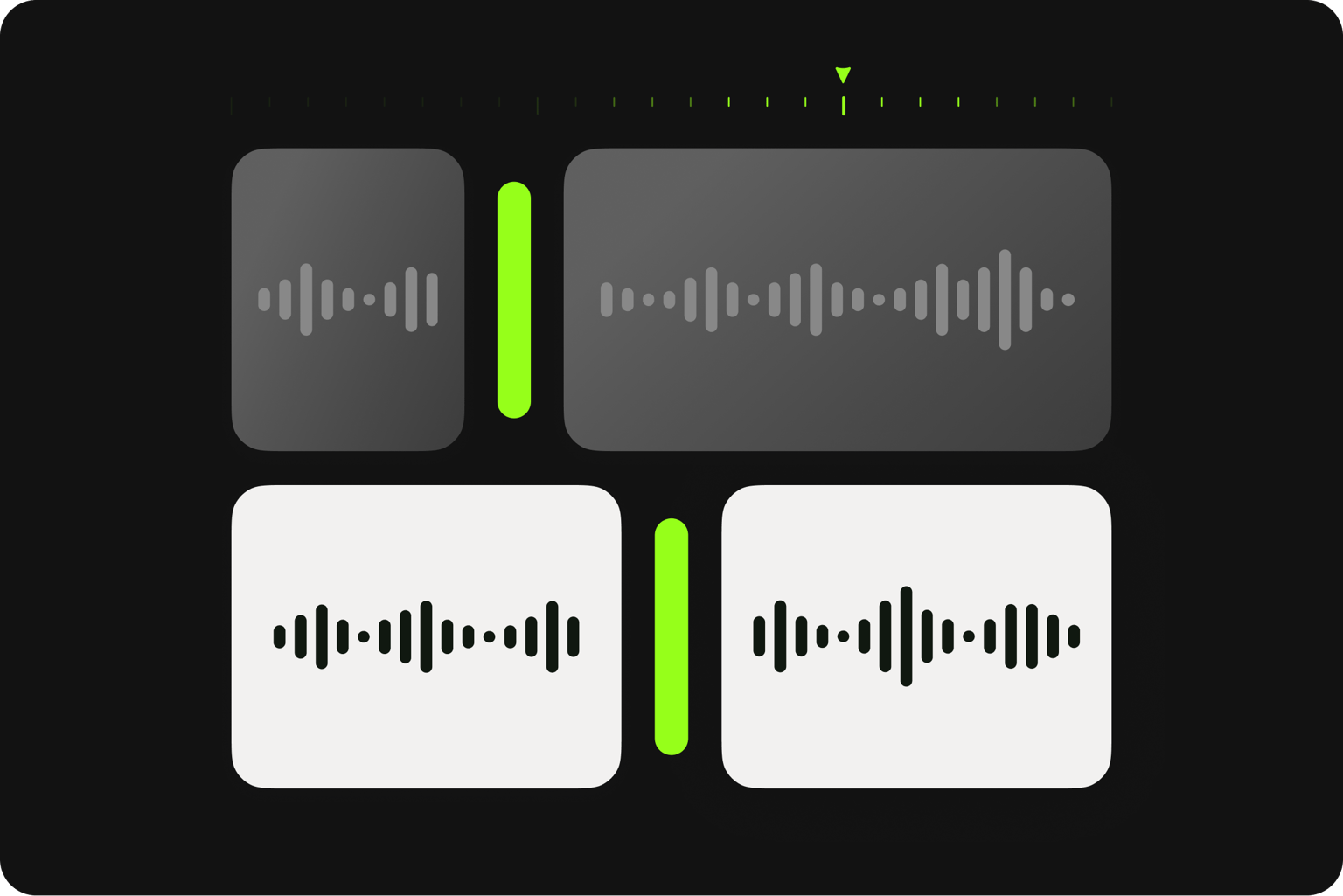
Make your audio recordings sound professional in a breeze using our online audio editor. Our online software features an intuitive interface to save you time when editing your audio files. Drag and drop your audio clips to rearrange them quickly. You can split, trim, loop, and cut your clips in a few clicks. Create studio-quality music mixes, add your audio to a video file to create music videos, and more!
AI background noise remover
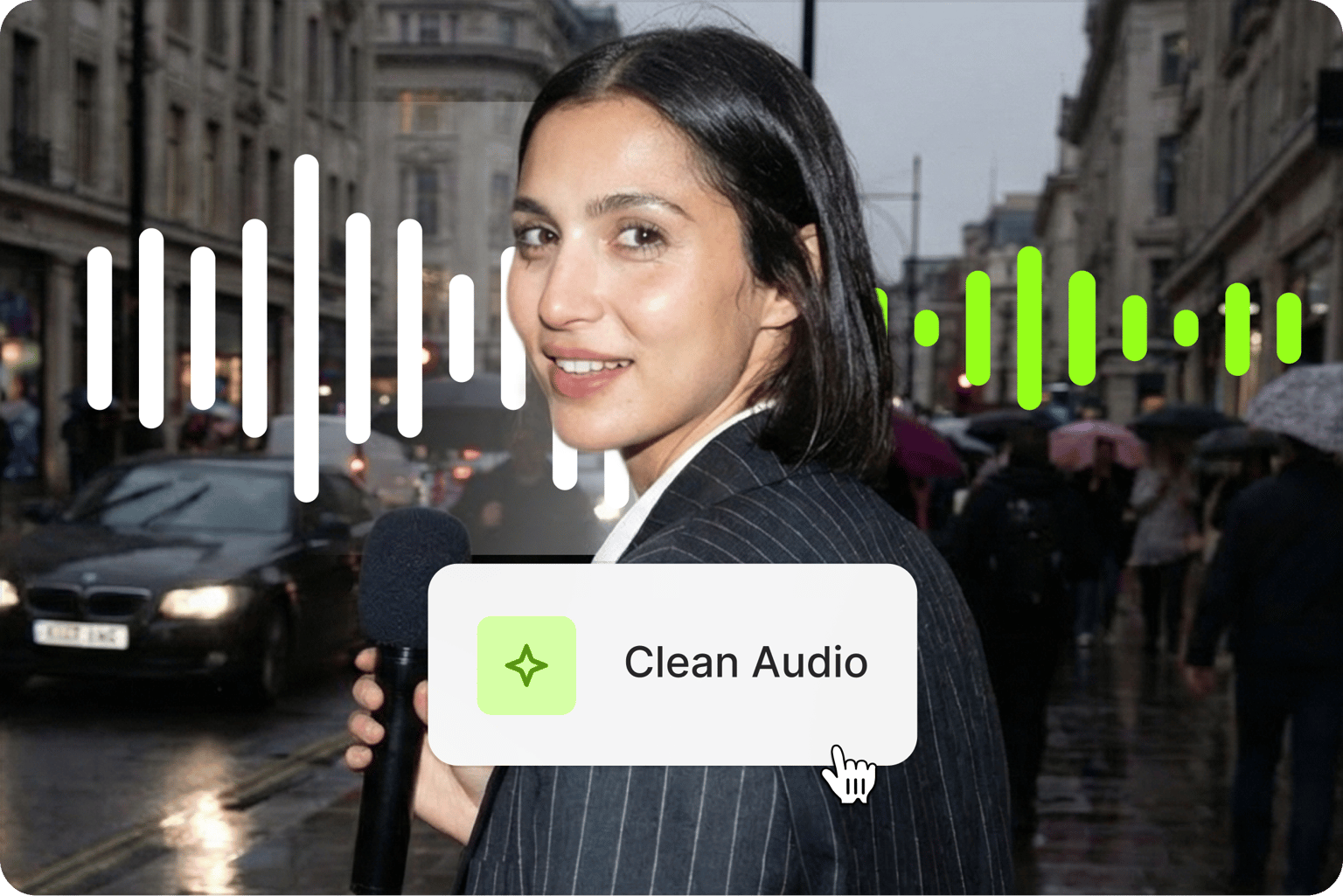
VEED’s audio editor can be a huge help in your music production, especially with our AI background noise remover. Clean your audio in one click. Powered by Dolby Technology, our AI software automatically detects background noise - wind, breathing, traffic, any unwanted sound - and removes it in real-time. Keep your audio files sounding clean, smooth, and professional for your listeners!
The best alternative to Audacity and other expensive apps
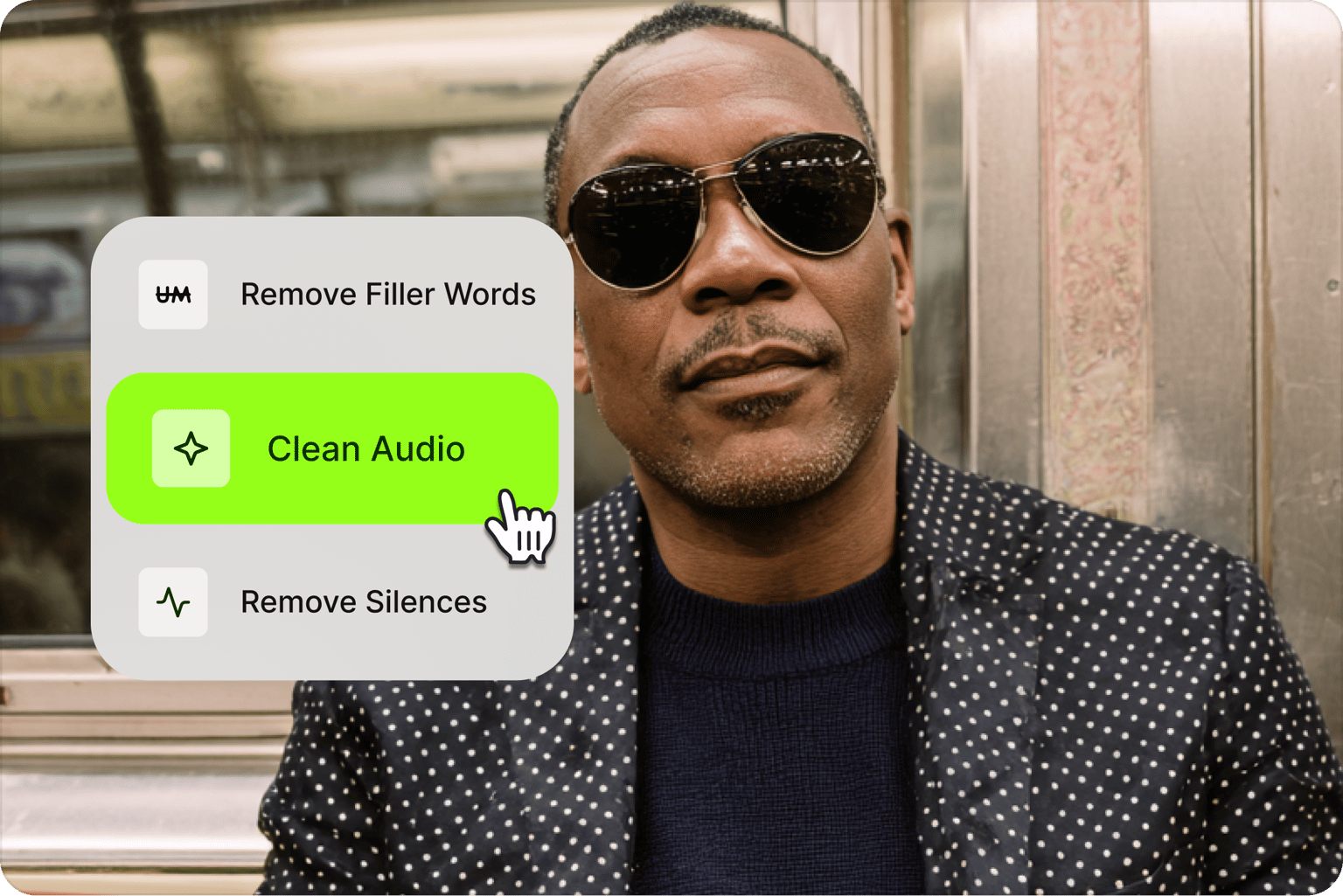
Our audio editing software is the best, most cost-effective alternative you can find to Audacity and other expensive audio editing apps. There are lots of free online apps you can use, but they have limited features. VEED offers a wide range of pro tools to help you make your recordings sound studio-quality. Plus, it works straight from your browser, so you don’t have to worry about your device’s storage space!
FAQ
Yes. Our online audio editor gives you essential editing tools at no cost. Free users can trim clips, adjust volume, and make basic edits. Premium features like noise removal and voice translation are available as optional upgrades.
Editing voice recordings is simple with these steps:
- Upload your audio file.
- Cut, trim, and rearrange clips.
- Clean up audio with our one-click noise removal tool.
- Export your edited audio.
Unlike traditional software, VEED's browser-based audio editor requires no downloads and integrates with video editing.
Edit audio on your Android device in three simple steps:
- Open your mobile browser and upload your file to our audio editor.
- Split, trim, merge, or rearrange clips. Remove background noise with AI if needed.
- Export your audio.
No need to download an app. Our online editor saves you storage space.
Common audio formats serve different purposes:
- MP3: Best for general use and podcasting due to small file size and universal compatibility
- WAV: Ideal for professional audio work and music production, offering uncompressed quality
- M4A: Good for audiobooks and podcasts, balancing quality and size
Our audio converter supports these formats and can extract audio from video.
The ideal music editing software should be accessible and easy to use. VEED’s online editor eliminates the need to download or install software. You can do tasks like trimming, noise removal, and audio adjustment – all on your browser. Plus, you can combine audio tracks with videos. And you can access a wide range of premium royalty-free music tracks from our stock library, pulled from Epidemic Sounds, and cleared for commercial use!
Loved by creators.
Loved by the Fortune 500
“
With VEED I didn't need 15 tutorials - I jumped straight in and started editing.

Gwenne Wilcox
Founder,
Brand Brainery
“
You can go beyond choppping things. VEED actually makes my videos look great.

Michael Glover
Demand Gen Manager,
ConvertFlow
“
The first four videos i created with VEED got over 40,000 impressions on LinkedIn.

Travis Tyler
Senior Content Producer,
PandaDoc
“
I found VEED at the right time: if you're making UGC ads and not using Eye Contact Correction and Noise Reduction on VEED you're missing out on ROI.

Sebastian Schurgers
Head of Growth Marketing,
Gronda
“
With VEED I didn't need 15 tutorials - I jumped straight in and started editing.
Gwenne Wilcox
Founder,
Brand Brainery
“
You can go beyond choppping things. VEED actually makes my videos look great.
Michael Glover
Demand Gen Manager,
ConvertFlow
“
The first four videos i created with VEED got over 40,000 impressions on LinkedIn.
Travis Tyler
Senior Content Producer,
PandaDoc
“
I found VEED at the right time: if you're making UGC ads and not using Eye Contact Correction and Noise Reduction on VEED you're missing out on ROI.
Sebastian Schurgers
Head of Growth Marketing,
Gronda
“
The first four videos i created with VEED got over 40,000 impressions on LinkedIn.
Travis Tyler
Senior Content Producer,
PandaDoc
“
I found VEED at the right time: if you're making UGC ads and not using Eye Contact Correction and Noise Reduction on VEED you're missing out on ROI.
Sebastian Schurgers
Head of Growth Marketing,
Gronda
“
With VEED I didn't need 15 tutorials - I jumped straight in and started editing.
Gwenne Wilcox
Founder,
Brand Brainery
“
You can go beyond choppping things. VEED actually makes my videos look great.
Michael Glover
Demand Gen Manager,
ConvertFlow
Discover more
Explore related tools
More from VEED

11 Best Audio Recording Software to Try in 2025
We tried and tested multiple audio recording software, so you won't have to. Read on to find out which one made the 2024 list and why.

How to Clean Up Audio in a Video With This One-Click Trick
Remove distracting background noises in a single click using VEED. Learn how in this guide!
How to Find Trending Audio on Instagram Reels, TikTok, and YouTube Shorts
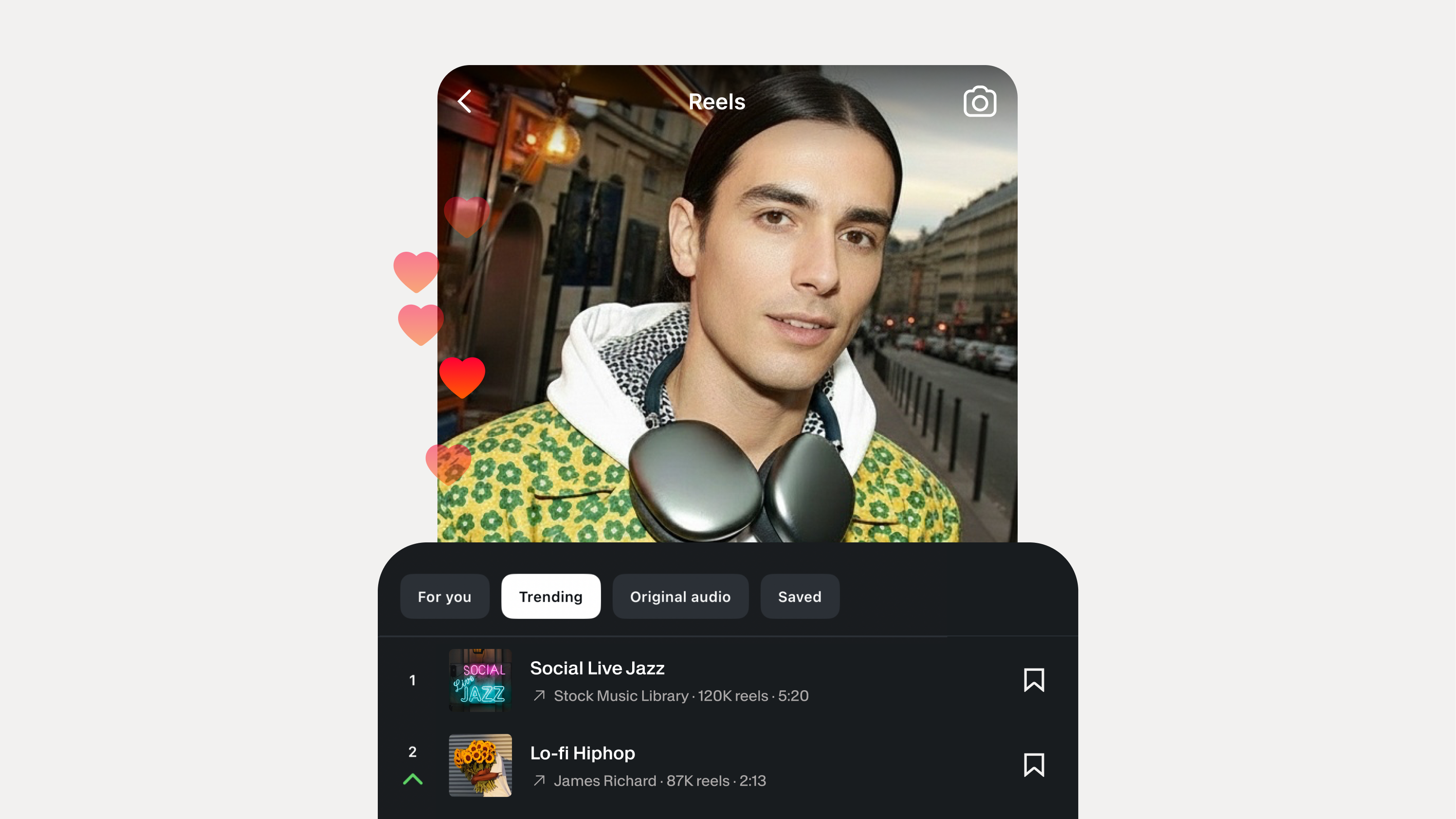
Learn how to find trending audio on Instagram Reels, TikTok, and YouTube Shorts. Plus how to use royalty-free tracks that are safe to post anywhere.
Trusted by 1M+ creators
When it comes to amazing videos, all you need is VEED
No credit card required
More than an audio editing software
VEED is an AI video creation platform where you can generate, refine, and export videos worth posting. Beyond cleaning and trimming audio, generate voiceovers from scratch using text-to-speech. Add sound effects and royalty-free music from our stock library. Or create a video from scratch. Describe your idea or enter your script into our AI video generator. Create a post-ready video in minutes. No shoots, no expensive production budgets — just more content, faster.