


Trusted by 1M+ creators
Increase Volume of Video
Online video volume increaser to make your videos more audible for your audience
No credit card required
4.6
2,100+ reviews














Online volume increaser for video; detach, edit, and rearrange your audio
VEED's volume increaser lets you raise or lower the audio on any video directly in your browser — no software to download. Detach your video's original audio, then split, combine, and rearrange tracks by dragging them on the timeline. One-click background noise removal is also available for paid plan users. Visit the pricing page for details.
How to increase your video’s volume:
Step 01
Upload or record
Upload your video to VEED or start recording using our webcam recorder. You can also drag and drop your files into the editor.
Step 02
Adjust the volume
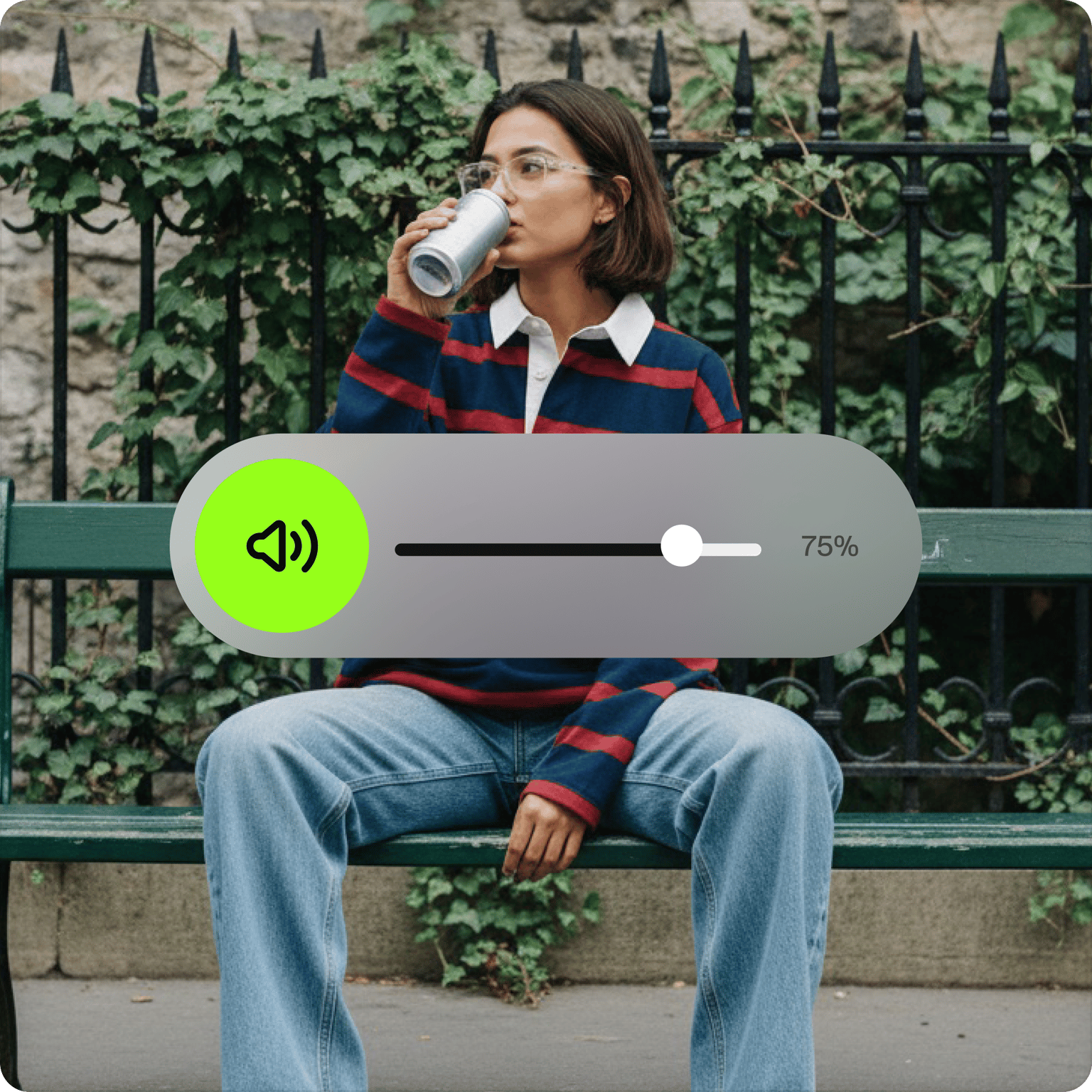
The default volume of your video will be at 100%. You can adjust it to increase or decrease the volume. Drag the volume slider on the left menu to the right to increase the volume of your video. To lower it, simply drag it to the left.
Step 03
Export
Export your video and share!
Learn More
‘Increase Volume of Video’ Tutorial

Make your video louder to increase views on social media
Poor audio drives viewers away. Increasing your video's volume — and cleaning up background noise — gives your content a better chance of holding attention on TikTok, Instagram, and YouTube. You can also add sound effects and background music from the same editor.
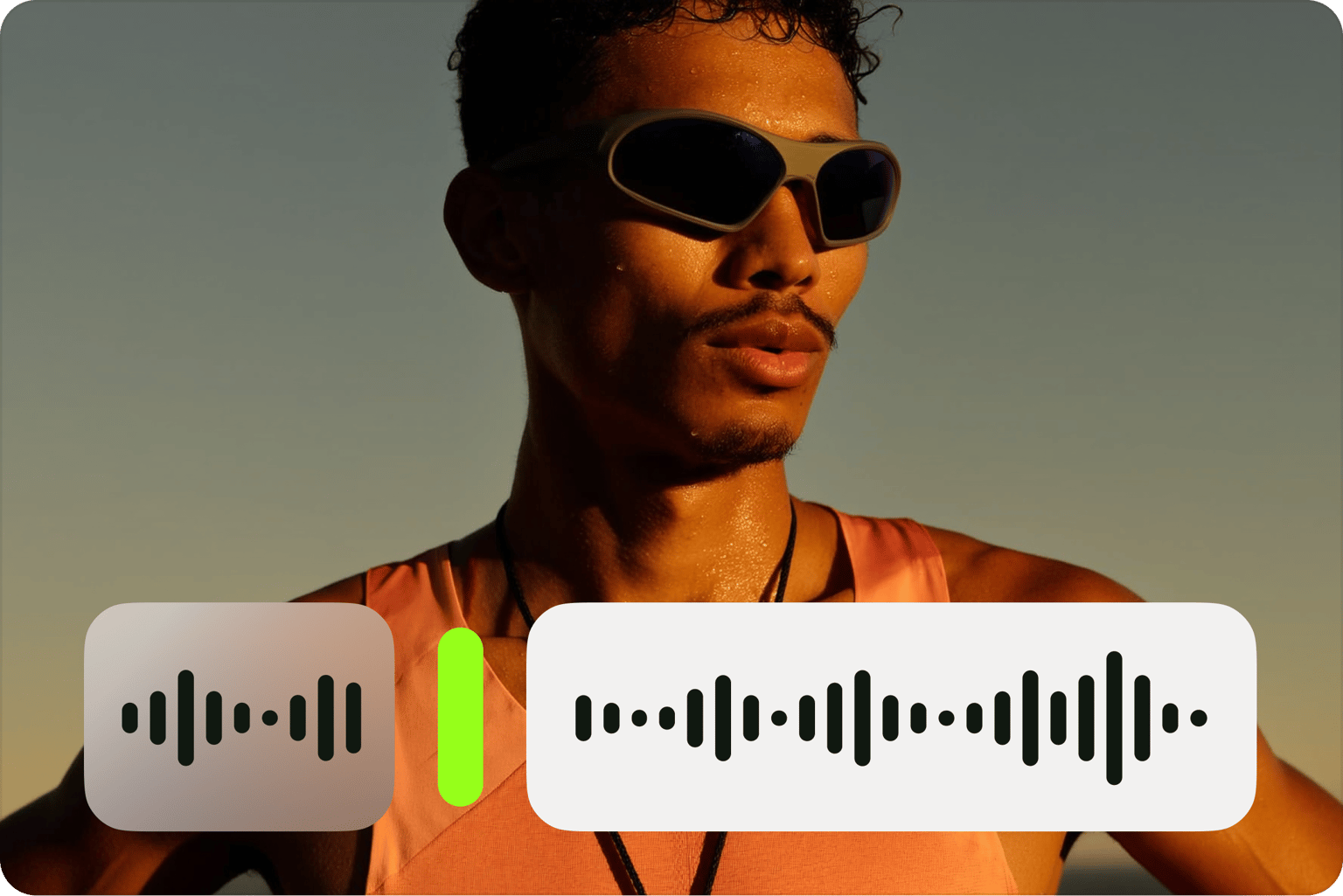
Split, trim, and rearrange your audio files to create new content
After detaching your audio, split or cut it into clips and rearrange them in any order on the timeline. Drag clips next to each other or insert other audio files in between to build a new track.

Export the audio as an mp3
If you only need the audio, export and download it as an MP3. Or use VEED's audio and video converter to save it in another format. Royalty-free stock audio is also available on paid plans.
FAQ
You can drag the audio slider from the left menu to the right to increase your video’s volume. Drag it to the left to decrease the volume.
VEED works with almost all video file formats. Here are just a few: AVI GIF M4V MP4 MPG TikTok Video for email Video iPhone Video Windows WEBM YouTube Video VEED also works with the following audio file formats: AAC FLAC M4A MP3 OGA OGG OPUS WAV WAVE
VEED supports mp4, MOV, MKV, and other popular video file types. Just upload your video to VEED and adjust or increase the volume of your video by simply dragging the volume slider on the left menu.
VEED works on Android, iPhone, and all mobile devices. All you need is your mobile web browser!
Absolutely! VEED lets you add audio to any video in any of the supported formats (mp3, WAV, OGG, and more). You can also add royalty-free stock audio clips from our library (available in premium).
Loved by creators.
Loved by the Fortune 500
“
With VEED I didn't need 15 tutorials - I jumped straight in and started editing.

Gwenne Wilcox
Founder,
Brand Brainery
“
You can go beyond choppping things. VEED actually makes my videos look great.

Michael Glover
Demand Gen Manager,
ConvertFlow
“
The first four videos i created with VEED got over 40,000 impressions on LinkedIn.

Travis Tyler
Senior Content Producer,
PandaDoc
“
I found VEED at the right time: if you're making UGC ads and not using Eye Contact Correction and Noise Reduction on VEED you're missing out on ROI.

Sebastian Schurgers
Head of Growth Marketing,
Gronda
“
With VEED I didn't need 15 tutorials - I jumped straight in and started editing.
Gwenne Wilcox
Founder,
Brand Brainery
“
You can go beyond choppping things. VEED actually makes my videos look great.
Michael Glover
Demand Gen Manager,
ConvertFlow
“
The first four videos i created with VEED got over 40,000 impressions on LinkedIn.
Travis Tyler
Senior Content Producer,
PandaDoc
“
I found VEED at the right time: if you're making UGC ads and not using Eye Contact Correction and Noise Reduction on VEED you're missing out on ROI.
Sebastian Schurgers
Head of Growth Marketing,
Gronda
“
The first four videos i created with VEED got over 40,000 impressions on LinkedIn.
Travis Tyler
Senior Content Producer,
PandaDoc
“
I found VEED at the right time: if you're making UGC ads and not using Eye Contact Correction and Noise Reduction on VEED you're missing out on ROI.
Sebastian Schurgers
Head of Growth Marketing,
Gronda
“
With VEED I didn't need 15 tutorials - I jumped straight in and started editing.
Gwenne Wilcox
Founder,
Brand Brainery
“
You can go beyond choppping things. VEED actually makes my videos look great.
Michael Glover
Demand Gen Manager,
ConvertFlow
Trusted by 1M+ creators
When it comes to amazing videos, all you need is VEED
No credit card required
More than increasing the volume of your video
Adjusting volume is one small part of what you can do with your audio in VEED. VEED is an AI video creation platform where you can generate, refine, and export videos for TikTok, Instagram, YouTube, and LinkedIn. Once your audio is clean, bring it into Gen-AI Studio to build a complete social video with voiceovers, captions, and brand assets in one place. Get started for free.