


Trusted by 1M+ creators
PPT to Video
Convert PowerPoint presentations to videos with AI
No credit card required
4.6
2,100+ reviews














PowerPoint to video converter: Instant videos with AI
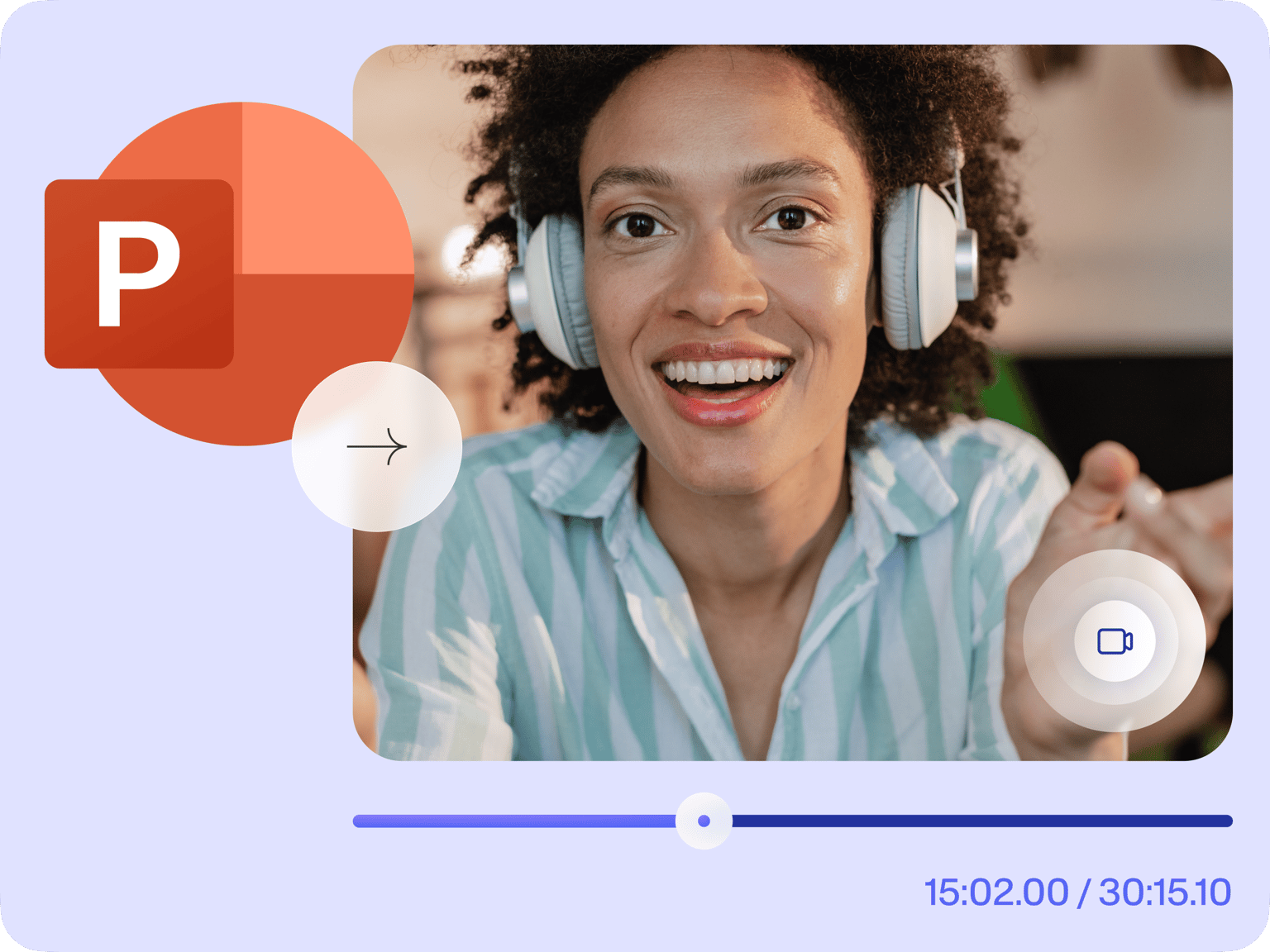
VEED lets you convert your PowerPoint presentations to videos in just a few clicks straight from your browser. You can even record yourself while presenting your slides using our free screen and webcam recorder. Upload your slides and let AI automatically convert them to a video—complete with a script, voiceover, and subtitles.
How to Convert PPT to Video:

Step 01
Upload your slides
Upload your slides to the editor. The AI will automatically analyze your content and write a script, add subtitles, voiceovers, and create a video.

Step 02
Let AI do its magic
Set your preferences, language, and style. The AI will generate a video based on your selections.
Step 03
Polish and export
You can enter the video editor to make changes to your video. Export and share!
Learn More
Learn more about our PPT to video tool:
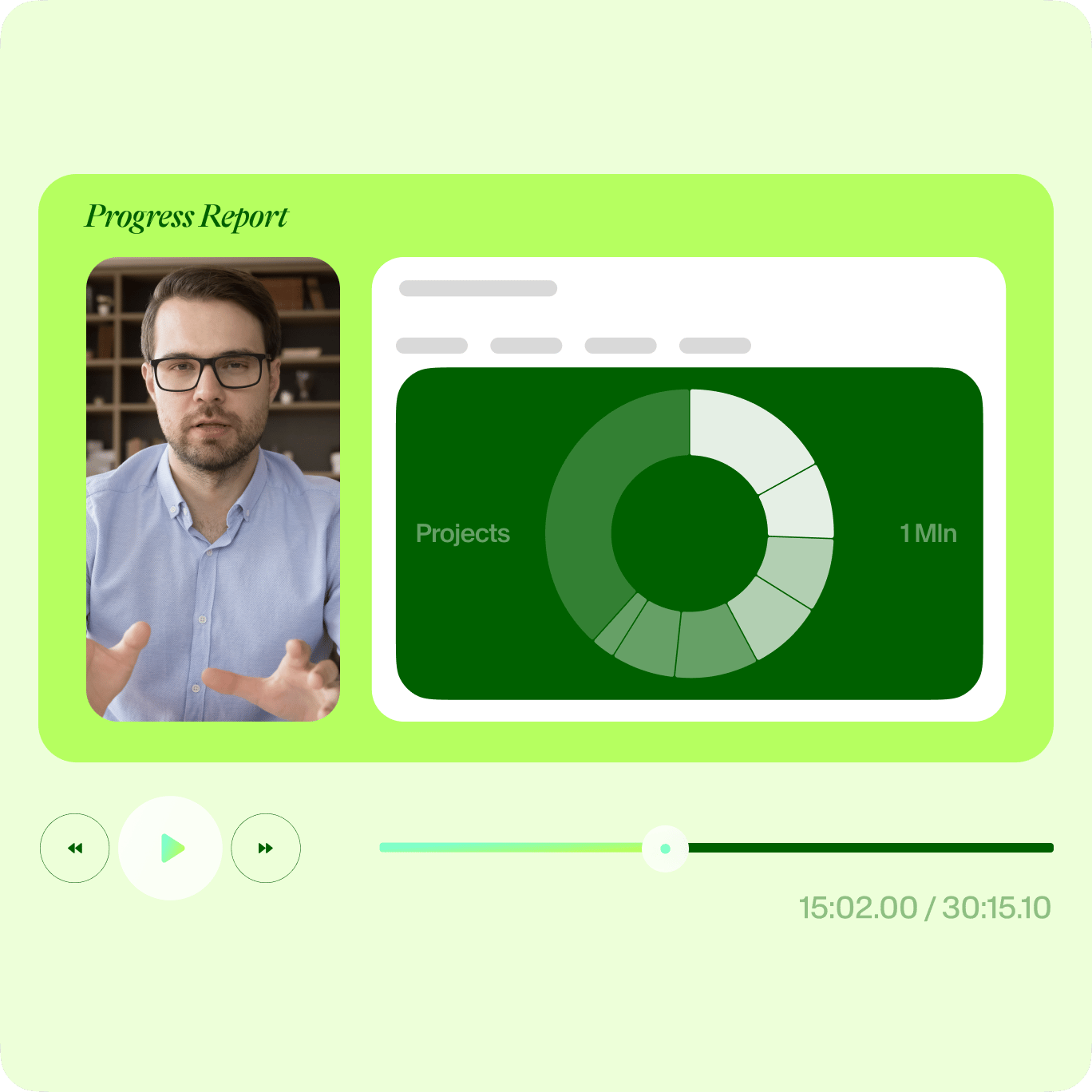
A slide show presentation with multiple layouts
You can also record directly from the editor. VEED features multiple layouts that you can choose from. Select one that best suits your PowerPoint presentation needs. You can record your screen and audio at the same time, record your slides and camera or slides only. After recording, give your PowerPoint presentations a new look! Add annotations, images, text, and more. You can download your PPT presentation as an MP4 video format so you can play it in different multimedia players.
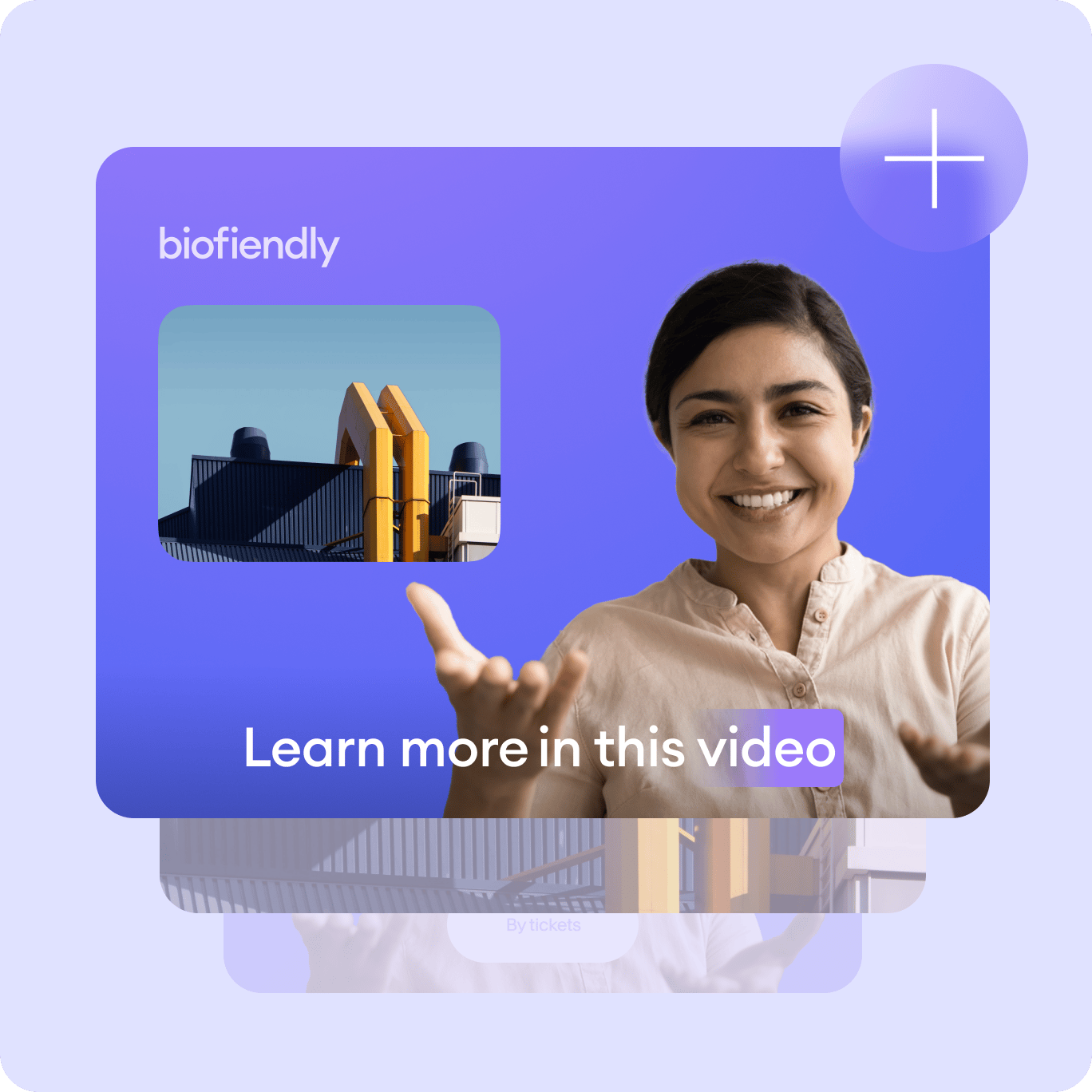
Add scenes and personalize
Our powerful PowerPoint to video converter lets you add scenes so you can easily edit each clip when you’re done recording. How does it work? It’s really simple! When you click on the Stop button while recording, VEED automatically saves that clip and you have the option to pick up where you left off by adding another “scene” or recording. This helps you manage and edit your video clips later on. Personalize your presentation even more using our full suite of video editing tools!

Create professional-looking business videos
With a lot of businesses taking their operations online, there has never been a more important time for video editing software in all industries. Our screen and slides recorder allows your team to record important business messages, explainers, presentations, and more. Share, comment, review, and collaborate with videos online—no software to download. You can even add subtitles automatically and translate them to different languages! Our automatic translation tool is available to premium subscribers. Check our pricing page for more info.
FAQ
It’s super easy! Upload your PowerPoint slides to VEED and start recording. You can also choose to record your webcam while presenting your slides. Edit your recording and export it as an mp4 video!
To share the video, all you have to do is click ‘Copy Link’ and leave the Public Video toggle on. Then anyone with the link will be able to watch and comment on your video, like on google drive. (Note - they will NOT be able to edit the video. Only you will be able to edit.) You can also export your recording as MP4 and play it on Windows Media Player and other multimedia players.
Just click ‘Edit’ when the recording is finished, and you will be taken into VEED’s video editor. Here you will be able to add subtitles, text, annotations, music, sound effects, and much more. Just hit the ‘Export’ button when you’re finished, to save your new edited recording.
VEED gives you the option to record only your audio. Just select “Audio” in the layouts. If you want to record your audio with your webcam, it happens automatically! When you start using the screen recorder, you will need to click ‘Allow’ to give the recorder access to your microphone. That’s it. As soon as you start recording the video (screen, webcam, or both), the audio will also be recorded, so you can make awesome video presentations, explainer videos, team comms videos, and more!
VEED allows you to record your webcam along with your screen and audio. Just select “Screen & Webcam” when choosing a layout for your presentation recording.
VEED works with Windows and Mac. You can access our screen and presentation recorder straight from your browser. No software or plugins to install!
Loved by creators.
Loved by the Fortune 500
“
With VEED I didn't need 15 tutorials - I jumped straight in and started editing.

Gwenne Wilcox
Founder,
Brand Brainery
“
You can go beyond choppping things. VEED actually makes my videos look great.

Michael Glover
Demand Gen Manager,
ConvertFlow
“
The first four videos i created with VEED got over 40,000 impressions on LinkedIn.

Travis Tyler
Senior Content Producer,
PandaDoc
“
I found VEED at the right time: if you're making UGC ads and not using Eye Contact Correction and Noise Reduction on VEED you're missing out on ROI.

Sebastian Schurgers
Head of Growth Marketing,
Gronda
“
With VEED I didn't need 15 tutorials - I jumped straight in and started editing.
Gwenne Wilcox
Founder,
Brand Brainery
“
You can go beyond choppping things. VEED actually makes my videos look great.
Michael Glover
Demand Gen Manager,
ConvertFlow
“
The first four videos i created with VEED got over 40,000 impressions on LinkedIn.
Travis Tyler
Senior Content Producer,
PandaDoc
“
I found VEED at the right time: if you're making UGC ads and not using Eye Contact Correction and Noise Reduction on VEED you're missing out on ROI.
Sebastian Schurgers
Head of Growth Marketing,
Gronda
“
The first four videos i created with VEED got over 40,000 impressions on LinkedIn.
Travis Tyler
Senior Content Producer,
PandaDoc
“
I found VEED at the right time: if you're making UGC ads and not using Eye Contact Correction and Noise Reduction on VEED you're missing out on ROI.
Sebastian Schurgers
Head of Growth Marketing,
Gronda
“
With VEED I didn't need 15 tutorials - I jumped straight in and started editing.
Gwenne Wilcox
Founder,
Brand Brainery
“
You can go beyond choppping things. VEED actually makes my videos look great.
Michael Glover
Demand Gen Manager,
ConvertFlow
Discover more
Trusted by 1M+ creators
When it comes to amazing videos, all you need is VEED
No credit card required
More than a PPT to video converter
VEED is so much more than just a free PowerPoint to video converter. It lets you do more than just record your screen and presentation slides. You can resize your screen recordings to fit any video-sharing and social media platform. You can also edit your videos—add text and captions automatically, add music, sound effects, draw on your videos, and more! Try VEED and start creating powerful business videos for your company.