


Trusted by 1M+ creators
Crop Video
Crop your videos online with precision using VEED’s video cropper and Magic Cut tool
No credit card required

4.6
2,100+ reviews














Precision editing: Crop, trim, and transform your content
You can crop your video files online with VEED, whether using iPhone, android, windows, or Mac. Our free online video editing app lets you cut and crop your videos without downloading software. You can resize your videos to fit any social media platform (YouTube, Instagram, TikTok, Snapchat, Twitter, and more). Simply click on ‘Settings’ to crop your video automatically for social. Use our handy Magic Cut tool to let AI select the best clips in your video and splice a masterpiece. You can crop your Zoom videos, Movie Maker clips, and Adobe Premiere videos. With VEED’s pro video cropper tool, cropping video has never been easier. Instantly crop to square (1:1), YouTube (16:9), TikTok (9:16), and more!
How to Crop a Video

Step 01
Upload or record
Upload your video to VEED or record one using our webcam recorder. Or start with one of our customizable video templates.

Step 02
Crop your video
Simply click on the video’s image and drag the corners to adjust. Or click ‘Settings’ and choose a preset canvas size (like ‘YouTube’ or ‘Instagram Stories’) to crop automatically. Use Magic Cut to let AI magically splice the perfect video from your clips.

Step 03
Share!
That’s it. You’re ready to share your video with your friends and followers. Hit ‘Export,’ and your video will start to download.
Learn More
'Crop Video Online' Tutorial

Crop for social
You can crop your videos for social media with just one click! Don’t spend hours cropping each video for every social platform - use VEED’s handy preset canvas sizes to crop one video for multiple platforms in seconds. Simply select ‘Instagram,’ ‘Snapchat,’ ‘YouTube,’ ‘Twitter,’ ‘Pinterest’ or any platform from the Settings Menu, and watch as your video is automatically cropped to fit each platform perfectly. Repurpose your video content for all your social accounts. VEEd is the best and most intuitive online video cropper!

Works in your browser
VEED’s video cropping tool works inside your browser, so it doesn’t matter what your device is. You can access VEED’s video cropper online—on desktop or mobile. Use Magic Cut to let our artificial intelligence splice the perfect video from your clips. No need to download software. VEED is an all-purpose video cropping app that works anywhere!

Packed full of features!
With VEED, you can rotate, circle (annotate), add video effects, subtitles, and more! There’s even a handy Green Screen tool that removes the background from your video - handy for cropping out the background of a business Zoom call or creating fun video effects for social media. You can replace your background with any image. Or use our one-click video background remover!
FAQ
Cropping a video is easy. Simply click on the video’s image and drag the corners or sides. It’s that easy! You can manually crop out a specific part of the video’s image or you can crop the video automatically by heading over to ‘Settings’ and selecting one of our preset canvas sizes from the dropdown menu - Facebook Covers, Instagram Stories, LinkedIn Landscape & Portrait and more!
While Video Cropping refers to removing part of the video’s image, Video Cutting refers to making a video shorter. To Cut your video, you only need to select the video on the timeline and click and drag the ends shorter. You can also click ‘Split Video’ to remove a section from the middle. Use Magic Cut to let AI select the best clips from your video for you.
VEED is compatible with almost all video file types. Here are just a few. If you don’t see yours listed below, try to upload to VEED as we are compatible with almost all: AVI, FLV, GIF, MKV, MOV, MP4, MPG, Skype Video, Snapchat Video, Twitter Video, Video Android, Video Chromebook, WEBM, WMV, YouTube Video.
Yes! It’s super easy to add video effects to your cropped video. Just click on ‘Filters,’ and you can add Colour Grading and Effects from there. There are loads of effects, like VHS, glitch effects, black and white, sepia, old movies, and many more!
Yes! You can easily rotate the video by clicking on the video’s image and dragging the Rotator Tool (⟳) around. Or, you can click on the video, click ‘Adjust,’ and choose the exact rotation by several degrees. Flip your portrait videos to landscape and vice versa by choosing a 90-degree rotation. Simple!
No! You can choose exactly which quality settings you would like to export your video under, and no loss in quality will occur. You can export as 4k, 1080p, 720p, 480p, etc. VEED exports super high-quality HD video super fast from our cloud-based servers. Crop with confidence to ensure your video quality never suffers!
Loved by creators.
Loved by the Fortune 500
“
With VEED I didn't need 15 tutorials - I jumped straight in and started editing.

Gwenne Wilcox
Founder,
Brand Brainery
“
You can go beyond choppping things. VEED actually makes my videos look great.

Michael Glover
Demand Gen Manager,
ConvertFlow
“
The first four videos i created with VEED got over 40,000 impressions on LinkedIn.

Travis Tyler
Senior Content Producer,
PandaDoc
“
I found VEED at the right time: if you're making UGC ads and not using Eye Contact Correction and Noise Reduction on VEED you're missing out on ROI.

Sebastian Schurgers
Head of Growth Marketing,
Gronda
“
With VEED I didn't need 15 tutorials - I jumped straight in and started editing.
Gwenne Wilcox
Founder,
Brand Brainery
“
You can go beyond choppping things. VEED actually makes my videos look great.
Michael Glover
Demand Gen Manager,
ConvertFlow
“
The first four videos i created with VEED got over 40,000 impressions on LinkedIn.
Travis Tyler
Senior Content Producer,
PandaDoc
“
I found VEED at the right time: if you're making UGC ads and not using Eye Contact Correction and Noise Reduction on VEED you're missing out on ROI.
Sebastian Schurgers
Head of Growth Marketing,
Gronda
“
The first four videos i created with VEED got over 40,000 impressions on LinkedIn.
Travis Tyler
Senior Content Producer,
PandaDoc
“
I found VEED at the right time: if you're making UGC ads and not using Eye Contact Correction and Noise Reduction on VEED you're missing out on ROI.
Sebastian Schurgers
Head of Growth Marketing,
Gronda
“
With VEED I didn't need 15 tutorials - I jumped straight in and started editing.
Gwenne Wilcox
Founder,
Brand Brainery
“
You can go beyond choppping things. VEED actually makes my videos look great.
Michael Glover
Demand Gen Manager,
ConvertFlow
Discover more
More from VEED

How to Crop a Video (Free and Paid Easy-to-Use Methods)
The easiest way to crop videos (free & paid ways) whether on Windows 10 with VLC or online with VEED. Here's how!

How to Rotate a Video (6 Quick & Easy Ways)
How to easily rotate a video whether you're on your desktop, mobile, or on your web browser.
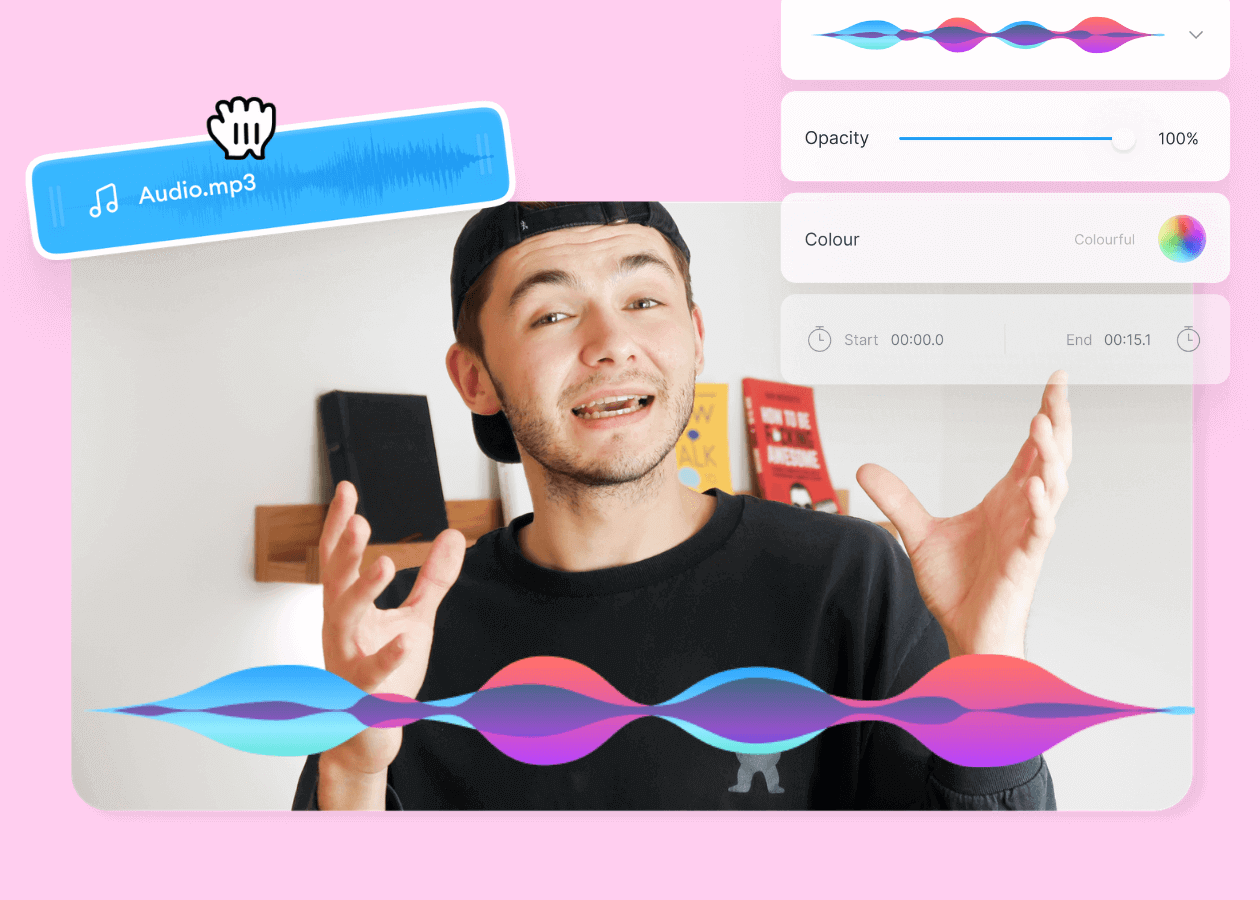
Top 5 Best Music Visualizers [Free and Paid]
Here are some of the best music visualizers available on the internet and how to use them!
Trusted by 1M+ creators
When it comes to amazing videos, all you need is VEED
No credit card required
More than a Video Cropper
VEED is a powerful online editing suite that gives you the tools and features to create jaw-dropping videos for social and beyond. You can edit your clips with effects, text, zoom, annotations, stickers (emojis), shapes, images, and more. Give your videos a professional edit with VEED’s online video editor. It’s free!