


Trusted by 1M+ creators
Video Captioning Services
AI closed captioning services platform. Automatically add subtitles to your videos. Easily edit to create captions
No credit card required
4.6
2,100+ reviews














AI-assisted video captioning software: Auto-subtitling service
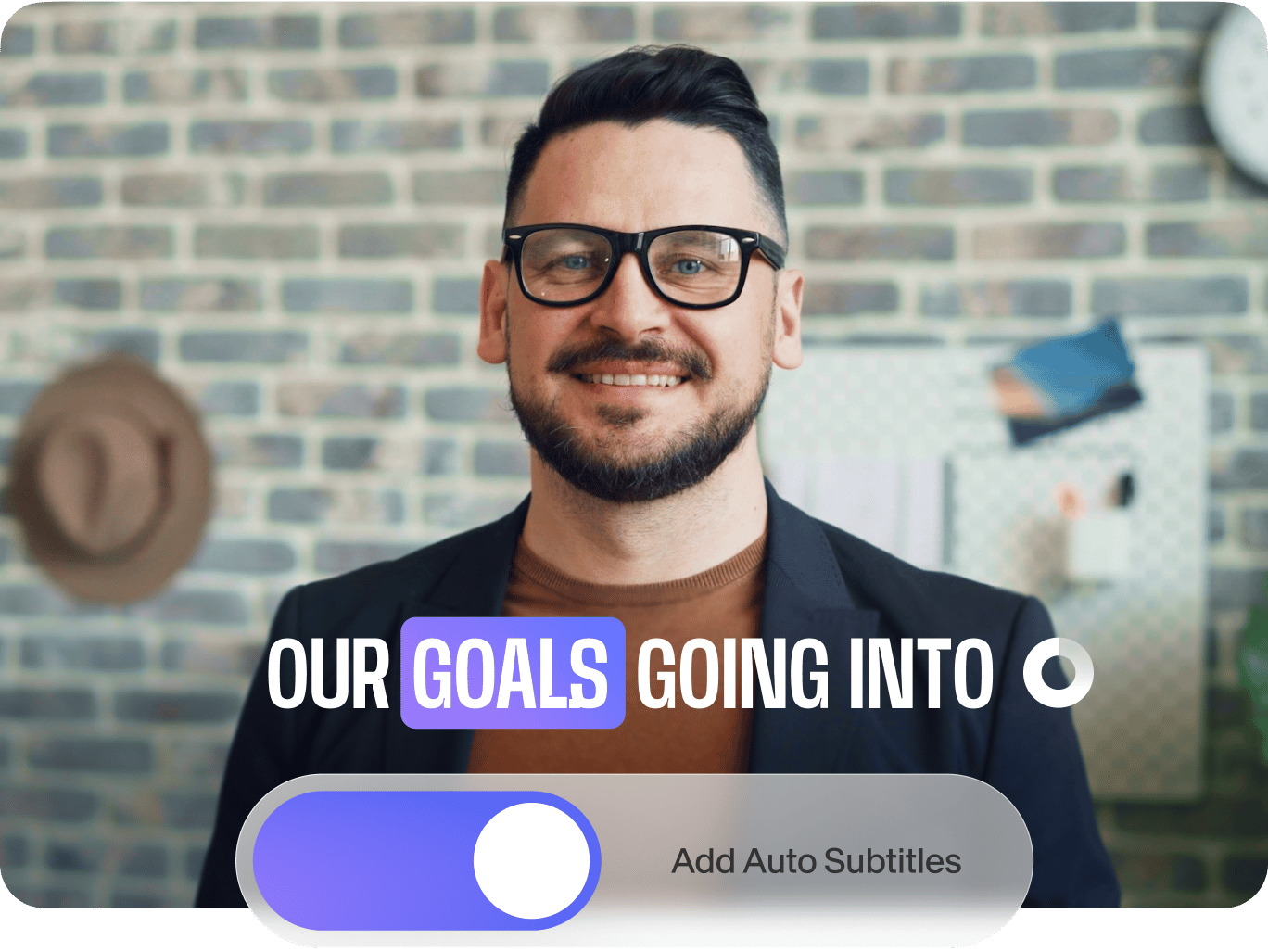
VEED’s AI can assist you with creating fast and accurate closed captions by automatically detecting spoken audio in your video and generating subtitles. You can then edit the text to create video captions. Our software features 98.5% accuracy and provides contextually relevant results using speech recognition technology.
You can also automatically convert your audio to text and translate your videos to reach wider audiences. Animate your subtitles, add highlights, and select from a wide variety of styles. Download your captions as SRT, VTT, or TXT for documentation. Our premium subscribers get access to downloading subtitle files. Check our pricing page for more info.
How to use the AI closed captioning services platform:
Step 01
Auto-generate subtitles
Select ‘Auto Subtitle’ from the subtitle tool, and the software will start transcribing. You can also upload a subtitle file. Edit the subtitles to turn them into video captions.
Step 02
Change subtitle styles, personalize, animate, and more
You can change the style, font, and colors of your subtitles. Select from different animation styles and backgrounds. You can animate your subtitles and even highlight specific words!
Step 03
Export your video or download the subtitle file
Export your video with the hardcoded subtitles or download the subtitle file (SRT, VTT, or TXT).
Learn More
Learn more about our video captioning services in this video:
Multilingual video captioning services with AI
The automatic speech recognition software recognizes over 125 languages and accents to create contextually relevant subtitles. You can even translate your captions and reach viewers worldwide. Edit the subtitles to include details like sound effects and other visual content.
Increase accessibility with instant video captioning
Increase your viewership by making your videos accessible to all. Add closed captions in multiple languages and share your content internationally. VEED is the AI software that provides the best closed captioning services, delivering quick and reliable results.
Help people find you in online search results
Adding a text element (i.e., captions) to your videos makes them more searchable online. Appear in more searches on Google and social media platforms and make your content rank higher. Add subtitles instantly with AI.
FAQ
VEED’s video captioning AI platform lets you upload a video and automatically generate subtitles in one click. Just click on “Auto Subtitle” from the Subtitle menu. Edit the subtitles to create closed captions. You can also download the subtitle file.
With VEED, generating, transcribing, and adding subtitles to your video is free. Only downloading subtitles as SRT files and translating to other languages requires a premium subscription.
Closed captions verbalize every audio in a video, like coughs, barks, or other sound effects.
Auto-generate subtitles in the original language of the video. Edit the text to create closed captions. When your captions are ready, click the ‘Translate’ tab. In the dropdown menu and select your preferred language. VEED’s video captioning service will automatically translate your captions.
Loved by creators.
Loved by the Fortune 500
“
With VEED I didn't need 15 tutorials - I jumped straight in and started editing.

Gwenne Wilcox
Founder,
Brand Brainery
“
You can go beyond choppping things. VEED actually makes my videos look great.

Michael Glover
Demand Gen Manager,
ConvertFlow
“
The first four videos i created with VEED got over 40,000 impressions on LinkedIn.

Travis Tyler
Senior Content Producer,
PandaDoc
“
I found VEED at the right time: if you're making UGC ads and not using Eye Contact Correction and Noise Reduction on VEED you're missing out on ROI.

Sebastian Schurgers
Head of Growth Marketing,
Gronda
“
With VEED I didn't need 15 tutorials - I jumped straight in and started editing.
Gwenne Wilcox
Founder,
Brand Brainery
“
You can go beyond choppping things. VEED actually makes my videos look great.
Michael Glover
Demand Gen Manager,
ConvertFlow
“
The first four videos i created with VEED got over 40,000 impressions on LinkedIn.
Travis Tyler
Senior Content Producer,
PandaDoc
“
I found VEED at the right time: if you're making UGC ads and not using Eye Contact Correction and Noise Reduction on VEED you're missing out on ROI.
Sebastian Schurgers
Head of Growth Marketing,
Gronda
“
The first four videos i created with VEED got over 40,000 impressions on LinkedIn.
Travis Tyler
Senior Content Producer,
PandaDoc
“
I found VEED at the right time: if you're making UGC ads and not using Eye Contact Correction and Noise Reduction on VEED you're missing out on ROI.
Sebastian Schurgers
Head of Growth Marketing,
Gronda
“
With VEED I didn't need 15 tutorials - I jumped straight in and started editing.
Gwenne Wilcox
Founder,
Brand Brainery
“
You can go beyond choppping things. VEED actually makes my videos look great.
Michael Glover
Demand Gen Manager,
ConvertFlow
Discover more
- AI Caption Generator
- AI Captioning
- Bangla Subtitles
- Bengali Subtitles
- Chinese Subtitles
- Closed Captioning Software
- Czech Subtitles
- Danish Subtitles
- Dynamic Subtitles
- English Subtitles
- Finnish Subtitles
- French Subtitles
- German Subtitles
- Greek Subtitles
- Hebrew Subtitles
- Hindi Subtitles
- Hungarian Subtitles
- Indonesian Subtitles
- Italian Subtitles
- Japanese Subtitles
- Korean Subtitles
- Malayalam Subtitles
- Norwegian Subtitling
- Polish Subtitles
- Punjabi Caption
- Romanian Subtitles
- Russian Subtitles
- Spanish Subtitles
- SRT File Creator
- Subtitles Arabic
- Subtitles Dutch
- Subtitles Marathi
- Subtitles Persian
- Subtitles Portuguese
- Tagalog Subtitling
- Tamil Subtitles
- Telugu Subtitles
- Thai Subtitles
- Turkish Subtitles
- Ukrainian Subtitles
- Urdu Subtitles
- Video Subtitling Services
- Vietnamese Subtitles
- VTT Creator
Explore related tools
More from VEED

How to Make a Reel on Instagram (Like a Pro)
Learn how to make a reel on Instagram with our step-by-step guide. Create engaging reels that captivate, entertain, and boost your brand.
.png)
How to Make Reels with Photos for Instagram (2026 Guide)
Learn how to easily make reels with photos that your Instagram followers will love.

How to Edit YouTube Videos Like a Pro (Even if it's Your First Time)
Edit YouTube videos fast and easy like a pro even if you've never edited a video in your life. Here's how!
Trusted by 1M+ creators
When it comes to amazing videos, all you need is VEED
No credit card required
More than an automatic AI video captioning service
With VEED, automatically generating subtitles to turn them into captions is just one feature that can help your entire content creation process. Explore our online video editor to transform your videos into stunning pieces of artwork. Add stickers, filters, bubbly text, background music, voice commentary, and more. VEED’s online video editor is straightforward and requires only a few visits to grasp. Use VEED to create impactful videos, expand your reach on social media, and build your online audience.