


Trusted by 1M+ creators
Audio Cutter
Cut, split, rearrange audio online. Save in your preferred audio format
No credit card required

4.6
2,100+ reviews














Cut, split, trim, and edit audio online
VEED's audio cutter lets you cut, split, trim, and rearrange audio clips directly in your browser — no app to install, free to use. Upload your audio file, move the slider on the timeline, hit Split, delete what you don't need, and export in your preferred format. You can also edit video files in the same workspace, no separate app needed.
How to Cut Audio:
Step 01
Upload your audio files
Upload your audio to VEED; you can drag and drop them into the Timeline.
Step 02
Cut
To cut your audio, simply move the slider to anywhere on the Timeline. Select the Split tool. Then delete the parts you don’t need.
Step 03
Save!
Click Export and save your new audio file on your device!
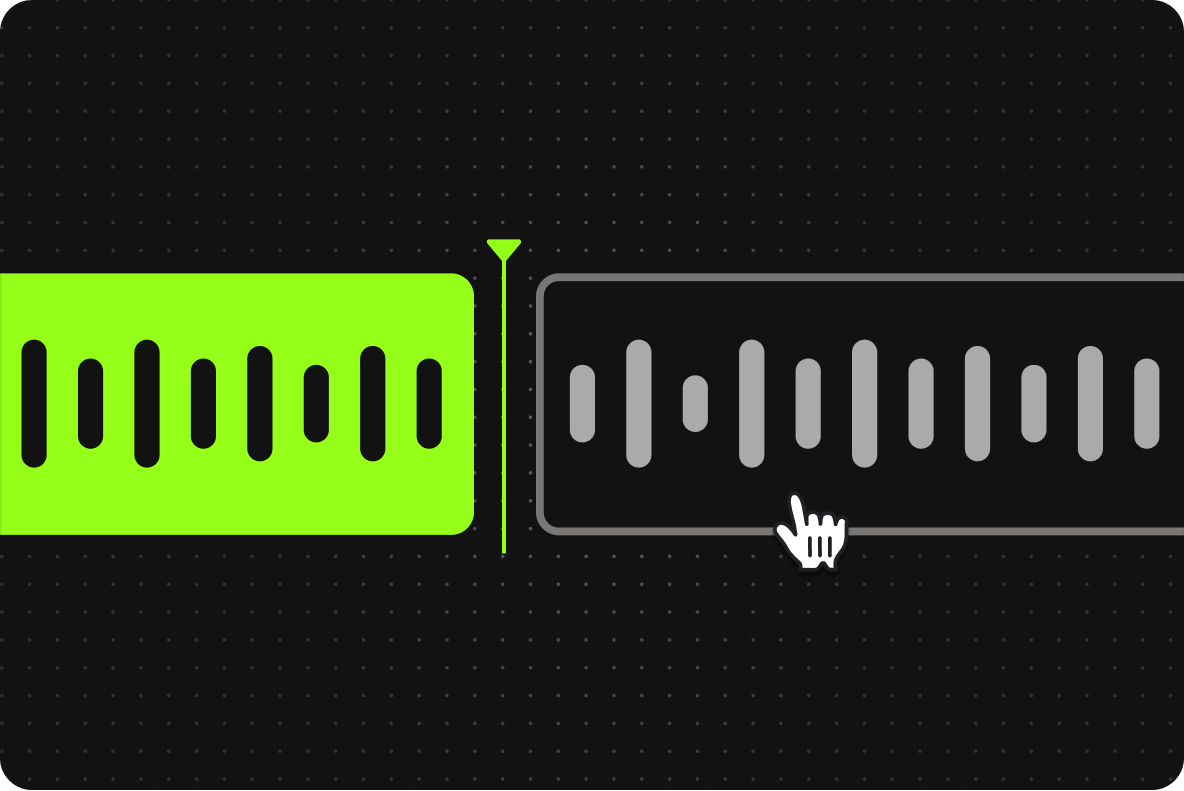
Cut audio online in minutes
Move the slider anywhere on the timeline, click Split, and delete the clips you don't need. Repeat as many times as needed. The whole process takes minutes, not hours.

Rearrange audio clips
After splitting and cutting, rearrange clips in any order by dragging them along the timeline. Add background music, sound effects, or voiceovers in between clips to build a new track.

Save in your desired audio format
Export your edited audio in MP3, WAV, or other popular formats. Select your output format from the export options — VEED handles the conversion automatically regardless of the original file type.
FAQ
Upload your audio to VEED and use the Split tool to separate your file into multiple audio clips. Select the clips you don’t need and hit Delete!
VEED works with almost all video file formats. Here are just a few: AVI GIF M4V MP4 MPG TikTok Video for email Video iPhone Video Windows WEBM YouTube Video VEED also works with the following audio file formats: AAC FLAC M4A MP3 OGA OGG OPUS WAV WAVE
While there are many free and paid audio editing software out there, VEED stands out because of its ease of use, and practicality. With VEED, you don’t need to install chunky apps on your device. You can edit your audio and video files online.
VEED works incredibly smooth on mobile phones. It is compatible with Android, iPhone, and all mobile devices. All you need is a web browser.
Yep! VEED is free to use. We do have extra features for our Basic and Pro customers, but we want to make sure our free users can enjoy as much of the product for free as possible. We hope you enjoy our free video and audio editing service! Check out our pricing page for more info.
Loved by creators.
Loved by the Fortune 500
“
With VEED I didn't need 15 tutorials - I jumped straight in and started editing.

Gwenne Wilcox
Founder,
Brand Brainery
“
You can go beyond choppping things. VEED actually makes my videos look great.

Michael Glover
Demand Gen Manager,
ConvertFlow
“
The first four videos i created with VEED got over 40,000 impressions on LinkedIn.

Travis Tyler
Senior Content Producer,
PandaDoc
“
I found VEED at the right time: if you're making UGC ads and not using Eye Contact Correction and Noise Reduction on VEED you're missing out on ROI.

Sebastian Schurgers
Head of Growth Marketing,
Gronda
“
With VEED I didn't need 15 tutorials - I jumped straight in and started editing.
Gwenne Wilcox
Founder,
Brand Brainery
“
You can go beyond choppping things. VEED actually makes my videos look great.
Michael Glover
Demand Gen Manager,
ConvertFlow
“
The first four videos i created with VEED got over 40,000 impressions on LinkedIn.
Travis Tyler
Senior Content Producer,
PandaDoc
“
I found VEED at the right time: if you're making UGC ads and not using Eye Contact Correction and Noise Reduction on VEED you're missing out on ROI.
Sebastian Schurgers
Head of Growth Marketing,
Gronda
“
The first four videos i created with VEED got over 40,000 impressions on LinkedIn.
Travis Tyler
Senior Content Producer,
PandaDoc
“
I found VEED at the right time: if you're making UGC ads and not using Eye Contact Correction and Noise Reduction on VEED you're missing out on ROI.
Sebastian Schurgers
Head of Growth Marketing,
Gronda
“
With VEED I didn't need 15 tutorials - I jumped straight in and started editing.
Gwenne Wilcox
Founder,
Brand Brainery
“
You can go beyond choppping things. VEED actually makes my videos look great.
Michael Glover
Demand Gen Manager,
ConvertFlow
Trusted by 1M+ creators
When it comes to amazing videos, all you need is VEED
No credit card required
More than an audio cutter
Cutting audio is a quick edit — but there's more you can do with your file once it's trimmed. VEED is an AI video creation platform where you can generate, fine-tune, and export videos for TikTok, Instagram, YouTube, and LinkedIn. Take your cleaned audio into the video editor to add visuals, captions, and effects, or use the audio converter to save it in a different format before posting. Explore everything you can do with VEED.