


Trusted by 1M+ creators
Video Collaboration
Simplify your team’s workflow with video review and collaboration tools. Share feedback, edit, and polish your content together
No credit card required

4.6
2,100+ reviews














Stay organized with creative video collaboration tools
VEED’s video collaboration software takes the headache out of the collaborative editing process. Share notes and feedback with time-stamped commenting to ensure everyone is on the same page. Speed up the approval process by reducing the back-and-forth in messaging and conference calls on platforms like Google Meet and Microsoft Teams.
Sharing assets like logos, brand images, and video templates is easy using the Brand Kit. Collaborators can quickly make high quality videos by sharing custom templates—with intros and outros that they can reproduce across all projects. Work together and keep your assets in the super fast cloud storage. Save time and focus on the creative process!
How to use VEED’s video collaboration and review software:

Step 01
Upload, record, or generate a video
Upload your video project to VEED or record one using our webcam recorder. You can also use our AI video tool to quickly create videos from text prompts and other AI tools.

Step 02
Review, edit, and polish your content
Invite collaborators to your team spaces. You can assign editors and reviewers. They can comment on the project in specific timestamps, give feedback, and edit your video.

Step 03
Export, share, or embed
Export your video in the best available quality and share the VEED link with your team. You can also embed your videos by copying and pasting the embed code from VEED to your website.
Learn More
Learn more about our video editing and collaboration tools:

Share brand assets quickly using the Brand Kit
VEED’s video collaboration platform makes online collaboration smooth and easy. Use the Brand Kit to share logos and other brand assets across projects. Assign editors who can use our full suite of video editing tools and quickly add logos, brand images, and subtitle styles—using custom video templates. Keep your branding consistent across all content.
Collaborative video editing: Secure, fast, and easy
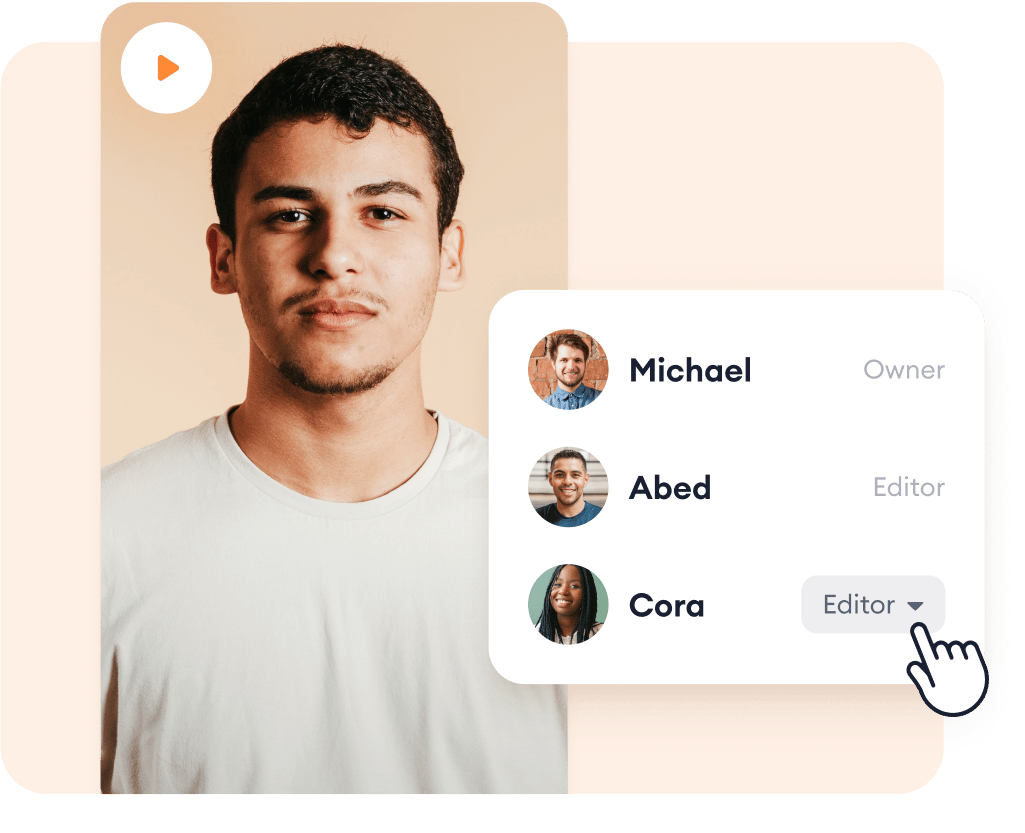
Keep your projects secure by controlling their privacy settings and restricting access based on each contributor’s role. You can designate a team space for different departments. You can also share your video outside of your team and get their feedback. Just share the link to the video view page. Expedite the approval process!
Speed up your team’s content creation with AI
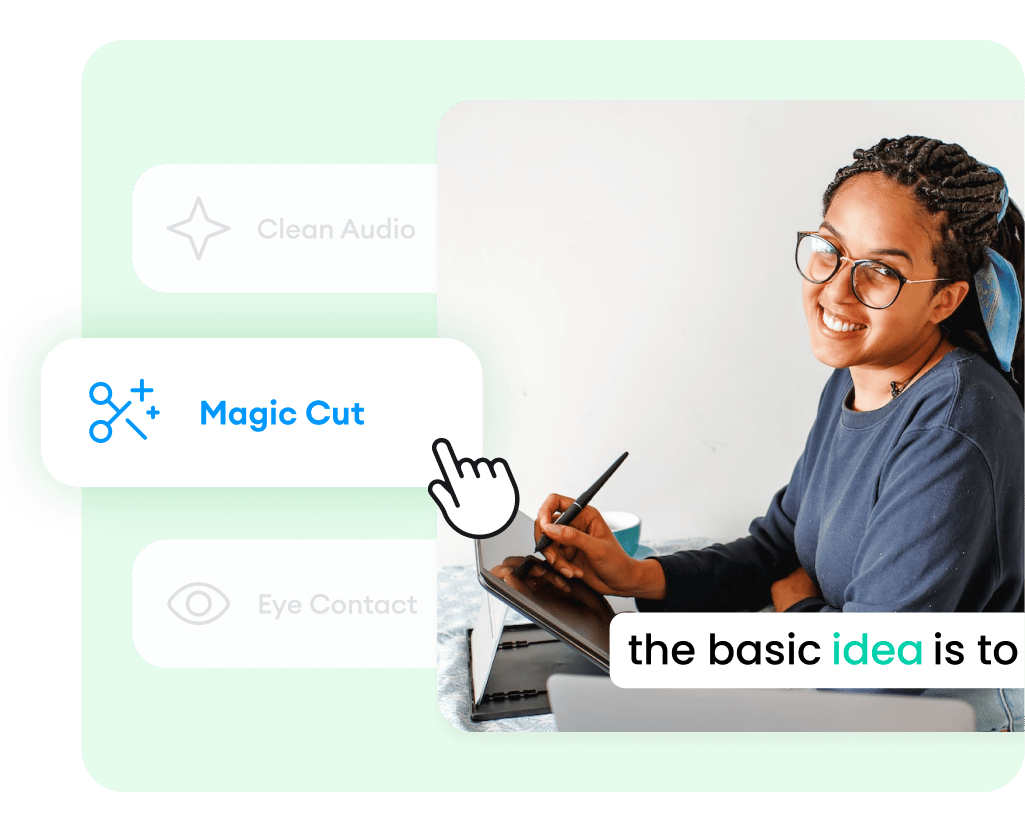
You and your team don’t need to be expert video editors to create professional-looking videos. Cut down on the video production time by generating voiceovers from text using our AI voice generator. Create talking head videos for marketing and social media in a breeze with AI avatars. Remove background noise in one click to achieve studio-quality audio.
FAQ
Collaborating on videos together has just gotten easier with VEED. You no longer have to distribute huge video files for everyone to work on. You can do it all online with VEED’s fast, easy-to-use professional video editing tools. Share comments in real-time to ensure everyone is on the same page. Control who has access to your projects and invite editors and reviewers in dedicated team spaces.
Creative video collaboration involves a group of people working on videos together using video editing tools. In the past, each contributor needed to have a copy of the video file and go back and forth with everyone in the revision process, making it complex and time-consuming. With VEED, you can collaborate on video projects online—with no software or video files to download!
Yes, VEED features video hosting where you can share your exported video on the video view page. Video hosting allows you to distribute your video content online. This way, you don’t have to send the actual video to your team or colleagues; you can just share the link and they can watch the video straight from their browser.
VEED is the best place to host your videos ad-free. It’s the best alternative to YouTube and other social media and video-sharing platforms. You don’t have to worry about ads popping up; no need to pay to remove ads!
You have full control over the privacy of each video project and team space. Assign editors who will have private access to make changes to your videos. Designate team spaces, reviewers, and commenters.
VEED’s video editing platform can help you create polished content in a breeze with the help of AI. Generate voiceovers from text using our AI voice generator. Use AI avatars to create marketing and talking head videos, and more.
Loved by creators.
Loved by the Fortune 500
“
With VEED I didn't need 15 tutorials - I jumped straight in and started editing.

Gwenne Wilcox
Founder,
Brand Brainery
“
You can go beyond choppping things. VEED actually makes my videos look great.

Michael Glover
Demand Gen Manager,
ConvertFlow
“
The first four videos i created with VEED got over 40,000 impressions on LinkedIn.

Travis Tyler
Senior Content Producer,
PandaDoc
“
I found VEED at the right time: if you're making UGC ads and not using Eye Contact Correction and Noise Reduction on VEED you're missing out on ROI.

Sebastian Schurgers
Head of Growth Marketing,
Gronda
“
With VEED I didn't need 15 tutorials - I jumped straight in and started editing.
Gwenne Wilcox
Founder,
Brand Brainery
“
You can go beyond choppping things. VEED actually makes my videos look great.
Michael Glover
Demand Gen Manager,
ConvertFlow
“
The first four videos i created with VEED got over 40,000 impressions on LinkedIn.
Travis Tyler
Senior Content Producer,
PandaDoc
“
I found VEED at the right time: if you're making UGC ads and not using Eye Contact Correction and Noise Reduction on VEED you're missing out on ROI.
Sebastian Schurgers
Head of Growth Marketing,
Gronda
“
The first four videos i created with VEED got over 40,000 impressions on LinkedIn.
Travis Tyler
Senior Content Producer,
PandaDoc
“
I found VEED at the right time: if you're making UGC ads and not using Eye Contact Correction and Noise Reduction on VEED you're missing out on ROI.
Sebastian Schurgers
Head of Growth Marketing,
Gronda
“
With VEED I didn't need 15 tutorials - I jumped straight in and started editing.
Gwenne Wilcox
Founder,
Brand Brainery
“
You can go beyond choppping things. VEED actually makes my videos look great.
Michael Glover
Demand Gen Manager,
ConvertFlow
Explore related tools
More from VEED

11 Easy Ways to Add Music to Video [Step-By-Step Guide] in 2026
Not sure where to find music for video whether free or paid? Want to learn how to find it, pick the right song, and then add it to your video content? Then dig in!

13 Effective How-To Videos (and Why They Work)
If you’re looking for inspiration to create your next how-to video, you’re in the right place. We’ve collected 12 effective how-to videos and analyzed them to see why they work.

6 Easy Ways to Compress Video Files (Without Losing Quality)
Figuring out how to compress a video file without losing quality doesn’t have to be a long and drawn-out process. Try these simple methods now!
Trusted by 1M+ creators
When it comes to amazing videos, all you need is VEED
No credit card required
More than a video review and collaboration software
VEED is an easy-to-use yet comprehensive video editing software that lets you do much more than just collaborate on videos. Add images to your videos, sound effects, background music, voiceovers, and more in a cinch. Compress your videos to avoid exceeding file size limits. Create globally accessible videos by instantly generating subtitles. All these and more—in one platform.