


Trusted by 1M+ creators
Progress Bar Generator
Online progress bar generator for videos. Free, no download needed.
No credit card required

4.6
2,100+ reviews














Online Progress Bar Generator
Noticed a cool progress bar on a competitor's video? Want to know how to add them to yours? Fortunately, you can create your own progress bar using VEED’s online progress bar maker! Keep your viewers engaged with a progress bar that shows them exactly how long your videos are. By showing the video's total length it encourages viewers to watch through to the end. You don't want them leaving early! It’s super easy with VEED. No need to code. No need to write endless HTML commands. No need to download clunky software or apps. Simply upload your video and add your progress bar in less than a few clicks. Create progress bars to boost engagement on Instagram, Facebook, Twitter, LinkedIn, and many more. VEED is a browser-based tool that transforms your videos without ever leaving your browser. Enjoy VEED’s easy to use video editor on mobile, tablet and PC. Compatible with all major operating systems - Windows 10, Mac, Linux, iOS and Android. You can even download as MP4 - MP4 is the optimal video format for posting on all popular social media sites. Convert videos to MP4 to maximise compatibility with all devices, operating systems and video sharing platforms.
How to Add Progress Bar to Video

Step 01
Upload Video
Click ‘Generate Bar’ above. Upload your video, just drag and drop.
Step 02
Create Progress Bar
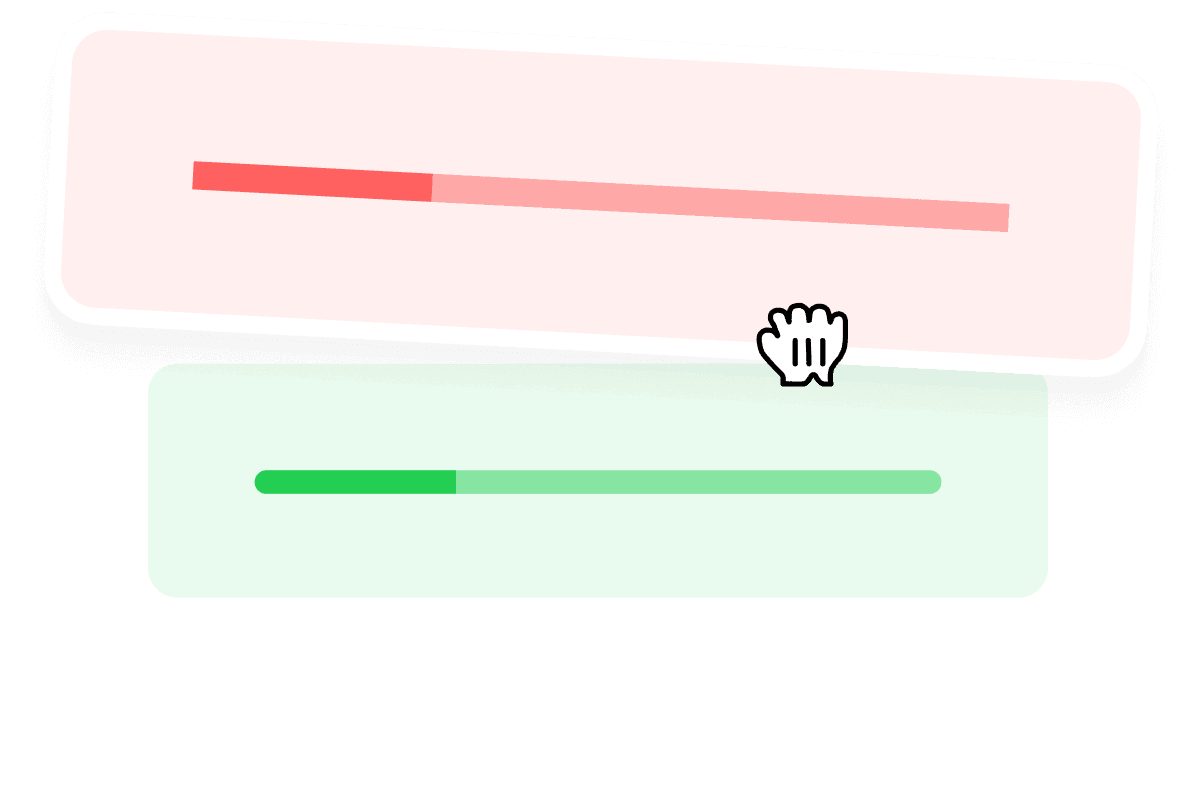
Head over to ‘Elements’. Select your favourite bar and drag and drop it onto your video. Edit size, colour and style.

Step 03
Download
Looking good? Download your new video by hitting the ‘Export’ button, and you’re ready to post away!
Learn More
‘How to Add Progress Bar to Video’ Tutorial

Share on Social Media
Progress bars are becoming more popular for engaging viewers on social media, especially on Instagram and LinkedIn. Add a professional touch to your videos with our progress bars. Whether it’s your brand’s Facebook page, LinkedIn, Instagram or IGTV, VEED boasts a wide array of tools to boost your reach, likes and shares. Simply drag and drop a progress bar, it really is that easy! You can also use our Preset Canvas sizes to resize your videos for various social media platforms. Annotate your videos with text, stickers, logos and emojis to give your videos the ‘wow factor’. Upload your video in any format and download as MP4 to ensure compatibility on every social media platform.

Create Viral Content
Progress bars are an essential add-on for short-form videos! Whether you’re making a YouTube short, TikTok, or an IGTV video, adding a dynamic progress bar will greatly boost your engagement. Progress bars provide your viewer with a preview of how long your video’s duration is. They are super-useful for making your viewers watch your videos till the end, and not click away in the middle. Competition for attention on social media can be fierce, a progress bar could make all the difference for your engagement! Use VEED to add your own progress bar, and you are one step closer to making the next viral hit-piece. VEED lets you create eye-catching videos with only a few clicks of the mouse. Whether you’re a beginner, intermediate or pro, use VEED to redefine the status-quo!

Works Everywhere
No download needed. No sign up needed. Access VEED in your browser, on the bus or on your desk. VEED is user-friendly on mobile devices, tablets, laptops and desktops. No matter what operating system - Windows 10, Mac, Chrome OS, iOS, Android, and no matter what browser - Safari, Chrome, Microsoft Edge - VEED thrives on all of them. Get started straight away, upload your audio in any format, and add your progress bar with one click or tap. To save your videos on our Cloud server and access them again, create an account, and make VEED your lifelong online video editor.
FAQ
- Upload Video
- Open ‘Elements’ tab
- Drag & drop Progress bar
- Save & Download
Upload your video in any format to VEED. Open ‘Elements’ tab and simply drag and drop a progress bar onto your video in seconds. VEED is a fully online and free tool, you don’t need to download any software or apps like Premiere Pro and iMovie.
Upload the video you wish to post on Instagram on VEED, visit ‘Elements’ and drag and drop your favourite progress bar onto your video. It’s that simple! To download it in the right size for Instagram posts, use our Preset Canvas Size for Instagram. You can also add progress bars for LinkedIn videos.
Plenty! On VEED, you can add a Rectangle shaped bar, Rounded bar, Circle Bar, or Donut Bar! Use the Circle Bar as a “percentage bar” and the Rectangle bar as a “loading bar”.
Absolutely! You can change style, colour, size and shape, whatever tickles your fancy. You can also choose from different shapes. The choice is yours!
No, no and no! No need to code a single crumb of code. No CSS, HTML or JavaScript needed. Simply drag and drop, and you’re done! With VEED’s super-simple and easy to use interface, writing chunky threads of code belongs to yesterday.
Loved by creators.
Loved by the Fortune 500
“
With VEED I didn't need 15 tutorials - I jumped straight in and started editing.

Gwenne Wilcox
Founder,
Brand Brainery
“
You can go beyond choppping things. VEED actually makes my videos look great.

Michael Glover
Demand Gen Manager,
ConvertFlow
“
The first four videos i created with VEED got over 40,000 impressions on LinkedIn.

Travis Tyler
Senior Content Producer,
PandaDoc
“
I found VEED at the right time: if you're making UGC ads and not using Eye Contact Correction and Noise Reduction on VEED you're missing out on ROI.

Sebastian Schurgers
Head of Growth Marketing,
Gronda
“
With VEED I didn't need 15 tutorials - I jumped straight in and started editing.
Gwenne Wilcox
Founder,
Brand Brainery
“
You can go beyond choppping things. VEED actually makes my videos look great.
Michael Glover
Demand Gen Manager,
ConvertFlow
“
The first four videos i created with VEED got over 40,000 impressions on LinkedIn.
Travis Tyler
Senior Content Producer,
PandaDoc
“
I found VEED at the right time: if you're making UGC ads and not using Eye Contact Correction and Noise Reduction on VEED you're missing out on ROI.
Sebastian Schurgers
Head of Growth Marketing,
Gronda
“
The first four videos i created with VEED got over 40,000 impressions on LinkedIn.
Travis Tyler
Senior Content Producer,
PandaDoc
“
I found VEED at the right time: if you're making UGC ads and not using Eye Contact Correction and Noise Reduction on VEED you're missing out on ROI.
Sebastian Schurgers
Head of Growth Marketing,
Gronda
“
With VEED I didn't need 15 tutorials - I jumped straight in and started editing.
Gwenne Wilcox
Founder,
Brand Brainery
“
You can go beyond choppping things. VEED actually makes my videos look great.
Michael Glover
Demand Gen Manager,
ConvertFlow
Discover more
More from VEED
Top 5 Best Music Visualizers [Free and Paid]
Here are some of the best music visualizers available on the internet and how to use them!

How to Rotate a Video (6 Quick & Easy Ways)
How to easily rotate a video whether you're on your desktop, mobile, or on your web browser.
12 Best Subtitle Fonts for Video Editing (Free and Paid Options)
Want videos that are more engaging because they're easier to follow along? Here's 12 of the best free and paid subtitle fonts for better video content.
Trusted by 1M+ creators
When it comes to amazing videos, all you need is VEED
No credit card required
More than just a progress bar generator!
Surely, progress need not end with a progress bar? VEED contains a ton of super-cool features to help you make stunning videos. Add stickers, smileys, text, background music, the list is huge! Don’t set a “bar” on progress, VEED gives you the freedom to go higher! Our simple, yet powerful video maker gives you all the tools you need to create stunning videos. Make VEED your trusted video editing tool, in your pocket, on the bus or in the studio.