


Trusted by 1M+ creators
Persian Speech to Text
Convert Persian (Farsi) speech to text. Transcribe audio in one click with AI
No credit card required
4.6
2,100+ reviews














Convert Persian speech to text – fast
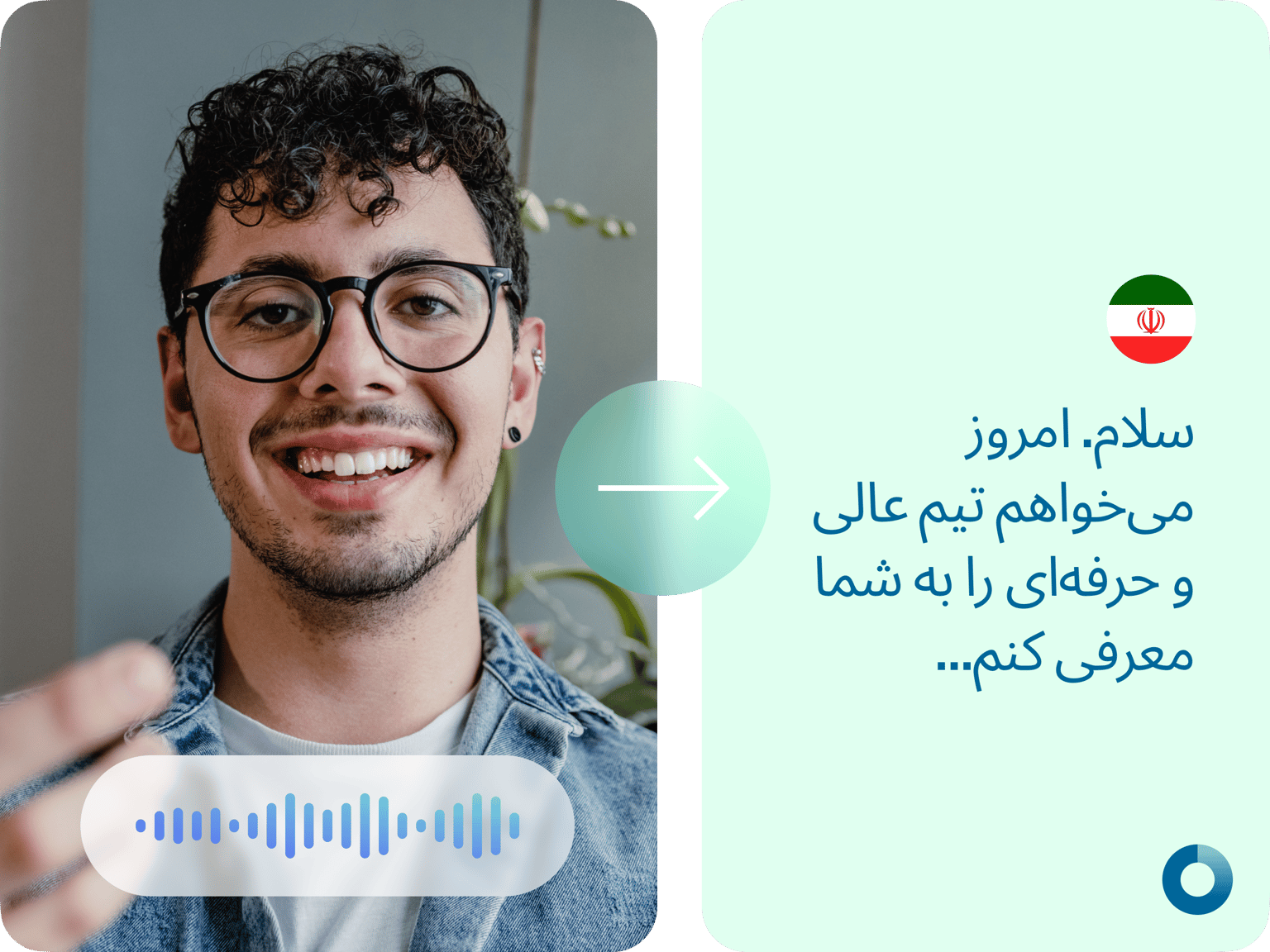
Convert Persian speech to text automatically. Just upload your file and generate an instant transcription. Transcribe meetings, interviews, and announcements in one click. No need to wait days for manual transcriptions! Enjoy seamless communication, and refine your transcriptions as needed.
VEED is more than just a transcription tool – it's a comprehensive video editor. Auto-generate subtitles, translate a Persian voice to other languages and create voiceovers from text. You can also enhance your content with text, animations, and stock videos directly within our platform.
How to convert Persian speech to text:
Step 01
Upload or record
Upload your audio or video to VEED. Or record one using our voice recorder.
Step 02
Auto-transcribe
In the Subtitles menu, click ‘Auto Subtitle’ to transcribe your file. Review and edit the transcription as needed.
Step 03
Export
Export your video with the subtitles, or download the transcript. We also have a Persian audio translator for generating subtitles in other languages.
Learn More
Learn how to convert speech to text:
Meeting transcriptions in one click
Need a faster alternative to Farsi transcription services? No more waiting for days; VEED lets you convert speech to text in a matter of minutes! Transform audio or video to text in real-time. Transcribe your meetings and enhance team communication.
Persian audio translator powered by AI
Break language barriers and expand your audience with subtitle translations. You can translate audio or video from Persian to over 100 languages. Additionally, you can generate AI voiceovers in Persian. Simply type your text and convert it to speech.
Full suite of AI editing tools
VEED not only transcribes audio but also helps you enhance your content. Explore more of our AI features, such as our AI video generator and image generator. From creating content to polishing your videos, you can do it all in our video editor. Streamline your video creation process with VEED’s comprehensive AI toolkit.
FAQ
Convert Persian (Farsi) speech to text with VEED. Simply upload your audio or video file and click ‘Auto Subtitle’ in the Subtitles menu. You can export your video with the subtitles, or download the transcript if you’re on a Pro account.
The transcription time depends on the length of your recording. It takes approximately half the length of your audio to complete a transcription. For example, a 10-minute video will typically be transcribed in less than five minutes.
Yes. You’ll find the transcription divided into separate boxes. Click on each box and type or edit the text to make your desired changes.
You can upgrade to a Pro account to download your transcripts for offline use or further processing. Download formats are available as SRT, VTT, and TXT.
Loved by creators.
Loved by the Fortune 500
“
With VEED I didn't need 15 tutorials - I jumped straight in and started editing.

Gwenne Wilcox
Founder,
Brand Brainery
“
You can go beyond choppping things. VEED actually makes my videos look great.

Michael Glover
Demand Gen Manager,
ConvertFlow
“
The first four videos i created with VEED got over 40,000 impressions on LinkedIn.

Travis Tyler
Senior Content Producer,
PandaDoc
“
I found VEED at the right time: if you're making UGC ads and not using Eye Contact Correction and Noise Reduction on VEED you're missing out on ROI.

Sebastian Schurgers
Head of Growth Marketing,
Gronda
“
With VEED I didn't need 15 tutorials - I jumped straight in and started editing.
Gwenne Wilcox
Founder,
Brand Brainery
“
You can go beyond choppping things. VEED actually makes my videos look great.
Michael Glover
Demand Gen Manager,
ConvertFlow
“
The first four videos i created with VEED got over 40,000 impressions on LinkedIn.
Travis Tyler
Senior Content Producer,
PandaDoc
“
I found VEED at the right time: if you're making UGC ads and not using Eye Contact Correction and Noise Reduction on VEED you're missing out on ROI.
Sebastian Schurgers
Head of Growth Marketing,
Gronda
“
The first four videos i created with VEED got over 40,000 impressions on LinkedIn.
Travis Tyler
Senior Content Producer,
PandaDoc
“
I found VEED at the right time: if you're making UGC ads and not using Eye Contact Correction and Noise Reduction on VEED you're missing out on ROI.
Sebastian Schurgers
Head of Growth Marketing,
Gronda
“
With VEED I didn't need 15 tutorials - I jumped straight in and started editing.
Gwenne Wilcox
Founder,
Brand Brainery
“
You can go beyond choppping things. VEED actually makes my videos look great.
Michael Glover
Demand Gen Manager,
ConvertFlow
Discover more
- Assamese Speech to Text
- Audio to Notes
- Audio Transcription
- Bengali Speech to Text
- Cantonese Speech to Text
- Chinese Speech to Text
- Dictation Transcription
- German Speech to Text
- Japanese Speech to Text
- Kannada Speech to Text
- Korean Speech to Text
- M4A to Text
- MP3 to Text
- Music Transcription
- Sinhala Speech to Text
- Speech to Text Arabic
- Speech to Text Bulgarian
- Speech to Text Czech
- Speech to Text Danish
- Speech to Text Dutch
- Speech to Text Finnish
- Speech to Text Hungarian
- Speech to Text in Marathi
- Speech to Text Italian
- Speech to Text Portuguese
- Speech to Text Russian
- Speech to Text Serbian
- Speech to Text Slovak
- Speech to Text Spanish
- Speech to Text Swedish
- Speech to Text Thai
- Speech to Text Turkish
- Speech to Text Vietnamese
- Tamil Audio to Text
- Telugu Audio to Text Converter
- Transcribe Recordings to Text
- Verbatim Transcription
- Voice Memo Transcription
- Voice Message to Text
- WAV to Text
More from VEED

How to Get the Transcript of a YouTube Video [Fast & Easy]
The easiest way to get the transcript of a YouTube video without jumping through a million hoops. Here's how.
How to Add Translation Subtitles to a Video (Step-by-Step Guide)
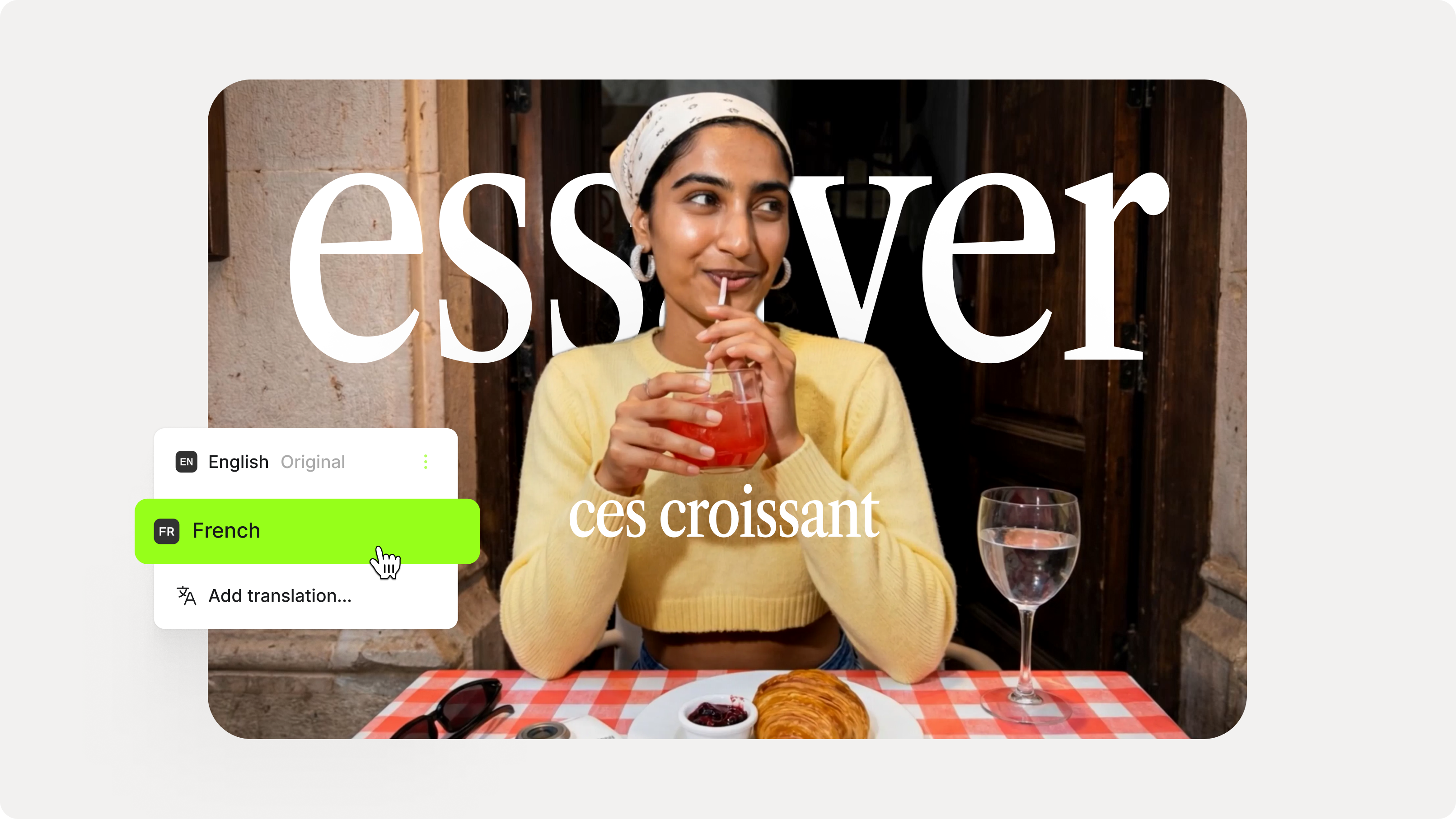
A step-by-step guide to adding translation subtitles to any video using VEED. Covers auto-subtitle generation, AI translation into 125+ languages, customization, and export.

How to Translate Subtitles in 2026: The Complete Guide
This article explains how to translate subtitles online using AI, covering SRT files, foreign films, Japanese and Arabic translations, Netflix workarounds, and videos without any existing subtitles.
Trusted by 1M+ creators
When it comes to amazing videos, all you need is VEED
No credit card required
More than Persian speech-to-text software
VEED lets you do more than just convert Persian speech to text. Our all-in-one video editor gives you all the tools to make professional, engaging content in a few clicks. Use our audio editor to cut, trim, and split your clips. Add subtitles to videos to make them more accessible. And easily add graphics, animation, and music to your projects. From social media posts to educational videos, you can do it all with VEED. Try it now right from your browser!