


Trusted by 1M+ creators
Add Image to MP3
Add image to your audio file. Create music videos online, free
No credit card required
4.6
2,100+ reviews














Convert MP3 to MP4 by Adding Images
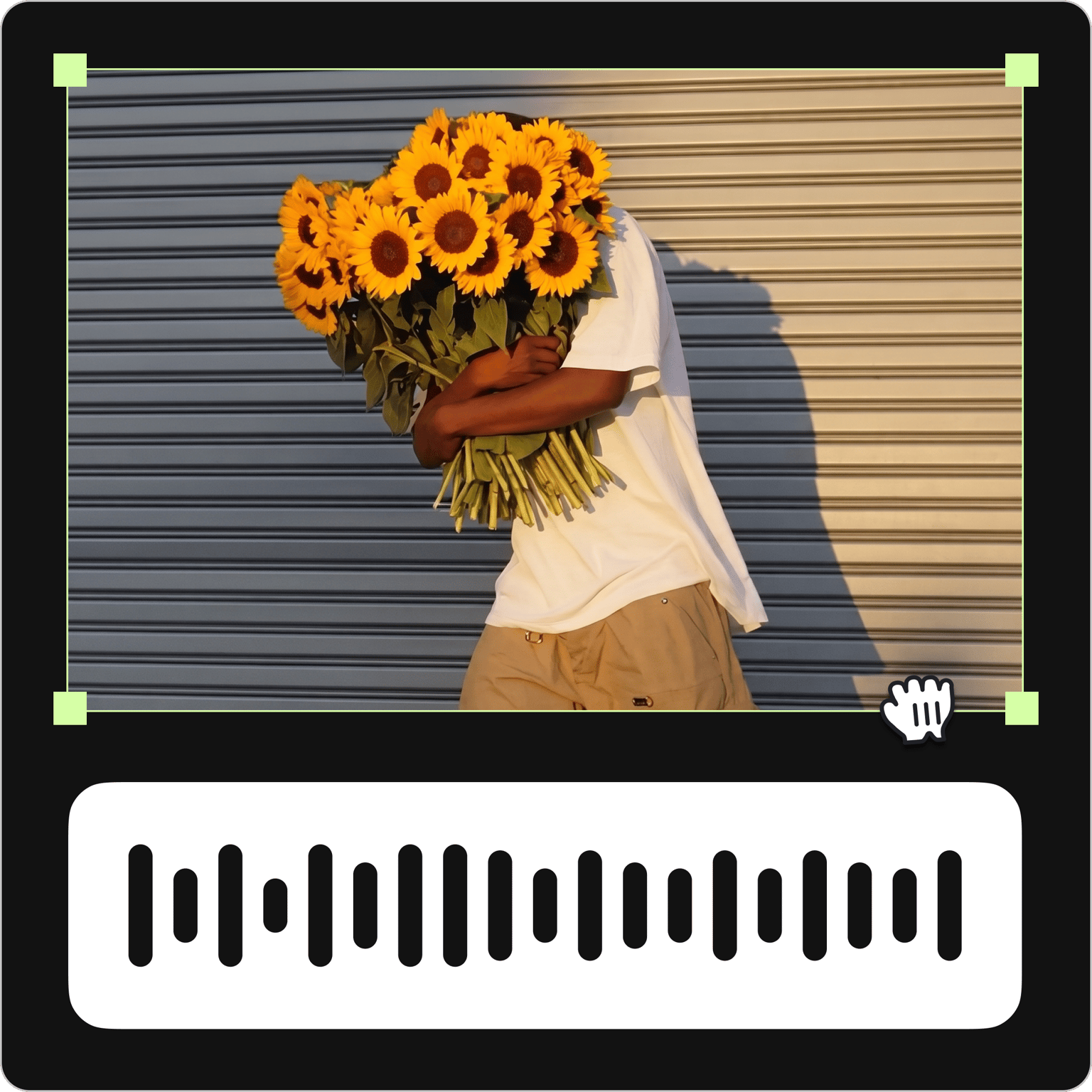
Combine any MP3 or audio file with one image or multiple images and export it as an MP4 music video. The finished file plays on VLC Media Player, Real Player, and other popular media players. Free to use — no account required to get started.
How to Add an Image to an MP3 file:
Step 01
Upload your MP3 file
Click on ‘Choose MP3 File’ and select your audio file from your folders. Or drag and drop it to the editor.
Step 02
Add an image
Add an image or images to your audio file. Just click on Upload on the left menu or click on the plus (+) icon on the bottom right. You can add as many images as you want.
Step 03
Export
Click on ‘Export’. Your video will be downloaded as an MP4 file to your device.
Learn More
‘Add Image to MP3’ Tutorial
Add a picture to an MP3 online, free
Add one photo or a full set of images to your MP3 and turn it into a music video — right in your browser. Use a single image as album art or build a photo slideshow with music. No app to install, and no account needed to create as a guest.
Powerful online video editor
Once your image is added, keep editing right in the same tab. Add text, captions, and subtitles, apply filters and camera effects, or pull from VEED's stock audio library to layer in additional music. No need to export and re-import — everything happens in one place.
Split, trim, and cut your audio file
Edit your MP3 directly on the timeline. Drag the slider to any point and click 'Split' to cut your audio into sections, then drag and drop each clip to rearrange the order. Trim the start and end to get the timing exactly right before you export.
FAQ
If you simply want an album cover or thumbnail for your MP3 file, right-click on the file and look for an option to add or change the photo – the menu you’ll see depends on what operating system or program you are using.
If you want to add music to pictures to create a music video or slideshow, use a video editor.
- Upload your MP3 file to VEED
- Add an image by clicking on the plus (+) icon and selecting a photo from your folders. Add as many images as you want.
- Export and share!
Yes, you can! Simply select the audio file on the editor and click on the ‘Clean Audio’ button. VEED will automatically enhance your audio file.
You can use Windows Media Player if you’re using Windows 10. Alternatively, you can also use online video editors like VEED – compatible with Windows 10 and even Mac, Linux, and other operating systems and devices. VEED allows you to add not only artworks but also video footage, effects, filters, and many more.
VEED gives you access to all the video editing tools you will ever need without a paid subscription. Optionally, you can create an account so you can save all your projects in one place but it is not required.
Loved by creators.
Loved by the Fortune 500
“
With VEED I didn't need 15 tutorials - I jumped straight in and started editing.

Gwenne Wilcox
Founder,
Brand Brainery
“
You can go beyond choppping things. VEED actually makes my videos look great.

Michael Glover
Demand Gen Manager,
ConvertFlow
“
The first four videos i created with VEED got over 40,000 impressions on LinkedIn.

Travis Tyler
Senior Content Producer,
PandaDoc
“
I found VEED at the right time: if you're making UGC ads and not using Eye Contact Correction and Noise Reduction on VEED you're missing out on ROI.

Sebastian Schurgers
Head of Growth Marketing,
Gronda
“
With VEED I didn't need 15 tutorials - I jumped straight in and started editing.
Gwenne Wilcox
Founder,
Brand Brainery
“
You can go beyond choppping things. VEED actually makes my videos look great.
Michael Glover
Demand Gen Manager,
ConvertFlow
“
The first four videos i created with VEED got over 40,000 impressions on LinkedIn.
Travis Tyler
Senior Content Producer,
PandaDoc
“
I found VEED at the right time: if you're making UGC ads and not using Eye Contact Correction and Noise Reduction on VEED you're missing out on ROI.
Sebastian Schurgers
Head of Growth Marketing,
Gronda
“
The first four videos i created with VEED got over 40,000 impressions on LinkedIn.
Travis Tyler
Senior Content Producer,
PandaDoc
“
I found VEED at the right time: if you're making UGC ads and not using Eye Contact Correction and Noise Reduction on VEED you're missing out on ROI.
Sebastian Schurgers
Head of Growth Marketing,
Gronda
“
With VEED I didn't need 15 tutorials - I jumped straight in and started editing.
Gwenne Wilcox
Founder,
Brand Brainery
“
You can go beyond choppping things. VEED actually makes my videos look great.
Michael Glover
Demand Gen Manager,
ConvertFlow
Discover more
Explore related tools
More from VEED

How to Add Music to an Instagram Post, Reel, or Story in 2026
Adding music to your Instagram content makes the video much more interactive and engaging while building retention among viewers. Here's how to do it for any Instagram post format.

11 Easy Ways to Add Music to Video [Step-By-Step Guide] in 2026
Not sure where to find music for video whether free or paid? Want to learn how to find it, pick the right song, and then add it to your video content? Then dig in!
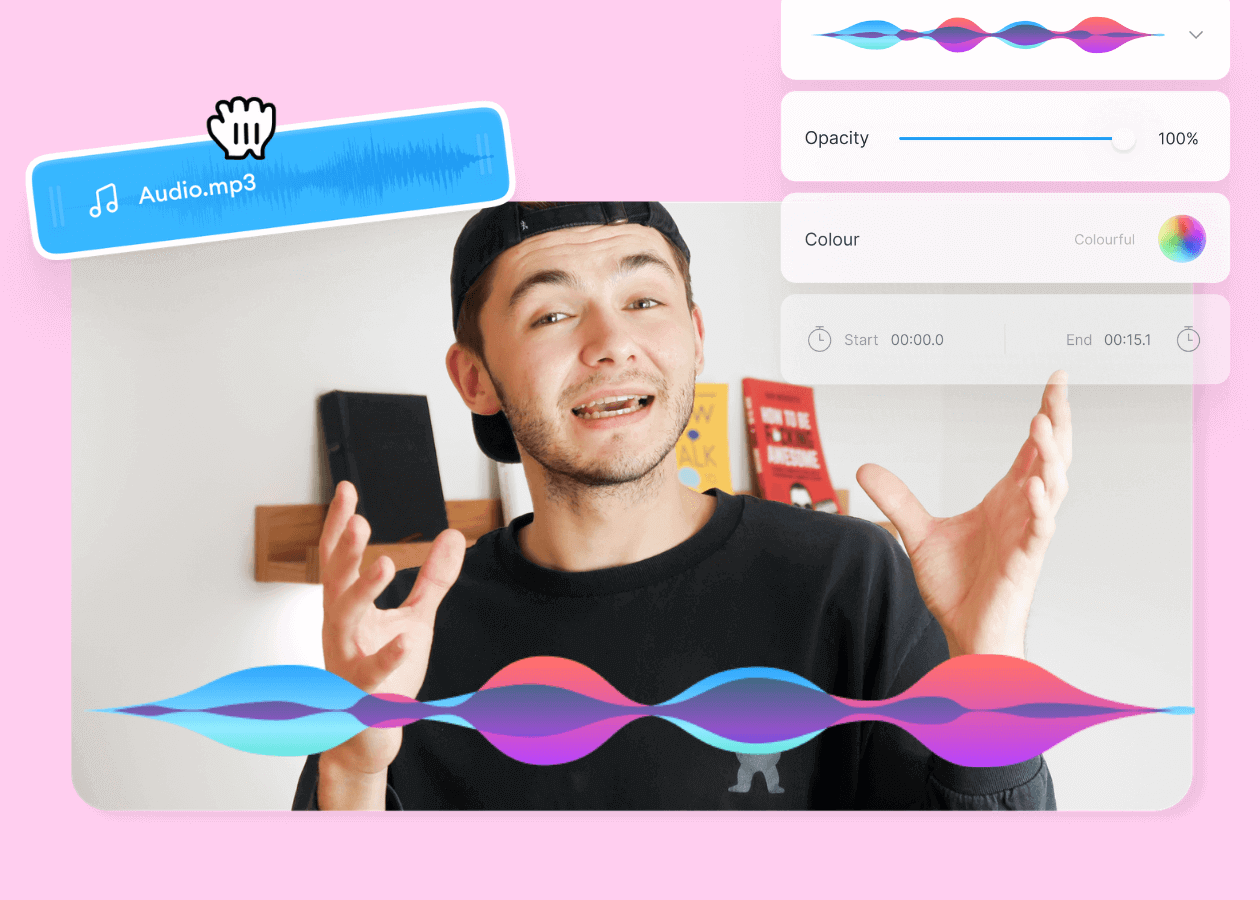
Top 5 Best Music Visualizers [Free and Paid]
Here are some of the best music visualizers available on the internet and how to use them!
Trusted by 1M+ creators
When it comes to amazing videos, all you need is VEED
No credit card required
More than adding images to MP3
Adding an image to your audio file is just the beginning. VEED is an AI video creation platform built for social — so once your music video is built, the full editing suite is right there waiting.
Want to go further? Upload an animated GIF instead of a static image, add your audio file, and export it as an MP4. Add captions to make your content accessible, drop in text overlays, or adjust the timing of each image to match the beat. Everything works in your browser, with no software to download.