


Trusted by 1M+ creators
Japanese Dubbing
Dub videos in Japanese using AI technology. Translate speech and generate subtitles in a few clicks
No credit card required
4.6
2,100+ reviews














Professional Japanese dubbing in minutes
Dubbing training videos for Japanese teams, localizing product demos for Tokyo trade shows, or creating content for Japan’s massive social media market? Our AI voice dubbing tool offers a fast and simple solution. Get natural-sounding translations in minutes — saving you the costs of traditional dubbing services.
Generate Japanese dubs in the original voice while preserving ambient sound. Add auto-subtitles with up to 99.9% accuracy. Plus, easily change graphics and text to match each market. You can even resize your video with a click of a button. From dubbing to enhancing your content, VEED has you covered.
How to dub a video in Japanese:
Step 01
Upload video
Upload the video you’d like to translate. You can drag and drop it into the AI dubbing tool.
Step 02
Customize
Select ‘Japanese’ as your target language. You can clone the original voice or choose one of our stock voices.
Step 03
Preview and download
Download your Japanese-dubbed video. Or add subtitles and enhance your video in our editor.
Learn More
Watch this AI voice dubbing tutorial:
Authentic Japanese dubs in your voice
No robotic-sounding voices. Our Japanese dubbing tool can translate your video using the original speaker’s voice. Let your unique tone and personality shine through in every language, keeping a genuine connection with your audience. The voice dubber also retains ambient sound for immersive viewing.
Multilingual dubbing to scale your content globally
Expand your reach with more language options like English, Chinese, and Spanish. You can also auto-generate subtitles and style them to match your brand. Save your subtitle fonts and colors to a brand kit. Maintain consistent visuals as you localize for diverse audiences.
Intuitive editor to enhance your dubbed videos
Add creative touches using our built-in video editor. Trim clips, apply graphics and music, and share your video with stakeholders. Need to create new content? With text-to-video, just describe your topic to generate an instant video. VEED gives you all the tools you need to make engaging videos.
FAQ
- Select ‘AI Dubbing’ in your VEED dashboard.
- Upload the video you want to translate.
- Select Japanese and your preferred voice.
- Click ‘Translate,’ preview the video, and download it.
Our AI dubbing tool is free to try. However, a Pro subscription gives you higher usage limits — best for longer videos and regular voice translation needs. Please check our pricing page for more information.
Yes, our AI dubbing tool can translate videos using the original speaker’s voice. Simply select ‘Your voice’ in the voice dropdown menu.
Yes, you can use these other tools to dub a video:
- Voice recorder - Upload your footage and record your voice in real-time.
- Japanese text-to-speech - Type your script to generate AI voiceovers.
- Japanese voice cloning - Record your voice once and turn text into speech using your voice.
Loved by creators.
Loved by the Fortune 500
“
With VEED I didn't need 15 tutorials - I jumped straight in and started editing.

Gwenne Wilcox
Founder,
Brand Brainery
“
You can go beyond choppping things. VEED actually makes my videos look great.

Michael Glover
Demand Gen Manager,
ConvertFlow
“
The first four videos i created with VEED got over 40,000 impressions on LinkedIn.

Travis Tyler
Senior Content Producer,
PandaDoc
“
I found VEED at the right time: if you're making UGC ads and not using Eye Contact Correction and Noise Reduction on VEED you're missing out on ROI.

Sebastian Schurgers
Head of Growth Marketing,
Gronda
“
With VEED I didn't need 15 tutorials - I jumped straight in and started editing.
Gwenne Wilcox
Founder,
Brand Brainery
“
You can go beyond choppping things. VEED actually makes my videos look great.
Michael Glover
Demand Gen Manager,
ConvertFlow
“
The first four videos i created with VEED got over 40,000 impressions on LinkedIn.
Travis Tyler
Senior Content Producer,
PandaDoc
“
I found VEED at the right time: if you're making UGC ads and not using Eye Contact Correction and Noise Reduction on VEED you're missing out on ROI.
Sebastian Schurgers
Head of Growth Marketing,
Gronda
“
The first four videos i created with VEED got over 40,000 impressions on LinkedIn.
Travis Tyler
Senior Content Producer,
PandaDoc
“
I found VEED at the right time: if you're making UGC ads and not using Eye Contact Correction and Noise Reduction on VEED you're missing out on ROI.
Sebastian Schurgers
Head of Growth Marketing,
Gronda
“
With VEED I didn't need 15 tutorials - I jumped straight in and started editing.
Gwenne Wilcox
Founder,
Brand Brainery
“
You can go beyond choppping things. VEED actually makes my videos look great.
Michael Glover
Demand Gen Manager,
ConvertFlow
Discover more
- Afrikaans Dubbing
- AI Dubbing
- AI Video Localization
- Arabic Dubbing
- Audio Dubbing
- Auto Dubbing
- Bangla Dubbing
- Bulgarian Dubbing
- Chinese Dubbing
- Croatian Dubbing
- Czech Dubbing
- Danish Dubbing
- Dutch Dubbing
- English Dubbing
- Farsi Dubbing
- Finnish Dubbing
- French Dubbing
- German Dubbing
- Greek Dubbing
- Hebrew Dubbing
- Hindi Dubbing
- Icelandic Dubbing
- Indonesian Dubbing
- Italian Dubbing
- Korean Dubbing
- Language Dubbing
- Malay Dubbing
- Norwegian Dubbing
- Polish Dubbing
- Portuguese Dubbing
- Romanian Dubbing
- Russian Dubbing
- Slovak Dubbing
- Slovenian Dubbing
- Somali Dubbing
- Spanish Dub
- Swedish Dubbing
- Tagalog Dubbing
- Talking Translator
- Tamil Dubbing
- Telugu Dubbing
- Thai Dubbing
- Turkish Dubbing
- Ukrainian Dubbing
- Video Dub
- Video Dubbing for Educational Content
- Video Dubbing Service
- Vietnamese Dubbing
- Voice Over Narration
- YouTube Dubbing
- YouTube Voice Over
Explore related tools
More from VEED

How to Translate Subtitles in 2026: The Complete Guide
This article explains how to translate subtitles online using AI, covering SRT files, foreign films, Japanese and Arabic translations, Netflix workarounds, and videos without any existing subtitles.
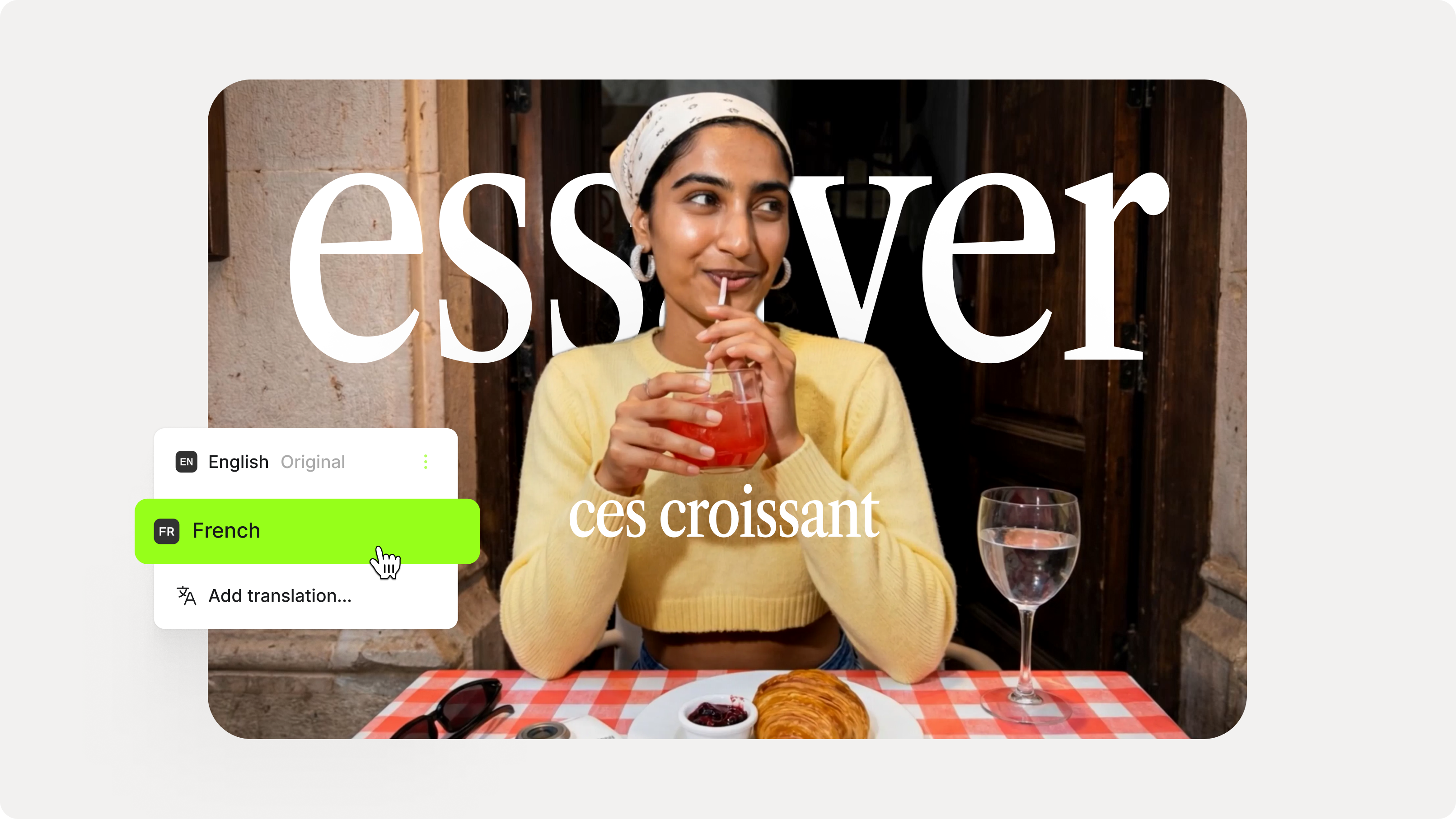
How to Add Translation Subtitles to a Video (Step-by-Step Guide)
A step-by-step guide to adding translation subtitles to any video using VEED. Covers auto-subtitle generation, AI translation into 125+ languages, customization, and export.

8+ Best AI Voice Generators to Try in 2026
Searching for the best AI voice generator? We tested the top ones so you don't have to. Check out our comprehensive reviews of the best AI voice generators in this listicle.
Trusted by 1M+ creators
When it comes to amazing videos, all you need is VEED
No credit card required
More than Japanese dubbing
Streamline your video localization with VEED. Beyond AI voice dubbing, you get essential tools like auto-subtitles in 125+ languages, as well as collaborative editing to review and refine translations with your team. Want to scale your voiceover production? With voice cloning, just record your voice once and generate voiceovers by typing your script — available in 29 languages. Make professional-quality videos that resonate with your audience. Create with VEED now!