


Trusted by 1M+ creators
Collaborative Video Editing
Collaborate with your team in real-time. Share feedback, edit videos together, and create a cohesive final product
No credit card required
4.6
2,100+ reviews














All-in-one video editor for remote collaboration
Sharing large video files, back-and-forth feedback, and tedious revisions — it can all be time-consuming and require different tools. Save time and do it all with VEED’s collaborative video editing software. Use our video templates, record voiceovers, add text overlays, and more. Then, add reviewers and collaborators to your project. This way, you can make sure your video is perfect before you export.
Scaling your content online? Our brand kit lets you upload brand assets like logos, fonts, and colors. Easily apply them across different videos for cohesive and professional-looking content. When you’re done, you can embed the video on your website or instantly share your content with a wider audience. From scripting to final export, VEED has you covered.
How to use our video collaboration software:
Step 01
Upload or create a video
Upload your video to VEED. Or start a new project from scratch. You can type a text prompt and instantly create a video with our AI video generator.
Step 02
Edit and collaborate
Edit your video using our wide range of tools like stock videos, text-to-speech, and subtitles. Add reviewers or collaborators to your workspace.
Step 03
Export and share
Export your video in the best available quality and share the VEED link with your team. You can also embed the video to your website by copying and pasting the embed code.
Learn More
Learn more about our video editing collaboration features:
Collaborate from start to finish
Our video collaboration tool allows multiple users to work on the same project. Edit videos in your browser, work from anywhere, and exchange real-time feedback. Compile videos from team members or have colleagues record voiceovers right within VEED. You can ensure everyone is on the same page and everything looks perfect before export.
AI-powered video collaboration
Create professional-quality collaborative videos, even without professional editing skills. Our AI-powered video editor cuts down production time from days to minutes. Specify a topic and instantly create videos with AI text to video. Convert text to speech. Or add auto subtitles with a click of a button. With VEED, you can scale your content effortlessly.
Share brand assets with your team
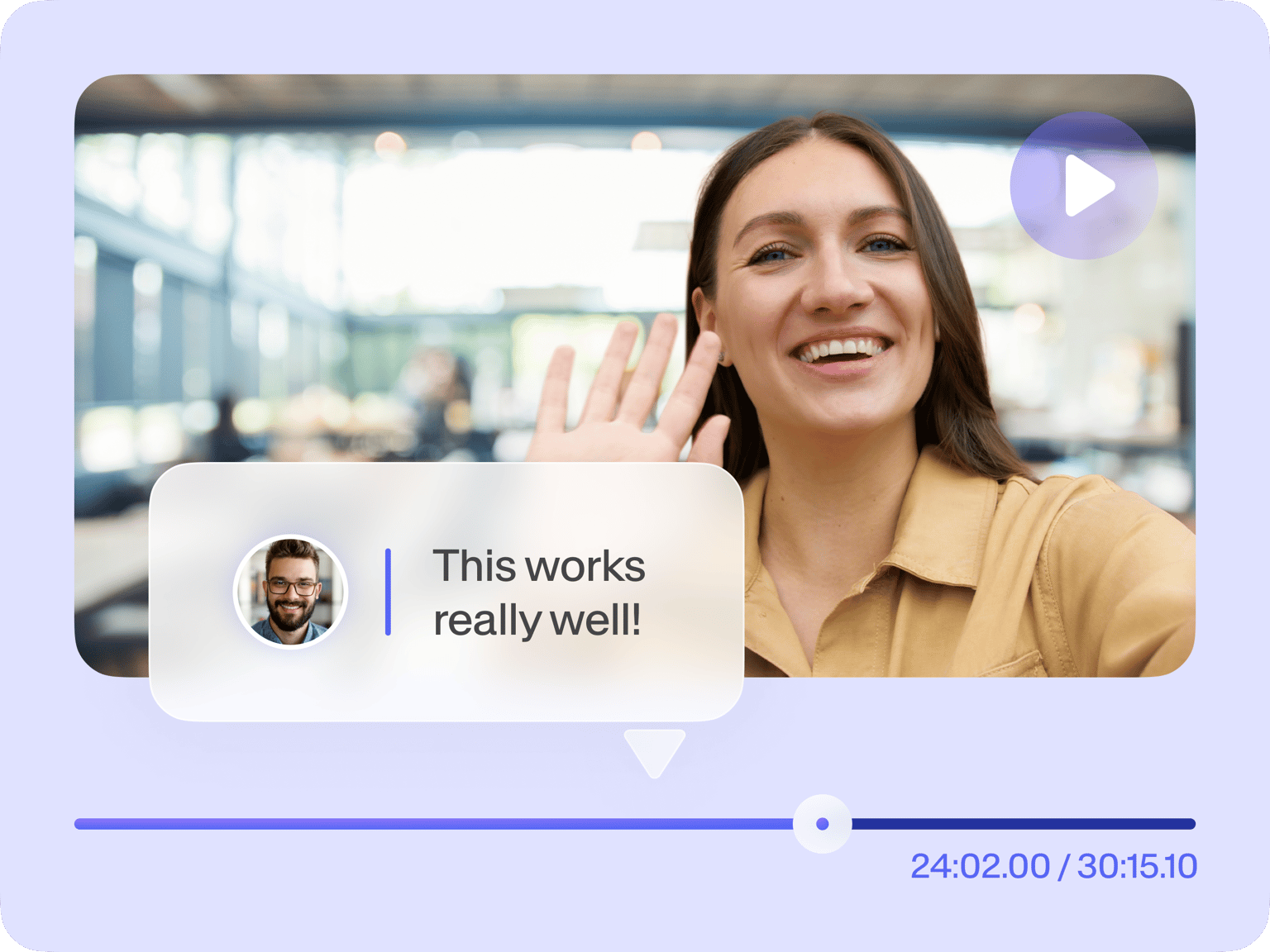
Our brand kit lets you upload logos, fonts, and color palettes, and then easily apply them to any project. Add reviewers and editors to your workspace. Then, you can get everyone’s input through timestamped comments, so you don’t miss any detail. Create cohesive, professional videos that perfectly represent your brand, every time.
FAQ
Yes, online video collaboration software lets you edit videos with your remote team. You can share feedback, assign actions, and refine your video together. VEED’s cloud-based platform streamlines your workflow. Open projects on any mobile device or browser; no need to distribute large video files.
Click ‘Share,’ enter an email address, and choose 'Reviewer' or 'Workspace Editor' from the dropdown menu. Reviewers can view and comment on projects, while editors can create and edit in your workspace.
Currently, teams can have up to 3 editors working on the same video. Enterprise accounts allow for more than 3 editors, as well as unlimited reviewers.
You can add arrows or text to highlight specific elements in your video. Or draw freehand on the canvas. This can help clarify feedback and make it easier for your collaborators to understand the necessary changes.
When sharing raw footage, compress videos to save storage space and enjoy faster uploads and downloads. Our video compressor lets you compress videos without compromising quality.
Host videos directly through VEED to streamline feedback. Share the video link to stakeholders so they can watch drafts in their browsers, without dealing with large file transfers or external hosting sites. We offer ad-free video hosting with a clean, professional viewing page that ensures uninterrupted watching.
Loved by creators.
Loved by the Fortune 500
“
With VEED I didn't need 15 tutorials - I jumped straight in and started editing.

Gwenne Wilcox
Founder,
Brand Brainery
“
You can go beyond choppping things. VEED actually makes my videos look great.

Michael Glover
Demand Gen Manager,
ConvertFlow
“
The first four videos i created with VEED got over 40,000 impressions on LinkedIn.

Travis Tyler
Senior Content Producer,
PandaDoc
“
I found VEED at the right time: if you're making UGC ads and not using Eye Contact Correction and Noise Reduction on VEED you're missing out on ROI.

Sebastian Schurgers
Head of Growth Marketing,
Gronda
“
With VEED I didn't need 15 tutorials - I jumped straight in and started editing.
Gwenne Wilcox
Founder,
Brand Brainery
“
You can go beyond choppping things. VEED actually makes my videos look great.
Michael Glover
Demand Gen Manager,
ConvertFlow
“
The first four videos i created with VEED got over 40,000 impressions on LinkedIn.
Travis Tyler
Senior Content Producer,
PandaDoc
“
I found VEED at the right time: if you're making UGC ads and not using Eye Contact Correction and Noise Reduction on VEED you're missing out on ROI.
Sebastian Schurgers
Head of Growth Marketing,
Gronda
“
The first four videos i created with VEED got over 40,000 impressions on LinkedIn.
Travis Tyler
Senior Content Producer,
PandaDoc
“
I found VEED at the right time: if you're making UGC ads and not using Eye Contact Correction and Noise Reduction on VEED you're missing out on ROI.
Sebastian Schurgers
Head of Growth Marketing,
Gronda
“
With VEED I didn't need 15 tutorials - I jumped straight in and started editing.
Gwenne Wilcox
Founder,
Brand Brainery
“
You can go beyond choppping things. VEED actually makes my videos look great.
Michael Glover
Demand Gen Manager,
ConvertFlow
Explore related tools
More from VEED

6 Easy Ways to Compress Video Files (Without Losing Quality)
Figuring out how to compress a video file without losing quality doesn’t have to be a long and drawn-out process. Try these simple methods now!

11 Easy Ways to Add Music to Video [Step-By-Step Guide] in 2026
Not sure where to find music for video whether free or paid? Want to learn how to find it, pick the right song, and then add it to your video content? Then dig in!

13 Effective How-To Videos (and Why They Work)
If you’re looking for inspiration to create your next how-to video, you’re in the right place. We’ve collected 12 effective how-to videos and analyzed them to see why they work.
Trusted by 1M+ creators
When it comes to amazing videos, all you need is VEED
No credit card required
AI-powered video editing, seamless collaboration
VEED combines video collaboration tools with powerful AI software. Make professional videos with our fast, user-friendly features. Get instant voiceovers with text-to-speech. Extract shareable clips from long-form videos. And auto-generate subtitles to make your videos more engaging and accessible. You can do all these and more with VEED. Try it now for free, right from your browser.