


Trusted by 1M+ creators
Media Transcription
Convert audio and video recordings into text files
No credit card required

4.6
2,100+ reviews














Online media transcription app
Transcribing media such as podcasts, documentaries, or TV shows? VEED can do it in minutes. Upload your video or audio recording, and get 98.5% accurate transcriptions requiring only minimal edits. You can also auto-generate subtitles and translate your media to more than 125 languages.
Beyond media transcription, VEED lets you enhance your video with text, animations, and music. Plus, download your transcripts as TXT, VTT, or SRT files (available for paid subscriptions). Turn your transcripts into downloadable documents, articles, and social media posts. With VEED, you can turn any audio or video into polished content in just a few clicks.
How to transcribe media to text:
Step 01
Upload media
Upload your audio or video to VEED. You can drag and drop your file into the editor. Or start a new recording using our built-in recorder.
Step 02
Generate transcription
Specify the language being spoken and click ‘Auto-subtitle.’ This will generate subtitles but paid users can download transcript files.
Step 03
Edit & download
Click on the subtitles to refine any words or spellings. Then, click ‘Options’ > ‘Download’ to save the transcript as a TXT, VTT, or SRT file.
Learn More
‘Media transcription’ tutorial
Automated media transcription service
Accurate, fast, and affordable media transcription
VEED’s media transcription software is fast, accurate, and affordable. Simply record or upload your recording and auto-transcribe. You may need to edit a few lines of text but it’s only minimal, unlike other time-consuming methods. Then, you can easily add subtitles and video captions to your content – whether it’s a podcast, Youtube video, or webinar.
Record, edit, and share your media online
VEED offers a full suite of audio and video editing tools. Use our webcam recorder to record a video or audio—then easily transcribe them. Download a copy of your media transcripts in one click. VEED also works as a hosting platform. You can store your video and audio recordings and share them straight to video-sharing and social media platforms.
FAQ
A media transcript is a text file taken from audio or video recordings. It can be a piece of song, a show, documentary, lecture, or any other type of media.
It usually takes half the length of your recording - a 10-minute video will take less than five minutes to transcribe. VEED is designed for speed and accuracy, but the automatic generation of transcripts will depend on the length of your video or audio recording.
Our transcription tool is free to try, and you can export a video with subtitles. Regular transcription and downloadable files require a paid subscription. View our pricing page for more information.
VEED's AI transcription tool complements traditional media transcription services by providing rapid first drafts. Save time and money with automated transcription that’s ready in minutes, while maintaining flexibility to polish results. Monthly or yearly subscriptions offer predictable costs with usage limits that match your transcription needs.
Loved by creators.
Loved by the Fortune 500
“
With VEED I didn't need 15 tutorials - I jumped straight in and started editing.

Gwenne Wilcox
Founder,
Brand Brainery
“
You can go beyond choppping things. VEED actually makes my videos look great.

Michael Glover
Demand Gen Manager,
ConvertFlow
“
The first four videos i created with VEED got over 40,000 impressions on LinkedIn.

Travis Tyler
Senior Content Producer,
PandaDoc
“
I found VEED at the right time: if you're making UGC ads and not using Eye Contact Correction and Noise Reduction on VEED you're missing out on ROI.

Sebastian Schurgers
Head of Growth Marketing,
Gronda
“
With VEED I didn't need 15 tutorials - I jumped straight in and started editing.
Gwenne Wilcox
Founder,
Brand Brainery
“
You can go beyond choppping things. VEED actually makes my videos look great.
Michael Glover
Demand Gen Manager,
ConvertFlow
“
The first four videos i created with VEED got over 40,000 impressions on LinkedIn.
Travis Tyler
Senior Content Producer,
PandaDoc
“
I found VEED at the right time: if you're making UGC ads and not using Eye Contact Correction and Noise Reduction on VEED you're missing out on ROI.
Sebastian Schurgers
Head of Growth Marketing,
Gronda
“
The first four videos i created with VEED got over 40,000 impressions on LinkedIn.
Travis Tyler
Senior Content Producer,
PandaDoc
“
I found VEED at the right time: if you're making UGC ads and not using Eye Contact Correction and Noise Reduction on VEED you're missing out on ROI.
Sebastian Schurgers
Head of Growth Marketing,
Gronda
“
With VEED I didn't need 15 tutorials - I jumped straight in and started editing.
Gwenne Wilcox
Founder,
Brand Brainery
“
You can go beyond choppping things. VEED actually makes my videos look great.
Michael Glover
Demand Gen Manager,
ConvertFlow
Discover more
- Arabic Transcript
- Audio to Text Indonesia
- Automatic Transcription Software
- Business Transcription
- Fast Transcription
- French Transcription
- German Transcription
- Google Meet Transcription
- GoToMeeting Transcription
- Japanese Transcription
- Korean Transcription
- Legal Transcription
- Medical Transcription Software
- Meeting Transcript
- Multilingual Transcription Services
- Podcast Transcripts
- Sermon Transcription
- Skype Transcription
- Spanish Transcription
- Speech to Text Croatian
- Speech to Text Greek
- Speech to Text Hebrew
- Speech to Text Norwegian
- Speech to Text Polish
- Speech to Text Romanian
- TikTok Transcript
- Transcribe Instagram Video
- Transcription in Swahili
- Transcription Services
- Transcription Tagalog
- Translate to Cantonese Audio
- Ukrainian Transcript
- University Transcription
Explore related tools
More from VEED

How to Download SRT Subtitle Files Online (Quick and Easy)
Want to bump up your engagement, improve video SEO, and make your content more inclusive? Here's how to download and upload SRT files for your next video!
12 Best Subtitle Fonts for Video Editing (Free and Paid Options)
Want videos that are more engaging because they're easier to follow along? Here's 12 of the best free and paid subtitle fonts for better video content.
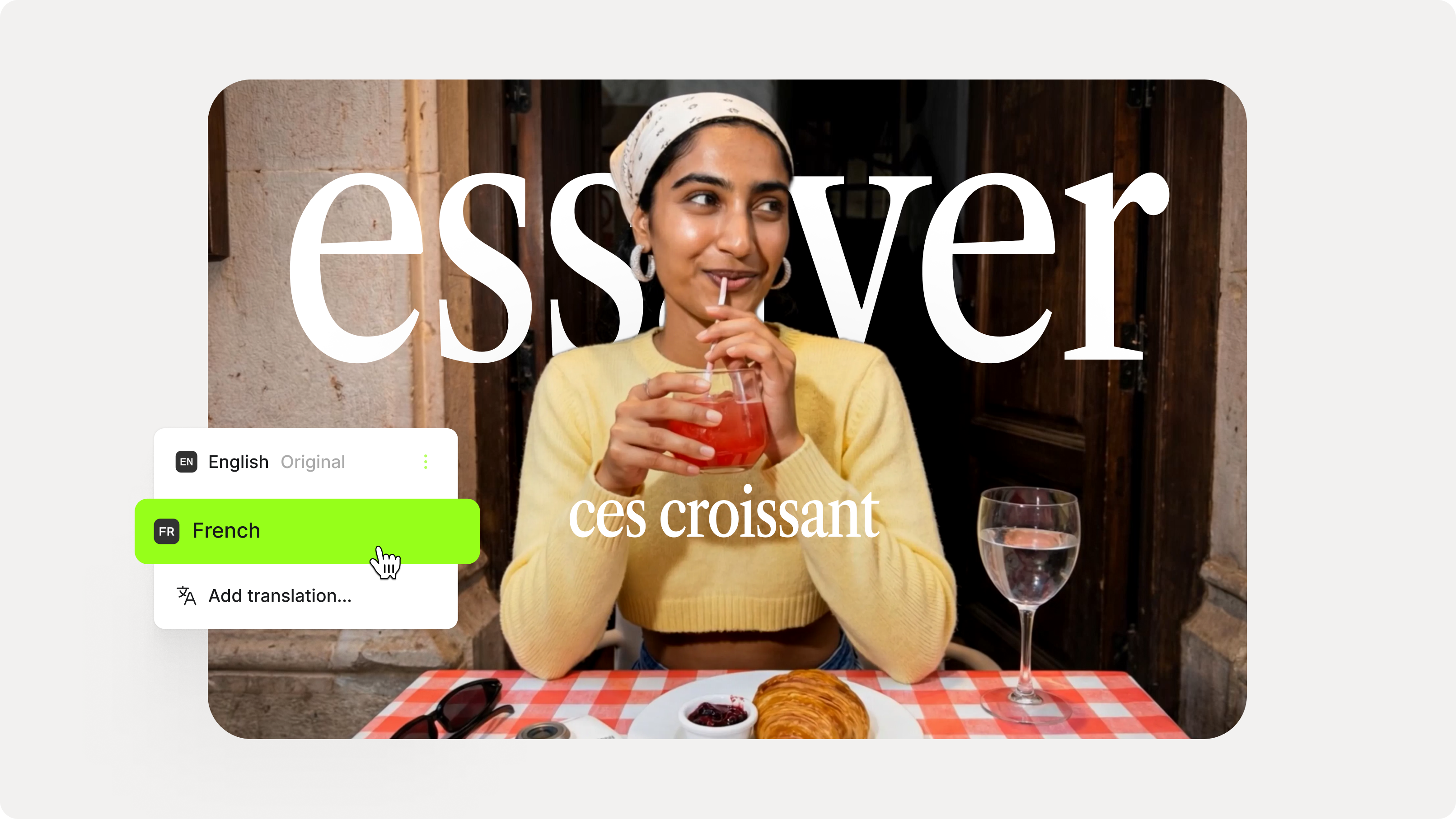
How to Add Translation Subtitles to a Video (Step-by-Step Guide)
A step-by-step guide to adding translation subtitles to any video using VEED. Covers auto-subtitle generation, AI translation into 125+ languages, customization, and export.
Trusted by 1M+ creators
When it comes to amazing videos, all you need is VEED
No credit card required
More than a media transcription software
Our media transcription tool is only one feature of our video editing software. There are so much more to discover! Our video editor lets you do so much more than just transcribe your audio and video files. It’s perfect for creating stunning, high-quality videos in just a few clicks. You can do audio recording, video recording, and even record videos with slides to create presentations. Try VEED and start creating professional videos today!