


Trusted by 1M+ creators
PDF to Video
Turn a PDF into a dynamic video in minutes
No credit card required

4.6
2,100+ reviews














Create an engaging video by uploading your document
Let's face it, most people don’t like reading long, text-heavy PDF docs. What if you could turn a PDF into an engaging video – minus the hours of scripting, recording, and editing? Our AI does just that, turning your technical document into a dynamic video in minutes.
Upload your PDF, customize it with an AI presenter and your branding, and then fine-tune the generated script. Create your video, and you’re done! Or use our free screen recorder to present the material yourself. Either way, VEED helps you make professional-quality videos in just a few clicks.
How to convert a PDF to video with AI:
Step 01
Upload PDF
Upload your PDF doc, and our AI will generate the script. Choose the language, length, and focus of your content. Then, pick a template.
Step 02
Customize
Select a realistic AI presenter or voice to speak in your video. Upload your logo and choose the background and accent colors.
Step 03
Generate video
Edit the script as needed, fine-tuning the content or phrasing. Then, create your video. You can add finishing touches using our video editor.
Learn More
Learn more ways to make videos from PDF with VEED:
Convert technical PDF docs into videos
Upload your file, choose a video template, and customize. Our PDF-to-video converter generates a script from your document; no need to worry about scriptwriting from scratch! Camera anxiety? An AI presenter or voiceover has you covered. Generate the video and refine it on our editor. Trim clips, insert stock footage, add music, and more.
Translate in one click, share with ease
Sharing a demo or training video with your international team? Auto-translate subtitles to over 100 languages. All it takes is one click. Easily switch to different languages within one video project. Once you’re done editing, export the video as MP4 or share it directly from VEED. Copy the link, email it, or embed it on your website.
Make professional-quality videos in minutes
Already comfortable on camera? Our online recorder and editor give you full control. Use our teleprompter to ensure a smooth delivery. And achieve studio-quality audio with our AI voice cleaner. Let your expertise shine, even if you’re not a video editing expert. With VEED, anyone can make a polished video in just a few clicks.
FAQ
Yes, VEED converts PDF to video in minutes. Upload your file, customize the style, and auto-generate a script. You can edit the script and add your logo before generating the video.
Use VEED’s PDF to MP4 converter. Just upload your file and our AI will generate a script and video for you. Load our video editor to add the finishing touches. Then, click ‘Done’ and download the video as MP4
The basic conversion takes minutes. But you can opt to spend more time editing the video using our editor. Add text, stock footage, music, and more.
Some technical terms or unique business names may not be in an AI text-to-speech system’s vocabulary, leading to incorrect pronunciations. In such cases, try spelling a word phonetically in the auto-generated script to guide the AI. You can edit the subtitles separately to perfect the spelling.
Yes. VEED lets you convert PDFs into videos and vice versa. Upload the YouTube video, generate auto-subtitles, and download the transcript as a text file (available on paid plans). Then copy-paste the text into a document to save it as a PDF. Create study materials, preserve information from videos, or archive content for offline reference.
- Record your Minecraft parkour video with our online screen recorder.
- Upload your PDF and generate a video.
- Add your gameplay footage as a background, along with hypnotic text animations. VEED stands out with its perfect blend of AI efficiency and creative control — offering stock graphics and team collaboration features that make brain rot content creation fast and flexible.
Loved by creators.
Loved by the Fortune 500
“
With VEED I didn't need 15 tutorials - I jumped straight in and started editing.

Gwenne Wilcox
Founder,
Brand Brainery
“
You can go beyond choppping things. VEED actually makes my videos look great.

Michael Glover
Demand Gen Manager,
ConvertFlow
“
The first four videos i created with VEED got over 40,000 impressions on LinkedIn.

Travis Tyler
Senior Content Producer,
PandaDoc
“
I found VEED at the right time: if you're making UGC ads and not using Eye Contact Correction and Noise Reduction on VEED you're missing out on ROI.

Sebastian Schurgers
Head of Growth Marketing,
Gronda
“
With VEED I didn't need 15 tutorials - I jumped straight in and started editing.
Gwenne Wilcox
Founder,
Brand Brainery
“
You can go beyond choppping things. VEED actually makes my videos look great.
Michael Glover
Demand Gen Manager,
ConvertFlow
“
The first four videos i created with VEED got over 40,000 impressions on LinkedIn.
Travis Tyler
Senior Content Producer,
PandaDoc
“
I found VEED at the right time: if you're making UGC ads and not using Eye Contact Correction and Noise Reduction on VEED you're missing out on ROI.
Sebastian Schurgers
Head of Growth Marketing,
Gronda
“
The first four videos i created with VEED got over 40,000 impressions on LinkedIn.
Travis Tyler
Senior Content Producer,
PandaDoc
“
I found VEED at the right time: if you're making UGC ads and not using Eye Contact Correction and Noise Reduction on VEED you're missing out on ROI.
Sebastian Schurgers
Head of Growth Marketing,
Gronda
“
With VEED I didn't need 15 tutorials - I jumped straight in and started editing.
Gwenne Wilcox
Founder,
Brand Brainery
“
You can go beyond choppping things. VEED actually makes my videos look great.
Michael Glover
Demand Gen Manager,
ConvertFlow
Discover more
Explore related tools
More from VEED

13 Effective How-To Videos (and Why They Work)
If you’re looking for inspiration to create your next how-to video, you’re in the right place. We’ve collected 12 effective how-to videos and analyzed them to see why they work.
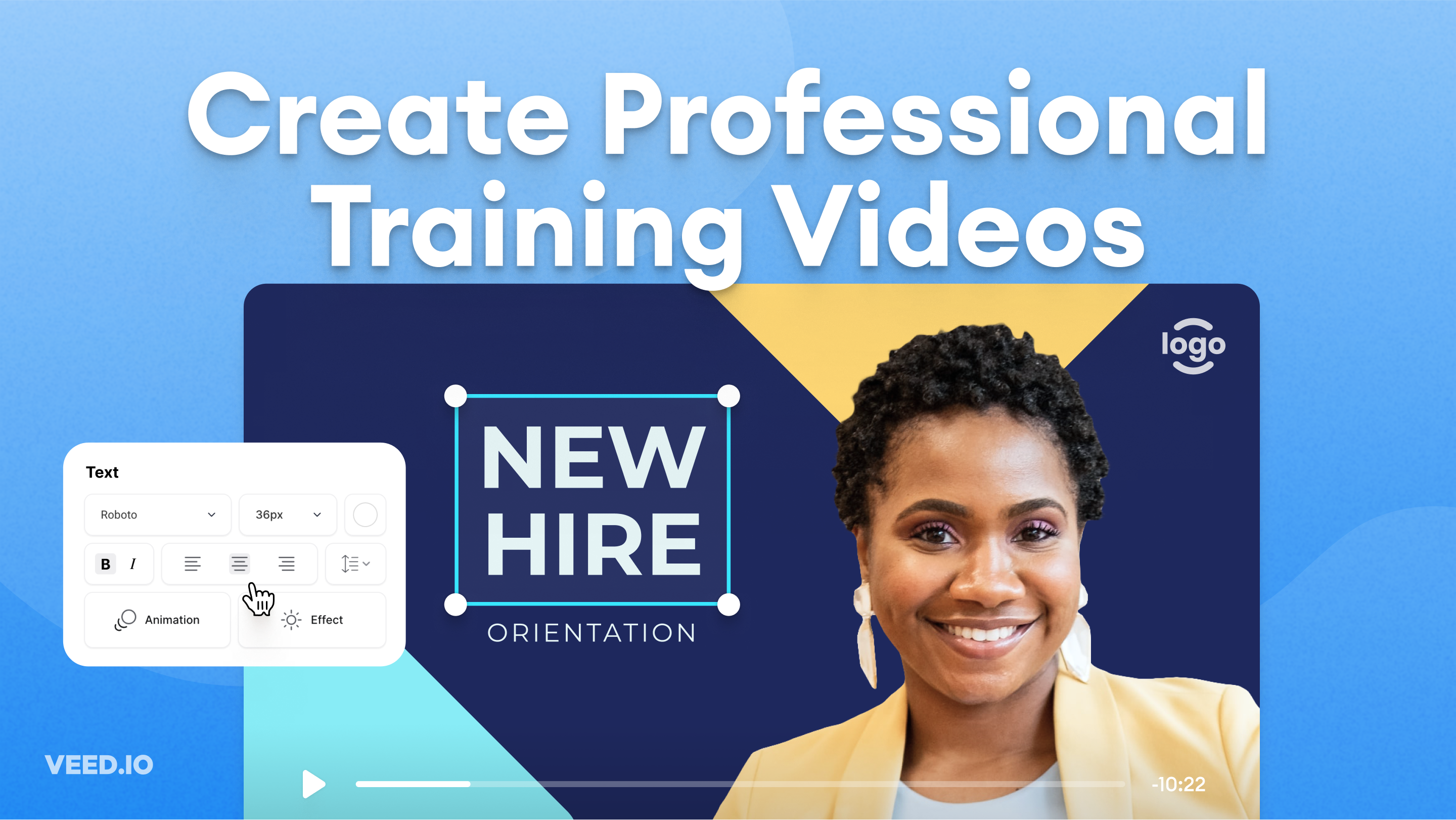
How to Easily Create Training Videos (With Examples)
How to create training videos to support your business with VEED's easy-to-use video recording, editing, and collaboration tool.

How to Translate Subtitles in 2026: The Complete Guide
This article explains how to translate subtitles online using AI, covering SRT files, foreign films, Japanese and Arabic translations, Netflix workarounds, and videos without any existing subtitles.
Trusted by 1M+ creators
When it comes to amazing videos, all you need is VEED
No credit card required
More than a PDF to video converter
VEED lets you create many other types of videos, such as social media ads and YouTube shorts. Plus, we have more AI tools to help you make engaging content in minutes. Repurpose long training videos into bite-sized clips – perfect for e-learning or shareable reels. Or magically remove your ‘ums’ and awkward pauses in one click with Magic Cut. Making professional-quality videos is easier than ever. Try VEED now.