


Trusted by 1M+ creators
AI Image Extender
Expand images with AI outpainting. Extend backgrounds, uncrop photos, and resize for any platform without losing quality
No credit card required
4.6
2,100+ reviews














Expand images with AI
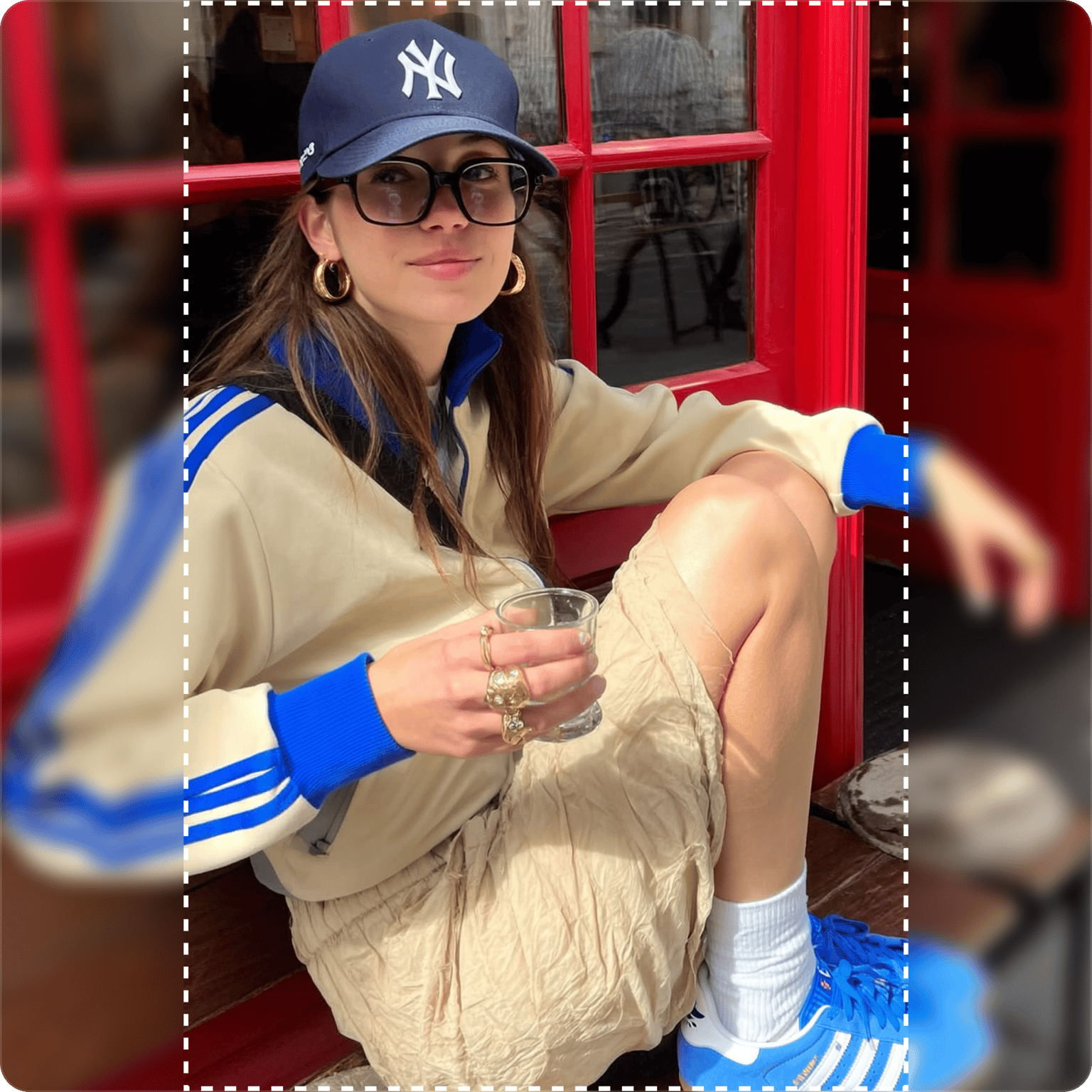
VEED's AI image extender expands your photos beyond their original borders. Upload an image, choose your target aspect ratio, and let AI generate the missing background. No stretching or distortion. The AI creates new pixels that match your scene seamlessly. Uncrop awkward framing, extend backgrounds for text overlays, or resize for different platforms. Works like generative expand in traditional photo editors, but fully browser-based. No software install required. Try our AI photo extender now.
How to extend an image with AI:
Step 01
Upload your image
Upload the photo you want to expand. For best results with low-resolution images, upscale your image first to preserve detail.
Step 02
Choose your target size
Select a platform preset (YouTube, TikTok, Instagram, LinkedIn) or a general preset, such as tall portrait, square, or wide landscape. The AI analyzes your image and generates content to fill the expanded canvas.
Step 03
Download your extended image
Preview the result and download. The AI seamlessly blends a new background with your original image. No visible seams or awkward edges.
Learn More
Also check out AI background expand for video:
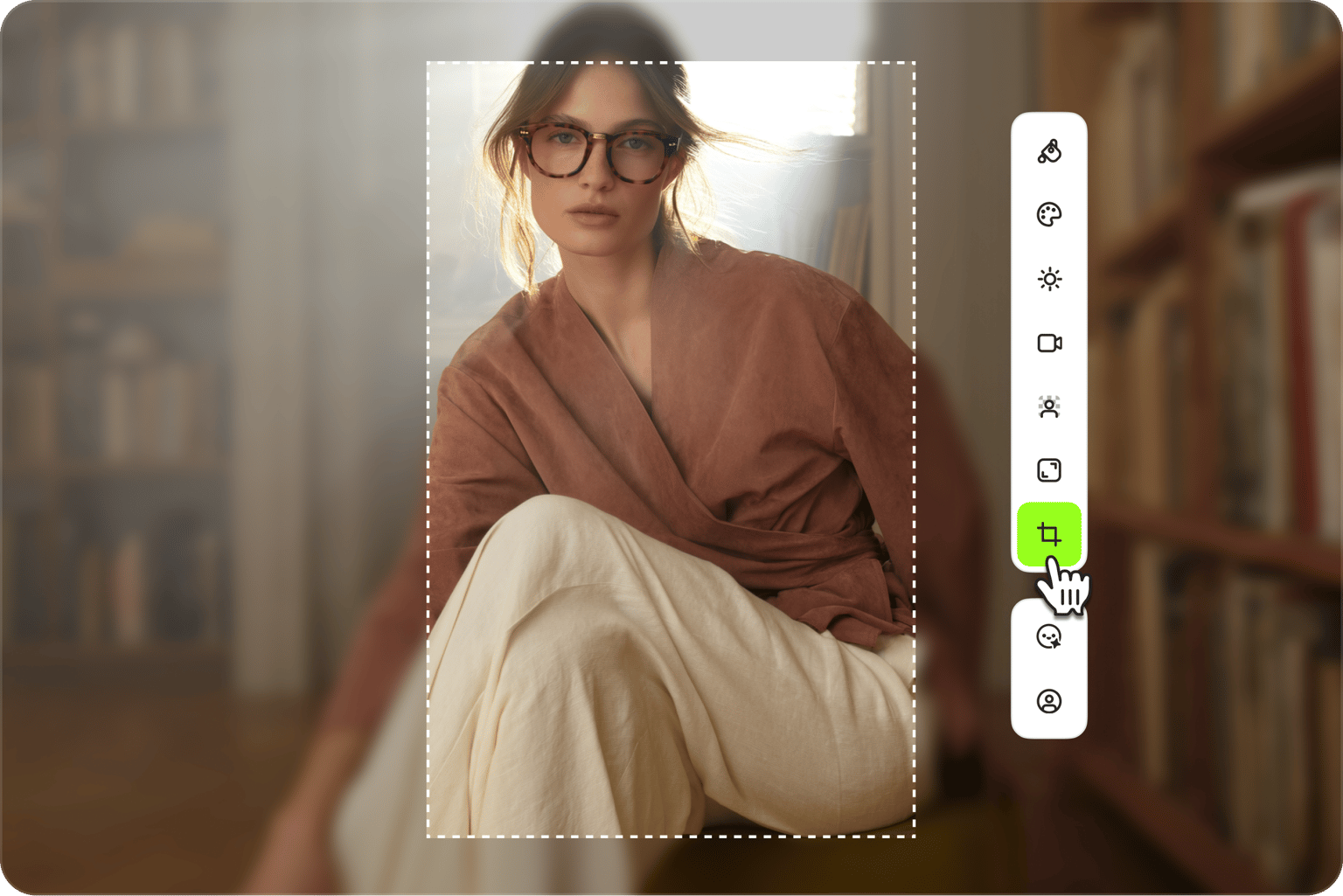
Image extender with AI outpainting
More than a basic photo extender. VEED uses AI outpainting to generate what's beyond your frame. The AI analyzes your scene and creates matching backgrounds and details. Uncrop photos that were framed too tightly. Expand product images to add promotional text. Zoom out on portraits to show more environment. No manual editing or cloning needed.
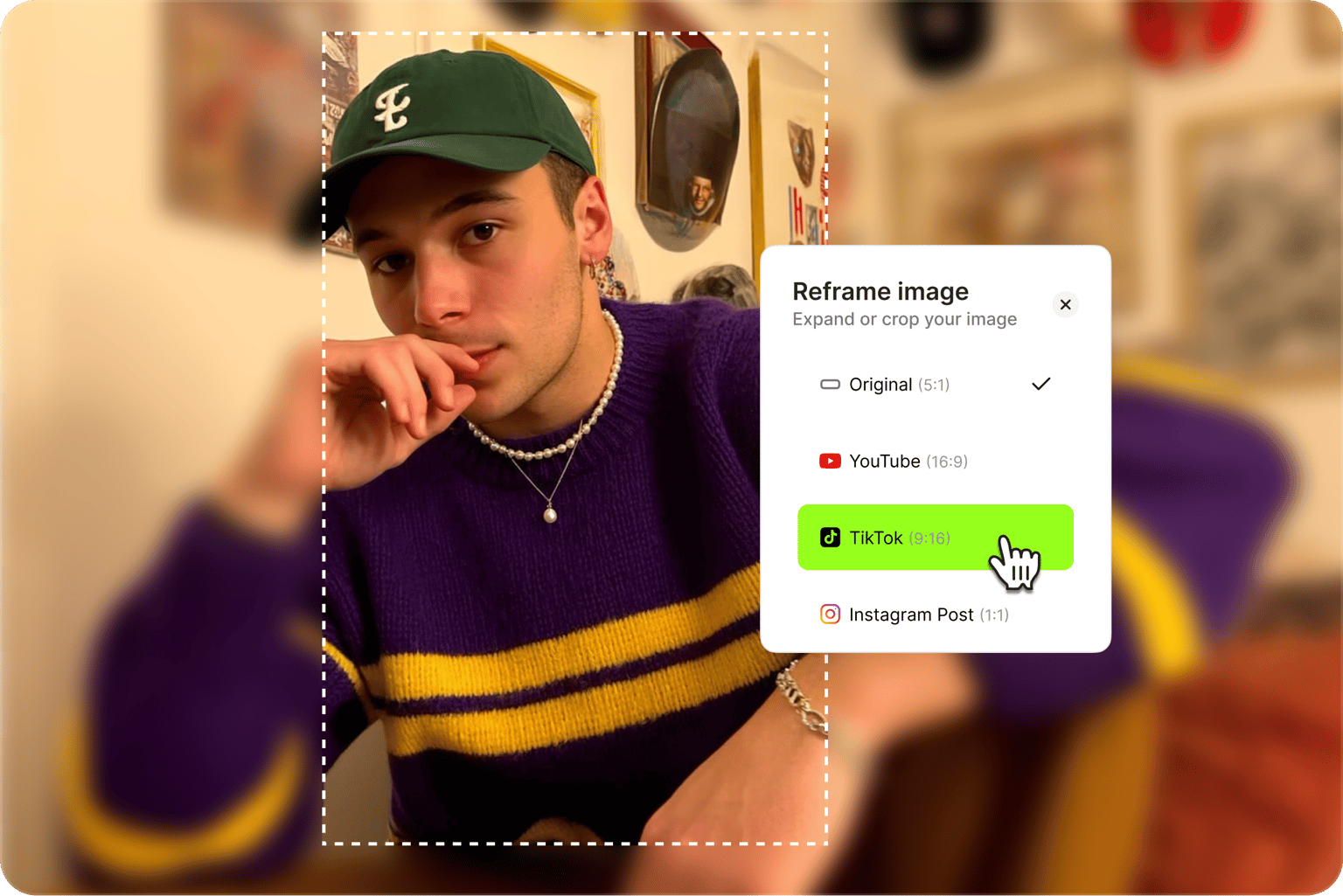
AI photo extender for any aspect ratio
Resize images for any platform without losing your subject to cropping. Select platform presets for YouTube thumbnails (16:9), TikTok and Reels (9:16), Instagram posts (1:1), or LinkedIn (9:16). Or use general presets like tall portrait for vertical content, square for balanced framing, and wide landscape for cinematic shots. The AI expands your background to fit while keeping your subject intact.
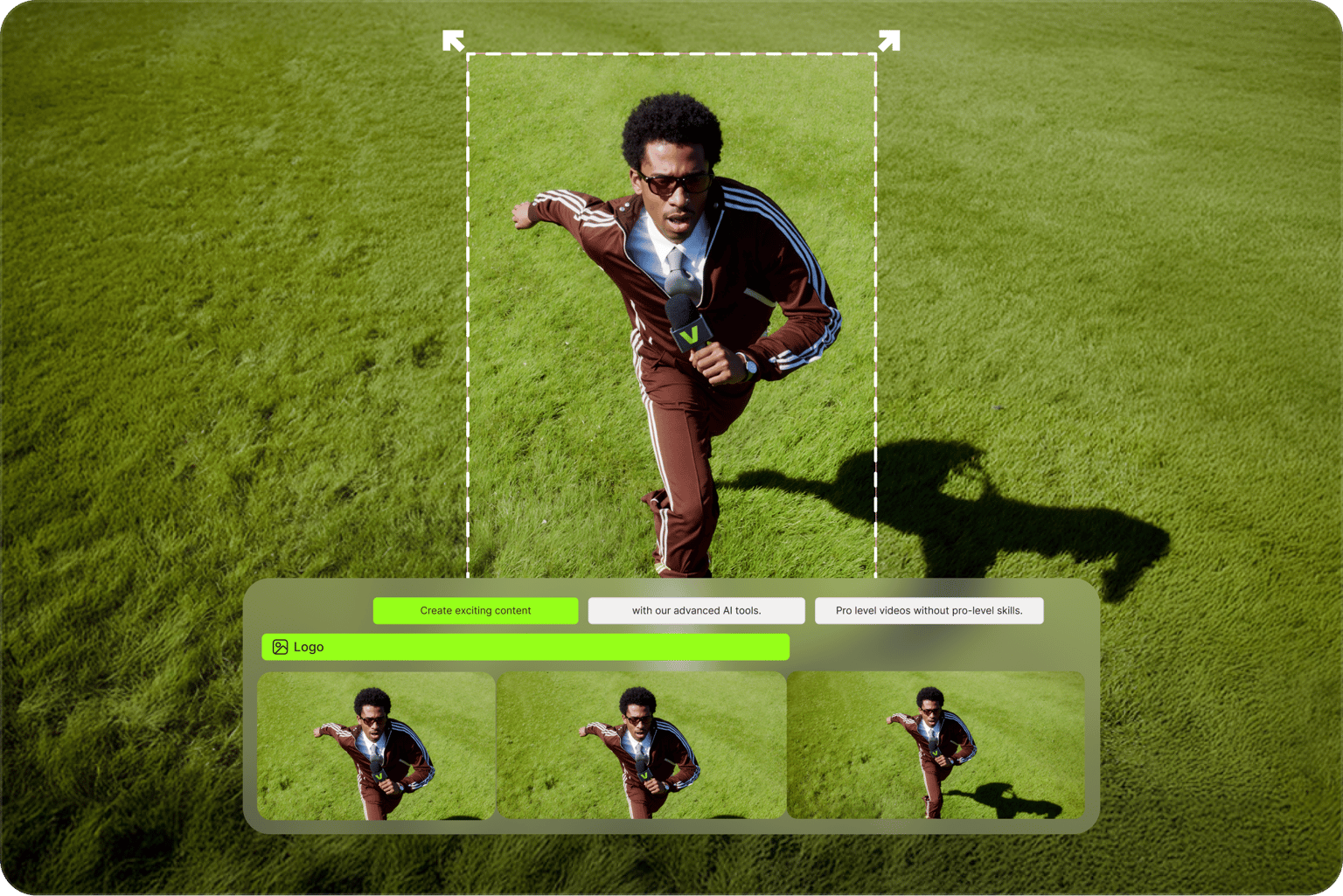
Extend video backgrounds too
Need to expand video footage? VEED also offers AI background expand for video. Same outpainting technology but for moving footage. Extend video backgrounds up to 1 minute in length. Remove awkward black bars and repurpose vertical videos for landscape formats. You can also remove video backgrounds entirely and replace them with solid colors, images, or custom scenes.
FAQ
AI outpainting generates new image content beyond the original borders. Unlike stretching or mirroring, outpainting AI creates entirely new pixels that match your scene. Also called generative expand or image expansion. VEED's AI image extender uses outpainting to seamlessly extend backgrounds and uncrop photos.
Upload your image to VEED's AI image extender. Select your target aspect ratio from our presets. The AI analyzes your image and generates matching content to fill the expanded canvas. Download your extended image with seamless blending between original and generated areas.
You don't need a prompt for basic expansion — just select a preset, and the AI fills in the background automatically. But prompts help when you want more control, like adjusting a plain background or adding specific elements:
- “Extend with a blurred outdoor background, soft natural lighting”
- “Add more sky above, keep the cityscape style”
- “Fill the sides with a clean studio backdrop"
-
Resizing: Scaling your entire image to new dimensions. Enlarging significantly can sometimes cause blur or pixelation since the process creates no new detail.
-
Generative expand (AI image extender): Keeps your original image at full quality and creates new content around it. Your subject stays sharp while AI fills the extended canvas.
-
Yes. VEED offers AI background expand for video, using the same outpainting technology on moving footage. Extend video backgrounds to fit different aspect ratios, remove black bars, and repurpose content across platforms.
VEED's AI image expander requires a subscription with AI credits. You get access to our image expansion feature, plus more AI image and video editing tools. Check our pricing page for current plans and details.
Loved by creators.
Loved by the Fortune 500
“
With VEED I didn't need 15 tutorials - I jumped straight in and started editing.

Gwenne Wilcox
Founder,
Brand Brainery
“
You can go beyond choppping things. VEED actually makes my videos look great.

Michael Glover
Demand Gen Manager,
ConvertFlow
“
The first four videos i created with VEED got over 40,000 impressions on LinkedIn.

Travis Tyler
Senior Content Producer,
PandaDoc
“
I found VEED at the right time: if you're making UGC ads and not using Eye Contact Correction and Noise Reduction on VEED you're missing out on ROI.

Sebastian Schurgers
Head of Growth Marketing,
Gronda
“
With VEED I didn't need 15 tutorials - I jumped straight in and started editing.
Gwenne Wilcox
Founder,
Brand Brainery
“
You can go beyond choppping things. VEED actually makes my videos look great.
Michael Glover
Demand Gen Manager,
ConvertFlow
“
The first four videos i created with VEED got over 40,000 impressions on LinkedIn.
Travis Tyler
Senior Content Producer,
PandaDoc
“
I found VEED at the right time: if you're making UGC ads and not using Eye Contact Correction and Noise Reduction on VEED you're missing out on ROI.
Sebastian Schurgers
Head of Growth Marketing,
Gronda
“
The first four videos i created with VEED got over 40,000 impressions on LinkedIn.
Travis Tyler
Senior Content Producer,
PandaDoc
“
I found VEED at the right time: if you're making UGC ads and not using Eye Contact Correction and Noise Reduction on VEED you're missing out on ROI.
Sebastian Schurgers
Head of Growth Marketing,
Gronda
“
With VEED I didn't need 15 tutorials - I jumped straight in and started editing.
Gwenne Wilcox
Founder,
Brand Brainery
“
You can go beyond choppping things. VEED actually makes my videos look great.
Michael Glover
Demand Gen Manager,
ConvertFlow
More from VEED
Best AI Image Generators: Top Tools for Creating Stunning Visuals in 2026
From text prompts to breathtaking visuals in mere seconds, AI image generators have revolutionized the way we create digital art. Whether you're building content for social, school, or just for fun, turning ideas into visuals has never been easier. This guide breaks down the best AI image generators of 2025. You'll see what each tool does well, where it struggles, and who it’s built for, so you can pick the right one for your goals and budget.

AI Art Prompts: How to Write Better Prompts, Creative Examples, and Tools to Try
Getting your AI art prompts is the key to winning with generative AI tools. Learn how to write better prompts here.

How to Cartoonize Your Photo with AI (Step-by-Step Guide)
Learn how to cartoonize your photo using AI, and how to use ChatGPT to craft the perfect visual prompt to bring your unique style to life.
Trusted by 1M+ creators
When it comes to amazing videos, all you need is VEED
No credit card required
More than an AI expander
VEED's AI video creation platform gives you tools beyond image expansion. Upscale low-resolution images, or generate images from scratch in any aspect ratio. Animate your images with image-to-video AI, or make any image talk with Fabric 1.0. You can also start from your video footage. Extend video backgrounds, or remove backgrounds entirely. Add text, captions, and your branding to videos. One place for all your AI image and video creation needs. Sign up for VEED now.