


Trusted by 1M+ creators
Enhance Audio
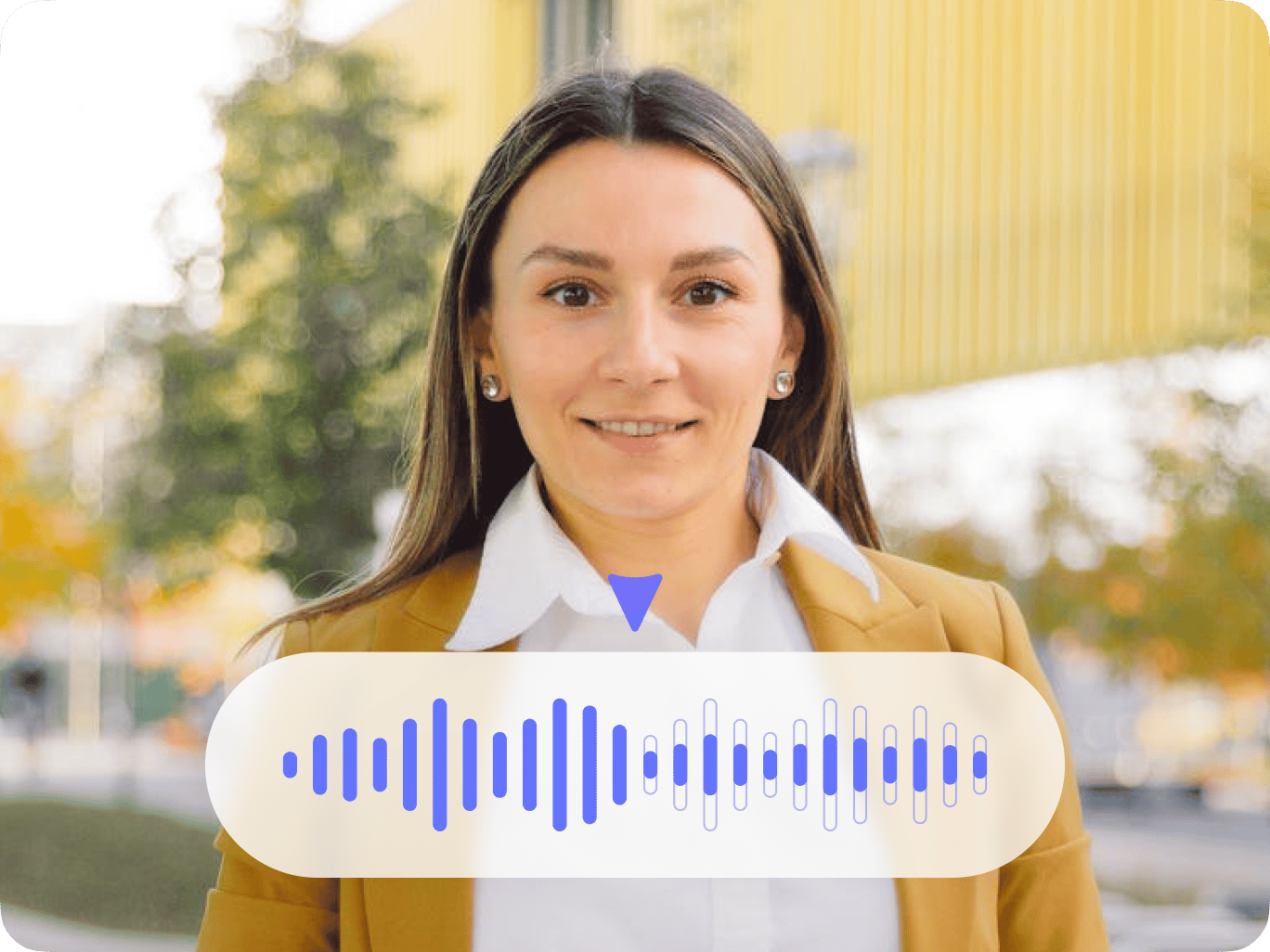
Use VEED’s AI voice enhancer to enhance your audio files. Achieve studio-sound quality with the AI sound improver
No credit card required
4.6
2,100+ reviews














Enhance audio in one click: AI sound improver
Enhance your recordings and remove background noise like wind, static, feedback, and rain from your audio with VEED’s AI. If your recording software and mic pick up background noises, our artificial intelligence tool is your most practical solution. The AI enhance audio tool also features speech enhancement and volume normalization.
You will also have access to intuitive audio editing tools. You can rearrange your audio recordings, add background music and sound effects, and convert text to voiceovers. Instantly generate narrations and spoken audio with realistic AI voices. Translate spoken audio into multiple languages with the voice dubber.
How to enhance audio using the AI voice enhancer:
Step 01
Upload, record, or start with a template
Upload your audio to VEED or start recording using our online audio recorder.
Step 02
Clean your audio
Click on your file on the timeline and click Clean Audio. Our AI will automatically remove background noise from your audio and video. It will also enhance speech and normalize the volume.
Step 03
Edit your video or audio and share!
Maximize VEED’s pro tools to make your video or audio sound professional. You can add background music, voiceovers, and more. Export your project as mp3 or mp4.
Learn More
Learn more about our AI voice enhancer and sound improver:
Enhance your audio and get studio-quality results
Use VEED to achieve crystal clear audio and improve the quality of your podcasts, song recordings, audiobook narrations, and more. Remove background noise from your audio recordings in one click. It will also normalize the volume of your recordings and enhance speech—be more audible to your listeners.
AI voice enhancer with audio editing tools
VEED’s voice enhancer features easy-to-use video and audio editing tools to help you create excellent quality content and speed up your post production. With our intuitive drag-and-drop interface, you can cut, split, rearrange your audio clips, and convert text to speech. Add background music, sound effects, instant voiceovers, narrations, and more.
AI and Dolby-powered tools to enhance your audio quality
VEED works with Dolby to bring you the highest-quality audio enhancement in the industry. It works to improve the sound quality produced in home audio systems that don’t always provide studio-quality sound. VEED is the most practical alternative to apps like Adobe Audition or Premiere Pro that have a higher learning curve.
FAQ
Upload your audio file to VEED. Click on your audio clip and click “Clean Audio”. This will automatically clean the background noise from your audio file.
VEED allows for audio editing on the go. Just access VEED’s video editor on your mobile browser. VEED works great on all mobile browsers, including Chrome, Firefox, and Safari.
VEED’s noise removal tool works smoothly with voice recordings, dialogues and interviews. Upload your file on VEED, and use the background noise remover as stated in the instructions above.
VEED’s AI audio enhancer also features audio editing tools. Upload two audio files and place one over the other on the editing pane. Simply drag and drop to your desired timestamp. Adjust, cut, merge, and split as needed.
Loved by creators.
Loved by the Fortune 500
“
With VEED I didn't need 15 tutorials - I jumped straight in and started editing.

Gwenne Wilcox
Founder,
Brand Brainery
“
You can go beyond choppping things. VEED actually makes my videos look great.

Michael Glover
Demand Gen Manager,
ConvertFlow
“
The first four videos i created with VEED got over 40,000 impressions on LinkedIn.

Travis Tyler
Senior Content Producer,
PandaDoc
“
I found VEED at the right time: if you're making UGC ads and not using Eye Contact Correction and Noise Reduction on VEED you're missing out on ROI.

Sebastian Schurgers
Head of Growth Marketing,
Gronda
“
With VEED I didn't need 15 tutorials - I jumped straight in and started editing.
Gwenne Wilcox
Founder,
Brand Brainery
“
You can go beyond choppping things. VEED actually makes my videos look great.
Michael Glover
Demand Gen Manager,
ConvertFlow
“
The first four videos i created with VEED got over 40,000 impressions on LinkedIn.
Travis Tyler
Senior Content Producer,
PandaDoc
“
I found VEED at the right time: if you're making UGC ads and not using Eye Contact Correction and Noise Reduction on VEED you're missing out on ROI.
Sebastian Schurgers
Head of Growth Marketing,
Gronda
“
The first four videos i created with VEED got over 40,000 impressions on LinkedIn.
Travis Tyler
Senior Content Producer,
PandaDoc
“
I found VEED at the right time: if you're making UGC ads and not using Eye Contact Correction and Noise Reduction on VEED you're missing out on ROI.
Sebastian Schurgers
Head of Growth Marketing,
Gronda
“
With VEED I didn't need 15 tutorials - I jumped straight in and started editing.
Gwenne Wilcox
Founder,
Brand Brainery
“
You can go beyond choppping things. VEED actually makes my videos look great.
Michael Glover
Demand Gen Manager,
ConvertFlow
Discover more
Explore related tools
More from VEED

How to Clean Up Audio in a Video With This One-Click Trick
Remove distracting background noises in a single click using VEED. Learn how in this guide!

How to Hardcode Subtitles with VEED
A lot of social media platforms don't actually allow you to upload SRT files with your videos. This is where hard coded subtitles comes in.

How to Rotate a Video (6 Quick & Easy Ways)
How to easily rotate a video whether you're on your desktop, mobile, or on your web browser.
Trusted by 1M+ creators
When it comes to amazing videos, all you need is VEED
No credit card required
Enhance audio with AI, edit audio clips, and more
VEED lets you do so much more than just enhance your audio recordings with AI. Our professional video and audio editing suite gives you access to a full range of tools to help you create amazing audio and video experiences for your listeners. Plus, we are adding more and more AI tools to help streamline your content creation process. Use magic cut to let AI enhance your video footage, use an AI avatar to present your products and services in your video, and more. Explore VEED’s AI tools today and start telling stories through videos in just a few clicks.