


Trusted by 1M+ creators
Flip GIF
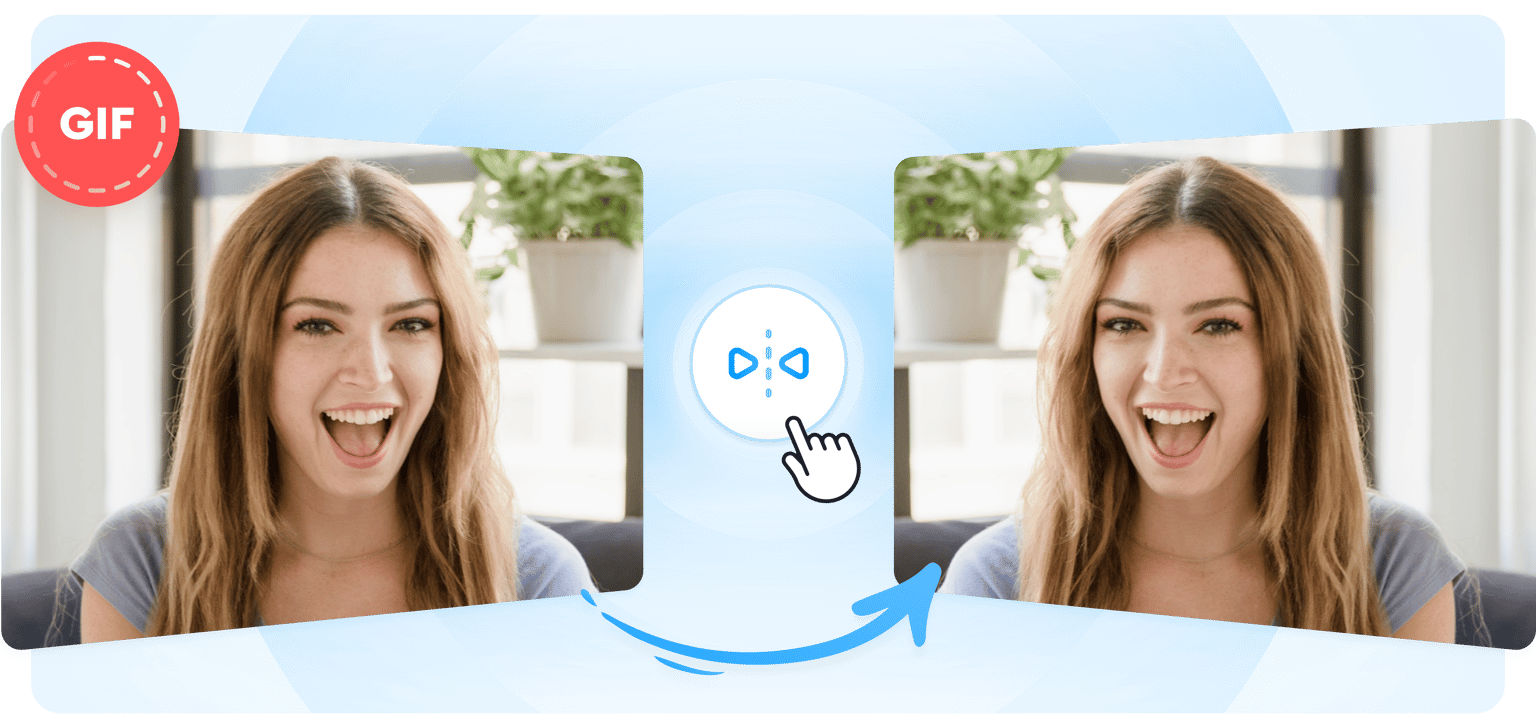
Flip your GIF horizontally or vertically instantly; create fresh marketing content for social media
No credit card required
4.6
2,100+ reviews














Flip and mirror your GIF for easy content repurposing
VEED lets you instantly flip your GIFs sideways or upside down—perfect for creating fresh content that you can use for your social media marketing campaigns. The tool also works on videos and images. Upload a background image for your GIF or any photo you want to add and flip it instantly using the image editor. Repurpose your content quickly for different platforms. Plus, our video editing software features all the pro GIF maker tools you need to create fun new GIFs. Create fresh content to promote your brand!
How to Flip a GIF:
Step 01
Upload, record, or start with a template
Upload your GIF or video to VEED or start recording using our webcam recorder. VEED lets you convert your videos into GIFs!
Step 02
Flip
Click on your GIF on the Timeline below. A menu will appear and you will see the Flip buttons—one to flip it left or right, and one to flip it up or down.
Step 03
Share on your pages!
Export your GIF in the quality you prefer and share it on your social media pages!
Learn More
‘Flip GIF’ Tutorial
Flip your GIF upside down or sideways instantly
If you’ve saved a GIF in the wrong orientation, you can use VEED’s video and image spinner for an instant fix. This saves you time from recreating your GIF image so you can focus on creating more content for your pages. Plus, VEED lets you export videos in animated GIF format! Create fresh new GIFs from your videos.
A GIF spinner and video editor in one!
If you also need to create video content for your pages and channels, you don’t need to look elsewhere! VEED gives you access to all the pro tools you need to make your videos look amazing. You can cut, crop, rotate and resize your videos to fit different social media platforms—optimize your videos for your social marketing campaigns.
Watermark your GIFs and promote your brand
Prevent theft and wrong attribution to your works. Use VEED’s Brand Kit to easily add your brand assets to your GIFs and videos. You can add your logo, watermark, brand fonts, and colors. Animate your logo to make it more noticeable! Our brand kit is available to our premium subscribers. Check our pricing page for more info.
FAQ
There is—and you can do it instantly on VEED! Upload your GIF to VEED and select your image on the Timeline. Click on one of the Flip buttons—sideways or upside-down. Export your GIF and share!
Yes, you can! Simply select the Flip Video button and flip your video horizontally or vertically.
VEED works smoothly on iPhone, Android, and all mobile devices. All you need is your mobile browser.
VEED works straight from your browser, whether on desktop or mobile. No need to install software!
Loved by creators.
Loved by the Fortune 500
“
With VEED I didn't need 15 tutorials - I jumped straight in and started editing.

Gwenne Wilcox
Founder,
Brand Brainery
“
You can go beyond choppping things. VEED actually makes my videos look great.

Michael Glover
Demand Gen Manager,
ConvertFlow
“
The first four videos i created with VEED got over 40,000 impressions on LinkedIn.

Travis Tyler
Senior Content Producer,
PandaDoc
“
I found VEED at the right time: if you're making UGC ads and not using Eye Contact Correction and Noise Reduction on VEED you're missing out on ROI.

Sebastian Schurgers
Head of Growth Marketing,
Gronda
“
With VEED I didn't need 15 tutorials - I jumped straight in and started editing.
Gwenne Wilcox
Founder,
Brand Brainery
“
You can go beyond choppping things. VEED actually makes my videos look great.
Michael Glover
Demand Gen Manager,
ConvertFlow
“
The first four videos i created with VEED got over 40,000 impressions on LinkedIn.
Travis Tyler
Senior Content Producer,
PandaDoc
“
I found VEED at the right time: if you're making UGC ads and not using Eye Contact Correction and Noise Reduction on VEED you're missing out on ROI.
Sebastian Schurgers
Head of Growth Marketing,
Gronda
“
The first four videos i created with VEED got over 40,000 impressions on LinkedIn.
Travis Tyler
Senior Content Producer,
PandaDoc
“
I found VEED at the right time: if you're making UGC ads and not using Eye Contact Correction and Noise Reduction on VEED you're missing out on ROI.
Sebastian Schurgers
Head of Growth Marketing,
Gronda
“
With VEED I didn't need 15 tutorials - I jumped straight in and started editing.
Gwenne Wilcox
Founder,
Brand Brainery
“
You can go beyond choppping things. VEED actually makes my videos look great.
Michael Glover
Demand Gen Manager,
ConvertFlow
Discover more
Trusted by 1M+ creators
When it comes to amazing videos, all you need is VEED
No credit card required
More than a flip GIF tool
VEED lets you do so much more than just flip your animated GIFs, photos, and videos online. It gives you access to a full suite of video editing tools that you can use without installing any app! It is a complete video editor package for all types of content creators. You can even live stream your videos straight from VEED! Do it all in one place.