


Trusted by 1M+ creators
Automatic Clip Maker
Turn long videos into Shorts, Reels, and TikToks automatically. Try for free
No credit card required

4.6
2,100+ reviews














Automatic clip maker: Turn long videos into social-ready clips
No more scrubbing through hours of footage. Upload your video and VEED's automatic clip maker extracts the most engaging moments — trimmed, captioned, and sized for your chosen platform. Set your video goals, describe what to highlight, and choose your subtitle style. Our AI generates ready-to-share clips in minutes.
Want more control? Fine-tune any clip by editing the transcript directly. Extend or trim by highlighting text. Use Auto Edits to clean your audio and add music and B-roll footage. The automatic clip maker lets you repurpose podcasts, webinars, and other long videos for TikTok, Reels, YouTube Shorts, and Twitch.
How to create a clip from a video:
Step 01
Upload a video
Click on ‘Clips.’ Upload a video that’s longer than two minutes. Your video needs to have spoken audio for the Clips tool to work.
Step 02
Customize your clips
Choose your format and video goal: Viral Short, Highlights, or Insights. Pick a subtitle style, and set your clip length. You can also describe topics you want to extract.
Step 03
Download or fine-tune
Review your AI-generated clips and download the ones you want. Or trim a clip by editing the transcript. Highlight text to extend or cut sections.
Learn More
Watch this walkthrough of our automatic clip creator:
Make social-ready clips from long videos
No need to scrub through footage or make manual cuts. Upload your video and our AI clip maker identifies the most engaging moments, removes silences and filler words, and adds dynamic captions for your chosen platform. Export for Reels, YouTube Shorts, TikTok, and Twitch in minutes. Add auto-subtitles and translations to make your clips accessible.
Polish clips with transcript-based editing and auto edits
Want more control over the final output? Trim or extend clips by editing the transcript. No timeline scrubbing needed. Use AI Auto Edits to remove background noise, correct eye contact, and add B-roll footage. Open your clips in our editor to add text titles, music, and your logo. Generate and fine-tune your clips in one platform.
Turn ideas into post-ready clips in minutes
No footage and starting from scratch? Create AI videos from an idea or script. Our AI builds a complete talking video for you. Fine-tune the generated script with your unique insights. Have control over every frame. Customize subtitle styles and colors. VEED helps you scale your content production while staying on-brand.
FAQ
Upload your video and set your clip preferences: format, goal, subtitle style, and clip length. The automatic clip maker analyzes your content and extracts engaging moments. Your clips will be ready to share on social platforms in minutes.
- Upload your webinar recording to VEED’s automatic clip maker.
- Set your clip length and format, and our AI generates ready-to-share clips in minutes.
- Use the transcript-based editor to fine-tune any clip by editing text. Highlight sentences to extend or trim sections.
From upload to export, you can be done in 5-10 minutes.
The tool requires videos with spoken dialogue to identify engaging moments. It works with podcasts, webinars, interviews, and any other video where people are speaking. Your video needs to be longer than two minutes. VEED works as a YouTube video clip maker too. Upload any long-form video and export clips as YouTube Shorts.
Yes. Choose a subtitle style during the customization step before generating clips. Paid users can save subtitle styles to a brand kit for consistent visuals across projects. You can also open any clip in the editor to add your logo and other brand assets.
Loved by creators.
Loved by the Fortune 500
“
With VEED I didn't need 15 tutorials - I jumped straight in and started editing.

Gwenne Wilcox
Founder,
Brand Brainery
“
You can go beyond choppping things. VEED actually makes my videos look great.

Michael Glover
Demand Gen Manager,
ConvertFlow
“
The first four videos i created with VEED got over 40,000 impressions on LinkedIn.

Travis Tyler
Senior Content Producer,
PandaDoc
“
I found VEED at the right time: if you're making UGC ads and not using Eye Contact Correction and Noise Reduction on VEED you're missing out on ROI.

Sebastian Schurgers
Head of Growth Marketing,
Gronda
“
With VEED I didn't need 15 tutorials - I jumped straight in and started editing.
Gwenne Wilcox
Founder,
Brand Brainery
“
You can go beyond choppping things. VEED actually makes my videos look great.
Michael Glover
Demand Gen Manager,
ConvertFlow
“
The first four videos i created with VEED got over 40,000 impressions on LinkedIn.
Travis Tyler
Senior Content Producer,
PandaDoc
“
I found VEED at the right time: if you're making UGC ads and not using Eye Contact Correction and Noise Reduction on VEED you're missing out on ROI.
Sebastian Schurgers
Head of Growth Marketing,
Gronda
“
The first four videos i created with VEED got over 40,000 impressions on LinkedIn.
Travis Tyler
Senior Content Producer,
PandaDoc
“
I found VEED at the right time: if you're making UGC ads and not using Eye Contact Correction and Noise Reduction on VEED you're missing out on ROI.
Sebastian Schurgers
Head of Growth Marketing,
Gronda
“
With VEED I didn't need 15 tutorials - I jumped straight in and started editing.
Gwenne Wilcox
Founder,
Brand Brainery
“
You can go beyond choppping things. VEED actually makes my videos look great.
Michael Glover
Demand Gen Manager,
ConvertFlow
Discover more
- AI Clip Generator
- AI Content Generator for YouTube
- AI Facebook Ad Generator
- AI Gaming Clip Maker
- AI Instagram Ad Generator
- AI Podcast Clip Generator
- AI Podcast Editing
- AI Podcast Generator
- AI Product Video Generator
- AI Shorts
- AI Video Clip Generator
- AI Video Clipper
- AI Video Marketing
- AI Viral Clip Maker
- Image Sequence to Video
- Jump Cut Video
- LinkedIn Ad Generator
- Long Video to Short Video AI
- Product Video Maker
- Short Form Video Editor
- TikTok Clip Maker
- Twitch Clip Maker
- Twitch Clipper
- Video Automation Software
- Video Clipping Services
- Video Editing Services
- YouTube Video Editing Services
Explore related tools
More from VEED
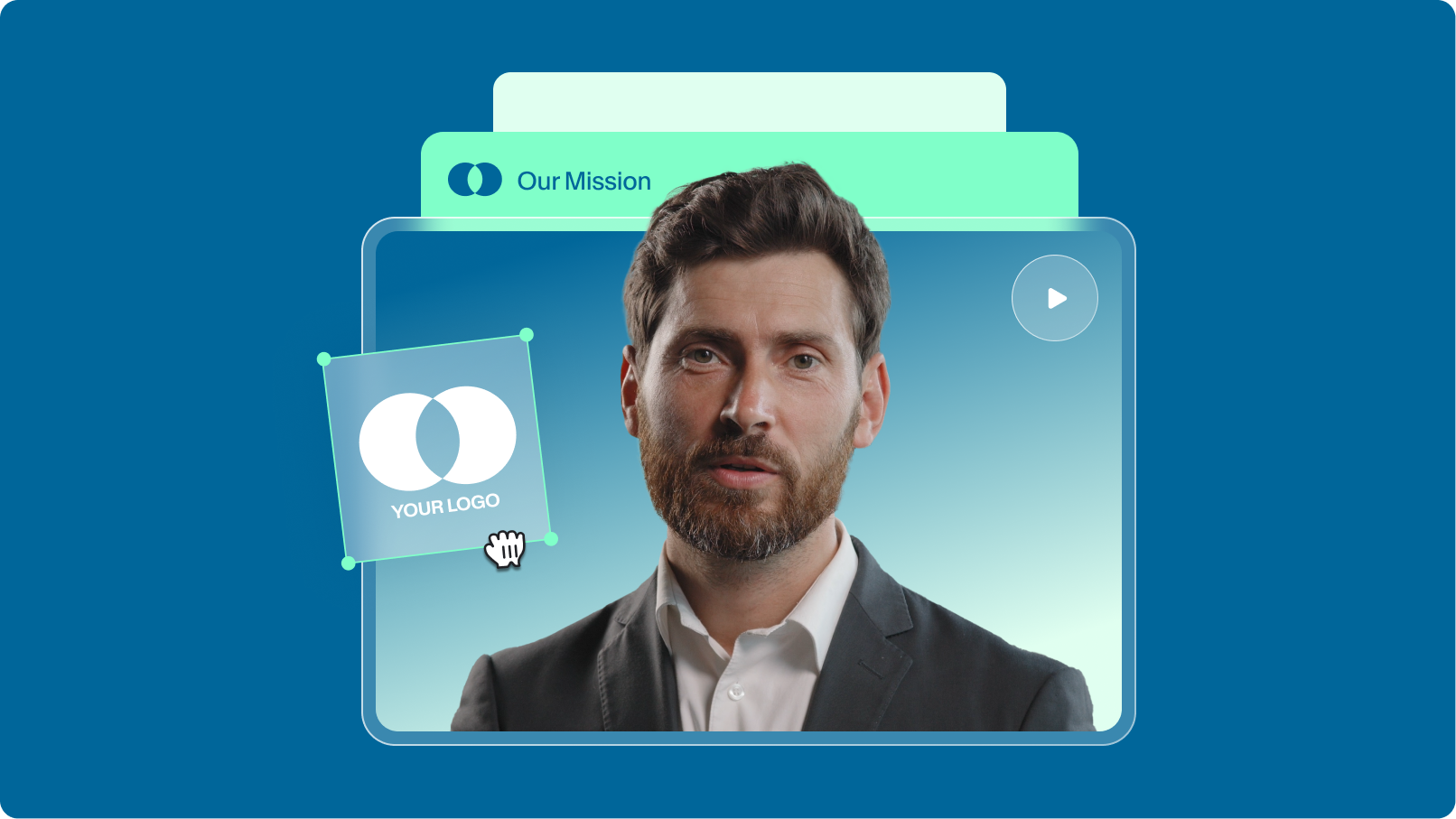
How to Scale Video Creation and Remain On-Brand
Empower your teams to efficiently create, edit, and repurpose more on-brand videos with VEED. Learn more here.
.png)
Remix Your Content: 5 Ways to Transform Your Videos with VEED
Ready to unlock new creative possibilities? Let's dive into 5 ways you can remix your content on VEED.
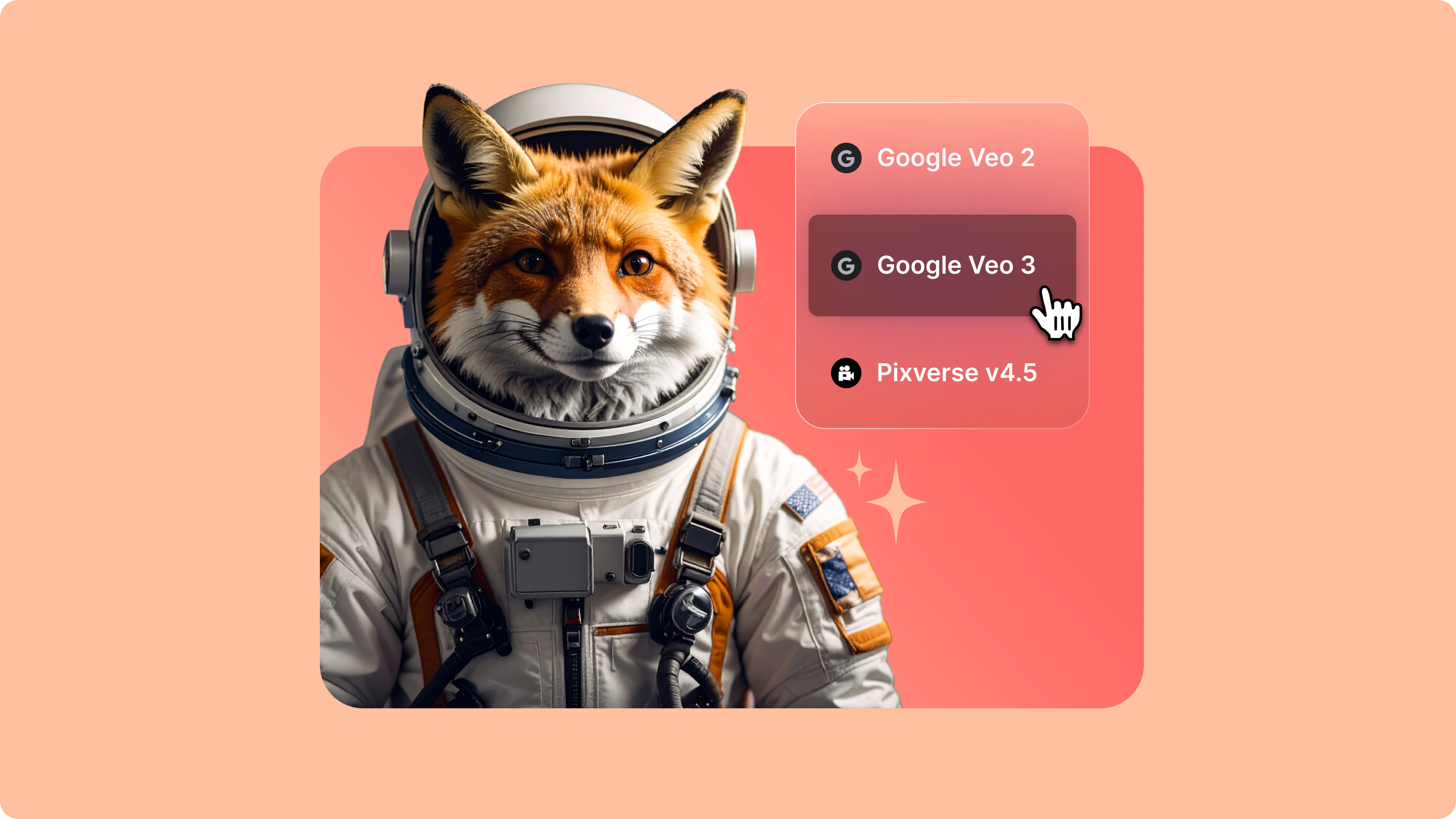
Introducing Your AI Video Playground
If you’ve spent any time on LinkedIn or your favourite creator forums lately, you’ve probably seen the buzz: Minimax, PixVerse, Google Veo, and a growing list of next-gen generative AI models that are redefining how video gets made. But with new models launching every week, it’s hard to know what’s worth your time—or how they actually fit into your workflow.
Trusted by 1M+ creators
When it comes to amazing videos, all you need is VEED
No credit card required
More than an automatic clip maker
VEED is an AI video creation platform where you can generate, refine, and export videos. Repurposing content? Turn long recordings into bite-sized clips for YouTube Shorts and Instagram Reels. Expand video backgrounds and resize videos for social platforms. Creating a video from scratch? Generate videos with the best AI models, or create talking avatars from scripts. Add text, captions, and your branding. VEED turns your ideas into post-ready videos in minutes.