


Trusted by 1M+ creators
AI Podcast Editing
Instant AI podcast editing software. Edit video podcasts into short episodes automatically
No credit card required
4.6
2,100+ reviews














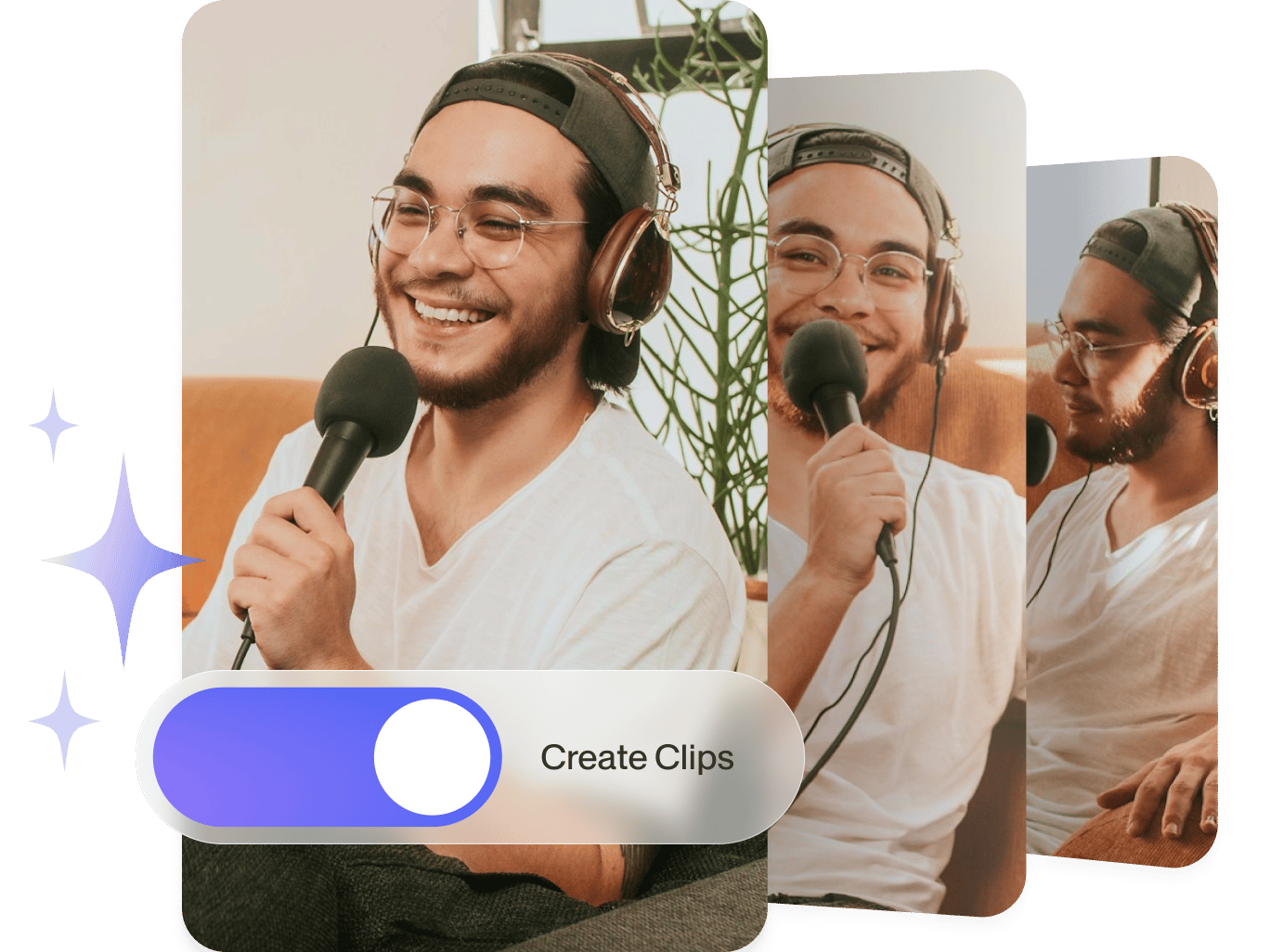
Auto podcast editor: Create clips from video podcasts
Feature your video podcasts’ best takes and share your podcast clips on multiple social media platforms using VEED’s artificial intelligence. Easily cut, trim, and select your highlights. Remove background noise and add instant voiceovers using your voice profile with the AI voice cloning tool.
You can even use generative AI for your content creation. Generate videos from text using text-to-video technology. And with AI Auto Edits, VEED can automatically enhance your podcast clips in one go. It places speakers in frame, adds subtitles, removes filler words, and cleans up audio, all based on your chosen video style and platform. It’s an all-in-one solution for repurposing long-form content into short, shareable clips.
How to create a clip and edit a podcast:
Step 01
Upload a video
Click on ‘Clips’ from the editor. Upload a video that’s longer than two minutes. Your video needs to have spoken audio for the Clips tool to work.
Step 02
Create clips
Select a video length and what you want to highlight from your content on the options. Our AI will automatically create a few clips optimized for you in minutes.
Step 03
Share
Select a video clip to download or edit and share!
Learn More
Learn more about our AI podcast editing software:
An AI podcast creator with complete AI tools
With VEED’s AI clips feature and AI podcast tools, you can automatically highlight the best takes from your podcast videos. The AI Auto Edits feature enhances clips in seconds. It adds subtitles, cleans audio, applies transitions, and even resizes videos for different platforms. Combine this with VEED’s voice cloning and noise reduction tools to cut post-production time and create studio-quality content faster.
AI audio editing tools for multiple platforms
VEED is the best AI podcast editing software for creating audio and video podcasts, instantly optimized for different social media and video-sharing platforms. Generate highlights from your video and automatically generate subtitles to make them accessible to everyone. You can even translate subtitles in one click.
Auto clip tool, AI video editing features, and more
Make your video clips as engaging as possible by exploring our full range of tools. Get creative! You can add images, text, and music to your videos. Just drag and drop your photos to the editor. Detach audio from your video and replace it with another clip. Do all these in just one place!
FAQ
VEED’s auto podcast editor can generate the best takes from your video podcasts. Upload your video, and our artificial intelligence will generate highlights based on your preferences. Use our full range of video editing and AI tools to make the editing process easier. You can generate scripts, add voiceovers just by typing your text, and more!
VEED is the most comprehensive and user-friendly AI suite you can use to create and edit video podcasts. One of those AI tools is the AI avatar creator. You can automatically create an avatar from an image or select from our presets. Then, you can create talking head videos, presentations, and more in just minutes.
It depends on how many elements you want to add to your video and how much editing is needed. VEED’s video editing tools feature drag-and-drop and snap-to-grid to help you create stunning videos in minutes. Cut, trim, and rearrange your audio and video clips on the timeline easily.
100% yes! You can add GIFs or even upload video files and convert them to GIFs. All you have to do is add a video file, make any edits you wish, and then press ‘Export’ and ‘Download as GIF.’ It’s that simple! Create super shareable GIFs to send to your friends and followers with just one click! Nice!
Loved by creators.
Loved by the Fortune 500
“
With VEED I didn't need 15 tutorials - I jumped straight in and started editing.

Gwenne Wilcox
Founder,
Brand Brainery
“
You can go beyond choppping things. VEED actually makes my videos look great.

Michael Glover
Demand Gen Manager,
ConvertFlow
“
The first four videos i created with VEED got over 40,000 impressions on LinkedIn.

Travis Tyler
Senior Content Producer,
PandaDoc
“
I found VEED at the right time: if you're making UGC ads and not using Eye Contact Correction and Noise Reduction on VEED you're missing out on ROI.

Sebastian Schurgers
Head of Growth Marketing,
Gronda
“
With VEED I didn't need 15 tutorials - I jumped straight in and started editing.
Gwenne Wilcox
Founder,
Brand Brainery
“
You can go beyond choppping things. VEED actually makes my videos look great.
Michael Glover
Demand Gen Manager,
ConvertFlow
“
The first four videos i created with VEED got over 40,000 impressions on LinkedIn.
Travis Tyler
Senior Content Producer,
PandaDoc
“
I found VEED at the right time: if you're making UGC ads and not using Eye Contact Correction and Noise Reduction on VEED you're missing out on ROI.
Sebastian Schurgers
Head of Growth Marketing,
Gronda
“
The first four videos i created with VEED got over 40,000 impressions on LinkedIn.
Travis Tyler
Senior Content Producer,
PandaDoc
“
I found VEED at the right time: if you're making UGC ads and not using Eye Contact Correction and Noise Reduction on VEED you're missing out on ROI.
Sebastian Schurgers
Head of Growth Marketing,
Gronda
“
With VEED I didn't need 15 tutorials - I jumped straight in and started editing.
Gwenne Wilcox
Founder,
Brand Brainery
“
You can go beyond choppping things. VEED actually makes my videos look great.
Michael Glover
Demand Gen Manager,
ConvertFlow
Discover more
- AI Clip Generator
- AI Content Generator for YouTube
- AI Facebook Ad Generator
- AI Gaming Clip Maker
- AI Instagram Ad Generator
- AI Podcast Clip Generator
- AI Podcast Generator
- AI Product Video Generator
- AI Shorts
- AI Video Clip Generator
- AI Video Clipper
- AI Video Marketing
- AI Viral Clip Maker
- Automatic Clip Maker
- Image Sequence to Video
- Jump Cut Video
- LinkedIn Ad Generator
- Long Video to Short Video AI
- Product Video Maker
- Short Form Video Editor
- TikTok Clip Maker
- Twitch Clip Maker
- Twitch Clipper
- Video Automation Software
- Video Clipping Services
- Video Editing Services
- YouTube Video Editing Services
Explore related tools
More from VEED
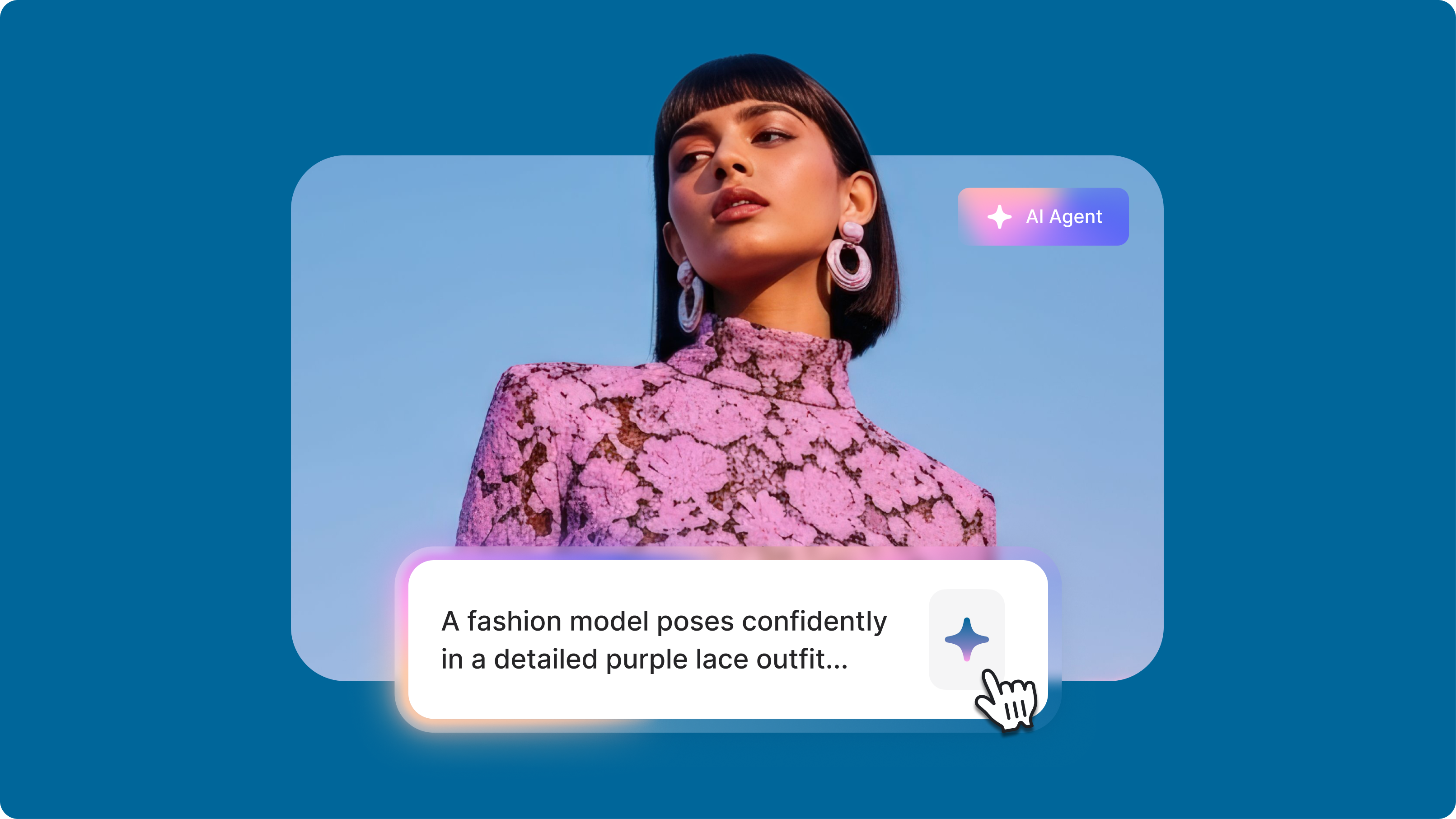
The Video Prompts Formula That Changes Everything: Stop Getting Terrible AI Videos
Writing a simple video prompt to generate a full video with AI has opened up creative possibilities for content creators. But getting the results you want can feel like solving a puzzle. As researcher Hachik Yazadzhiyan points out, creators don’t just want speed. They want AI that helps them tell better stories.

Global Branded Content: Creating Videos That Resonates Across Markets
Learn how global businesses manage to streamline and preserve the integrity of their branded content across different markets.

Video Branding Strategies That Drive Results: A Complete Guide
Learn video branding practices: take your video content from forgettable to unforgettable.
Trusted by 1M+ creators
When it comes to amazing videos, all you need is VEED
No credit card required
AI podcast editing software, instant AI audio tools, and more
VEED lets you do so much more than just create video clips, reels, and highlights from your video podcasts. Apart from the full suite of video editing tools it offers, you can use our free video script generator to help you create engaging videos from conceptualization to the final output. Create business presentations with slides, and record your video, audio, and screen. Try VEED and start creating videos like a pro today!