


Trusted by 1M+ creators
Subtitles Dutch
Auto-generate Dutch Subtitles for your video
No credit card required
4.6
2,100+ reviews














Add Dutch Subtitles to Your Video for Free
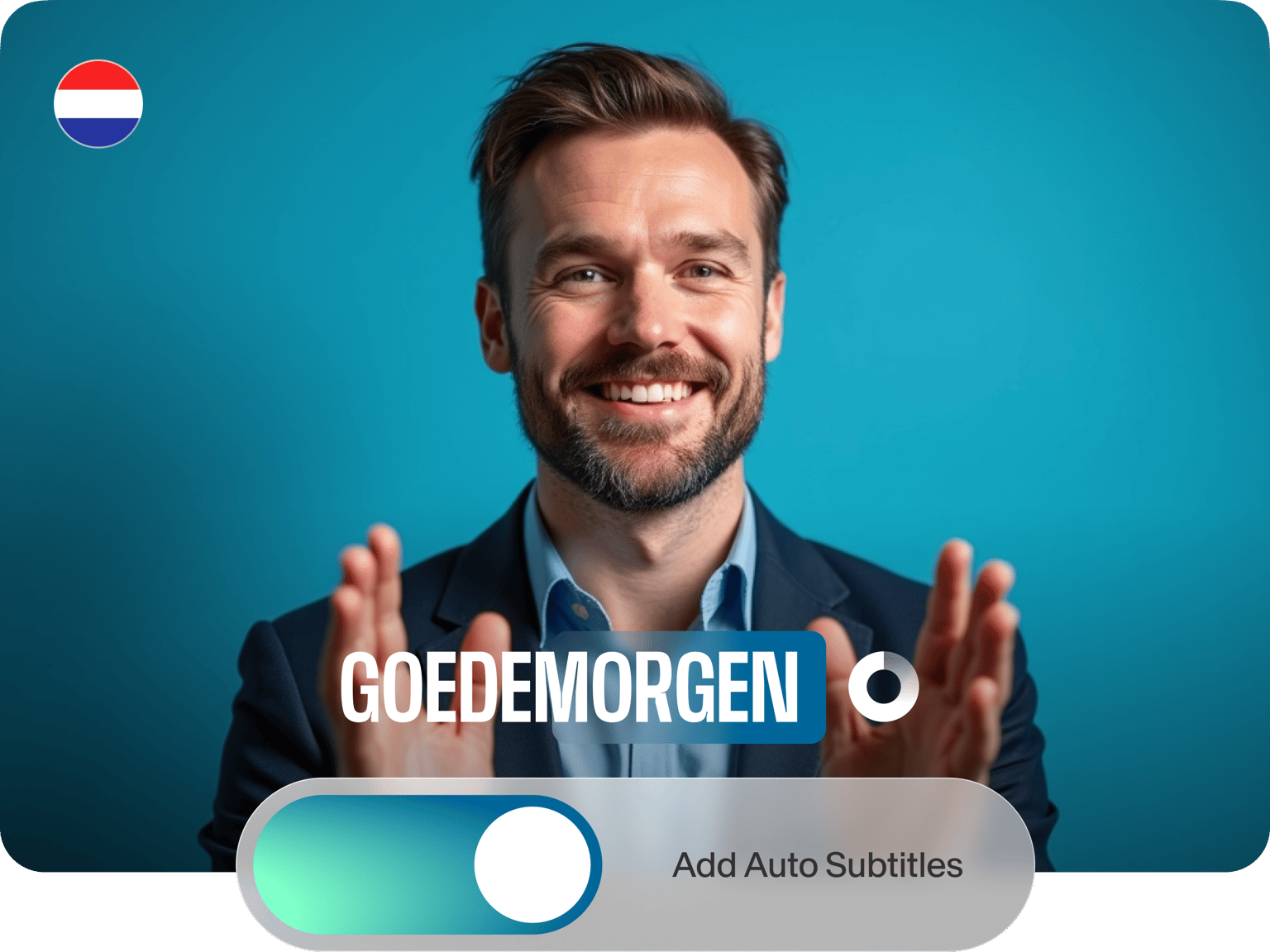
If you want to add Dutch subtitles to your video, VEED’s powerful, versatile, easy-to-use tool can do it for free! Smart transcription software uses artificial intelligence to convert Dutch audio into text. Simply upload your video to VEED and let the online auto-transcription tool handle the rest. Artificial intelligence guarantees best-in-class accuracy, and once you see the end result, you can tweak the final text to make sure every subtitle is on-point.
How to Generate Dutch Subtitles:
Step 01
Upload Video
Start by uploading a file, either selecting it from a folder or dragging and dropping a video straight into the editor.
Step 02
Click ‘Auto Subtitles’
Click ‘Auto Subtitles,’ select Dutch as the language, and click ‘Start.’ Your subtitles will be ready in just a few seconds.
Step 03
Click ‘Export’
Once you’ve styled the subtitles and made final adjustments, click ‘Export,’ and VEED will render your project with the subtitles baked-in.
Learn More
‘How to Auto Generate Dutch Subtitles’ Tutorial
Many file types
VEED will auto-generate Dutch subtitles for free — or if you want to download an SRT, TXT, or VTT file, simply upgrade your account. When you do, you can even auto-translate your content right in VEED (goodbye Google Translate!). You can also convert videos to text in one click.
Fast and accurate
VEED uses smart speech recognition software to auto-transcribe your audio in seconds, while artificial intelligence ensures each subtitle is as accurate as possible. And if you spot a small error, a text editor makes adjustments a breeze.
Dutch subtitling with guaranteed accuracy
Artificial intelligence helps you add subtitles that are accurate and contextually relevant. Meaning you won’t spend all your time correcting silly errors. You can also instantly translate your videos.
FAQ
The Dutch word for subtitles is ‘ondertitelen.’ But why not upgrade to a paid-for VEED account and let our audio translator handle all your translation needs!
When you use the ‘Auto Subtitles’ tool, you select the language of your subtitles. If your subtitles are in Dutch, you likely set Dutch subtitles.
With VEED, you can add subtitles to your videos in seconds: Upload a video Click ‘Auto Subtitles’ Set the language Click ‘Start’
You can add auto-generated subtitles to a video in just three steps: Select a File: Choose the file to which to add subtitles Click 'Auto Subtitles': Pick your subtitle language Export: Click ‘Export’ when you’re ready to render your video
Loved by creators.
Loved by the Fortune 500
“
With VEED I didn't need 15 tutorials - I jumped straight in and started editing.

Gwenne Wilcox
Founder,
Brand Brainery
“
You can go beyond choppping things. VEED actually makes my videos look great.

Michael Glover
Demand Gen Manager,
ConvertFlow
“
The first four videos i created with VEED got over 40,000 impressions on LinkedIn.

Travis Tyler
Senior Content Producer,
PandaDoc
“
I found VEED at the right time: if you're making UGC ads and not using Eye Contact Correction and Noise Reduction on VEED you're missing out on ROI.

Sebastian Schurgers
Head of Growth Marketing,
Gronda
“
With VEED I didn't need 15 tutorials - I jumped straight in and started editing.
Gwenne Wilcox
Founder,
Brand Brainery
“
You can go beyond choppping things. VEED actually makes my videos look great.
Michael Glover
Demand Gen Manager,
ConvertFlow
“
The first four videos i created with VEED got over 40,000 impressions on LinkedIn.
Travis Tyler
Senior Content Producer,
PandaDoc
“
I found VEED at the right time: if you're making UGC ads and not using Eye Contact Correction and Noise Reduction on VEED you're missing out on ROI.
Sebastian Schurgers
Head of Growth Marketing,
Gronda
“
The first four videos i created with VEED got over 40,000 impressions on LinkedIn.
Travis Tyler
Senior Content Producer,
PandaDoc
“
I found VEED at the right time: if you're making UGC ads and not using Eye Contact Correction and Noise Reduction on VEED you're missing out on ROI.
Sebastian Schurgers
Head of Growth Marketing,
Gronda
“
With VEED I didn't need 15 tutorials - I jumped straight in and started editing.
Gwenne Wilcox
Founder,
Brand Brainery
“
You can go beyond choppping things. VEED actually makes my videos look great.
Michael Glover
Demand Gen Manager,
ConvertFlow
Discover more
- AI Caption Generator
- AI Captioning
- Bangla Subtitles
- Bengali Subtitles
- Chinese Subtitles
- Closed Captioning Software
- Czech Subtitles
- Danish Subtitles
- Dynamic Subtitles
- English Subtitles
- Finnish Subtitles
- French Subtitles
- German Subtitles
- Greek Subtitles
- Hebrew Subtitles
- Hindi Subtitles
- Hungarian Subtitles
- Indonesian Subtitles
- Italian Subtitles
- Japanese Subtitles
- Korean Subtitles
- Malayalam Subtitles
- Norwegian Subtitling
- Polish Subtitles
- Punjabi Caption
- Romanian Subtitles
- Russian Subtitles
- Spanish Subtitles
- SRT File Creator
- Subtitles Arabic
- Subtitles Marathi
- Subtitles Persian
- Subtitles Portuguese
- Tagalog Subtitling
- Tamil Subtitles
- Telugu Subtitles
- Thai Subtitles
- Turkish Subtitles
- Ukrainian Subtitles
- Urdu Subtitles
- Video Captioning Services
- Video Subtitling Services
- Vietnamese Subtitles
- VTT Creator
More from VEED

How to Get the Transcript of a YouTube Video [Fast & Easy]
The easiest way to get the transcript of a YouTube video without jumping through a million hoops. Here's how.
12 Best Subtitle Fonts for Video Editing (Free and Paid Options)
Want videos that are more engaging because they're easier to follow along? Here's 12 of the best free and paid subtitle fonts for better video content.
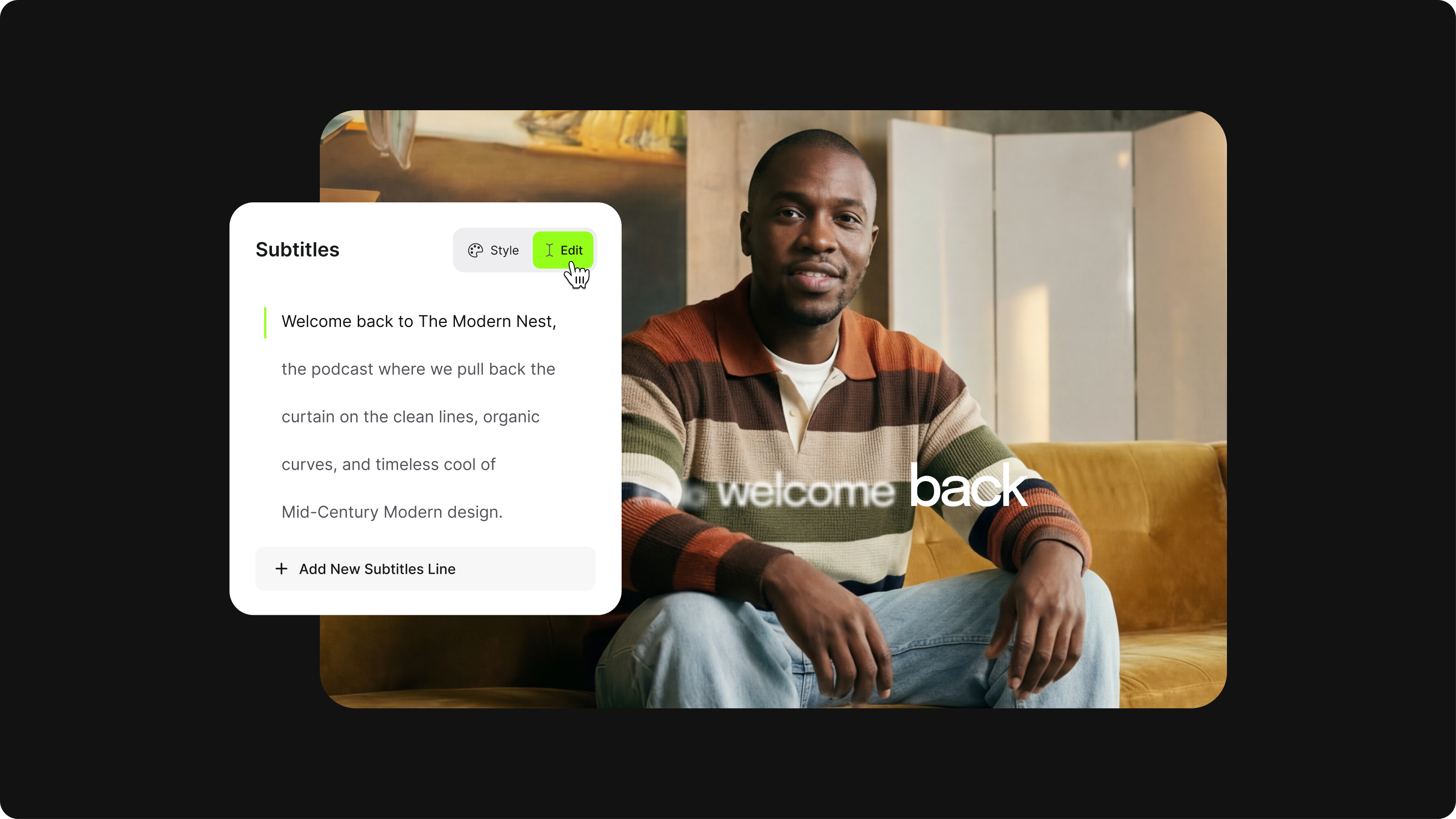
How to Hardcode Subtitles with VEED
A lot of social media platforms don't actually allow you to upload SRT files with your videos. This is where hard coded subtitles comes in.
Trusted by 1M+ creators
When it comes to amazing videos, all you need is VEED
No credit card required
More than Dutch subtitles
VEED offers more than a super-fast way to add subtitles to videos. Our online video editing app lets you cut, crop, and rotate videos in just a few clicks. Meaning marketers, creators, and influencers can edit videos for Facebook, YouTube, and Twitter in a matter of seconds, no download required.