


Trusted by 1M+ creators
Punjabi Caption
Make your content more inclusive with AI-powered Punjabi captions
No credit card required

4.6
2,100+ reviews














Add Punjabi auto captions to your videos
Transcribe your Punjabi audio or video content in one click. Simply upload your file and transcribe it automatically. All you’ll have to do is review the captions and type in any additional audio elements. Captions make your videos accessible to hard-of-hearing viewers or those watching without sound.
You can also translate videos to multiple languages. Whether you’re speaking to viewers in Pakistan and India or expanding to a global audience, easily add subtitles to your videos using VEED’s AI speech recognition software.
How to generate Punjabi captions:
Step 01
Auto-generate subtitles
Select ‘Auto Subtitle’ from the subtitle tool, and the software will start transcribing. You can also upload a subtitle file to edit or type your subtitles manually.
Step 02
Personalize the captions
Customize the style, font, colors, and animations. To create comprehensive captions, manually add relevant audio elements like sound effects or music cues to the auto-generated subtitles.
Step 03
Export your video
Export your video with the hardcoded captions. Or download the subtitle file (SRT, VTT, or TXT). Transcription downloads are available for premium subscribers.
Learn More
Learn how to add Punjabi captions to a video:
Auto-transcribe Punjabi audio with high accuracy
Our cutting-edge AI technology accurately transcribes Punjabi audio, accounting for various regional dialects. Our lightning-fast processing ensures you receive precise Punjabi captions quickly. You can also manually edit the text to refine the transcription. Then, expand your reach by translating your audio into over 100 languages.
Customize caption styles to showcase your brand
Make your Punjabi captions truly yours by customizing them to fit your brand’s unique style. Easily change fonts and adjust line spacing to create a cohesive look. Engage your audience with eye-catching animations and highlights, such as box highlights or karaoke-style effects, making your videos more captivating and memorable.
Save time with effortless Punjabi captions
Automate your subtitling and captioning process, so you can focus on creating impactful content. Our subtitling feature generates Punjabi captions in just a few clicks, freeing up your time for more critical tasks. Convert audio to text or video to text instantly!
FAQ
Add Punjabi captions to video with VEED’s auto subtitle generator. Simply upload your audio or video to VEED, and click ‘Auto Subtitles.’ Then, edit the text to transcribe non-speech audio elements like sound effects, music cues, and speaker identifications.
Auto-generating captions takes around half the length of a recording. For example, a 10-minute video would require less than five minutes to transcribe. Once you have the captions, you can manually edit the text to incorporate any additional audio elements. This saves you time compared to writing captions from scratch.
In the Subtitles menu, click ‘Options’ > ‘Download.’ Then, choose the file format you want to download: TXT, SRT, or VTT. The SRT and VTT subtitle formats are widely compatible with most video players. Meanwhile, the TXT format is a simple text file, suitable for basic viewing or editing purposes.
First, generate the Punjabi captions by clicking ‘Auto Subtitles’ > ‘Create Subtitles.’ Refine the transcription as needed. Then, click ‘Translate’ in the Subtitles menu and choose the language translation you want to see.
Loved by creators.
Loved by the Fortune 500
“
With VEED I didn't need 15 tutorials - I jumped straight in and started editing.

Gwenne Wilcox
Founder,
Brand Brainery
“
You can go beyond choppping things. VEED actually makes my videos look great.

Michael Glover
Demand Gen Manager,
ConvertFlow
“
The first four videos i created with VEED got over 40,000 impressions on LinkedIn.

Travis Tyler
Senior Content Producer,
PandaDoc
“
I found VEED at the right time: if you're making UGC ads and not using Eye Contact Correction and Noise Reduction on VEED you're missing out on ROI.

Sebastian Schurgers
Head of Growth Marketing,
Gronda
“
With VEED I didn't need 15 tutorials - I jumped straight in and started editing.
Gwenne Wilcox
Founder,
Brand Brainery
“
You can go beyond choppping things. VEED actually makes my videos look great.
Michael Glover
Demand Gen Manager,
ConvertFlow
“
The first four videos i created with VEED got over 40,000 impressions on LinkedIn.
Travis Tyler
Senior Content Producer,
PandaDoc
“
I found VEED at the right time: if you're making UGC ads and not using Eye Contact Correction and Noise Reduction on VEED you're missing out on ROI.
Sebastian Schurgers
Head of Growth Marketing,
Gronda
“
The first four videos i created with VEED got over 40,000 impressions on LinkedIn.
Travis Tyler
Senior Content Producer,
PandaDoc
“
I found VEED at the right time: if you're making UGC ads and not using Eye Contact Correction and Noise Reduction on VEED you're missing out on ROI.
Sebastian Schurgers
Head of Growth Marketing,
Gronda
“
With VEED I didn't need 15 tutorials - I jumped straight in and started editing.
Gwenne Wilcox
Founder,
Brand Brainery
“
You can go beyond choppping things. VEED actually makes my videos look great.
Michael Glover
Demand Gen Manager,
ConvertFlow
Discover more
- AI Caption Generator
- AI Captioning
- Bangla Subtitles
- Bengali Subtitles
- Chinese Subtitles
- Closed Captioning Software
- Czech Subtitles
- Danish Subtitles
- Dynamic Subtitles
- English Subtitles
- Finnish Subtitles
- French Subtitles
- German Subtitles
- Greek Subtitles
- Hebrew Subtitles
- Hindi Subtitles
- Hungarian Subtitles
- Indonesian Subtitles
- Italian Subtitles
- Japanese Subtitles
- Korean Subtitles
- Malayalam Subtitles
- Norwegian Subtitling
- Polish Subtitles
- Romanian Subtitles
- Russian Subtitles
- Spanish Subtitles
- SRT File Creator
- Subtitles Arabic
- Subtitles Dutch
- Subtitles Marathi
- Subtitles Persian
- Subtitles Portuguese
- Tagalog Subtitling
- Tamil Subtitles
- Telugu Subtitles
- Thai Subtitles
- Turkish Subtitles
- Ukrainian Subtitles
- Urdu Subtitles
- Video Captioning Services
- Video Subtitling Services
- Vietnamese Subtitles
- VTT Creator
More from VEED
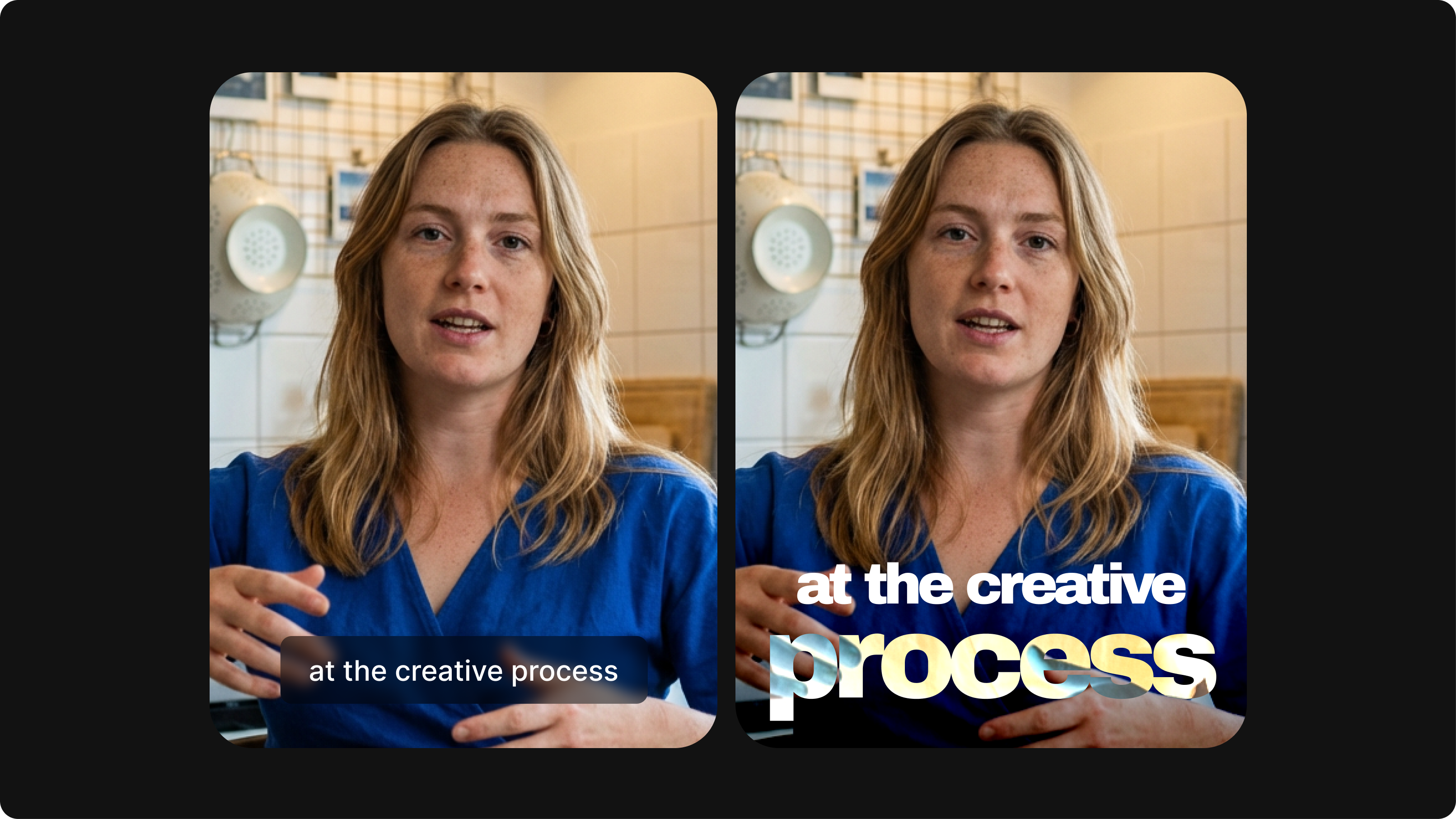
Closed Captioning VS Subtitles: Differences & When to Use Them
Understand what differentiates subtitles and closed captioning and how to add them to your own videos with ease.
12 Best Subtitle Fonts for Video Editing (Free and Paid Options)
Want videos that are more engaging because they're easier to follow along? Here's 12 of the best free and paid subtitle fonts for better video content.
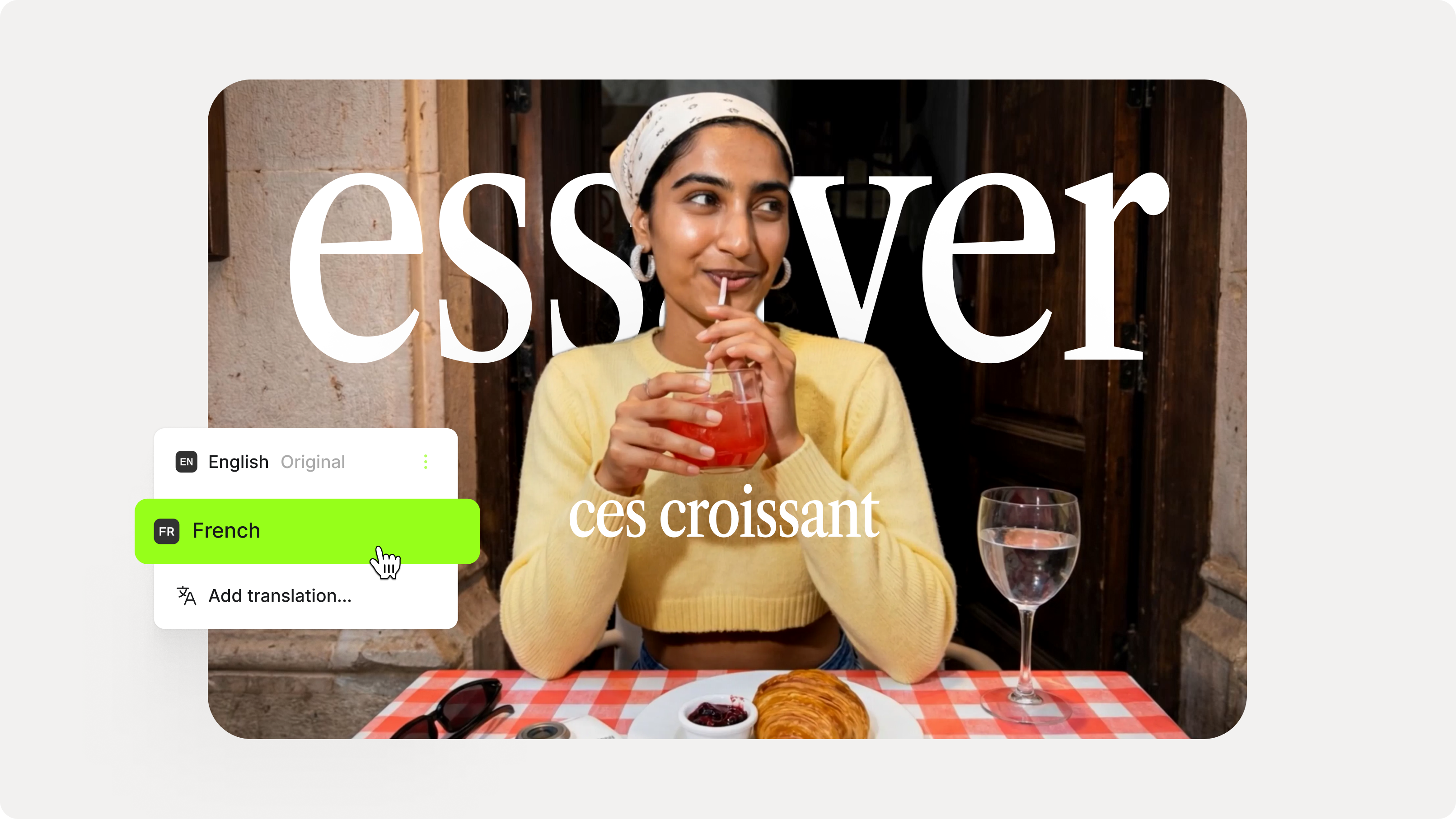
How to Add Translation Subtitles to a Video (Step-by-Step Guide)
A step-by-step guide to adding translation subtitles to any video using VEED. Covers auto-subtitle generation, AI translation into 125+ languages, customization, and export.
Trusted by 1M+ creators
When it comes to amazing videos, all you need is VEED
No credit card required
More than automatic Punjabi captions
From Punjabi auto captions to creating entire videos, you can do it all on VEED! Our platform is an all-in-one video editing platform that lets you cut, crop, and rotate videos. You can even use ready-made video templates, make motion graphics, add music, and explore many more editing tools. Effortlessly craft professional-quality videos for any purpose, from promotional campaigns and educational resources to engaging social media content. Try VEED now and streamline your content creation process!