


Trusted by 1M+ creators
Audio Player
Use VEED as your online audio player for MP3 and other audio file formats
No credit card required

4.6
2,100+ reviews














Seamless audio experience: Audio player online
Play your MP3 and other audio files online without downloading software using VEED’s audio player. Share it with your colleagues and collaborators without asking them to download large files. Just send them the link to your project and they can listen to it straight from their browser. Or add the audio to a video project and edit it with VEED.
How to use the audio player:

Step 01
Upload
Upload your audio to VEED or record one using our audio recorder.

Step 02
Edit
VEED allows you to edit your audio or video before sharing them. You can crop, rotate, and resize your videos. Use our online video editor to create professional-looking videos.

Step 03
Share
Click on ‘Export’. You can now share your video’s link with your friends or peers.
Learn More
Learn more about our audio player in this video:

Seamless audio streaming and ad-free listening
With VEED’s online audio player, your friends and colleagues can listen to your recordings and play music without ad interruptions. Enjoy ad-free viewing for free. You don’t have to pay or subscribe to remove ads. No need to carry a music player or install media players. Enjoy seamless music streaming straight from your browser.
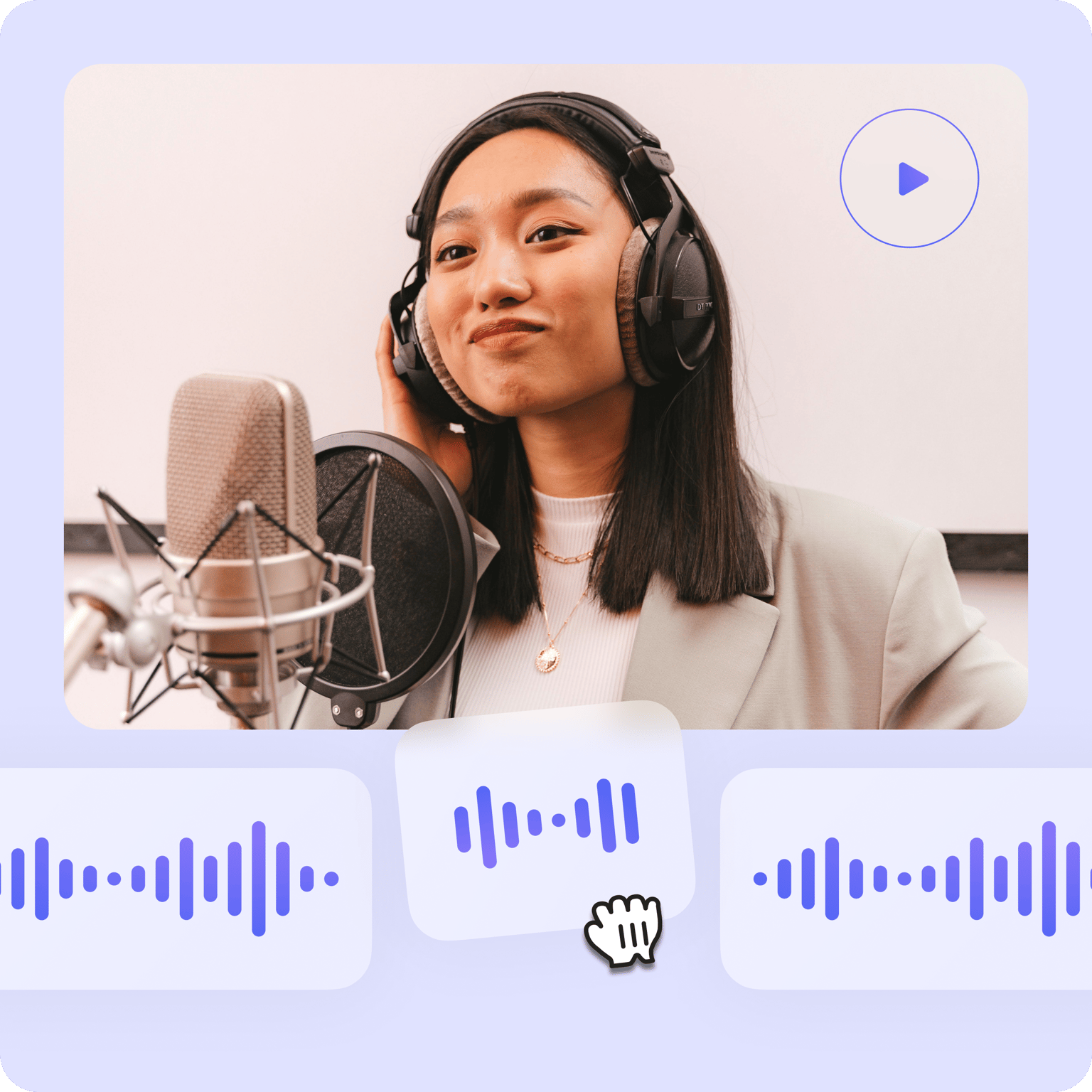
Professional audio editor and video creator
VEED is a comprehensive audio and video editing software. It features all the tools you will ever need in a media editor. Edit a video or audio file you’ve recorded with your device or create one straight from your browser using VEED’s free recorder. Add royalty-free music and sound effects. Create music videos, podcasts, and more.

Split, merge, rearrange, and edit audio clips
You can split, merge, and rearrange your audio clips easily on the timeline. With our snap-to-grid and drag-and-drop interface, you can edit your digital audio in a breeze. Create fresh content from your old recordings or mix it up with our stock music. Create videos with music, images, text, and more.
FAQ
Easy! Just upload your audio file to VEED or record one using our free audio recorder, and share the video link. Your listeners don’t need to download a media player to listen to your audio.
While there are other online audio players out there, VEED stands out because of its easy-to-use interface and quick rendering times. Plus, it’s free so you don’t have to worry about monthly subscriptions.
VEED works with all popular web browsers like Chrome, Firefox, Safari, and more. You don’t need to install any extension. Save and access your projects any time, anywhere!
After creating or uploading your video to VEED, click on Export; this will not save the video to your device. Rather, you can click on the Share button and select a platform to which you wish to share your video. Or click on Copy Link, and send it to your friends!
Click on the Subtitle tool from the left menu and click on Auto Subtitle to auto-generate subtitles. You can also manually type texts and subtitles from the same window.
Click on Upload or click on the plus (+) icon on the bottom-right of the Timeline and select Record. Give VEED permission to access your mic or webcam and start recording!
Loved by creators.
Loved by the Fortune 500
“
With VEED I didn't need 15 tutorials - I jumped straight in and started editing.

Gwenne Wilcox
Founder,
Brand Brainery
“
You can go beyond choppping things. VEED actually makes my videos look great.

Michael Glover
Demand Gen Manager,
ConvertFlow
“
The first four videos i created with VEED got over 40,000 impressions on LinkedIn.

Travis Tyler
Senior Content Producer,
PandaDoc
“
I found VEED at the right time: if you're making UGC ads and not using Eye Contact Correction and Noise Reduction on VEED you're missing out on ROI.

Sebastian Schurgers
Head of Growth Marketing,
Gronda
“
With VEED I didn't need 15 tutorials - I jumped straight in and started editing.
Gwenne Wilcox
Founder,
Brand Brainery
“
You can go beyond choppping things. VEED actually makes my videos look great.
Michael Glover
Demand Gen Manager,
ConvertFlow
“
The first four videos i created with VEED got over 40,000 impressions on LinkedIn.
Travis Tyler
Senior Content Producer,
PandaDoc
“
I found VEED at the right time: if you're making UGC ads and not using Eye Contact Correction and Noise Reduction on VEED you're missing out on ROI.
Sebastian Schurgers
Head of Growth Marketing,
Gronda
“
The first four videos i created with VEED got over 40,000 impressions on LinkedIn.
Travis Tyler
Senior Content Producer,
PandaDoc
“
I found VEED at the right time: if you're making UGC ads and not using Eye Contact Correction and Noise Reduction on VEED you're missing out on ROI.
Sebastian Schurgers
Head of Growth Marketing,
Gronda
“
With VEED I didn't need 15 tutorials - I jumped straight in and started editing.
Gwenne Wilcox
Founder,
Brand Brainery
“
You can go beyond choppping things. VEED actually makes my videos look great.
Michael Glover
Demand Gen Manager,
ConvertFlow
More from VEED

6 Easy Ways to Compress Video Files (Without Losing Quality)
Figuring out how to compress a video file without losing quality doesn’t have to be a long and drawn-out process. Try these simple methods now!

How to Send Large Video Files (from Desktop, iPhone, and Android)
Have a large video file that you'd like to share? Check out the 7 best methods that can help with that.

The Best Instagram Video Formats and Specifications for 2023
By the end of this article, you’ll know how to use Instagram’s four video formats, find the best Instagram video editing program for beginners, and even figure out why your Instagram Stories look blurry. We’re going to make you a professional in no time!
Trusted by 1M+ creators
When it comes to amazing videos, all you need is VEED
No credit card required
More than an audio player
VEED is a comprehensive and easy-to-use audio and video editing software that lets you do so much more than just play your audio files online. Compress your video and audio files to avoid exceeding file size limits and convert your files to any format to make them compatible with any media player. Creating an account is optional but doing so will allow you to save all your projects in one place. Try VEED today and start creating content like a pro!