


Trusted by 1M+ creators
Photo to Pixel Art
Convert photos into pixel art. Upload your image and apply a pixel art filter
No credit card required

4.6
2,100+ reviews














Pixel art converter: Turn any photo into pixel art
Convert any photo into pixel art with AI. Create pixel art portraits, retro backgrounds, and video game textures. Type a prompt like 'turn this photo into pixel art' or select the pixel art style preset for instant results. Different AI models produce different pixel art styles. Generate a few variations and compare. Refine your pixel art in the image editor, or take it straight into a video project.
How to convert a photo to pixel art:
Step 01
Upload your photo
Select any image you want to convert: portraits, landscapes, textures, or video game graphics.
Step 02
Apply pixel art style
Type a prompt like ‘turn this into pixel art’ or select ‘Pixel art’ from our style options.
Step 03
Download or edit your pixel art
Save your image, or click ‘Edit image’ to refine it further in the AI image editor.
Learn More
Watch this Nano Banana Pro demo:
Pixelate images for retro-style art
Upload a photo and convert it into retro 8-bit style art or bold color block art. Describe the style you want: pixel art style, retro 8-bit, or pixelated portrait. AI image models interpret your prompt differently. Easily switch models and generate variations to compare. Works with portraits, nature photos, product shots, and real-world textures like rocks or terrain.
Image pixelator with AI editing
Edit your pixel art after generating. Click ‘Edit image’ to open the AI image editor and make targeted adjustments to your image. Change the color palette, swap the background, or shift the overall style. Apply one-click presets for quick changes, or type a prompt for precise edits. Keep editing until your pixel art looks exactly the way you want — no starting over from scratch.
Animate pixel art for video projects
Create more than just static graphics. Use image-to-video AI to animate your pixel art. Make your character walk or add a slow zoom to your scene. You can also add your images to a video project. Create game trailers and gaming intros using your graphics. VEED brings AI filters and video creation tools into one platform.
FAQ
Upload your photo to VEED's AI image editor in the AI playground. Select the pixel art style preset, or type a prompt like ‘convert image to pixel art’ or ‘turn this photo into pixel art.’ Download your image or refine it in the AI image editor.
For best results, try these types of images:
- Portraits and headshots
- Landscapes and nature photography
- Real-world textures like rocks, wood, or terrain for game assets
- Game backgrounds and character reference photos
- Simple compositions with clear subjects
- Pixel art converter - Turns an existing photo into pixel art using image-to-image AI. Use it if you have a photo you want to pixelate or stylize.
- AI pixel art generator - Creates pixel art from text prompts without a reference image. Use it if you're creating pixel art from scratch.
VEED's pixel art converter uses a credit-based system. Credits are charged per image generation, and you'll see the exact cost before you hit generate. Check our pricing page for current plans and AI credit add-on options.
Loved by creators.
Loved by the Fortune 500
“
With VEED I didn't need 15 tutorials - I jumped straight in and started editing.

Gwenne Wilcox
Founder,
Brand Brainery
“
You can go beyond choppping things. VEED actually makes my videos look great.

Michael Glover
Demand Gen Manager,
ConvertFlow
“
The first four videos i created with VEED got over 40,000 impressions on LinkedIn.

Travis Tyler
Senior Content Producer,
PandaDoc
“
I found VEED at the right time: if you're making UGC ads and not using Eye Contact Correction and Noise Reduction on VEED you're missing out on ROI.

Sebastian Schurgers
Head of Growth Marketing,
Gronda
“
With VEED I didn't need 15 tutorials - I jumped straight in and started editing.
Gwenne Wilcox
Founder,
Brand Brainery
“
You can go beyond choppping things. VEED actually makes my videos look great.
Michael Glover
Demand Gen Manager,
ConvertFlow
“
The first four videos i created with VEED got over 40,000 impressions on LinkedIn.
Travis Tyler
Senior Content Producer,
PandaDoc
“
I found VEED at the right time: if you're making UGC ads and not using Eye Contact Correction and Noise Reduction on VEED you're missing out on ROI.
Sebastian Schurgers
Head of Growth Marketing,
Gronda
“
The first four videos i created with VEED got over 40,000 impressions on LinkedIn.
Travis Tyler
Senior Content Producer,
PandaDoc
“
I found VEED at the right time: if you're making UGC ads and not using Eye Contact Correction and Noise Reduction on VEED you're missing out on ROI.
Sebastian Schurgers
Head of Growth Marketing,
Gronda
“
With VEED I didn't need 15 tutorials - I jumped straight in and started editing.
Gwenne Wilcox
Founder,
Brand Brainery
“
You can go beyond choppping things. VEED actually makes my videos look great.
Michael Glover
Demand Gen Manager,
ConvertFlow
Discover more
More from VEED

How to Cartoonize Your Photo with AI (Step-by-Step Guide)
Learn how to cartoonize your photo using AI, and how to use ChatGPT to craft the perfect visual prompt to bring your unique style to life.

AI Art Prompts: How to Write Better Prompts, Creative Examples, and Tools to Try
Getting your AI art prompts is the key to winning with generative AI tools. Learn how to write better prompts here.
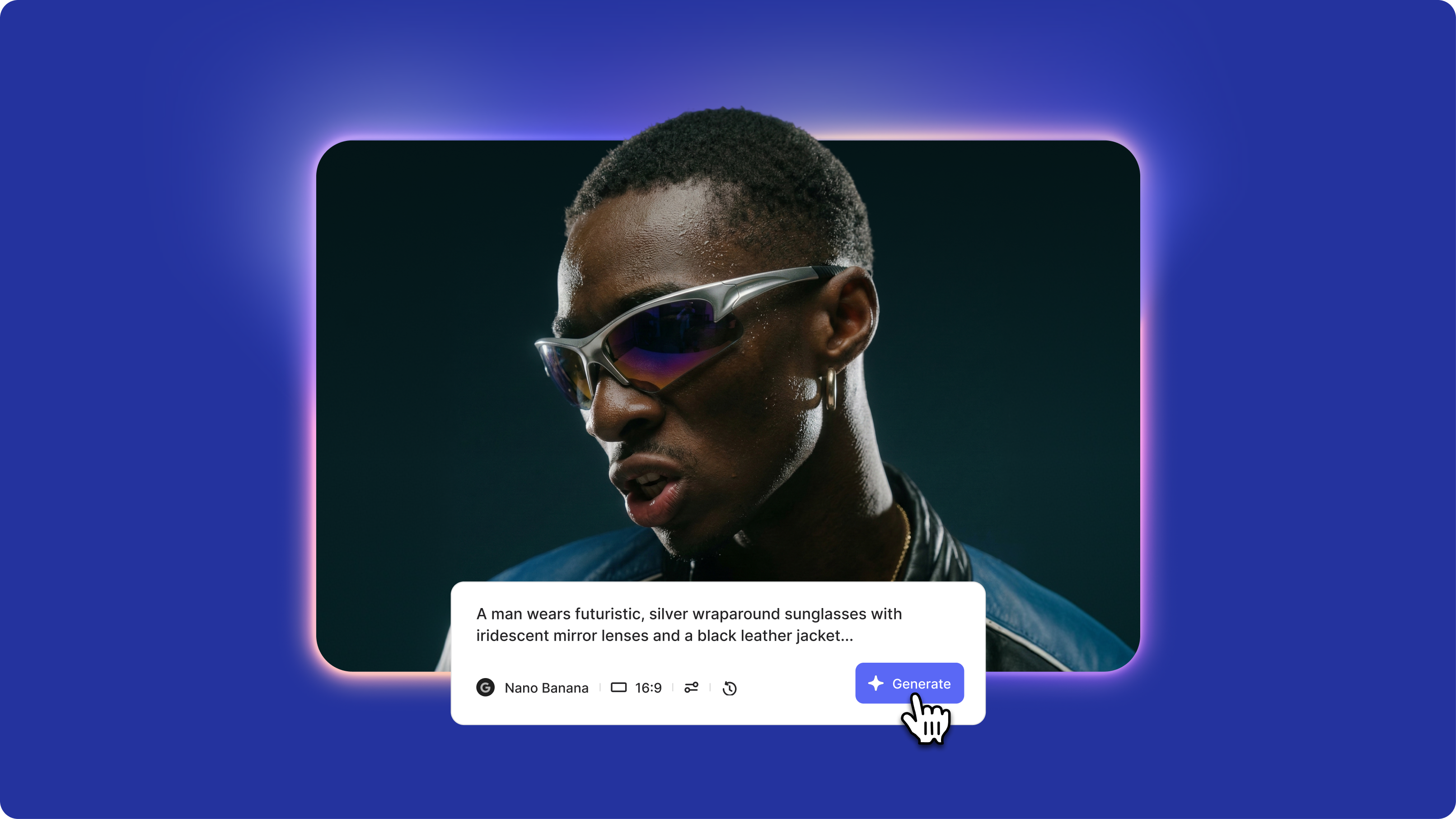
Nano Banana Prompting Guide: Get Better Results in 5 Steps
How to prompt Nano Banana effectively comes down to treating prompts like professional photography briefs. Use the 5-part framework with detailed subject descriptions, specific photography terminology, and always include negative prompts. Start with simple single-subject portraits before attempting complex scenes.
Trusted by 1M+ creators
When it comes to amazing videos, all you need is VEED
No credit card required
More than a pixel art converter
VEED has all the tools you need for content creation. Convert photos to pixel art using the photo pixelator. Make specific edits in the image editor and animate your art with AI. Plus, use your generated images as logos, B-roll, and more. With VEED, you can go from image editing to video creation in one platform. No need to juggle multiple apps. Sign up today and start creating.