


Trusted by 1M+ creators
Add Subtitles to AVI
Auto-generate subtitles or upload subtitles for your AVI files. Make your videos accessible!
No credit card required

4.6
2,100+ reviews














Make your content accessible by adding subtitles online!
You can subtitle your AVI video files in a number of ways with VEED. You can type them manually, upload a subtitle file, or (easiest of all) click our magic Auto Transcribe button and watch as subtitles automatically appear on your video—all with the power of AI! Create subtitles with near-perfect accuracy.
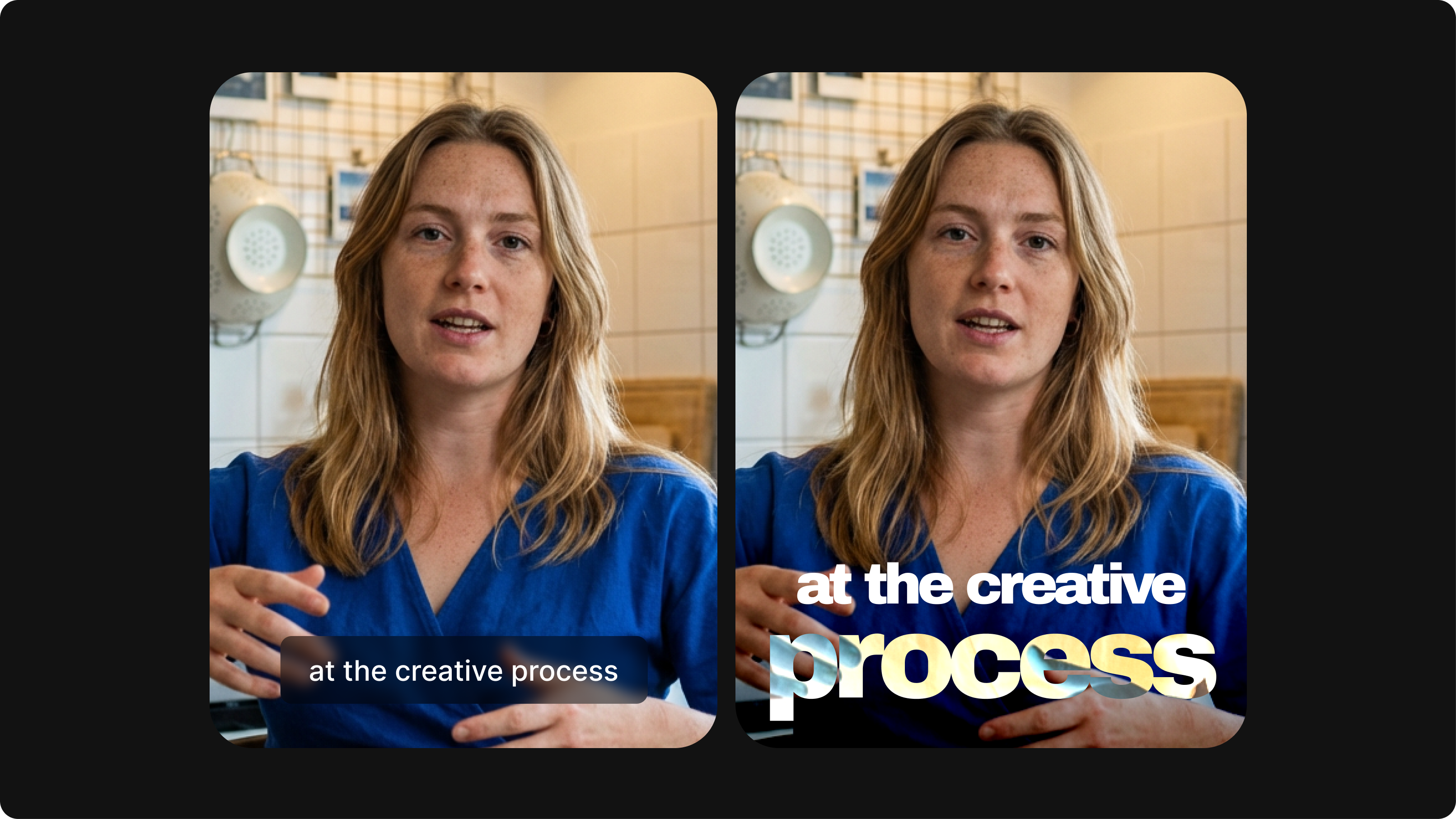
You can edit your subtitles and change the font, size, shape, and background color. Choose from preset styles or customize your own. Animate words or highlight them! Auto-generating subtitles online has never been easier. Convert your video to text and translate your video into any language with a single click!
Ways you can add subtitles to an AVI file:
Step 01
Auto-generate subtitles
Select ‘Auto Subtitle’ from the subtitle tool, and the software will start transcribing. You can also upload a subtitle file. (You can also upload a subtitle file to edit or type your subtitles manually.)
Step 02
Change subtitle styles, personalize, animate, and more
You can change your subtitles' style, font, and colors. Select from different animation styles and backgrounds. You can animate your subtitles and even highlight specific words!
Step 03
Export your video or download the subtitle file
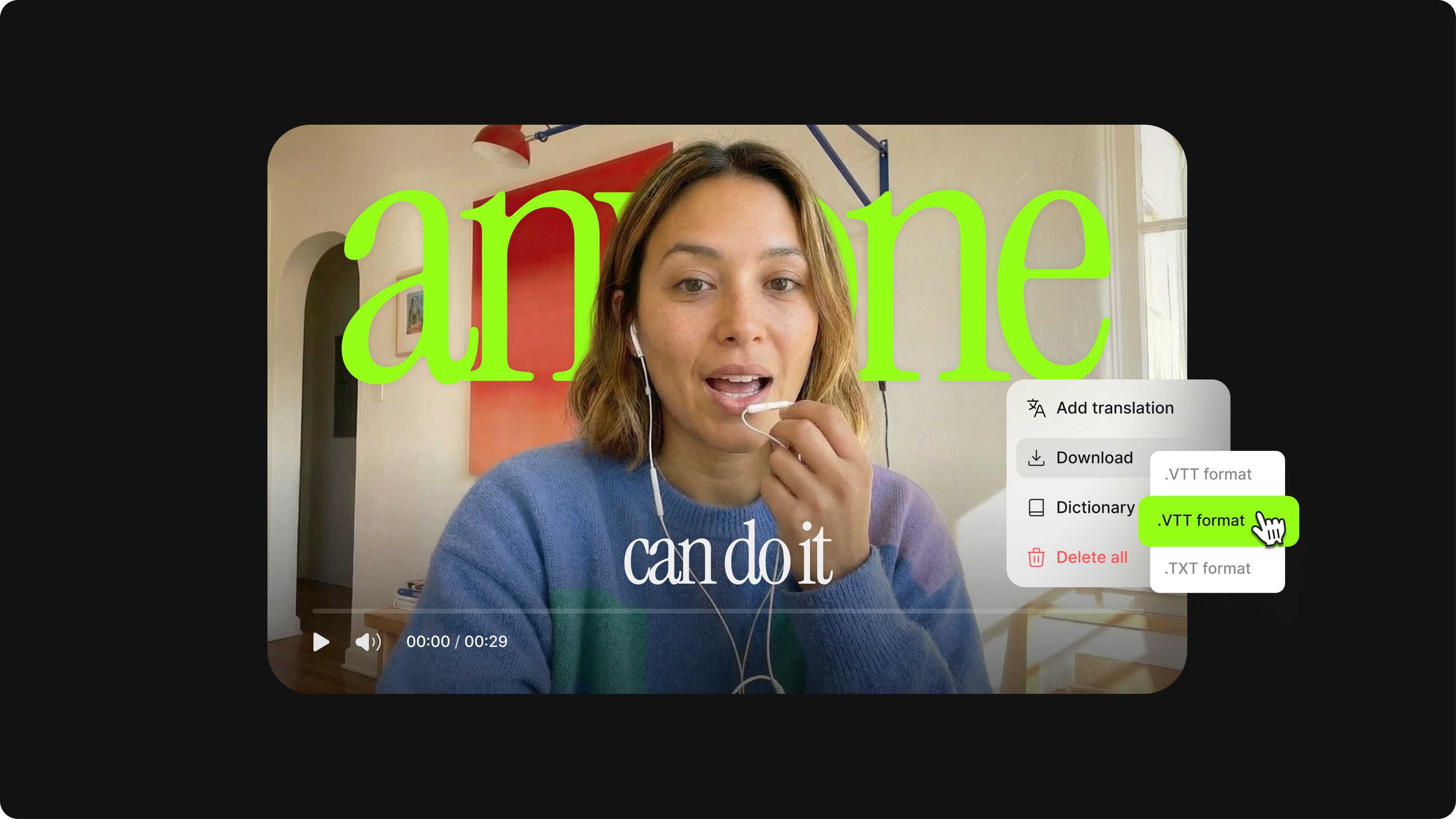
Export your video with the hardcoded subtitles or download the subtitle file (SRT, VTT, or TXT). Available to premium subscribers.
Learn More
Watch this walkthrough of our AVI subtitle tool:
Allow your audience to watch without sound
Make your videos accessible and capture the latest trend in online video - viewers watching without sound. Convert audio to text to reach a wider audience. Adding subtitles to your AVI files will ensure your audience can appreciate your content even on mute! Get more views, channel subscribers, and overall engagement in social media.
Create accessible content across all platforms
VEED’s subtitle tool will also help you reach a wider audience in general across all platforms. Make your content accessible to people who speak another language and to those viewers who are deaf or hard of hearing. You can even translate your subtitles into over 100 languages! (Available in premium.)
Capture traffic through search engine results
Adding a text element, like subtitles, to your videos makes them more searchable and will appear higher up search engine result pages and feeds. Increase traffic to your website, landing pages, blogs, and social media pages! Add captions in any format!
FAQ
You can do it in a number of ways. First, you can upload a subtitle file (like an SRT or TXT file). Second, you can click our automatic subtitling button, which will detect the speech in your video and create a timed subtitle track with one click. Third, you can manually type your subtitles - the old fashioned way!
You can make changes to the text of your subtitles by simply click on the text boxes that appear (after you’ve added the subtitles, see above) and starting to type. It’s really that easy! You can also change the style of the subtitles - colour, font, size and more - by clicking ‘Style’ and selecting from the menu of options.
Simple. Click ‘Subtitles’ > ‘Translate’ and select from the dropdown menu one of over 100 languages. One more click and your subtitles will be translated automatically.
We support all major subtitle file formats, including SRT, ASS, SSA, TXT and VTT. We also support all major video file formats, including AVI, MOV, MKV, MP4 and WMV.
Loved by creators.
Loved by the Fortune 500
“
With VEED I didn't need 15 tutorials - I jumped straight in and started editing.

Gwenne Wilcox
Founder,
Brand Brainery
“
You can go beyond choppping things. VEED actually makes my videos look great.

Michael Glover
Demand Gen Manager,
ConvertFlow
“
The first four videos i created with VEED got over 40,000 impressions on LinkedIn.

Travis Tyler
Senior Content Producer,
PandaDoc
“
I found VEED at the right time: if you're making UGC ads and not using Eye Contact Correction and Noise Reduction on VEED you're missing out on ROI.

Sebastian Schurgers
Head of Growth Marketing,
Gronda
“
With VEED I didn't need 15 tutorials - I jumped straight in and started editing.
Gwenne Wilcox
Founder,
Brand Brainery
“
You can go beyond choppping things. VEED actually makes my videos look great.
Michael Glover
Demand Gen Manager,
ConvertFlow
“
The first four videos i created with VEED got over 40,000 impressions on LinkedIn.
Travis Tyler
Senior Content Producer,
PandaDoc
“
I found VEED at the right time: if you're making UGC ads and not using Eye Contact Correction and Noise Reduction on VEED you're missing out on ROI.
Sebastian Schurgers
Head of Growth Marketing,
Gronda
“
The first four videos i created with VEED got over 40,000 impressions on LinkedIn.
Travis Tyler
Senior Content Producer,
PandaDoc
“
I found VEED at the right time: if you're making UGC ads and not using Eye Contact Correction and Noise Reduction on VEED you're missing out on ROI.
Sebastian Schurgers
Head of Growth Marketing,
Gronda
“
With VEED I didn't need 15 tutorials - I jumped straight in and started editing.
Gwenne Wilcox
Founder,
Brand Brainery
“
You can go beyond choppping things. VEED actually makes my videos look great.
Michael Glover
Demand Gen Manager,
ConvertFlow
Discover more
More from VEED
What is an SRT File? How to Create & Upload SRT Files [Complete Guide]
This article covers how to create an SRT subtitle file from video, audio, or text
12 Best Subtitle Fonts for Video Editing (Free and Paid Options)
Want videos that are more engaging because they're easier to follow along? Here's 12 of the best free and paid subtitle fonts for better video content.
Closed Captioning VS Subtitles: Differences & When to Use Them
Understand what differentiates subtitles and closed captioning and how to add them to your own videos with ease.
Trusted by 1M+ creators
When it comes to amazing videos, all you need is VEED
No credit card required
More than adding subtitles to AVI
We can help you with so much more than just adding subtitles to your AVI files. With VEED, you can add effects to your videos, add logos, create YouTube channel trailers, intro & outro videos, and so much more. Stay on brand by using our Brand Kit to add logos to your videos (available in premium). VEED is an online video editing creative toolbox designed with you in mind. Go on, give it a try!