


Trusted by 1M+ creators
Sync Video to Audio
Online video and audio sync tool; no software to download
No credit card required
4.6
2,100+ reviews














Syncing video and audio made easy: Achieve crisp, studio-quality sound
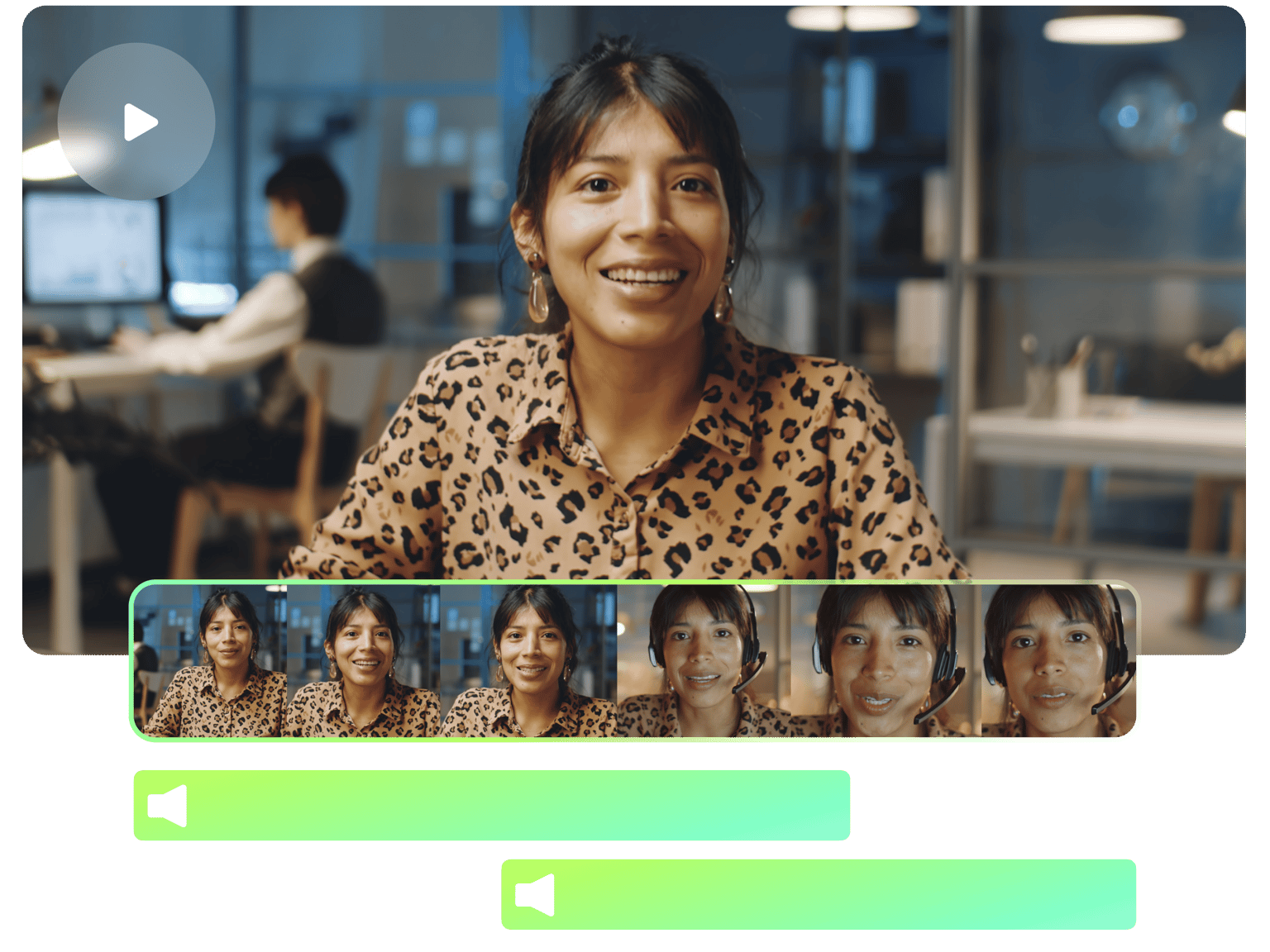
VEED’s video and audio sync feature lets you easily synchronize your media to perfection. Add your audio and video files to the editor, and cut, trim, and rearrange your clips anywhere on the timeline. You can sync your audio to your video manually simply by dragging and dragging your clips to the right timestamp.
How to Sync Video to Audio:
Step 01
Upload your video and audio
Upload your audio recording or any audio and video files to VEED. You can also drag and drop them into the editor.
Step 02
Sync audio and video
Cut, trim, and rearrange your clips on the timeline to synchronize your audio and video. You can drag and drop them to the correct timestamp.
Step 03
Export
Click on ‘Export’. Download your video and share!
Learn More
Watch this to learn how to sync video to audio online:
Add, edit, and clean your audio
VEED’s online video editing software lets you easily edit your audio, too! You don’t need to use third-party apps to clean up and edit your audio file. You can easily add MP3 and other audio file formats, cut, trim, and rearrange them on the timeline. Clean your audio to remove background noise and silences from your video in one click. Our clean audio feature is available to premium subscribers. Check our pricing page for more info.
Stock audio and video library
You can also choose from our stock audio and videos to create your own stunning content! Add video and audio clips (you can do a search for any audio or video you want), sound effects, background music, and more. Share your content on social media and play them on VLC, Windows Media Player, and other popular media players.
Change the speed of your audio and video
VEED also features tools that let you edit or change the speed of your audio and video. Simply select your media on the canvas or timeline, select a speed, or enter a custom speed. You can do lip syncs, sync your audio and video recordings, and more!
FAQ
Upload your audio and video to VEED. Cut, trim, and rearrange your audio and video clips to place them on the correct timestamp.
Cut the part of the audio that is not correctly synced with your video and drag and drop the clip to the correct location on the timeline.
You can use VEED directly on your iPhone’s web browser. VEED works on iPhone, Android, and all mobile devices!
Yes, you can and it only takes one click! Select the audio track from the editor and click ‘Clean Audio’. VEED will automatically enhance the sound for you.
Loved by creators.
Loved by the Fortune 500
“
With VEED I didn't need 15 tutorials - I jumped straight in and started editing.

Gwenne Wilcox
Founder,
Brand Brainery
“
You can go beyond choppping things. VEED actually makes my videos look great.

Michael Glover
Demand Gen Manager,
ConvertFlow
“
The first four videos i created with VEED got over 40,000 impressions on LinkedIn.

Travis Tyler
Senior Content Producer,
PandaDoc
“
I found VEED at the right time: if you're making UGC ads and not using Eye Contact Correction and Noise Reduction on VEED you're missing out on ROI.

Sebastian Schurgers
Head of Growth Marketing,
Gronda
“
With VEED I didn't need 15 tutorials - I jumped straight in and started editing.
Gwenne Wilcox
Founder,
Brand Brainery
“
You can go beyond choppping things. VEED actually makes my videos look great.
Michael Glover
Demand Gen Manager,
ConvertFlow
“
The first four videos i created with VEED got over 40,000 impressions on LinkedIn.
Travis Tyler
Senior Content Producer,
PandaDoc
“
I found VEED at the right time: if you're making UGC ads and not using Eye Contact Correction and Noise Reduction on VEED you're missing out on ROI.
Sebastian Schurgers
Head of Growth Marketing,
Gronda
“
The first four videos i created with VEED got over 40,000 impressions on LinkedIn.
Travis Tyler
Senior Content Producer,
PandaDoc
“
I found VEED at the right time: if you're making UGC ads and not using Eye Contact Correction and Noise Reduction on VEED you're missing out on ROI.
Sebastian Schurgers
Head of Growth Marketing,
Gronda
“
With VEED I didn't need 15 tutorials - I jumped straight in and started editing.
Gwenne Wilcox
Founder,
Brand Brainery
“
You can go beyond choppping things. VEED actually makes my videos look great.
Michael Glover
Demand Gen Manager,
ConvertFlow
Discover more
Trusted by 1M+ creators
When it comes to amazing videos, all you need is VEED
No credit card required
More than syncing video and audio
VEED not only lets you sync your video to your audio, but it also lets you edit both your video and audio clips. Our online video editing software has all the tools you need to create amazing videos that you can share on social media. It is incredibly easy to use. Do it all online, straight from your browser!