Summary / Key Takeaways:
- The best AI models in 2025 deliver cinematic-quality video, fast generation speeds, and native audio.
- For high-end production, Sora 2, Veo 3, and Runway Gen-4 are top choices. For quicker, more accessible options, Luma and Hailuo are excellent.
- Fast generation, native audio, and consistent visuals are key differentiators across models.
- Use case matters: choose your AI model based on output goals, whether it’s for social content, commercials, or film.
- Prompt clarity, smart iteration, and budget planning dramatically improve the output of any AI model you use to generate videos.
AI video generation lets you create a cinematic 20-second video with realistic physics, synchronized dialogue, and professional lighting in minutes. A task that once took weeks and a whole production crew.
The challenge is that many AI models now compete for your attention and budget. Sora 2 boasts of Hollywood-level physics. Google’s Veo 3 promises unmatched prompt comprehension. Runway Gen-4 guarantees character consistency. Kling AI claims 70% cost savings. Luma Dream Machine touts the fastest generation. Each model excels in different ways, and being thorough in assessing the best AI model for you would save you time and money.
This guide provides the clarity you need: unbiased comparisons of all models, real performance data, transparent pricing breakdowns, and specific use-case recommendations. By the end, you'll get a clearer picture of which AI video model fits your workflow, budget, and creative vision.
.jpg)
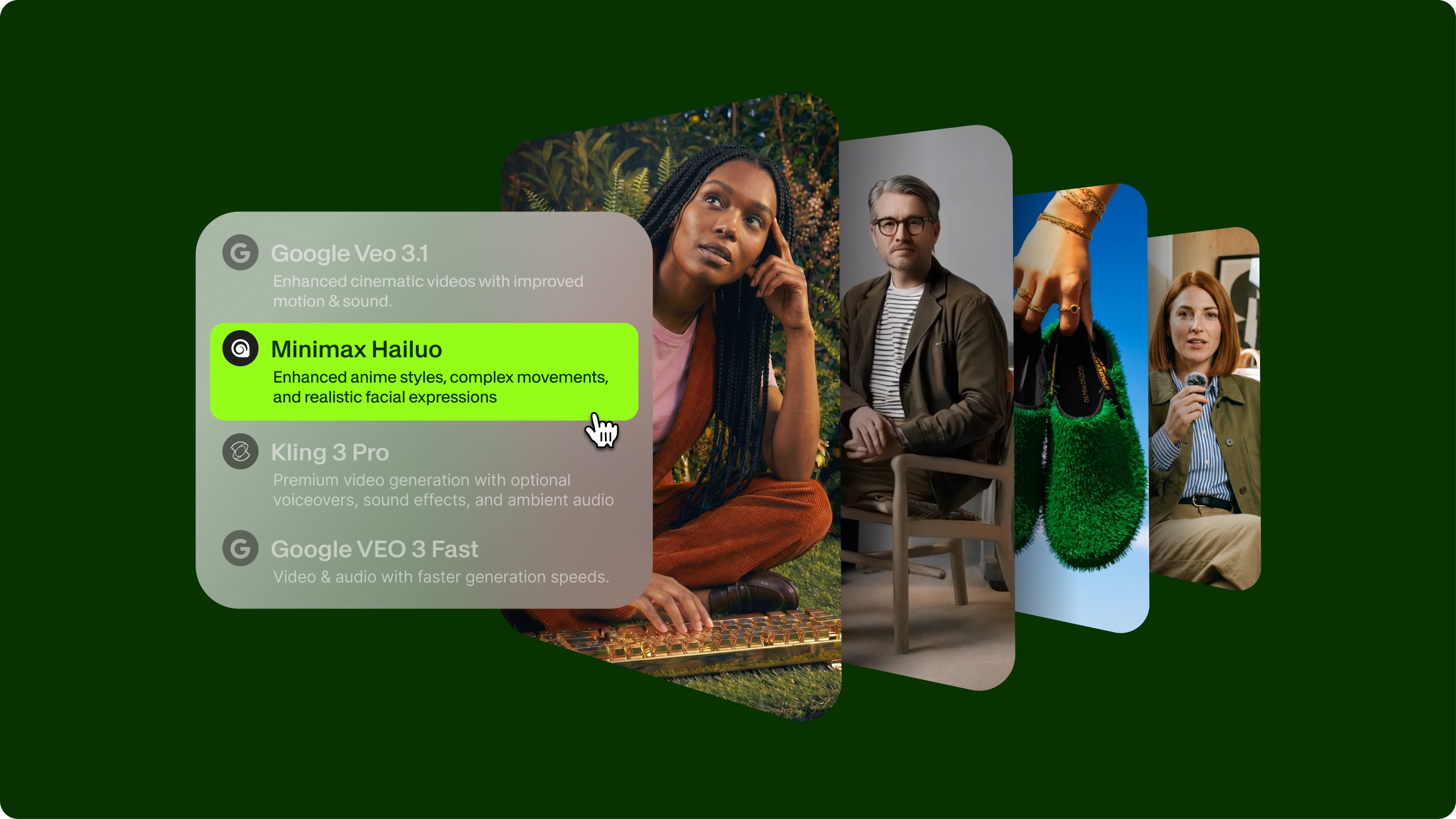
VEED’s AI Playground uses a credit-based system for supported models. Each generation displays the required credits before rendering.
Tier 1: Best premium enterprise AI models
1. Veo 3.1 Fast: Best for teams requiring fast, high-quality video generation with synchronized audio and extended 60-second runtime
Release: October 2025
Key Features:
- Generates up to 60 seconds of continuous video with minimum generation time
- Richer native audio with natural conversations, perfect lip sync, and adaptive sound effects
- Multi-scene prompting for complete narratives with defined shots, transitions, and camera movements
- Enhanced character consistency across sequences
- Resolution up to 1080p HD
- Groundbreaking training method that reduces computational costs while maintaining quality

Google Veo 3.1 Fast is purpose-built for rapid, large-scale video production, generating 8-second videos that can extend to 60 seconds via last-frame continuation. The model excels at multi-scene storytelling, allowing creators to define entire narratives, including cuts, transitions, and camera angles, within a single text prompt.
What sets Veo 3.1 Fast apart is its richer native audio generation, which produces natural conversations with perfect lip sync, dynamic voiceovers, and automatically synchronized adaptive sound effects. With improved character consistency and cinematic understanding, this model delivers complete story arcs without manual clip stitching, making it ideal for advertisers, content studios, and production teams working under tight deadlines.
Pricing: 400 credits per clip on VEED’s AI Playground
2. Sora 2 (OpenAI): Best for filmmakers, storytellers, and cinematic content creators
Release: September 2025
Key Features:
- Text-to-video and image-to-video generation
- Synchronized audio with realistic dialogue and sound effects
- Hollywood-level physics and lighting simulation
- “Cameo” feature for inserting real people
- Up to 1080p resolution and 20-second duration

Sora 2 delivers a jaw-dropping realism with unmatched physics, cinematic lighting, and built-in audio generation. It’s the only model that lets you insert real people directly into AI-generated scenes, making it ideal for high-end filmmaking, ads, or creative storytelling. That said, it’s not built for speed. Generation can be slow. If you’re working on tight timelines or need many iterations, check out the options below.
Pricing: 250 credits per clip on VEED’s AI Playground.
3. Google Veo 3: Best for fast, high-quality professional clips in the Google ecosystem
Release: May 2025
Key Features:
- 8-second video clips at 720p to 1080p resolution
- Native audio support (ambient noise, dialogue, SFX)
- High prompt accuracy
- Integrated with Gemini and Google Flow
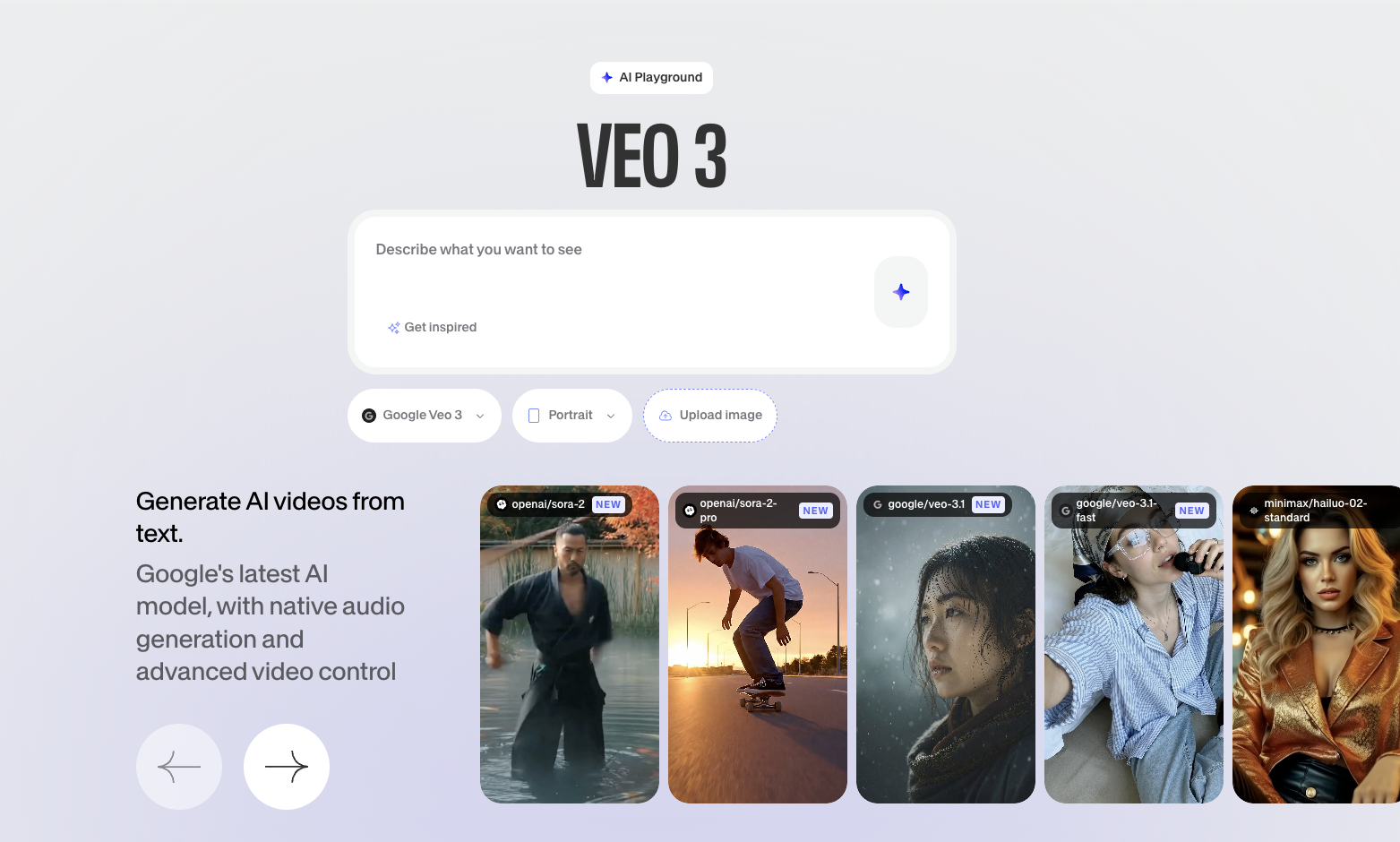
Veo 3 blends speed and smarts, generating crisp, professional clips with spot-on prompt interpretation and native audio baked in. Now available in VEED’s AI Playground, you can test Veo 3’s high-quality visuals and audio with no Gemini subscription required. Simply choose your aspect ratio, input a prompt (or use ‘Get inspired’), and explore multiple variations. It’s one of the easiest ways to experiment with premium-grade video generation right inside your creative workflow.
Pricing: 2,400 credits per clip on VEED or via Gemini Pro ($19.99/month).
4. Runway Gen-4: Best for video editors, commercial production, and consistent scenes
Release: 2025
Key Features:
- Character consistency across shots
- Image-to-video with detailed input requirements
- Precision camera movements and physics control
- 5-10 second durations at 24 fps
- Professional-grade physics simulation
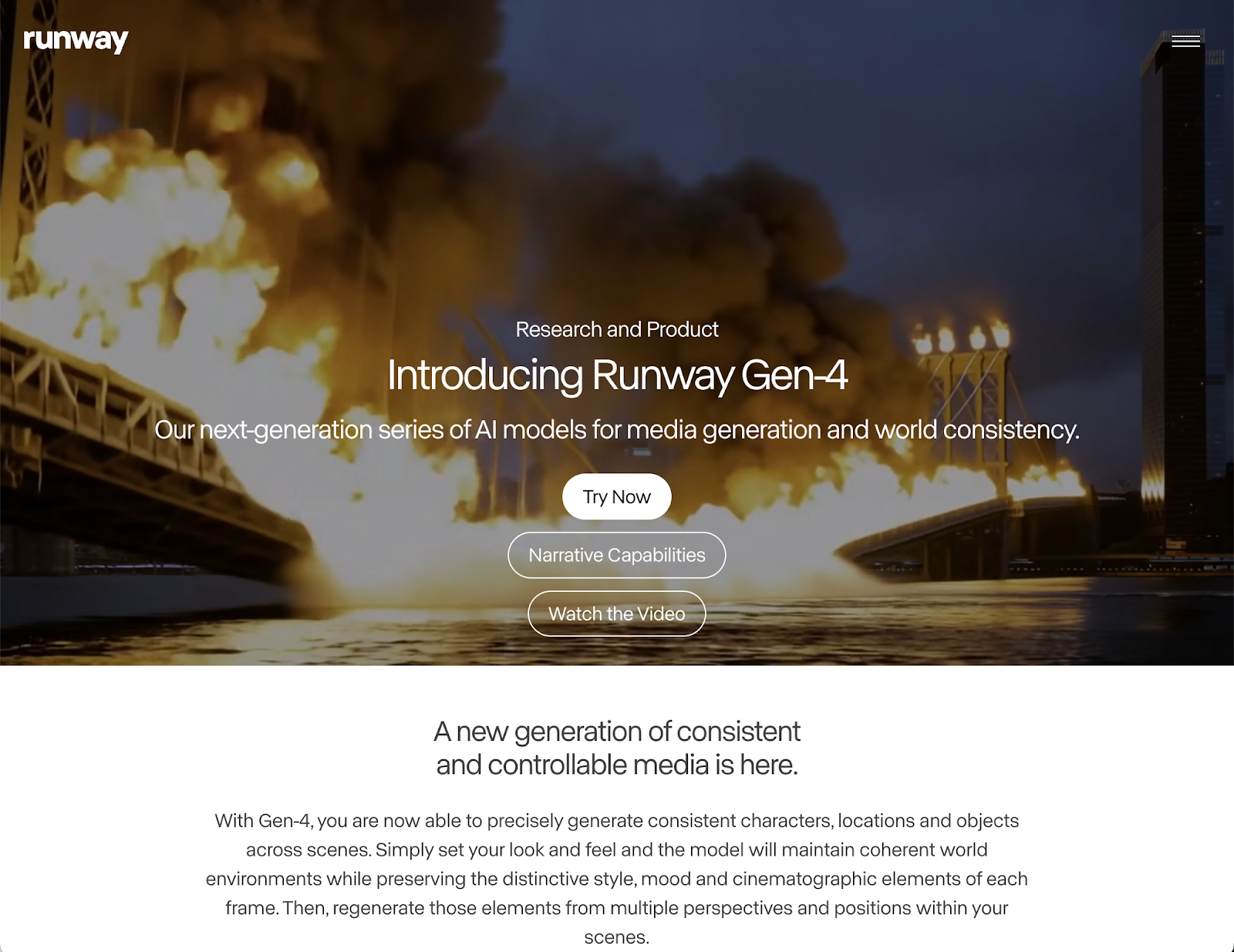
Runway Gen-4 is built for precision. Its industry-best character consistency and advanced motion tools make it a favorite for ad agencies and VFX teams. If your workflow demands scene continuity, this model delivers. But it’s not a one-click magic tool. You’ll need image inputs, and there’s no audio out of the box. Add to that a credit-based pricing model that can stack up fast if you're producing in bulk.
Pricing: 12 credits per second for Gen-4; 5 credits per second for Turbo mode.
Tier 2: Professional-grade AI models without the premium price
5. Kling AI 2.1 Pro: Best for budget-conscious commercial creators and VFX-heavy scenes
Release: May-July 2025
Key Features:
- Advanced motion control and camera framing
- Up to 10-second videos at 720p–1080p
- Multiple versions (Pro, Master, 2.5)
- Excellent character consistency

Kling AI punches above its price tag, offering excellent cinematic results with solid character realism and frame control, especially in the Turbo Pro and Master versions. It’s a smart pick if you’re creating brand videos, music visuals, or motion-intensive content without a Hollywood budget. However, its one drawback is speed. Depending on the version, it can take 5 to 30 minutes to generate a clip, which can bottleneck rapid iteration.
Pricing: As low as $9 per month on Veed’s AI Playground
6. Luma Dream Machine (Ray3): Best for content creators, hobbyists, quick iterations, social media content
Release: Ongoing updates through 2025
Key Features:
- Generates 120 frames in 120 seconds
- Text-to-video and image-to-video
- Natural motion and realistic visuals
- Simple, intuitive interface

Luma Ray 3 is a speed-focused powerhouse, making it perfect for creators who need quick turnaround and decent quality without a steep learning curve. It balances solid visuals with rapid rendering, which is why it’s a go-to for TikTokers, YouTubers, and anyone testing concepts on the fly. You won’t get the same pro-level controls or detail fidelity as top-tier tools, but for social-first workflows, that trade-off is often worth it.
Pricing: 30 free trials; paid starts at $1 per video
7. LTX-2.3 (Lightricks): Best for AI-Native Teams That Need A Production-Grade Video Model They Can Own, Customize & Deploy On-Prem
Release: March 2026
Key Features:
- Open weights with 18M+ downloads on Hugging Face. Inspect, fine-tune, and deploy with no vendor lock-in
- 22B-parameter architecture generating audio and video in a single pass via bidirectional cross-attention
- Native 4K output at up to 50fps, up to 20 seconds in Fast mode and 10 seconds in Pro mode
- IC-LoRA support for fine-tuning on your own characters, brand styles, and environments without additional training infrastructure
- Roughly one-eighth the cost and one-seventh the render time of comparable closed models
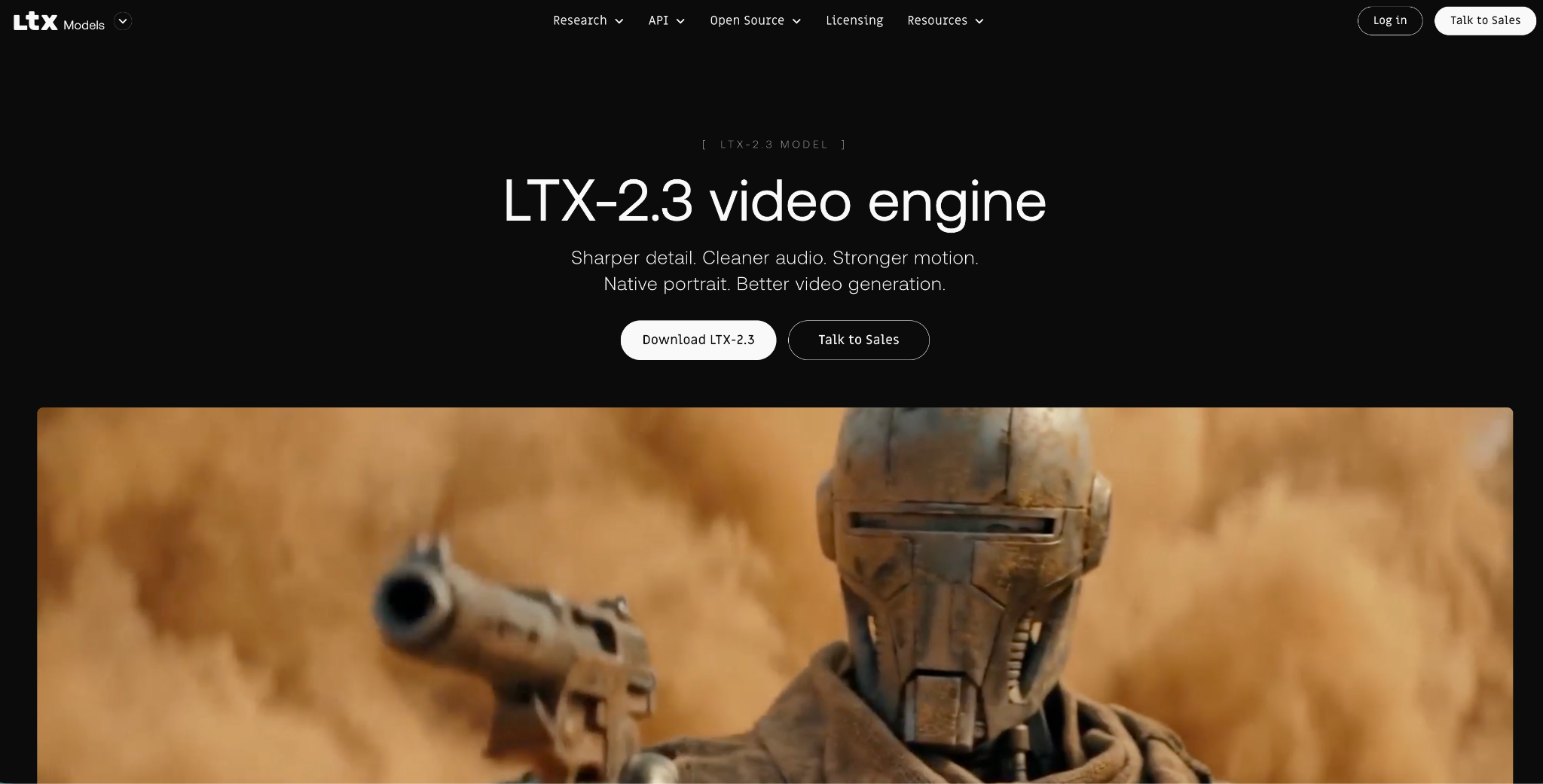
LTX-2.3 is a 22B-parameter open-source video generation model from Lightricks, built for developers, AI-native platforms, and enterprises that need production-grade video they can run on their own infrastructure. Unlike closed models, the full weights are publicly available on Hugging Face, ComfyUI integration is native, and the official training framework lets teams fine-tune on proprietary characters, styles, and environments. Fast mode outputs up to 20 seconds of 4K video at 50fps, built for iteration and batch generation.
What sets LTX-2.3 apart from every other open-source model in this comparison is native synchronized audio-video generation in a single diffusion pass. Audio and video are generated together, not sequentially, which eliminates the sync drift that affects models where audio is added as a post-processing step. The model also supports eight production pipelines out of the box: text-to-video, image-to-video, audio-to-video, video-to-video, keyframe interpolation, retake, LipDub, and a distilled fast-inference variant. For enterprise teams with data sovereignty requirements, the model runs fully on-prem with no data leaving the firewall.
Pricing: Free open-source weights on Hugging Face. API from $0.04/sec.
Tier 3: Next-gen innovators and niche specialist AI models
8. MiniMax Hailuo AI (Video-01): Best for animation-style content, quick tests, budget projects
Release: September 2024, updated January 2025
Key Features:
- 6-second 720p videos at 25 FPS
- Text-to-video and image-to-video
- Director models for professional control
- Audio generation capabilities
- Animation style excellence
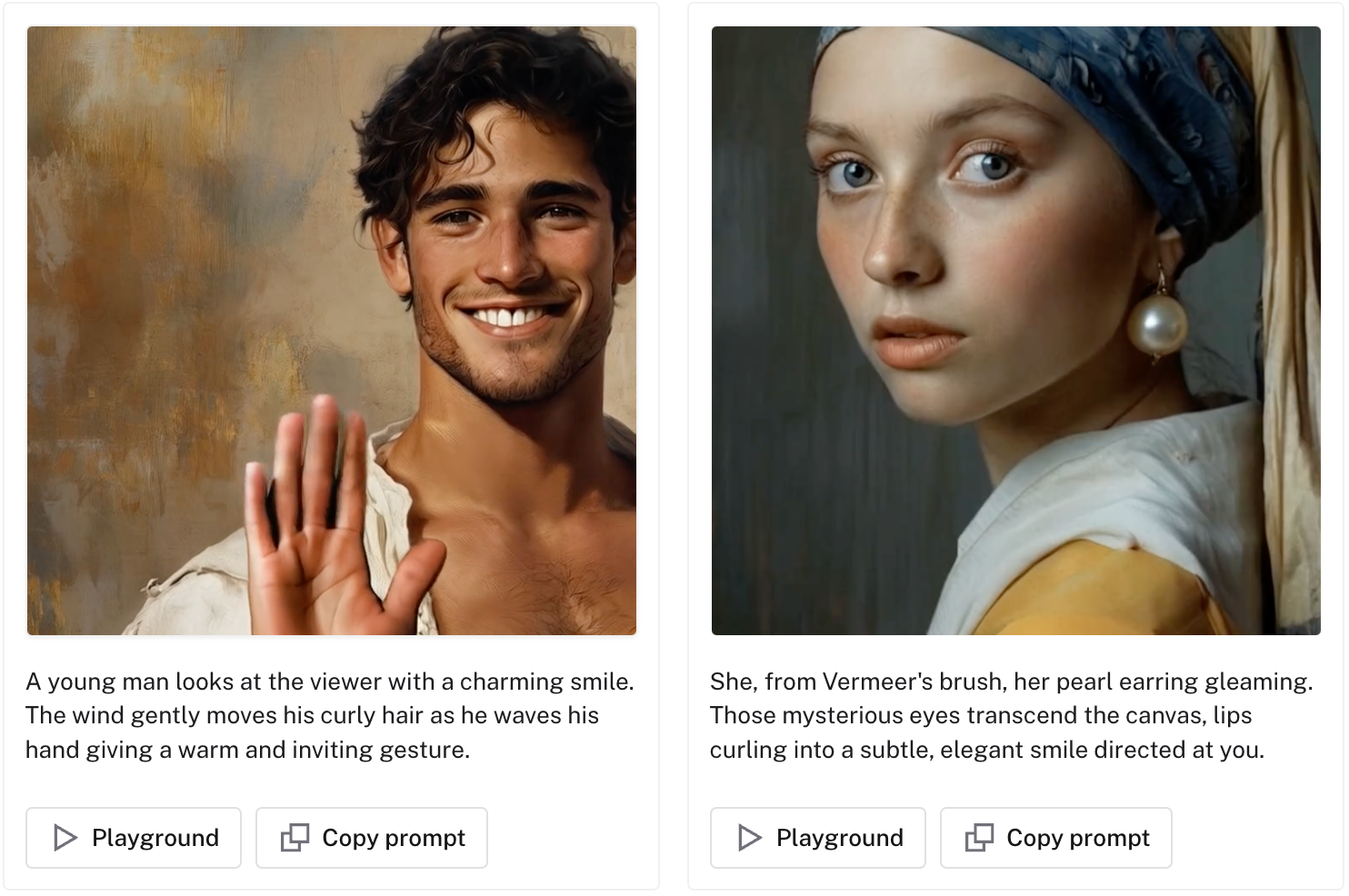
Hailuo AI is a solid pick for animated visuals and indie creators looking to test ideas fast. It delivers good character consistency and even supports native audio, which is rare in its class. While the physics can get a bit wonky with fast-moving elements, it nails stylized content and comes with a generous free trial. This makes it easy to try before committing.
Pricing: $0.5 per video
9. Pika AI V2.2: Best for creative experimentation and effect-driven content
Release: 2024-2025
Key Features:
- Enhanced image integration
- PikaEffects for creative effects
- Improved idea-to-video workflow

Pika AI brings the fun. With tools like PikaEffects and a more playful, design-led interface, it’s a hit among creators who want to push boundaries or add visual flair. It’s not the most stable for complex sequences, and you won’t get native audio, but for quick visual explorations or social content, it’s more than enough.
Pricing: Credit-based pricing depending on clip duration and effect intensity; starts at $0.20 per 5-sec video at 720 p
10. PixVerse V4.5: Best for cinematography-focused projects
Release: 2025
Key Features:
- Cinematic lens controls
- Multi-image reference capabilities
- Professional camera movements

PixVerse is the filmmaker’s playground. It gives you pro-level camera movements, reference control, and scene consistency, making it ideal for pre-viz, narrative prototyping, or high-end motion tests. It’s a newer platform that’s still evolving and lacks audio features, but what it does, it does well.
Pricing: 180 credits per clip on VEED’s AI playground
How to choose the right AI video model
Selecting the best AI video generation model depends on several critical factors, including your use case, technical requirements, and budget. Here’s how to evaluate what fits best for your creative and production needs:
1. Consider your primary use case.
For social media content
🥇Best Choice: Luma Dream Machine
It’s fast, reliable, and perfect for short, scroll-stopping videos. You can crank out polished visuals in minutes and experiment with styles without racking up high costs.
🥈Runner-up: Hailuo AI
Great for animation-style content, with native audio. It’s perfect for expressive visuals on a budget.
For professional commercials
🥇Best Choice: Runway Gen-4 or Google Veo 3
Both offer pro-grade visuals and strong consistency. Runway’s camera control and Veo’s audio integration make them top choices for brand-ready outputs.
🥈Runner-up: Kling AI 2.1 Pro
Delivers high-end visuals and motion framing at a lower cost. Ideal for ads where you need quality but also control the budget.
For filmmaking & pre-visualization
🥇Best Choice: Sora 2
Hollywood-level physics and native dialogue/audio let you build realistic, narrative-driven content with minimal post-work.
🥈Runner-up: Runway Gen-4
Its consistency across scenes makes it strong for storyboarding and visual continuity.
For budget-conscious projects
🥇Best Choice: Kling AI 2.1 or Hailuo AI
Both deliver pro-looking results at accessible price points. You won’t sacrifice quality, especially for social-first or mid-tier commercial content.
🥈Runner-up: Luma Dream Machine (Free Tier)
Great for fast drafts, concept testing, or small campaigns that don’t need ultra-fine detail.
2. Evaluate the technical requirements.
Every creator’s workflow is different. Some need blazing speed, others care more about audio fidelity or high-resolution detail. Here’s a practical breakdown of the technical factors that should shape your decision:
Generation speed
Fastest: Luma Dream Machine (120 frames in 120 seconds)
If you're testing ideas rapidly or producing daily content, speed matters. Dream Machine leads with fast render times, while Veo 3 and Pika follow closely for short-form content.
Moderate: Veo 3, Runway Gen-4
These offer a balance between quality and speed, making them ideal for production workflows that still allow for some iteration time.
Slower: Kling AI (5–30 minutes), Sora 2
While slower to generate, both deliver top-tier realism and audio capabilities. Great for projects where quality trumps urgency.
Resolution & duration
Highest Resolution: Sora 2 (1080p, up to 20 seconds)
Best for cinematic storytelling, client-facing work, or final production-ready clips.
Standard Professional: Most models fall in the 720p–1080p range and produce clips between 5–10 seconds. This is ideal for web video, brand intros, or explainer content.
Quick Clips: Veo 3 (8 seconds), Hailuo AI (6 seconds)
Perfect for testing, animation loops, or fast-paced social reels.
Audio capabilities
Native Audio Models: Sora 2, Veo 3, Hailuo AI
These models generate synced dialogue, ambient effects, and SFX natively. Saves time in post, and is ideal for storytelling or branded content.
No Native Audio: Runway Gen-4, Luma, Pika, PixVerse
You’ll need to layer audio manually using tools like VEED’s voice-over or sound-design features. Not a dealbreaker, but it adds a step.
3. Match your budget to your needs.
Some tools offer generous free tiers, while others use credits or subscriptions that add up quickly. Here's how to navigate cost-effectively:
For free options
- Luma Dream Machine: Includes 30 free generations per month. Perfect for quick iterations and testing content without a budget.
- Hailuo AI: Offers a 3-day unlimited trial. Useful for short-term projects or one-off experiments.
- Other Models: Most platforms offer limited free tiers, but restrictions on duration, resolution, or watermarking often apply.
For subscription models
- Sora 2: Available via VEED’s AI Playground with credit-based access through ChatGPT Pro. Great for flexible creators who already use OpenAI tools.
- Veo 3: Included in Google AI Pro at $19.99/month. Ideal for teams working in the Google ecosystem.
- Luma: Paid plans begin at $29.99/month. Affordable option for solo creators scaling up their workflow.
For credit-based pricing
- Runway Gen-4: 12 credits per second (standard), 5 credits/second (Turbo). Premium pricing that adds up fast in high-volume projects.
- Kling AI: Credit-efficient for cinematic quality. Less expensive than Runway or Sora with similar results.
- PixVerse: 80 credits per generation. Powerful, but may be pricey depending on use frequency.
AI video generation best practices
Even the most advanced AI models perform better when guided with intention. Whether you're working on cinematic shots or social-ready visuals, these tips will help you get the best output faster.
For crafting effective prompts
- Start with your subject: Who or what is in the scene? Use precise nouns (“robot dog,” “elderly man,” “cyberpunk alley”).
- Define the action: What are they doing? Be precise (“skateboarding down a hill,” “reading under a lamp,” “flying through clouds”).
- Set the scene: What does the environment look like? Add spatial details (“foggy forest,” “abandoned train station,” “sunset-lit rooftop”).
- Specify camera style: Mention perspective and movement (“tracking shot,” “zoom in from above,” “POV from behind”).
- Describe lighting & mood: These factors heavily impact tone. Use terms like “golden hour,” “noir shadows,” or “clinical fluorescent light.”
- Include style cues: These help guide aesthetics (“hyper-realistic,” “2D anime,” “comic-book style,” “stop motion”).
- Add audio cues if supported: If using Sora, Veo, or Hailuo, enhance immersion with prompts like “footsteps echoing,” “soft jazz in background,” or “rain hitting pavement.”
For getting better results with image-to-video
- Use high-resolution source images. Blurry or pixelated photos reduce realism and continuity.
- Align the first frame with the intended action. Make sure the image is a natural starting point for the desired movement.
- Frame for action. Avoid overly centered, static compositions—motion feels more natural when there's spatial depth.
- Prompt for dynamic motion. Focus on verbs (“jump,” “tilt head,” “walk slowly”) and avoid restating the image.
- Test movement types. Some models handle subtle gestures better than chaotic motion. Start small, then scale complexity.
For optimizing workflow with smart iteration
- Start fast. Use free or fast models, such as Luma Dream Machine or Hailuo, to test ideas quickly before investing credits.
- Analyze what works. Identify which prompts yield the best lighting, movement, or facial accuracy. Keep a swipe file.
- Refine gradually. Make minor prompt tweaks and rerun rather than overhauling completely.
- Use premium models for finals. Once your prompt is dialed in, upgrade to Sora, Runway, or Veo for higher fidelity.
- Batch your generations. Run 3–5 variations per prompt to explore the best take, mainly for client or stakeholder review.
These habits lead to better outcomes, faster timelines, and less frustration when navigating generative AI workflows.
The smarter way to choose your AI tool
Here's what to remember when selecting the best AI model for you:
- Different models serve different needs. Social creators love Luma Dream Machine. Filmmakers lean into Sora 2. Commercial editors stick with Runway Gen-4.
- Speed, audio, and realism vary. Fast models like Hailuo and Pika are great for drafts. For cinematic polish and audio sync, look at Sora or Veo.
- Budgets matter. Free tiers and smart credits (like VEED’s AI Playground) let you explore before committing to high-cost output.
- Prompts shape everything. Craft clear, cinematic instructions and iterate on what works.
- Workflow strategy is key. Start simple, test fast, and finalize with premium models for the best results.
🔧 Next Step: Head to VEED’s AI Playground to try out these models side-by-side. Every generation shows the credit cost up front, so you stay in control of your creative budget.