


Trusted by 1M+ creators
Voice Over Translation Software
AI dubbing and translations: Instantly generate voiceovers with VEED’s AI voice translator.
No credit card required
4.6
2,100+ reviews














Use VEED’s AI translator voice for your videos
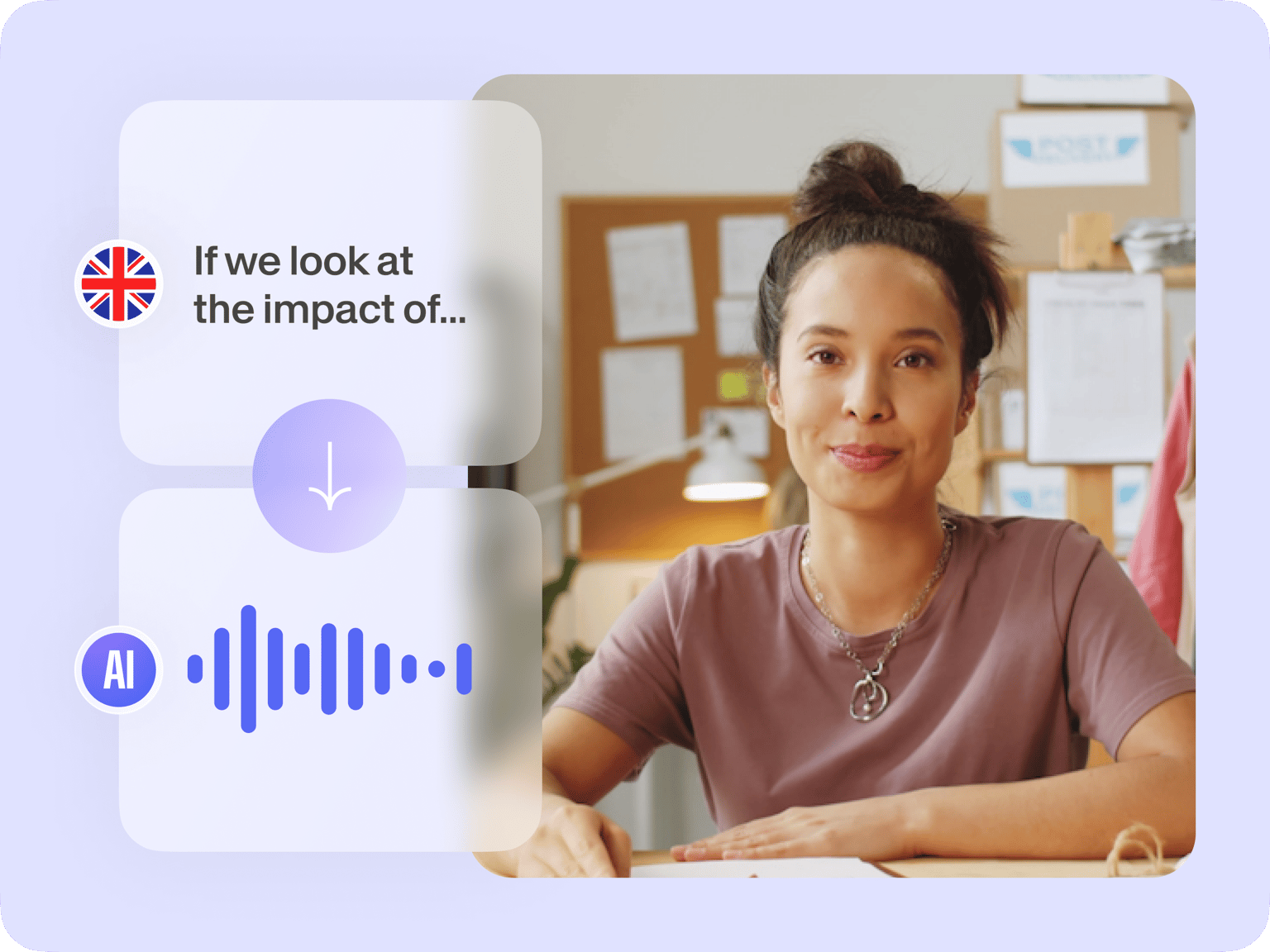
Replace your video’s original audio with a translated voiceover using AI. Upload your recording and use the AI translation tool to generate a translated voiceover in over 125 languages. Create the best listening and viewing experience by adding background music and using the full range of tools.
How to use the AI voice translation tool:
Step 01
Upload or record
Upload your video to VEED or start recording using our free webcam recorder. You can also drag and drop your videos to the editor.
Step 02
Add text and convert to voice
Click Audio from the left menu and select Text to Speech. Type or paste your text into the text field and click Add to Project. You will see an audio file in the timeline.
Step 03
Export
When you’re happy with your text-to-speech video, click on Export. Download your video or audio to your device.
Learn More
Learn more about the voiceover translation software:
AI voice dubbing: Translate to multiple languages
You can use the text-to-speech tool to make our AI voices read the spoken audio in your preferred language. Add the voice file to your video and edit your footage right on VEED. Our AI tool can generate voiceovers in minutes with natural-sounding AI voices. Instantly add voiceovers with AI.
Personalized voiceovers with diverse voice profiles
Create movie trailers, demo reels, and sports radio commentary with a wide range of AI voices using the commercial voice generator. VEED’s voiceover translation tool features plenty of voice profiles, and you can choose a language and an accent. Add captions to make your content accessible.
Generate voices and edit videos in one place!
Apart from generating instant infomercial and commercial voiceovers with AI, you will also have access to VEED’s full suite of AI video editing tools. Create marketing videos for your brand straight from your browser. You can add animated text, images, subtitles, emojis, and drawings.
FAQ
Click Audio from the left menu. Click on Text to Speech and start typing or pasting your text. Select a voice, preview the speech, and either download the audio or add it to your video!
Voiceovers are used in various media, including documentaries, commercials, and other types of content. VEED can help you generate voiceovers instantly in multiple languages. Generate professional-sounding voices in minutes.
VEED’s voiceover translation tool usage depends on your subscription. You can check our pricing page for more info.
Currently, you can add up to 5,000 characters to convert to speech per video project.
Loved by creators.
Loved by the Fortune 500
“
With VEED I didn't need 15 tutorials - I jumped straight in and started editing.

Gwenne Wilcox
Founder,
Brand Brainery
“
You can go beyond choppping things. VEED actually makes my videos look great.

Michael Glover
Demand Gen Manager,
ConvertFlow
“
The first four videos i created with VEED got over 40,000 impressions on LinkedIn.

Travis Tyler
Senior Content Producer,
PandaDoc
“
I found VEED at the right time: if you're making UGC ads and not using Eye Contact Correction and Noise Reduction on VEED you're missing out on ROI.

Sebastian Schurgers
Head of Growth Marketing,
Gronda
“
With VEED I didn't need 15 tutorials - I jumped straight in and started editing.
Gwenne Wilcox
Founder,
Brand Brainery
“
You can go beyond choppping things. VEED actually makes my videos look great.
Michael Glover
Demand Gen Manager,
ConvertFlow
“
The first four videos i created with VEED got over 40,000 impressions on LinkedIn.
Travis Tyler
Senior Content Producer,
PandaDoc
“
I found VEED at the right time: if you're making UGC ads and not using Eye Contact Correction and Noise Reduction on VEED you're missing out on ROI.
Sebastian Schurgers
Head of Growth Marketing,
Gronda
“
The first four videos i created with VEED got over 40,000 impressions on LinkedIn.
Travis Tyler
Senior Content Producer,
PandaDoc
“
I found VEED at the right time: if you're making UGC ads and not using Eye Contact Correction and Noise Reduction on VEED you're missing out on ROI.
Sebastian Schurgers
Head of Growth Marketing,
Gronda
“
With VEED I didn't need 15 tutorials - I jumped straight in and started editing.
Gwenne Wilcox
Founder,
Brand Brainery
“
You can go beyond choppping things. VEED actually makes my videos look great.
Michael Glover
Demand Gen Manager,
ConvertFlow
Discover more
- Accent Generator
- Advertisement Voice Over
- AI Audiobook Narration
- AI Narrator
- Animation Voice Over
- Australian Accent Generator
- Bolivian Accent
- British Accent Generator
- Canadian Accent Translator
- Character Voice Generator
- Documentary Voice Over
- eLearning Voice Over
- English Voice Over Generator
- Explainer Video Voice Over
- Female Voice Generator
- French Voice Over
- German Accent Translator
- Guatemalan Accent
- Icelandic Translator with Voice
- Indian Accent Voice
- Italian Accent Generator
- IVR Voice Over
- Male Voice Generator
- Mongolian Accent
- Movie Trailer Voice Generator
- Nigerian Accent Generator
- Norwegian Voice Over
- Podcast Voice Over
- Polish Voice Over
- Russian Accent Translator
- Spanish Accent Generator
- Sports Announcer Voice Generator
- TikTok Voice Generator
- Ukrainian Voice Over
- Vietnamese Voice Over
- Voice for Games
- Voice Over Advertising
- Voice Over for Commercials
- Voice Over Studio
- Voicemaker
- Welsh Accent Generator
More from VEED

Facebook Video Ads Size Guide [All Video Ad Types Included]
Not sure about the size of your Facebook video ad? Learn about all the different specs you need to know in this handy guide.

19 Instagram Story Ideas and Best Practices to Grow Your Followers and Business
We studied top accounts and asked Instagram experts to share their Instagram story secrets for growth and engagement. Here’s what we learned…

9 Beginner Video Editing Mistakes and How to Avoid Them
Comment yet easily avoidable mistakes beginners tend to make when editing a video.
Trusted by 1M+ creators
When it comes to amazing videos, all you need is VEED
No credit card required
More than a voice over translation software
VEED can do so much more than just provide you with instant AI voiceovers and translations. It’s an all-in-one professional video editing software that lets you create stunning videos in just minutes. Plus, you can make use of our video templates; create videos for your business or personal use. Create sales videos, movie trailers, birthday videos, and so much more. Try VEED today and start streamlining your content creation process!