


Trusted by 1M+ creators
MP4 to Text
Save time transcribing and convert your MP4 files into text easily. Automatic audio transcription, online, no account required
No credit card required
4.6
2,100+ reviews














Automatically transcribe MP4 to text
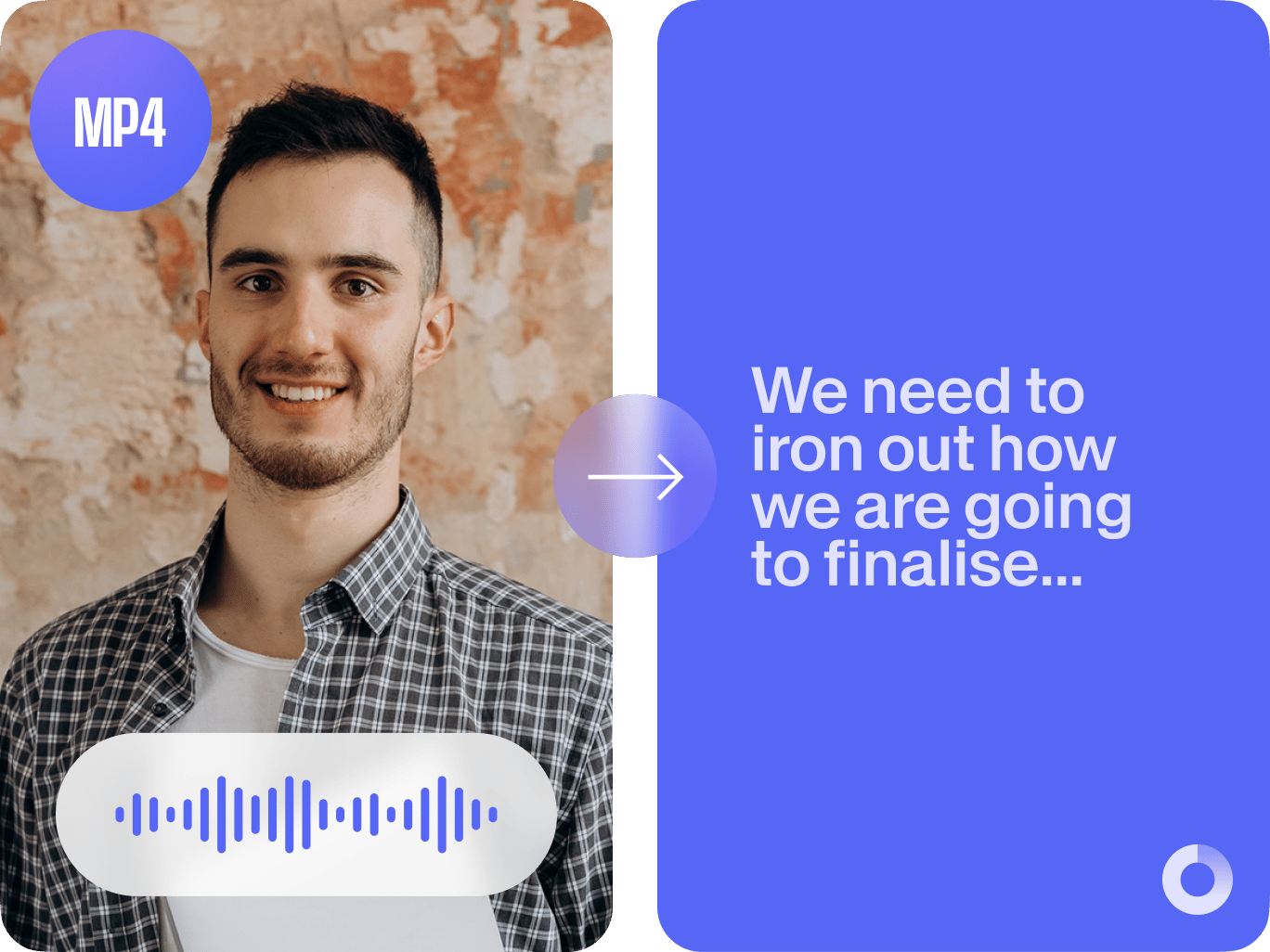
Are you looking to create automatic transcriptions of your MP4 files? Would you like to be able to translate those transcriptions, export as .txt, create subtitles files, and much more? Well, now you can, with VEED! VEED makes it super easy to transcribe MP4 to text so your content can travel further, be more purposeful and engage with a wider, global audience. All online and no account required. VEED can detect over a hundred different accents and languages so simply choose the language you need. Exporting couldn’t be easier. Automatically export your transcription as a text file (.txt) or subtitles file (.srt)- tex and subtitles. Want to add some changes to your text? Just click on a line and type. It’s that easy. Convert your MP4 file to Text quickly and easily with VEED’s powerful video editing software!
How to convert MP4 to text:
Step 01
Upload an MP4 file
Click on ‘Upload’ and simply upload your MP4 file! It’s all online so there’s no software needed! It’s super fast!
Step 02
Convert to text
Click ‘Subtitles’, then ‘Auto Subtitles’, and watch as your transcription automatically generates! You can also manually input your subtitles if you want more control over the transcriptions. Click ‘Subtitles’, then ‘Manual Subtitles’ and type your transcriptions.
Step 03
Download
Click ‘Download’ and save your new converted file as .TXT, .VTT, or, SRT- if you want to create a separate subtitles file. It’s that easy to get your MP4 files transcribed with VEED. Once downloaded your transcript is ready to share!
Learn More
‘Transcribe Video to Text’ tutorial
Keeping a record
Transcriptions of your video files are a great way to keep a record of all the video content you have made! It also provides a different way for your audience to take in your content, and shows your audience you've gone that extra step in providing video transcriptions.
Translation
Automatically translate your transcription into multiple languages to ensure nobody is missing out! You can easily generate your transcription into multiple languages so that your content can connect with everyone and is as inclusive as possible.
Accessibility
Transcribing your MP4 file broadens its reach to everyone, everywhere. Transcriptions and video captions make your content accessible for people with hearing difficulties. Text transcriptions also means higher index ranking for your content!
FAQ
Upload your MP4 file, go to ‘Subtitles’ then click on ‘Auto Transcribe’ and your subtitles will automatically appear. Then ‘Export’ your file to download and save it as a .TXT file. Done!
Generating subtitles on VEED for your MP4 file is free. However, to download the TXT file, you would need a premium subscription. All other video editing tools are accessible for free!
With 100+ languages to choose from, translation is easy. Upload your MP4 file, go to ‘Subtitles’ then choose ‘Auto Transcribe’.
Yes, you can upload your MP4 file from other platforms. If it’s pre-downloaded, simply upload your video. If you are pasting a URL from another platform, simply paste the address into the bar and watch your file upload!
With VEED, you can convert any file type, whether that be audio or visual and convert it to your text transcription.
Loved by creators.
Loved by the Fortune 500
“
With VEED I didn't need 15 tutorials - I jumped straight in and started editing.

Gwenne Wilcox
Founder,
Brand Brainery
“
You can go beyond choppping things. VEED actually makes my videos look great.

Michael Glover
Demand Gen Manager,
ConvertFlow
“
The first four videos i created with VEED got over 40,000 impressions on LinkedIn.

Travis Tyler
Senior Content Producer,
PandaDoc
“
I found VEED at the right time: if you're making UGC ads and not using Eye Contact Correction and Noise Reduction on VEED you're missing out on ROI.

Sebastian Schurgers
Head of Growth Marketing,
Gronda
“
With VEED I didn't need 15 tutorials - I jumped straight in and started editing.
Gwenne Wilcox
Founder,
Brand Brainery
“
You can go beyond choppping things. VEED actually makes my videos look great.
Michael Glover
Demand Gen Manager,
ConvertFlow
“
The first four videos i created with VEED got over 40,000 impressions on LinkedIn.
Travis Tyler
Senior Content Producer,
PandaDoc
“
I found VEED at the right time: if you're making UGC ads and not using Eye Contact Correction and Noise Reduction on VEED you're missing out on ROI.
Sebastian Schurgers
Head of Growth Marketing,
Gronda
“
The first four videos i created with VEED got over 40,000 impressions on LinkedIn.
Travis Tyler
Senior Content Producer,
PandaDoc
“
I found VEED at the right time: if you're making UGC ads and not using Eye Contact Correction and Noise Reduction on VEED you're missing out on ROI.
Sebastian Schurgers
Head of Growth Marketing,
Gronda
“
With VEED I didn't need 15 tutorials - I jumped straight in and started editing.
Gwenne Wilcox
Founder,
Brand Brainery
“
You can go beyond choppping things. VEED actually makes my videos look great.
Michael Glover
Demand Gen Manager,
ConvertFlow
Discover more
More from VEED

How to Get the Transcript of a YouTube Video [Fast & Easy]
The easiest way to get the transcript of a YouTube video without jumping through a million hoops. Here's how.

How to Translate Subtitles in 2026: The Complete Guide
This article explains how to translate subtitles online using AI, covering SRT files, foreign films, Japanese and Arabic translations, Netflix workarounds, and videos without any existing subtitles.

How To Translate a YouTube Video to English (and Any Other Language)
Knowing how to translate YouTube videos online can be one of the most useful things in a bilingual content creator’s arsenal.
Trusted by 1M+ creators
When it comes to amazing videos, all you need is VEED
No credit card required
More than an MP4-to-text converter
VEED is a super powerful online video editor! It can automatically transcribe audio, generate subtitles and translate your video from any language, making it super easy to transcribe to text from any MP4 file. Our online platform is designed so you have the creative power to transcribe your video and audio files. There is so much more to discover with VEED’s editing software, so upload your MP4 file and transcribe your MP4 file to text flawlessly, with VEED!