


Trusted by 1M+ creators
Slow Motion Video
Make slow-motion videos online now, no account required
No credit card required

4.6
2,100+ reviews














Create a slow-mo video in minutes
Slow down any video with VEED’s online editor – no software download needed. Enhance dramatic effect in sports highlights, dance moves, or quick-action shots. Our intuitive slow-motion tool lets you control time with just a few clicks.
Beyond slowing down videos, you can add text overlays, filters, and music using our editor. Plus, access your projects from any device and collaborate on your videos. Get started for free with no signup required. Upgrade anytime for watermark-free exports.
How to make a slow-motion video:
Step 01
Upload your video
Upload the video file you would like to slow down.
Step 02
Slow down video
Click on the video in the timeline. Under ‘Settings’ scroll down to ‘Speed’ and select your preferred speed.
Step 03
Download your video
Once you’re happy with your slow-motion video, click download and your video will start rendering.
Learn More
Watch this slow-mo effect tutorial:
Change video speed online
Add a slow motion effect to your video online. No need to download software. Capture an impressive move or break down steps in a tutorial. Take fine control over slowing down your video. Split your clips, slow down certain parts, and create awesome effects.
Easy and intuitive
Making slow-motion videos is so easy, you can do it with a single click. Adjust speed and slow down or speed up a clip using our simple speed tool. Just upload your video, set the speed by choosing from the speed options, or enter a custom speed.
Edit any format
You can upload any video file format (.MP4 .MOV .AVI and more) to create your awesome slow-motion effects. Plus, you will have access to all of VEED’s video editing tools. Crop, trim, add text, annotations, add subtitles, create transcriptions, and more.
FAQ
Follow these simple steps:
- Upload your video.
- Access the Edit Video panel. Adjust the playback speed (e.g., 0.5x for half speed) or enter a custom speed.
- Export your slow-mo video.
You can slow down a video using your iPhone's built-in Photos app, but here’s a more versatile option for editing across devices and collaborating online:
- Open VEED from your browser. Upload the footage.
- Choose a speed starting from 0.5x.
- Add creative touches like text, music, and color correction.
- Save the final video.
Follow these steps:
- Position the playhead at the desired start point.
- Use the ‘Split’ function to divide the video at both the beginning and end of the section you want to slow down.
- Select that segment and adjust its speed in the Edit panel.
- Remove any gaps in the timeline before exporting your video.
Record videos in a high frame rate like 60 fps to get a smooth slow-mo effect. Slow-motion videos work best for fast-moving subjects, emotional reactions, and close-ups of processes.
Yes, you can also speed up videos using our editor. To speed up your video, select a speed starting from 1.5x and above. Just click on your video in the editor and click on the speed you want.
Loved by creators.
Loved by the Fortune 500
“
With VEED I didn't need 15 tutorials - I jumped straight in and started editing.

Gwenne Wilcox
Founder,
Brand Brainery
“
You can go beyond choppping things. VEED actually makes my videos look great.

Michael Glover
Demand Gen Manager,
ConvertFlow
“
The first four videos i created with VEED got over 40,000 impressions on LinkedIn.

Travis Tyler
Senior Content Producer,
PandaDoc
“
I found VEED at the right time: if you're making UGC ads and not using Eye Contact Correction and Noise Reduction on VEED you're missing out on ROI.

Sebastian Schurgers
Head of Growth Marketing,
Gronda
“
With VEED I didn't need 15 tutorials - I jumped straight in and started editing.
Gwenne Wilcox
Founder,
Brand Brainery
“
You can go beyond choppping things. VEED actually makes my videos look great.
Michael Glover
Demand Gen Manager,
ConvertFlow
“
The first four videos i created with VEED got over 40,000 impressions on LinkedIn.
Travis Tyler
Senior Content Producer,
PandaDoc
“
I found VEED at the right time: if you're making UGC ads and not using Eye Contact Correction and Noise Reduction on VEED you're missing out on ROI.
Sebastian Schurgers
Head of Growth Marketing,
Gronda
“
The first four videos i created with VEED got over 40,000 impressions on LinkedIn.
Travis Tyler
Senior Content Producer,
PandaDoc
“
I found VEED at the right time: if you're making UGC ads and not using Eye Contact Correction and Noise Reduction on VEED you're missing out on ROI.
Sebastian Schurgers
Head of Growth Marketing,
Gronda
“
With VEED I didn't need 15 tutorials - I jumped straight in and started editing.
Gwenne Wilcox
Founder,
Brand Brainery
“
You can go beyond choppping things. VEED actually makes my videos look great.
Michael Glover
Demand Gen Manager,
ConvertFlow
Discover more
Explore related tools
More from VEED

How to Split a Video Into Parts For Free (Super Easy)
How to use VEED's video splitter to split videos online quickly and easily.

How to Crop a Video (Free and Paid Easy-to-Use Methods)
The easiest way to crop videos (free & paid ways) whether on Windows 10 with VLC or online with VEED. Here's how!
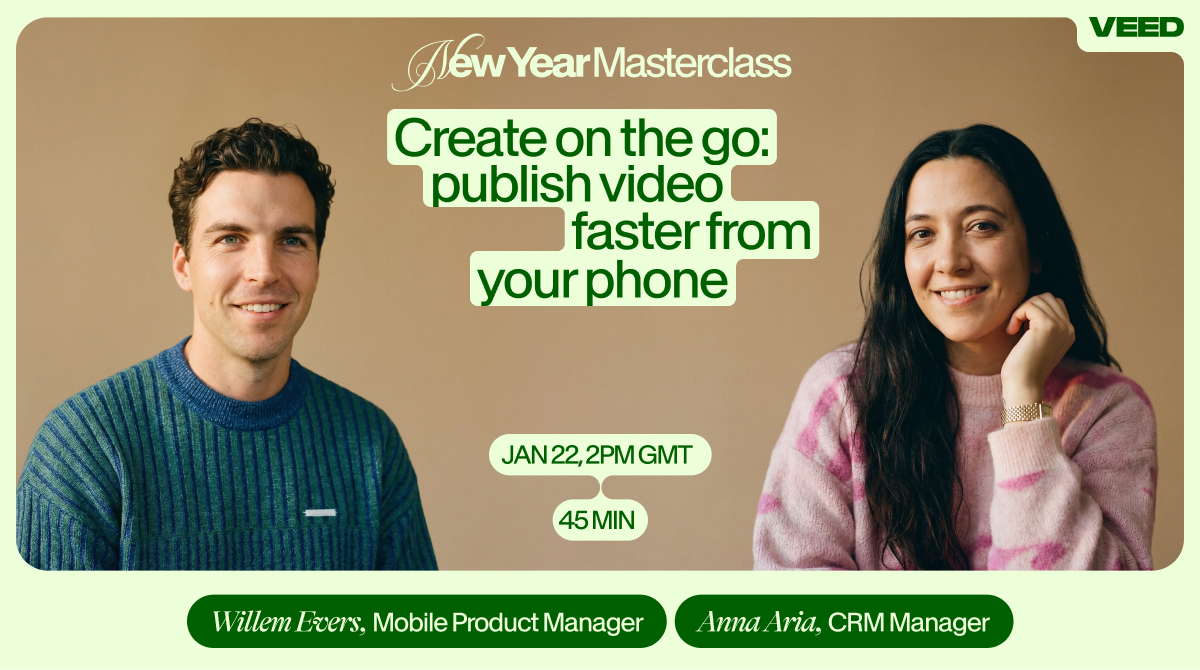
Create on the Go: Publish Video Faster From Your Phone
Trusted by 1M+ creators
When it comes to amazing videos, all you need is VEED
No credit card required
More than a slow-motion video maker
Slow-mo effects are one way to make your video interesting. VEED is an AI video creation platform that lets you create and enhance your footage with the best AI models. Take your clip into the AI playground and transform it with Kling O1. Swap, add, or delete elements to create a fresh scene from the same footage — no reshoots needed. Create feed-ready videos in minutes. Sign up now.