


Trusted by 1M+ creators
YouTube Video Compressor
Compress your YouTube videos online. Reduce video file size, Free
No credit card required

4.6
2,100+ reviews














Reduce YouTube Video Size Online
Have you got video content on YouTube, but want to reduce the file size or resolution? With VEED's online video compressor you can choose the exact file size of your compressed video file. Select from multiple options around resolution, aspect ratio, frame rate, and more. You don’t even have to create an account to compress a video! Compress YouTube videos straight from your web browser.
Remember you should only be compressing YouTube videos that you yourself own. Never download copyrighted material and always follow YouTube's terms of service.
How to Make your YouTube Videos Smaller:
Step 01
Upload your YouTube videos
Upload the video files to our compressor from your device (VEED works on iphone, android, windows, mac, and all operating systems)
Step 02
Adjust compression settings
Choose from Low, Normal, to High Quality. Additionally, you can edit the video - add filters, text, subtitles, and more before compressing it.
Step 03
Click ‘Export’
You’re ready to download and share your video. Just click 'Export'
Learn More
Reduce YouTube video size
Online & Free YouTube video compressor
All online. No need to download or install software. VEED works with all browsers and runs flawlessly on Mac, Windows, and all mobile devices. Make your videos smaller anywhere you are - just open your browser, make sure you have internet connection, and compress your videos on VEED. Our video file size compressor, converter, and editing tools are all browser-based. You don’t even have to create an account to use the video compression tool. Unlike ClipChamp - which forces you to log in with your Facebook or Google account, VEED lets you compress your YouTube video straight away!
Social Media
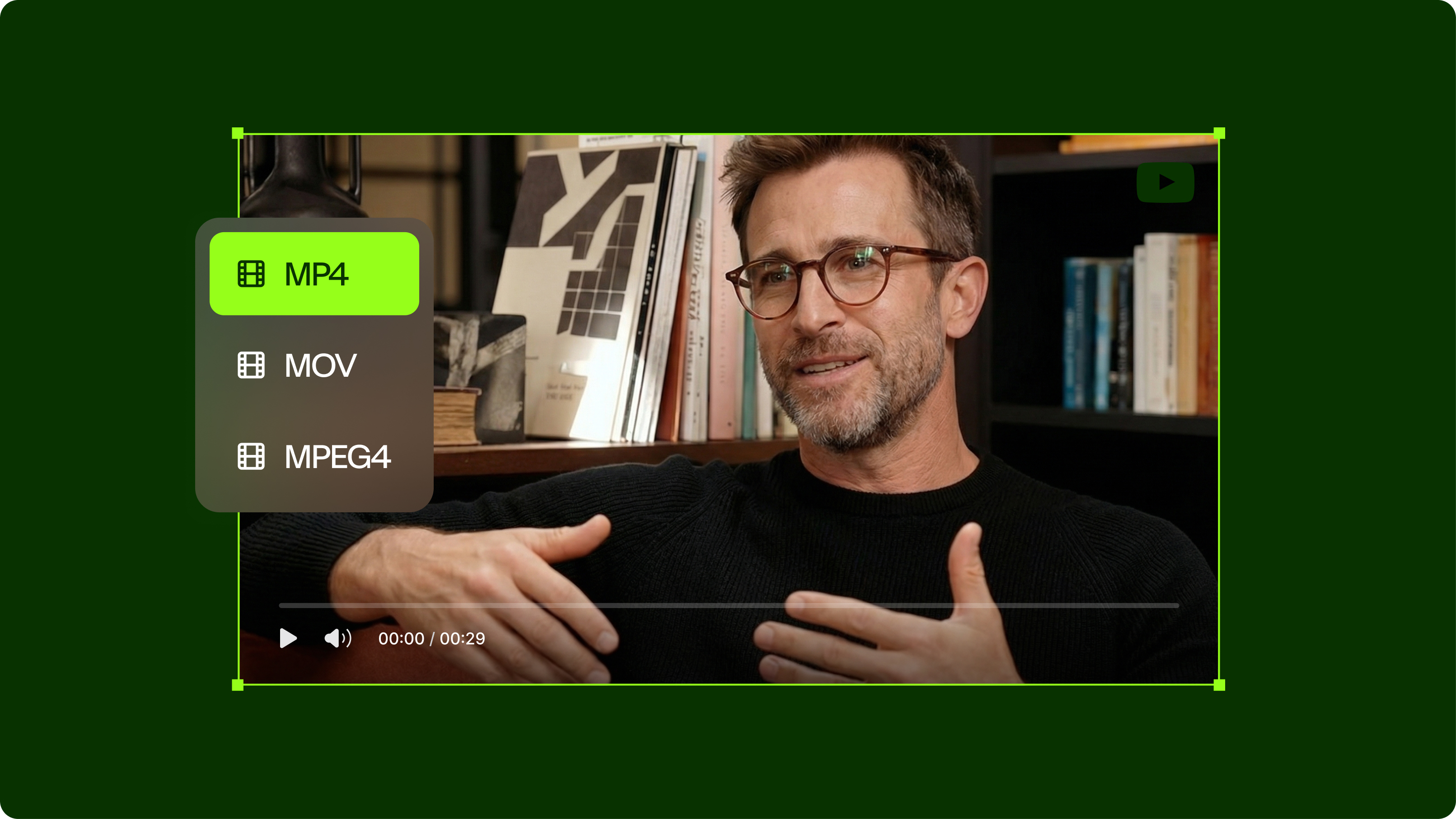
VEED’s YouTube video compressor will automatically convert the video to MP4. You can then post to any social media platform - TikTok, Facebook, Insta. You name it. Compress and repurpose your content for any platform.
Stream your video online faster
Reduce the size of your videos for YouTube so that they stream faster. By reducing the resolution and file size you can ensure that everyone watching your videos has a smooth viewing experience, without waiting for you video to buffer
FAQ
- Upload the YouTube video that is too large
- Adjust your video’s resolution and compression settings
- Download and save
- That's it!
If your video files are large, you can compress them using VEED’s video compression tool and convert them to MP4 - the preferred format of YouTube.
It depends on the compression settings that you choose before compressing your video. Naturally, the higher the quality you set, the larger the file would be. However, the MP4 format is a lot smaller than most other video file types. So you can get high quality video at a smaller file size.
At Standard settings, a 10-minute YouTube video can be anywhere from 240MB or higher. If a video is set to High Definition (HD), the approximate file size is 88MB per minute. This will be the file size if you retain the settings when you download the video from YouTube. That’s why it’s best to compress them using VEED platform before saving or uploading them to YouTube
Loved by creators.
Loved by the Fortune 500
“
With VEED I didn't need 15 tutorials - I jumped straight in and started editing.

Gwenne Wilcox
Founder,
Brand Brainery
“
You can go beyond choppping things. VEED actually makes my videos look great.

Michael Glover
Demand Gen Manager,
ConvertFlow
“
The first four videos i created with VEED got over 40,000 impressions on LinkedIn.

Travis Tyler
Senior Content Producer,
PandaDoc
“
I found VEED at the right time: if you're making UGC ads and not using Eye Contact Correction and Noise Reduction on VEED you're missing out on ROI.

Sebastian Schurgers
Head of Growth Marketing,
Gronda
“
With VEED I didn't need 15 tutorials - I jumped straight in and started editing.
Gwenne Wilcox
Founder,
Brand Brainery
“
You can go beyond choppping things. VEED actually makes my videos look great.
Michael Glover
Demand Gen Manager,
ConvertFlow
“
The first four videos i created with VEED got over 40,000 impressions on LinkedIn.
Travis Tyler
Senior Content Producer,
PandaDoc
“
I found VEED at the right time: if you're making UGC ads and not using Eye Contact Correction and Noise Reduction on VEED you're missing out on ROI.
Sebastian Schurgers
Head of Growth Marketing,
Gronda
“
The first four videos i created with VEED got over 40,000 impressions on LinkedIn.
Travis Tyler
Senior Content Producer,
PandaDoc
“
I found VEED at the right time: if you're making UGC ads and not using Eye Contact Correction and Noise Reduction on VEED you're missing out on ROI.
Sebastian Schurgers
Head of Growth Marketing,
Gronda
“
With VEED I didn't need 15 tutorials - I jumped straight in and started editing.
Gwenne Wilcox
Founder,
Brand Brainery
“
You can go beyond choppping things. VEED actually makes my videos look great.
Michael Glover
Demand Gen Manager,
ConvertFlow
Discover more
More from VEED

6 Easy Ways to Compress Video Files (Without Losing Quality)
Figuring out how to compress a video file without losing quality doesn’t have to be a long and drawn-out process. Try these simple methods now!
The Best YouTube Video Formats in 2025 (Ultimate Guide)
Everything you need to know from your youtube video size, resolution, captions and formatting your video for optimal performance.

Top 5 Methods to Compress Your Video Files for Email (And When to Use Each)
With so many different ways to compress your video file for email, it can be difficult to understand which is the best method for you. We eliminate the tedious guesswork by talking about the top 5 ways and when to use each one.
Trusted by 1M+ creators
When it comes to amazing videos, all you need is VEED
No credit card required
More than compressing videos
VEED is packed with amazing video editing tools. It’s not just a video compressor and converter but also a video editor! You can create super cool HD videos that you can then post on YouTube and other social media pages. You can even create GIFs from videos. It's all online, no app to install, and works with all browsers and mobile devices.