


Trusted by 1M+ creators
GIF Compressor
Easy file compressor: Compress and resize GIFs for your social media campaigns
No credit card required
4.6
2,100+ reviews














Online GIF optimizer for engaging social media posts
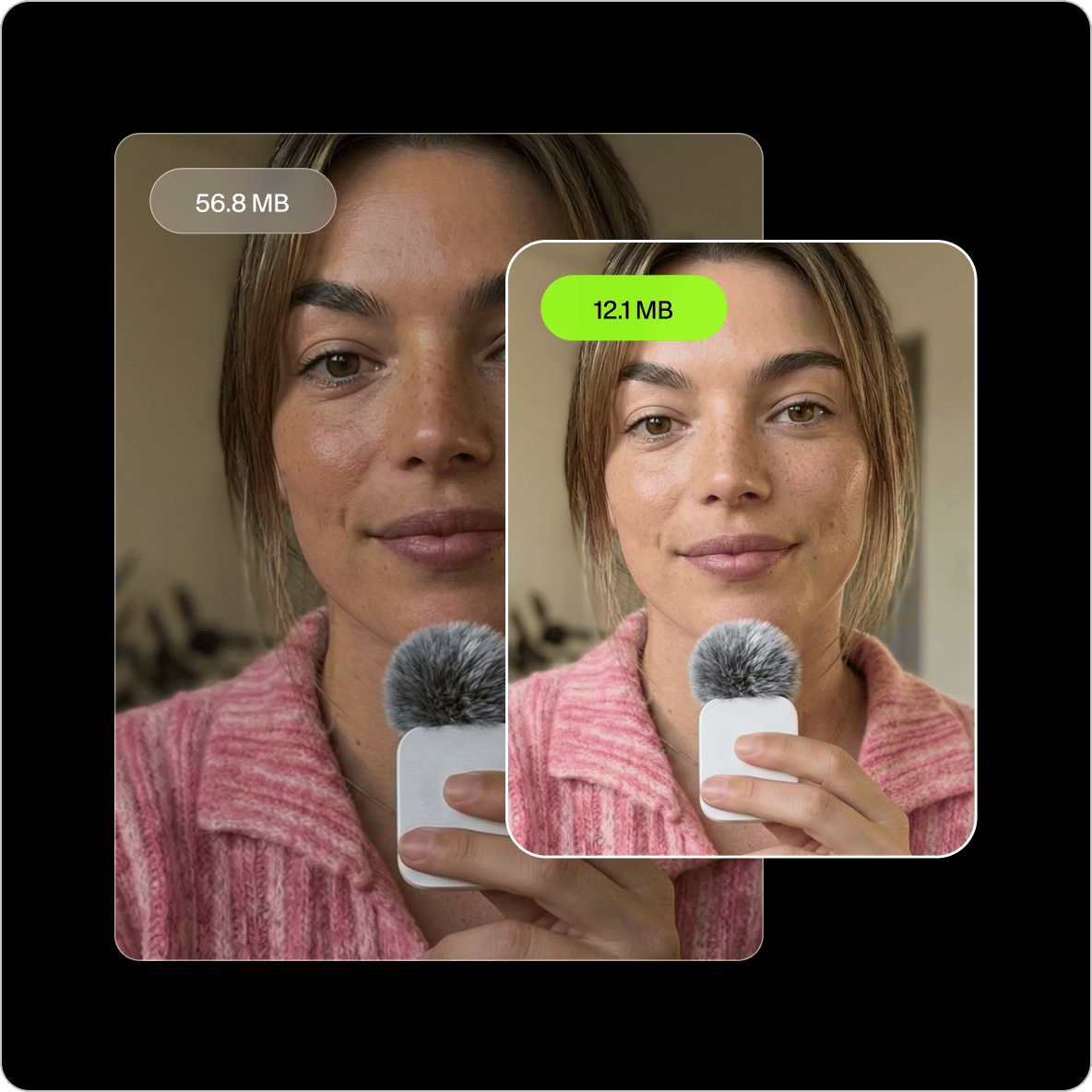
Resize your animated images and optimize them for various social media platforms. Upload your GIF to the editor, select a resolution, and set the video quality. Download your GIF—now with a smaller file size. You will see the new file size compared to the original before you hit ‘compress video.’
Edit your Discord GIF’s size to avoid exceeding GIF size limits. The online GIF compression tool helps make your GIFs load faster. Compressing your GIF images will also help you save space and improve your website’s performance if you’re sharing GIFs on your site. Create new videos and GIFs that you can use for your social media marketing campaigns.
How to compress a GIF:
Step 01
Upload or record
Upload your GIF files to the editor. Or you can record a video and turn it into a GIF!
Step 02
Adjust compression settings
Adjust the compression settings for your GIF. You will see the new estimated file size before you compress your GIF. You can also create a new GIF from a video.
Step 03
Export and share
Export your project as a GIF and share it on your website or social media pages.
Learn More
Learn more about the GIF optimizer and compressor:
High-quality compression with minimal loss in image quality
The online GIF compressor uses sophisticated software to ensure that your images are compressed without losing too much quality or detail. You can be confident that your compressed GIFs will look just as good as the originals while taking up less space and loading faster.
Create new GIFs from videos for fresh content
You can also create new GIFs from video clips. Splice videos together using our intuitive timeline, where you can easily split, trim, and rearrange clips. Keep your social media content fresh for your online community! Plus, you can use our full suite of video editing tools to add text to your GIF, create GIF memes, add images, and more. Make your content relatable to increase your social engagement.
Poorly cropped GIF? Crop your GIFs to the perfect size!
Sometimes, you’ll see a GIF that’s poorly cropped, so the whole image doesn’t show properly on social media. You can use VEED’s GIF editor to crop, rotate, and even add text to your GIF files. You can optimize them for any platform, whether that’s Twitter, Facebook, or Instagram.
FAQ
You can quickly compress your GIF files, reducing their final output size.
- Just upload your GIF images to the editor and hit Compress.
- Download your project as a GIF and share it on social media.
- You can also use the video editing tools to edit your GIF! Add images, text, stickers, and more.
You can drag and drop your GIFs to a conversation window on Discord to send GIFs to your friends.
Yes, you can! Downloading GIFs are free. With the online video editor, you can turn any video into a GIF or use several GIFs to create one GIF file. Select ‘Export as GIF’ when you’re done, and you can download your new animated GIF image.
GIF is short for Graphics Interchange Format. It was first developed by a computer scientist in the late 80s. Many people argue about the pronunciation of GIF—whether the ‘G’ is supposed to be pronounced as in ‘giraffe’ or as in ‘goat’. There has not been one unifying decision in its pronunciation.
Loved by creators.
Loved by the Fortune 500
“
With VEED I didn't need 15 tutorials - I jumped straight in and started editing.

Gwenne Wilcox
Founder,
Brand Brainery
“
You can go beyond choppping things. VEED actually makes my videos look great.

Michael Glover
Demand Gen Manager,
ConvertFlow
“
The first four videos i created with VEED got over 40,000 impressions on LinkedIn.

Travis Tyler
Senior Content Producer,
PandaDoc
“
I found VEED at the right time: if you're making UGC ads and not using Eye Contact Correction and Noise Reduction on VEED you're missing out on ROI.

Sebastian Schurgers
Head of Growth Marketing,
Gronda
“
With VEED I didn't need 15 tutorials - I jumped straight in and started editing.
Gwenne Wilcox
Founder,
Brand Brainery
“
You can go beyond choppping things. VEED actually makes my videos look great.
Michael Glover
Demand Gen Manager,
ConvertFlow
“
The first four videos i created with VEED got over 40,000 impressions on LinkedIn.
Travis Tyler
Senior Content Producer,
PandaDoc
“
I found VEED at the right time: if you're making UGC ads and not using Eye Contact Correction and Noise Reduction on VEED you're missing out on ROI.
Sebastian Schurgers
Head of Growth Marketing,
Gronda
“
The first four videos i created with VEED got over 40,000 impressions on LinkedIn.
Travis Tyler
Senior Content Producer,
PandaDoc
“
I found VEED at the right time: if you're making UGC ads and not using Eye Contact Correction and Noise Reduction on VEED you're missing out on ROI.
Sebastian Schurgers
Head of Growth Marketing,
Gronda
“
With VEED I didn't need 15 tutorials - I jumped straight in and started editing.
Gwenne Wilcox
Founder,
Brand Brainery
“
You can go beyond choppping things. VEED actually makes my videos look great.
Michael Glover
Demand Gen Manager,
ConvertFlow
Discover more
Explore related tools
More from VEED

6 Easy Ways to Compress Video Files (Without Losing Quality)
Figuring out how to compress a video file without losing quality doesn’t have to be a long and drawn-out process. Try these simple methods now!

How to Compress a GIF Using VEED (Without Losing Quality)
A step-by-step tutorial on how to use VEED's online GIF compressor.

Top 5 Methods to Compress Your Video Files for Email (And When to Use Each)
With so many different ways to compress your video file for email, it can be difficult to understand which is the best method for you. We eliminate the tedious guesswork by talking about the top 5 ways and when to use each one.
Trusted by 1M+ creators
When it comes to amazing videos, all you need is VEED
No credit card required
More than a GIF compressor
VEED not only lets you compress and optimize your GIF files. It’s a complete professional video editing software that will help you streamline your entire content creation process. Create stunning videos using our full suite of tools. Turn your videos into GIFs, or the other way around! It’s a professional video converter, editor, and compressor all in one!