


Trusted by 1M+ creators
Chinese Text to Speech
Convert text to speech in Chinese accent online; free!
No credit card required
4.6
2,100+ reviews














Online Chinese text-to-speech software
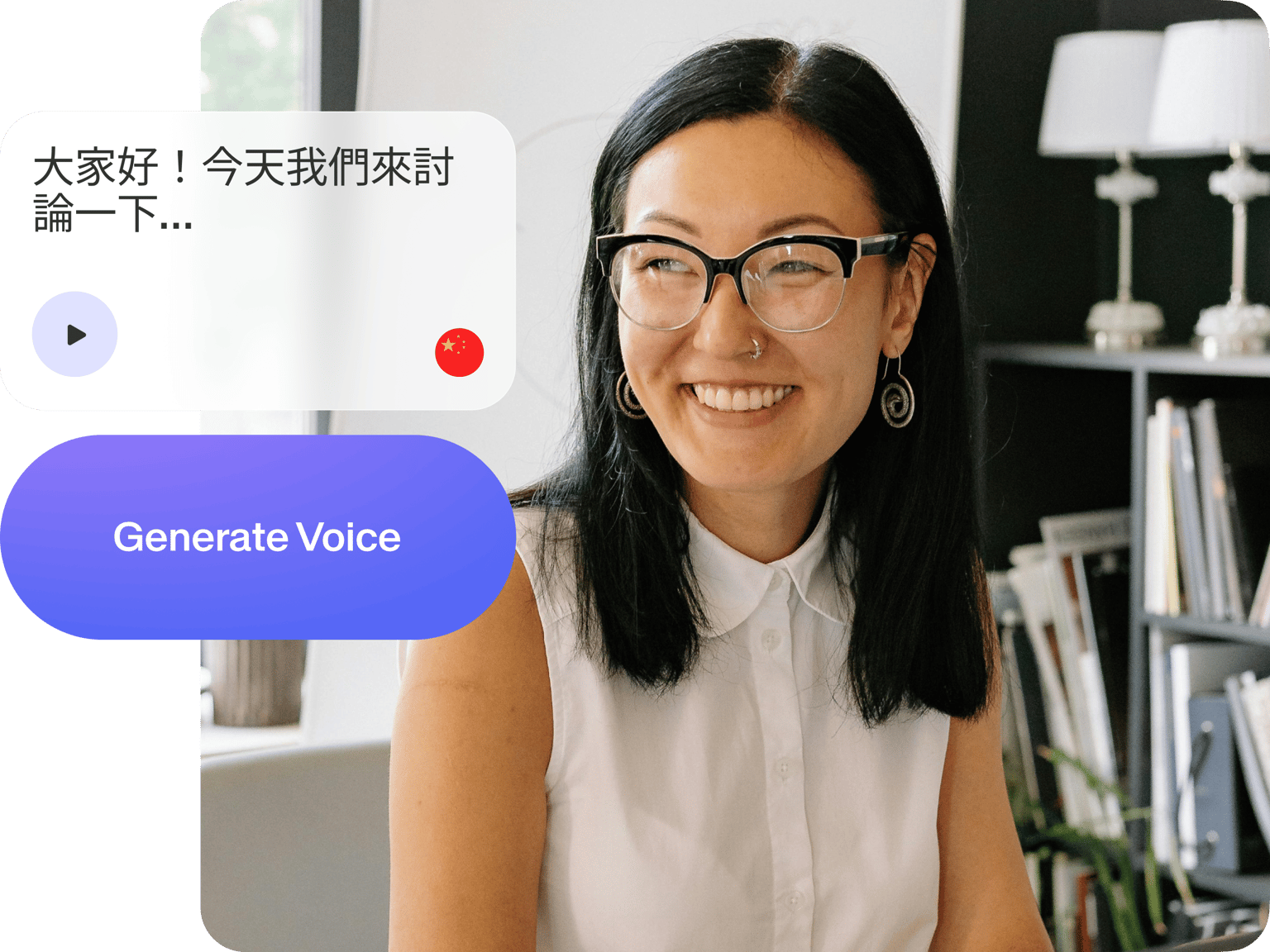
Use our Chinese text-to-voice online software straight from your browser. Listen to our AI read your text aloud in Chinese accent in one click! No need to download software. Just type or paste your text, select a voice that you want to use, and hear your text being read aloud by our AI. It’s super easy to use, and free! You can also download the file in audio format.
How to convert text to speech in Chinese accent:
Step 01
Upload or record
Upload your video to VEED or start recording using our free webcam recorder. You can also drag and drop your videos to the editor.
Step 02
Add text and convert to voice
Click Audio from the left menu and select Text to Speech. Select a language. Type or paste your text into the text field and click Add to Project. You will see an audio file in the timeline.
Step 03
Export
When you’re happy with your text-to-speech video, click on Export. Download your video or audio to your device.
Learn More
‘Chinese Text to Speech’ Tutorial
Text to speech in Chinese language
Use our voice generator to convert text to speech in Chinese accent online. No need to download an app. All you have to do is type your text or paste a text you’ve copied into the text field, and add the audio file to your project. Need a presenter to speak in your video? Our AI avatar generator lets you turn text into talking avatars.
AI voice generator but with human-sounding voices
Select from various male and female human voices. Your text will be read with correct Chinese pronunciation. Preview the voice so you can hear how it sounds before adding it to your video. Guaranteed that your text will be read by a human voice. You can also use our voice dubber to translate your audio and connect with diverse audiences.
Built-in video editing app
VEED also features a built-in video editor; no need to go elsewhere. Use it to create amazing videos with voiceovers. VEED not only lets you convert text to speech online, but gives you access to various AI editing tools. Create professional-looking videos in just a few clicks. You can also add animated text, images, subtitles, and drawings to your video. Or select from our templates and stock media library.
FAQ
Upload your video to VEED. Click Audio from the left menu and start typing or pasting your text. Select a language and voice, preview the speech, and add it to your video! It’s that simple. You can also convert text into avatars to further personalize your narrations.
Yes! VEED’s text-to-speech tool can convert text to voice in many other languages including Japanese, German, Russian, and much more!
You can select a voice depending on your preferences! VEED has a good variation of male and female human voices—in different accents.
Currently, you can add up to 1,000 characters to convert to speech per video project.
VEED’s voice cloning tool is only available for English. We’re exploring expanding to other languages, so please stay tuned for updates.
Loved by creators.
Loved by the Fortune 500
“
With VEED I didn't need 15 tutorials - I jumped straight in and started editing.

Gwenne Wilcox
Founder,
Brand Brainery
“
You can go beyond choppping things. VEED actually makes my videos look great.

Michael Glover
Demand Gen Manager,
ConvertFlow
“
The first four videos i created with VEED got over 40,000 impressions on LinkedIn.

Travis Tyler
Senior Content Producer,
PandaDoc
“
I found VEED at the right time: if you're making UGC ads and not using Eye Contact Correction and Noise Reduction on VEED you're missing out on ROI.

Sebastian Schurgers
Head of Growth Marketing,
Gronda
“
With VEED I didn't need 15 tutorials - I jumped straight in and started editing.
Gwenne Wilcox
Founder,
Brand Brainery
“
You can go beyond choppping things. VEED actually makes my videos look great.
Michael Glover
Demand Gen Manager,
ConvertFlow
“
The first four videos i created with VEED got over 40,000 impressions on LinkedIn.
Travis Tyler
Senior Content Producer,
PandaDoc
“
I found VEED at the right time: if you're making UGC ads and not using Eye Contact Correction and Noise Reduction on VEED you're missing out on ROI.
Sebastian Schurgers
Head of Growth Marketing,
Gronda
“
The first four videos i created with VEED got over 40,000 impressions on LinkedIn.
Travis Tyler
Senior Content Producer,
PandaDoc
“
I found VEED at the right time: if you're making UGC ads and not using Eye Contact Correction and Noise Reduction on VEED you're missing out on ROI.
Sebastian Schurgers
Head of Growth Marketing,
Gronda
“
With VEED I didn't need 15 tutorials - I jumped straight in and started editing.
Gwenne Wilcox
Founder,
Brand Brainery
“
You can go beyond choppping things. VEED actually makes my videos look great.
Michael Glover
Demand Gen Manager,
ConvertFlow
Discover more
- Afrikaans Text to Speech
- AI Read Aloud
- AI Reader
- AI Voice Generator
- AI Voice Over
- Amharic Text to Speech
- Arabic Text to Speech
- Audiobook Maker
- Bangla Text to Speech
- Cantonese Text to Speech
- Convert Articles to Audio
- Deep Voice AI
- English Text to Speech
- French Text to Speech
- Georgian Text to Speech
- German Text to Speech
- Hebrew Text to Speech
- Hindi Text to Speech
- Icelandic Text to Speech
- Irish Text to Speech
- Italian Text to Speech
- IVR Recording
- Japanese Text to Speech
- Kazakh Text to Speech
- Korean Text to Speech
- Lao Text to Speech
- Malayalam Text to Speech
- Nepali Text to Speech
- Persian Text to Speech
- Realistic Text to Speech
- Russian Text to Speech
- Somali Text to Speech
- Spanish Text to Speech
- Speech in Swahili
- Tamil Text to Speech
- Text Reader
- Text to Audio
- Text to Podcast
- Text to Speech Albanian
- Text to Speech Armenian
- Text to Speech Bulgarian
- Text to Speech Catalan
- Text to Speech Converter
- Text to Speech Croatian
- Text to Speech Czech
- Text to Speech Danish
- Text to Speech Dutch
- Text to Speech Estonian
- Text to Speech Finnish
- Text to Speech Greek
- Text to Speech Gujarati
- Text to Speech Human Voice
- Text to Speech Hungarian
- Text to Speech Indonesia
- Text to Speech Khmer
- Text to Speech Latvian
- Text to Speech Lithuanian
- Text to Speech Malay
- Text to Speech Marathi
- Text to Speech MP3
- Text to Speech Norwegian
- Text to Speech Polish
- Text to Speech Portuguese
- Text to Speech Romana
- Text to Speech Serbian
- Text to Speech Slovak
- Text to Speech Slovenian
- Text to Speech Swedish
- Text to Speech Tagalog
- Text to Speech Telugu
- Text to Speech Thai
- Text to Speech Turkish
- Text to Speech Ukrainian
- Text to Speech Uzbek
- Text to Speech Voice Changer
- Text to Speech with Emotion
- Text to Talk
- Text to Voice Generator
- Text to Voice Over
- Urdu Text to Speech
- Vietnamese Text to Speech
- Zulu Text to Speech
Trusted by 1M+ creators
When it comes to amazing videos, all you need is VEED
No credit card required
More than a Chinese text-to-speech software
VEED can do a lot more for you than just convert text to voice and in Chinese accent. It’s an all-in-one professional video-editing software that lets you create stunning videos in just minutes. Transform text prompts into polished videos with text-to-video. No need for advanced video editing skills! Plus, you can make use of our video templates; create videos for your business or personal use. Create sales videos, movie trailers, birthday videos, and so much more. Try VEED today and explore all its powerful video and audio editing tools.