


Trusted by 1M+ creators
Steps Recorder
Record steps, demos, and tutorials online. Enhance with AI tools like clean audio, auto-subtitles, and filler word removal
No credit card required

4.6
2,100+ reviews














Your all-in-one steps recorder and video editor
No need for endless retakes and messy editing. VEED's step recorder lets you create polished screen recordings in minutes. Add auto-subtitles and annotations and enhance your video with AI. Clean up audio, add text-to-speech, and more. Build engaging product demos, workflow onboarding videos, or training content. Skip clunky tools and manual screenshots; VEED combines screen recording, voiceovers, and editing in one place. Turn any workflow or process into a clear, easy-to-follow video. Get professional results you can proudly share right from your browser.
How to record steps:
Step 01
Choose a layout
Select a layout: screen, screen & camera, and more. Click ‘Allow’ to give access to your screen, camera, and/or microphone.
Step 02
Record your walkthrough
Click the red button to start recording. Don't worry if you mess up; you have unlimited retakes. Prefer not to speak? No problem! Simply record your screen and add text or realistic AI voiceovers after.
Step 03
Enhance with AI
Click ‘Done’ to export your video, or click the Magic icon to clean audio. Edit the video to correct eye contact, remove your background, and add auto-subtitles. Plus, use Magic Cut to remove filler words.
Learn More
Watch this screen recorder walkthrough:
Turn workflow documentation into polished videos
Our steps recorder lets you go beyond screenshots. Capture your screen, tab, or window. Merge scenes into one smooth recording. Then, use our drag-and-drop tools to add text, subtitles, and annotations. Create software demos, product walkthroughs, and onboarding videos that are easy to follow and ready to share.
Record and transcribe with our AI recorder
VEED lets you record and transcribe demos in one seamless platform. Record your screen and get 99.9% accurate subtitles in any language. Style captions to match your brand and make your video more engaging. Pro users can download transcripts for sharing on company knowledge bases and blogs.
Create tutorials without speaking into a microphone
Not everyone wants to speak on camera—and with our steps recorder, you don’t have to. Use AI avatars and text-to-speech to narrate your screen recordings from a script. Want it more personal? Clone your voice or create your own avatar. Scale your instructional content with minimal effort.
FAQ
Microsoft’s built-in Steps Recorder captures static screenshots with text descriptions of each action (clicks, typing, etc.) VEED lets you record your screen while you speak. You can also edit recordings: add text or annotations, auto-subtitles, and text-to-speech. Videos make complex instructions clear in ways that text alone can’t achieve. Viewers see steps in action and learn faster.
VEED is entirely online, so you can record, edit, and share your videos directly from your browser. This means no downloads, no installations, and no additional software required. Create professional step-by-step tutorials instantly with your computer or tablet.
Yes. VEED is perfect for creating detailed software demos, walkthroughs, and technical presentations. You can add annotations, subtitles, and voiceovers to explain complex processes clearly, making your documentation engaging and easy to follow.
Yes, you can jump right in and start recording. You’ll need to sign up for a free account to download a watermarked video. When you’re done, you can sign up for a paid plan to unlock HD, watermark-free exports. Check our pricing page for more information.
Loved by creators.
Loved by the Fortune 500
“
With VEED I didn't need 15 tutorials - I jumped straight in and started editing.

Gwenne Wilcox
Founder,
Brand Brainery
“
You can go beyond choppping things. VEED actually makes my videos look great.

Michael Glover
Demand Gen Manager,
ConvertFlow
“
The first four videos i created with VEED got over 40,000 impressions on LinkedIn.

Travis Tyler
Senior Content Producer,
PandaDoc
“
I found VEED at the right time: if you're making UGC ads and not using Eye Contact Correction and Noise Reduction on VEED you're missing out on ROI.

Sebastian Schurgers
Head of Growth Marketing,
Gronda
“
With VEED I didn't need 15 tutorials - I jumped straight in and started editing.
Gwenne Wilcox
Founder,
Brand Brainery
“
You can go beyond choppping things. VEED actually makes my videos look great.
Michael Glover
Demand Gen Manager,
ConvertFlow
“
The first four videos i created with VEED got over 40,000 impressions on LinkedIn.
Travis Tyler
Senior Content Producer,
PandaDoc
“
I found VEED at the right time: if you're making UGC ads and not using Eye Contact Correction and Noise Reduction on VEED you're missing out on ROI.
Sebastian Schurgers
Head of Growth Marketing,
Gronda
“
The first four videos i created with VEED got over 40,000 impressions on LinkedIn.
Travis Tyler
Senior Content Producer,
PandaDoc
“
I found VEED at the right time: if you're making UGC ads and not using Eye Contact Correction and Noise Reduction on VEED you're missing out on ROI.
Sebastian Schurgers
Head of Growth Marketing,
Gronda
“
With VEED I didn't need 15 tutorials - I jumped straight in and started editing.
Gwenne Wilcox
Founder,
Brand Brainery
“
You can go beyond choppping things. VEED actually makes my videos look great.
Michael Glover
Demand Gen Manager,
ConvertFlow
Discover more
Explore related tools
More from VEED
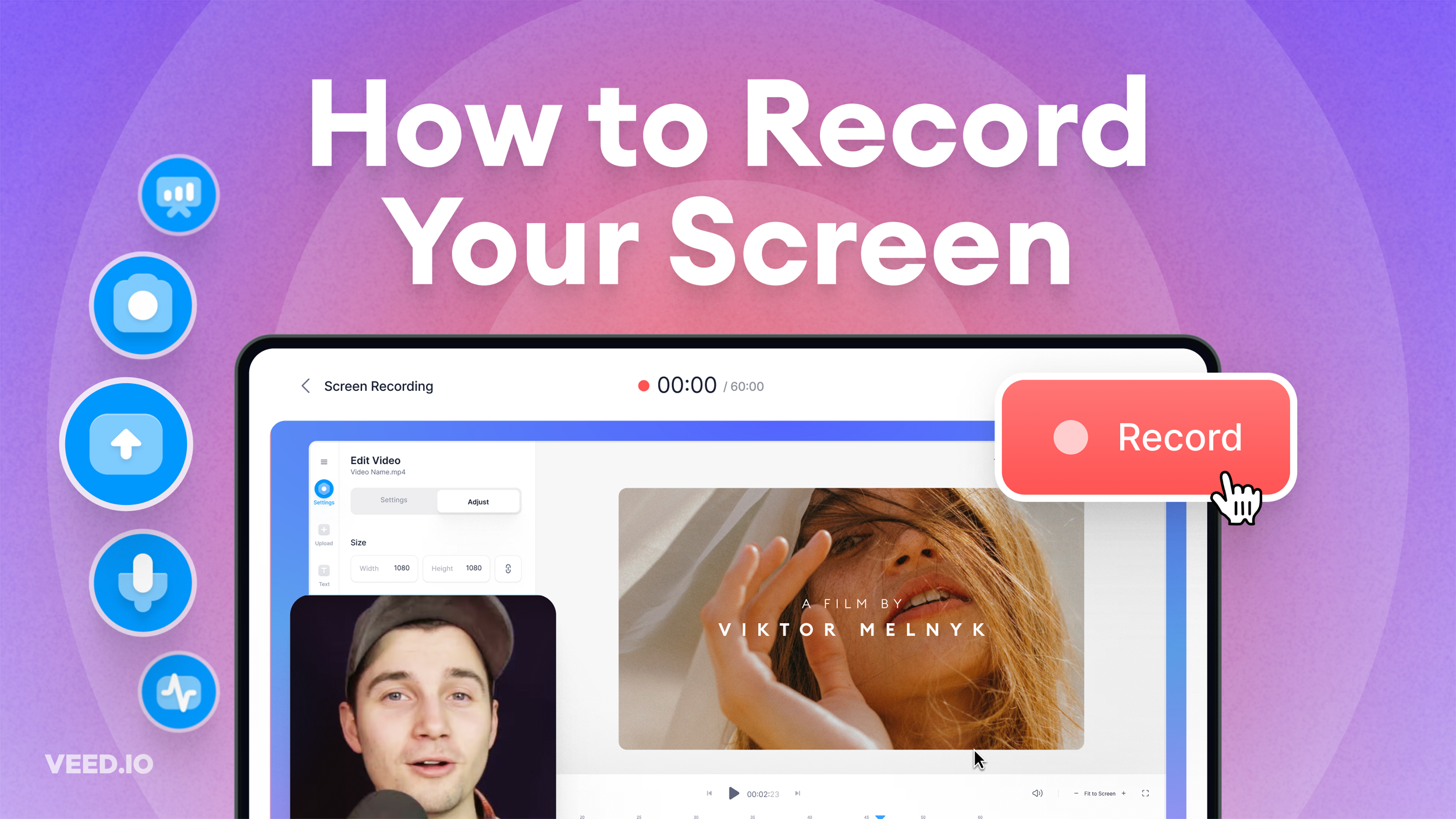
How to Record Your Screen (for Windows, Mac, and More)
Learn about the best tools to record your screen, no matter what platform you're on!
.png)
7 Examples of Product Demo Videos (and What We Can Learn from Them)
Want to know what a great product demo video looks like? Check out our roundup of some of the best examples out there.

The Research is in: What Makes a Training Video Engaging and Effective?
Dive into our latest research report: The Science of Great Video for Training. Unravel the secrets to making a successful video training.
Trusted by 1M+ creators
When it comes to amazing videos, all you need is VEED
No credit card required
More than a step recorder
VEED lets you do more than record tutorials and screencasts. Our all-in-one video editor helps you with all your content needs. You can create product updates, Q&A videos, and short-form content for TikTok and YouTube Shorts. From recording to repurposing videos, VEED streamlines your workflow. No need to bounce between different software. Get started now for free.