


Trusted by 1M+ creators
MP4 Recorder
Record, edit, and share MP4 videos in one seamless platform. All online, no software download needed
No credit card required
4.6
2,100+ reviews














Professional MP4 recordings in a few clicks
Create high-quality MP4 recordings in just a few clicks. Capture your screen, camera, or both with crystal-clear video and audio. Whether you're recording presentations, tutorials, or content for social media, VEED makes it simple. Once you're done, enhance your video with AI tools — remove backgrounds, add subtitles, and clean up your audio. All online, no need to download any software. Export and share your video instantly.
How to record an MP4 video:
Step 01
Choose a layout
Select a layout (camera, audio, screen, screen & camera, and more). Click ‘Allow’ to give access to your screen, camera, and/or microphone.
Step 02
Start recording
Click the red button to start recording. You'll see a countdown timer before the recording starts. Don't worry if you mess up; you have unlimited retakes.
Step 03
Edit and enhance
Export your video right away once you’ve finished recording. Or click Edit to access our video editor. Use the AI eye contact tool, remove the video’s background, add subtitles, and more.
Learn More
Watch this walkthrough of our video recorder:
Record in your preferred format
Record your screen, facecam, voice, or slides with ease. Perfect for recording training videos, tutorials, and gameplay. With flexible recording options and no software download required, you can start recording right away. Plus, our built-in teleprompter keeps your script on-screen as you record. No more forgetting lines or losing track of what to say.
Edit and enhance recordings like a pro
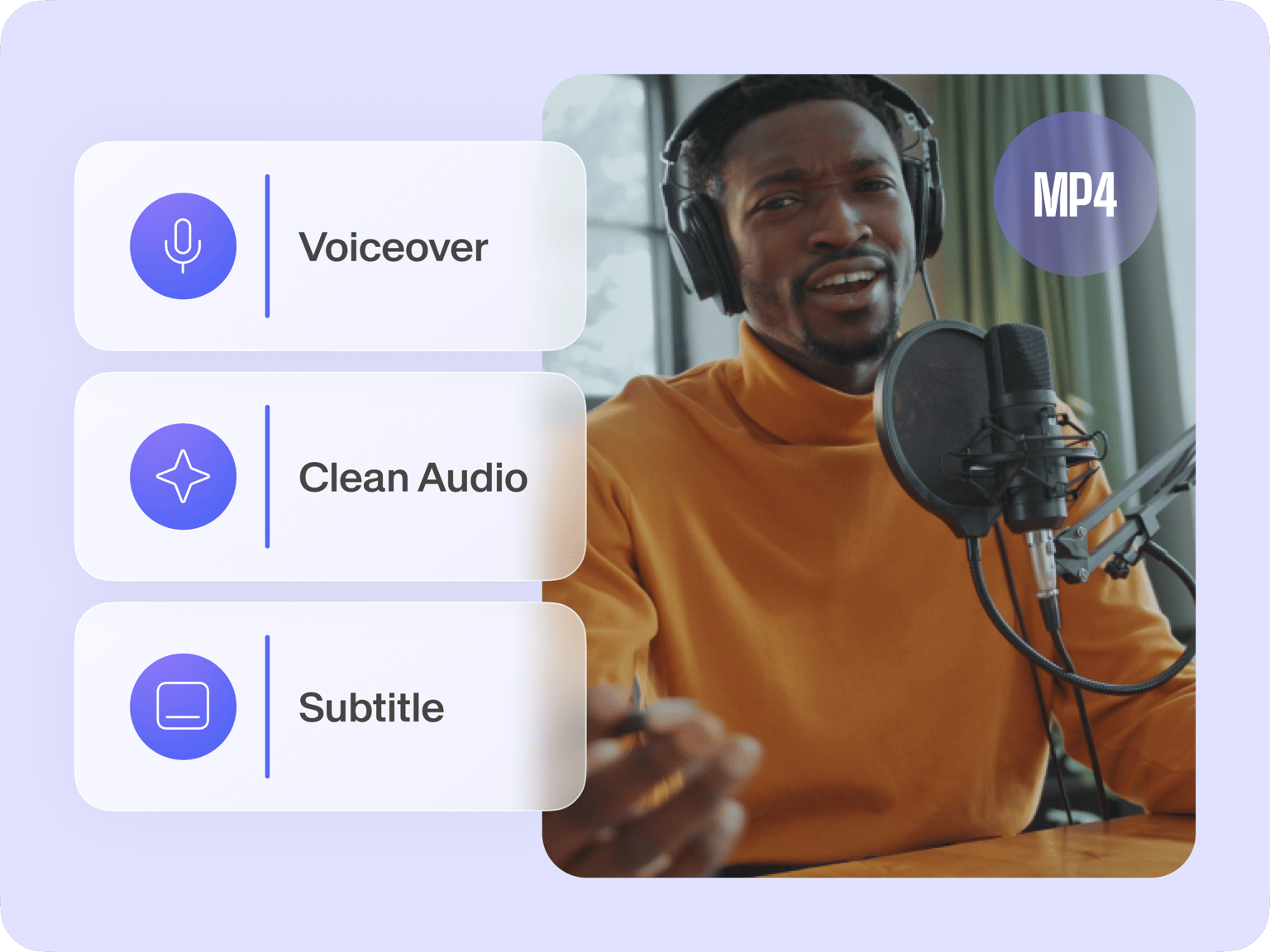
More than a basic MP4 recorder, VEED is a complete, AI-powered video editing suite. Clean up audio in one click with background noise removal, generate captions in multiple languages, and replace your video background. Add text, animations, and branded templates with our intuitive drag-and-drop timeline. Edit like a pro, without the steep learning curve.
Share and collaborate seamlessly
Store, share, and collaborate on your MP4 videos instantly with VEED’s cloud storage. Send video links to your team or clients, leave feedback directly on videos, and speed up your workflow. No extra software or video file downloads — just seamless online collaboration to keep your projects moving forward.
FAQ
To record an MP4 video, open VEED’s recorder in your browser. Choose a layout (screen, camera, or both), allow permissions, and click the red button to start recording. Once done, you can edit, enhance, and export your video.
Simply select the “Screen” option, choose a full screen or a specific window, and start recording. You can also include your webcam and microphone for a complete presentation.
Yes, you can record audio alongside your MP4 video. Capture system audio, microphone input, or both at the same time. You can also clean up background noise using VEED’s AI audio enhancement tool.
After recording, you can edit your MP4 video using VEED’s built-in tools. Trim clips, add subtitles, remove background noise, and replace backgrounds. Once ready, share your video via a link or download it in high quality.
Yes, you can start recording videos right away — no sign-in required. Then, create a free account to download, share, and save your videos to your workspace. Or sign up for a paid plan to unlock watermark-free export and premium AI editing tools to enhance your content.
Loved by creators.
Loved by the Fortune 500
“
With VEED I didn't need 15 tutorials - I jumped straight in and started editing.

Gwenne Wilcox
Founder,
Brand Brainery
“
You can go beyond choppping things. VEED actually makes my videos look great.

Michael Glover
Demand Gen Manager,
ConvertFlow
“
The first four videos i created with VEED got over 40,000 impressions on LinkedIn.

Travis Tyler
Senior Content Producer,
PandaDoc
“
I found VEED at the right time: if you're making UGC ads and not using Eye Contact Correction and Noise Reduction on VEED you're missing out on ROI.

Sebastian Schurgers
Head of Growth Marketing,
Gronda
“
With VEED I didn't need 15 tutorials - I jumped straight in and started editing.
Gwenne Wilcox
Founder,
Brand Brainery
“
You can go beyond choppping things. VEED actually makes my videos look great.
Michael Glover
Demand Gen Manager,
ConvertFlow
“
The first four videos i created with VEED got over 40,000 impressions on LinkedIn.
Travis Tyler
Senior Content Producer,
PandaDoc
“
I found VEED at the right time: if you're making UGC ads and not using Eye Contact Correction and Noise Reduction on VEED you're missing out on ROI.
Sebastian Schurgers
Head of Growth Marketing,
Gronda
“
The first four videos i created with VEED got over 40,000 impressions on LinkedIn.
Travis Tyler
Senior Content Producer,
PandaDoc
“
I found VEED at the right time: if you're making UGC ads and not using Eye Contact Correction and Noise Reduction on VEED you're missing out on ROI.
Sebastian Schurgers
Head of Growth Marketing,
Gronda
“
With VEED I didn't need 15 tutorials - I jumped straight in and started editing.
Gwenne Wilcox
Founder,
Brand Brainery
“
You can go beyond choppping things. VEED actually makes my videos look great.
Michael Glover
Demand Gen Manager,
ConvertFlow
Discover more
Explore related tools
More from VEED
12 Best Free Screen Recorders to Try in 2025
Recording your screen is a necessity for content creators, freelancers, and teachers, to name a few. So, we’ve compiled a list of 11 best free screen recorders to try this year!
How to Record Your Screen (for Windows, Mac, and More)
Learn about the best tools to record your screen, no matter what platform you're on!

Convert a video to MP4 for free with VEED in 3 easy steps
Converting videos to MP4 is now easy and free with the click of a button using VEED
Trusted by 1M+ creators
When it comes to amazing videos, all you need is VEED
No credit card required
More than an MP4 recorder
VEED is more than just an MP4 recorder; it’s a complete video creation platform. Enhance your recordings with AI-powered tools like background noise removal, automatic subtitles, and filler word removal. Drag and drop animations, effects, and branded templates. Whether you’re a content creator, educator, or business, VEED streamlines your workflow. Create and share professional videos in a few clicks. Get started now.