


Trusted by 1M+ creators
Remove Background Noise from MP3
Clean your audio from all background noise, automatically. All online
No credit card required

4.6
2,100+ reviews














Remove Background Noise from MP3 Online
Annoying background noise in your MP3 file? We’ve got you covered. VEED is a super-simple online tool that cleans up background interference with just one click of the mouse. Static? Traffic? Breathing? White noise? Hissy sounds? Worry no more, VEED’s powerful tool will get rid of all of them with one click. Upload your MP3, and use VEED’s background noise remover to wipe it clean of all unwanted background noise. VEED is a super-simple tool to help you create professional quality sound tracks, music, remixes and mock-ups, podcasts, recordings, and more. Works with Video - You can upload video files too - MP4, AVI, WMV, MOV, etc. - to remove background noise from your videos. With a modern and intuitive tool like VEED, removing background noise from your digital content is easier than ever!
How to Remove Background Noise from MP3
Step 01
Upload Audio
Upload your MP3 file to VEED. Drag and drop, it’s that simple.
Step 02
Remove Background Noise
Click on the audio track, then Settings. On the toolbar, click ‘Clean Audio’. Background noise will disappear automatically.
Step 03
Download
Press ‘Export’ to download your MP3, and you’re done! Quick and straight-forward.
Learn More
‘How to Remove Background Noise from MP3’ Tutorial
Online Background Noise Remover
All online, no software to download. Say goodbye to the old days of downloading chunky, costly and complicated software, like Audacity or Adobe Premiere Pro.
Music, Languages & Teaching
Whether you’re recording music demos, correct pronunciations, or any teaching & training material - ensure your audio is clean and easy to understand for your learners.
Podcasts & Voiceovers
Whether you’re making podcasts, voice commentary or translations, ensure your recordings are crystal clear for every listener.
Powered by Dolby
Our partners at Dolby provide the highest quality in Audio Enhancement. And we bring that to you, with a single click.
FAQ
- Upload your MP3 file to VEED 2. Click on audio track, and open Settings 3. Hit ‘Clean Audio’ 4. Download
Of course! VEED accepts AAC, WMA, M4A, WAV, or whatever format your audio is stored in! If it sounds too good to be true, why not give it a try?
Yes, yes and yes! VEED is an online video editing tool that edits video and audio in a matter of minutes. Upload in any format, MP4, AVI, MPEG, and more, and get busy editing!
Easy-peasy! Upload your file on VEED, and use the background noise remover as stated in the instructions above. VEED’s noise removal tool pairs well with voice recordings, dialogues and interviews. Extract clear voice in seconds using the ‘Clean Audio’ button on Settings.
Loved by creators.
Loved by the Fortune 500
“
With VEED I didn't need 15 tutorials - I jumped straight in and started editing.

Gwenne Wilcox
Founder,
Brand Brainery
“
You can go beyond choppping things. VEED actually makes my videos look great.

Michael Glover
Demand Gen Manager,
ConvertFlow
“
The first four videos i created with VEED got over 40,000 impressions on LinkedIn.

Travis Tyler
Senior Content Producer,
PandaDoc
“
I found VEED at the right time: if you're making UGC ads and not using Eye Contact Correction and Noise Reduction on VEED you're missing out on ROI.

Sebastian Schurgers
Head of Growth Marketing,
Gronda
“
With VEED I didn't need 15 tutorials - I jumped straight in and started editing.
Gwenne Wilcox
Founder,
Brand Brainery
“
You can go beyond choppping things. VEED actually makes my videos look great.
Michael Glover
Demand Gen Manager,
ConvertFlow
“
The first four videos i created with VEED got over 40,000 impressions on LinkedIn.
Travis Tyler
Senior Content Producer,
PandaDoc
“
I found VEED at the right time: if you're making UGC ads and not using Eye Contact Correction and Noise Reduction on VEED you're missing out on ROI.
Sebastian Schurgers
Head of Growth Marketing,
Gronda
“
The first four videos i created with VEED got over 40,000 impressions on LinkedIn.
Travis Tyler
Senior Content Producer,
PandaDoc
“
I found VEED at the right time: if you're making UGC ads and not using Eye Contact Correction and Noise Reduction on VEED you're missing out on ROI.
Sebastian Schurgers
Head of Growth Marketing,
Gronda
“
With VEED I didn't need 15 tutorials - I jumped straight in and started editing.
Gwenne Wilcox
Founder,
Brand Brainery
“
You can go beyond choppping things. VEED actually makes my videos look great.
Michael Glover
Demand Gen Manager,
ConvertFlow
Discover more
More from VEED
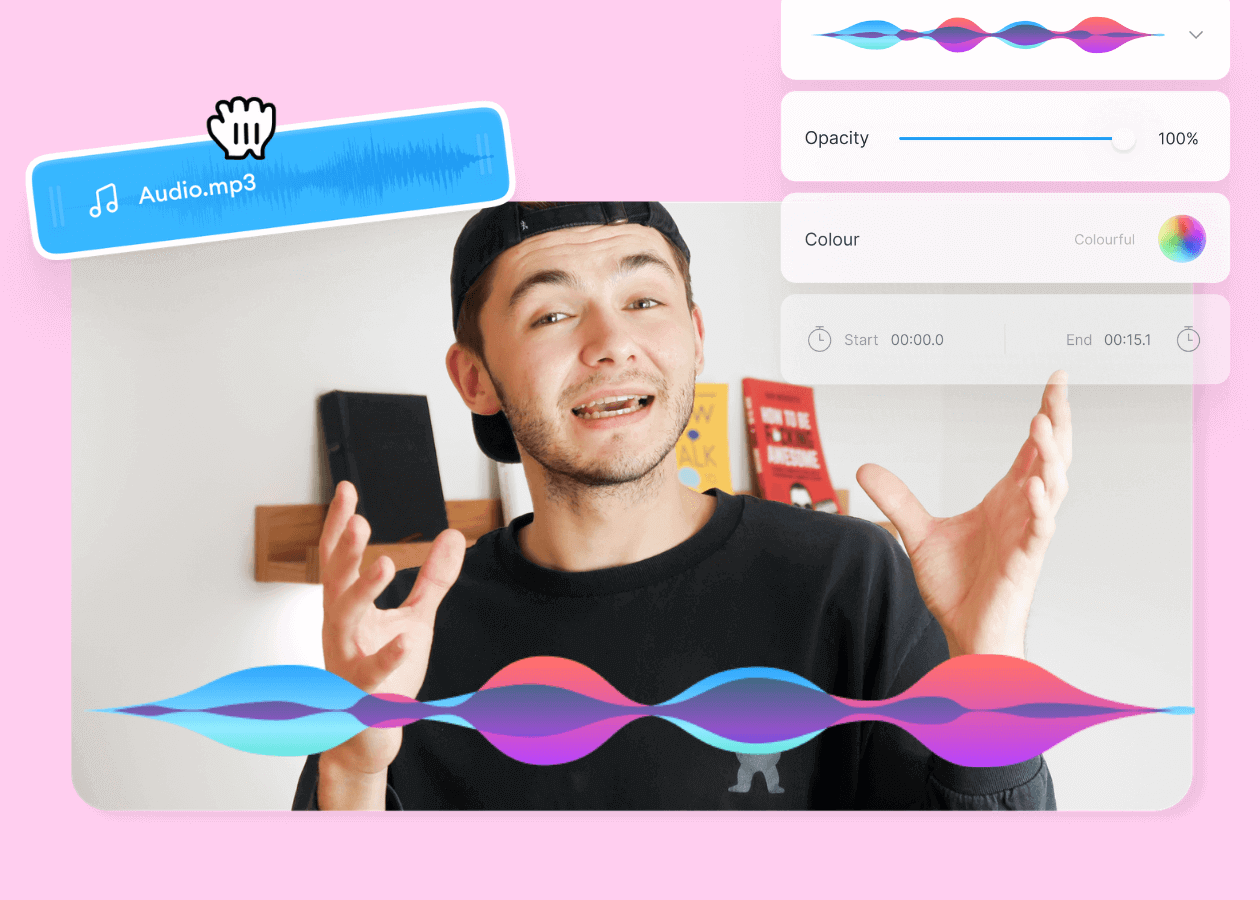
Top 5 Best Music Visualizers [Free and Paid]
Here are some of the best music visualizers available on the internet and how to use them!

How to Add Music to an Instagram Post, Reel, or Story in 2026
Adding music to your Instagram content makes the video much more interactive and engaging while building retention among viewers. Here's how to do it for any Instagram post format.

11 Easy Ways to Add Music to Video [Step-By-Step Guide] in 2026
Not sure where to find music for video whether free or paid? Want to learn how to find it, pick the right song, and then add it to your video content? Then dig in!
Trusted by 1M+ creators
When it comes to amazing videos, all you need is VEED
No credit card required
More than a background noise remover!
With VEED, you can do so much more than just remove background noise! You can add background music, sound effects, mix different files, and much more! Whether it’s an audio file or video, use VEED’s extensive editing tools to transform their quality. VEED is your perfect creative studio for creating impactful podcasts, music, voiceovers and videos. Designed by content creators for content creators, VEED grants you the creative freedom to make inspiring content.