


Trusted by 1M+ creators
Sound Wave Maker
Create sound waves for your music videos online!
No credit card required

4.6
2,100+ reviews














Generate sound waves online and create music videos!
VEED's sound wave maker generates animated waveforms based on the beat and frequency of your audio. Upload your audio or video, select a sound wave template from the Elements panel, customize it, and export as a video file. Works for music videos, podcasts, binaural beats, and other audio-driven content. Royalty-free stock audio is available on paid plans — see the pricing page for details.
How to Create Sound Waves:
Step 01
Upload or start recording
Upload your audio or video to VEED. Or start recording using our webcam recorder.
Step 02
Create sound waves
Click on ‘Elements’ on the left menu and select from the sound wave templates under Sound Wave. Customize it however you want.
Step 03
Export or keep creating!
Export your music video. Or keep exploring our wide range of video editing tools to make your video look even more amazing!
Learn More
Watch this walkthrough of our sound wave maker:
Add unlimited sound waves to your audio or video
Place as many animated sound waves as you want anywhere on the video frame — top, bottom, center, or sides. Each waveform animates in response to your audio, so the movement matches the beat.
Free sound wave generator online
The sound wave generator is free and runs in your browser. No app to download. Create an account to save your projects and access them from any device, or work without signing up.
Customize your sound waves
Change the theme, template, color, and size of each sound wave. Rotate and flip them, then drag and drop them anywhere on the frame. With enough customization options, each music video can look distinct.
FAQ
- Upload an audio file or a video file to VEED to start. 2. Generate the sound wave by clicking on ‘Elements’ and choosing a template under Sound Waves 3. Export and share!
Simply upload your recording to VEED. VEED supports all popular audio file formats including MP3, WAV, and more. Generate the sound wave by clicking on ‘Elements’ and selecting any of the sound wave options under Sound Wave.
VEED works on Mac, Windows, and Linux computers. All you need to is a web browser to start creating sound waves for your audio or video. It works flawlessly on iPhone, Android, and all mobile devices.
Yes, you can! If you only want to add a sound wave to some parts of the video, all you have to do is split the video into parts and add the sound wave only to specific clips. Split the audio or video by dragging and dropping the play head to your preferred location. Click on the ‘Split’ tool right above the timeline.
Loved by creators.
Loved by the Fortune 500
“
With VEED I didn't need 15 tutorials - I jumped straight in and started editing.

Gwenne Wilcox
Founder,
Brand Brainery
“
You can go beyond choppping things. VEED actually makes my videos look great.

Michael Glover
Demand Gen Manager,
ConvertFlow
“
The first four videos i created with VEED got over 40,000 impressions on LinkedIn.

Travis Tyler
Senior Content Producer,
PandaDoc
“
I found VEED at the right time: if you're making UGC ads and not using Eye Contact Correction and Noise Reduction on VEED you're missing out on ROI.

Sebastian Schurgers
Head of Growth Marketing,
Gronda
“
With VEED I didn't need 15 tutorials - I jumped straight in and started editing.
Gwenne Wilcox
Founder,
Brand Brainery
“
You can go beyond choppping things. VEED actually makes my videos look great.
Michael Glover
Demand Gen Manager,
ConvertFlow
“
The first four videos i created with VEED got over 40,000 impressions on LinkedIn.
Travis Tyler
Senior Content Producer,
PandaDoc
“
I found VEED at the right time: if you're making UGC ads and not using Eye Contact Correction and Noise Reduction on VEED you're missing out on ROI.
Sebastian Schurgers
Head of Growth Marketing,
Gronda
“
The first four videos i created with VEED got over 40,000 impressions on LinkedIn.
Travis Tyler
Senior Content Producer,
PandaDoc
“
I found VEED at the right time: if you're making UGC ads and not using Eye Contact Correction and Noise Reduction on VEED you're missing out on ROI.
Sebastian Schurgers
Head of Growth Marketing,
Gronda
“
With VEED I didn't need 15 tutorials - I jumped straight in and started editing.
Gwenne Wilcox
Founder,
Brand Brainery
“
You can go beyond choppping things. VEED actually makes my videos look great.
Michael Glover
Demand Gen Manager,
ConvertFlow
Discover more
More from VEED
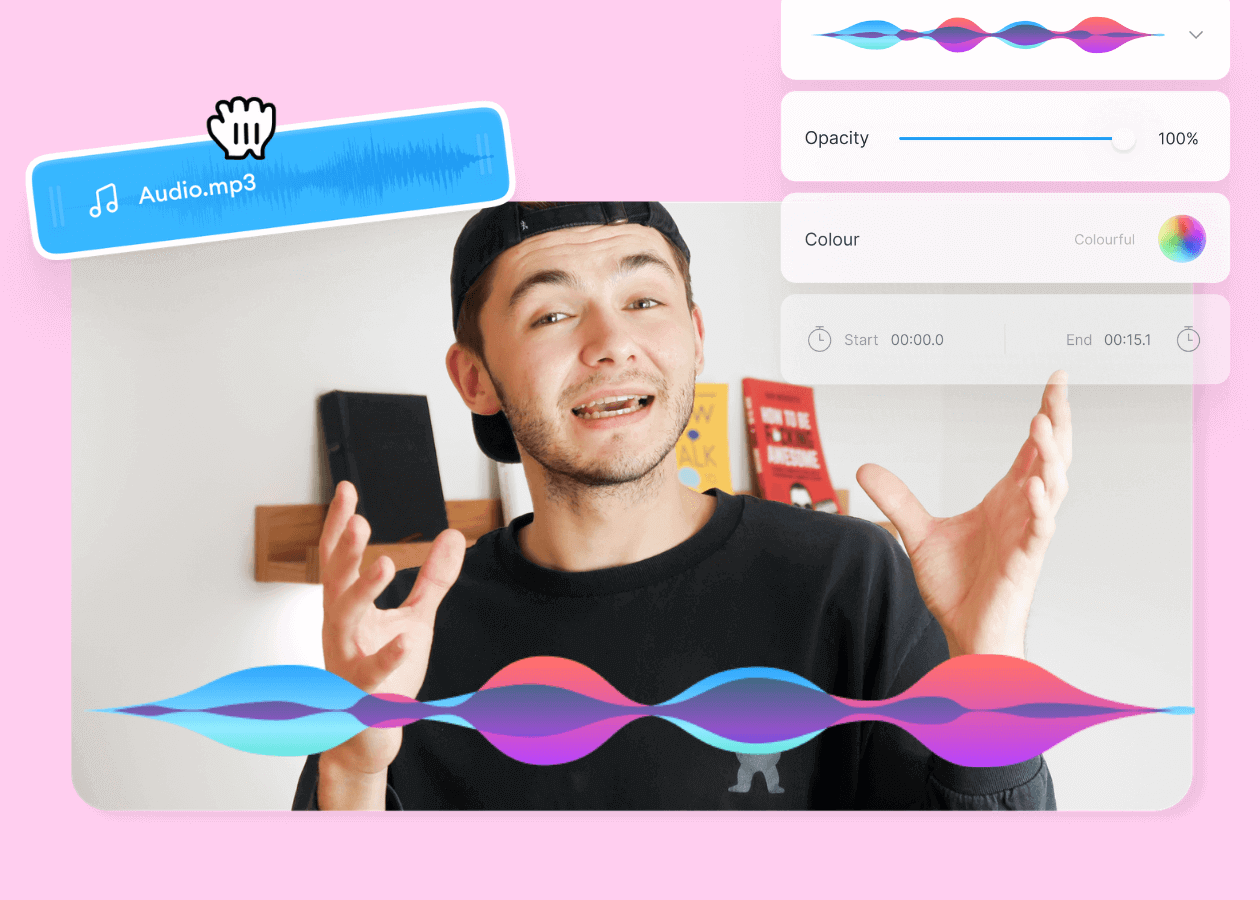
Top 5 Best Music Visualizers [Free and Paid]
Here are some of the best music visualizers available on the internet and how to use them!
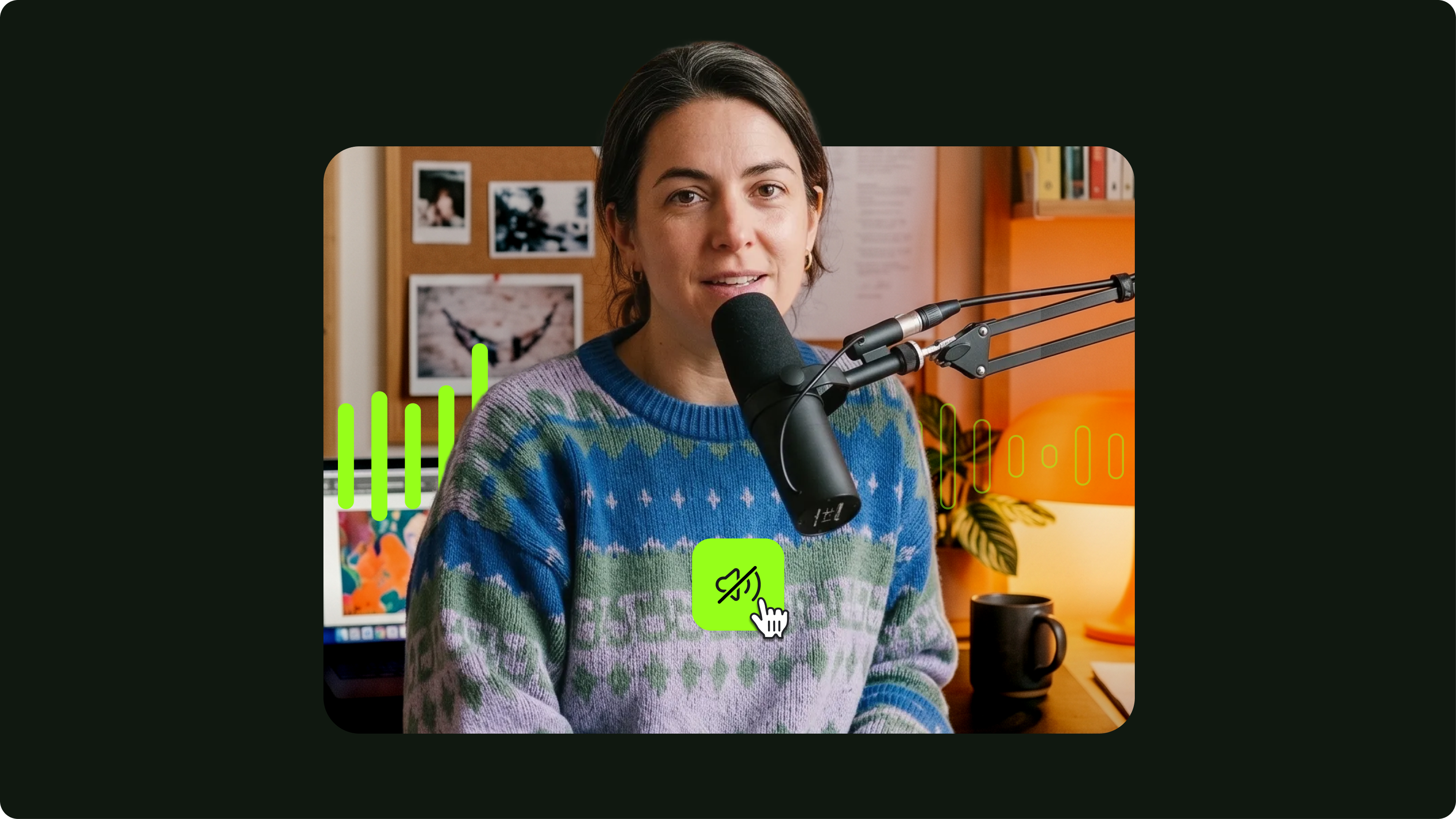
7 Easy Ways to Remove Audio From Video (Step-By-Step Tutorials)
Need to remove annoying background audio? Here are 7 easy ways to mute your video whether you're on your phone or on computer.

11 Easy Ways to Add Music to Video [Step-By-Step Guide] in 2026
Not sure where to find music for video whether free or paid? Want to learn how to find it, pick the right song, and then add it to your video content? Then dig in!
Trusted by 1M+ creators
When it comes to amazing videos, all you need is VEED
No credit card required
More than a sound wave maker
Sound waves are one element of a finished music video. VEED is an AI video creation platform where you can generate, refine, and export videos for TikTok, Instagram, YouTube, and LinkedIn. Beyond waveforms, bring your audio into Gen-AI Studio to build a complete social video with visuals, captions, and brand assets — without switching tools. Start creating with VEED today.