


Trusted by 1M+ creators
Chroma Key Online
Chroma Key Video Creator. Online, free
No credit card required
4.6
2,100+ reviews














Free Chroma Key Green Screen Editor Online
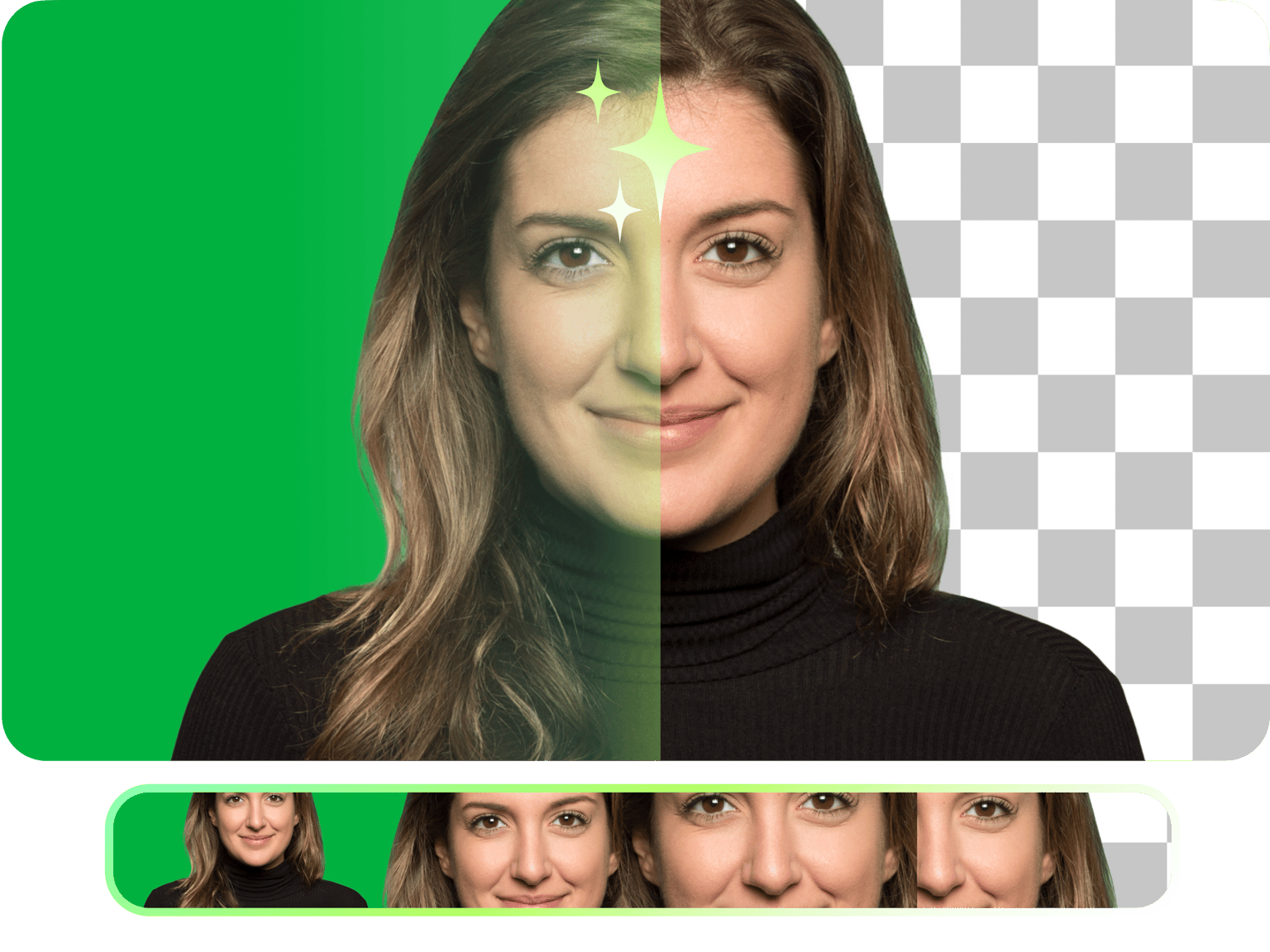
VEED’s online chroma key editor makes green screen background removal super easy. Automatically edit out the background of your video. It is super fast and simple. Just upload your video, toggle on the Chroma Key, and click on the green screen to remove it! You can then replace it with a background image of your choice.
How to Use the Chroma Key Editor:
Step 01
Upload a video
Click on ‘Choose Video’ and upload a video you filmed with a green screen. You can also drag and drop it into the editor.
Step 02
Change background
Select the video on the timeline and click on the Chroma Key toggle. Click on the green screen to remove it. Upload the image you want to use as background.
Step 03
Export
Click on ‘Export’ and the video will be saved to your device.
Learn More
‘Chroma Key Editor’ Tutorial
Automatic background removal online
You no longer need to spend hours removing the green screen background of your video. With VEED, it only takes one click. Our video editor is all online; there’s no software to download that could eat up storage space in your device. VEED works straight from your browser.
Apply video effects
Once you’ve removed the background of your video, you can change it and even add video effects to make it look more stunning. VEED features plenty of camera effects and filters, including animated effects. Be creative and edit your video like a pro in just a few clicks!
Tell amazing stories
VEED is a powerful and fully-packed video editing software that lets you tell amazing stories with your videos. It gives you access to all the tools you will need to create awesome videos and share them on social media.
FAQ
- Upload your video to VEED. Just click on ‘Choose Video’ to begin. 2. Select the video on the editor and click on Chroma Key. Click on the green screen to remove it. 3. Replace your background image by clicking on Upload. Export and share!
Chroma Key is just another term for using the Green Screen technique. It is a way of joining two images after a video is filmed. With VEED, you can use any background color, not just a green screen, and edit it out.
Yes, you can! VEED works smoothly on all mobile devices including Android and iPhones. It is compatible with all mobile browsers.
Green is the preferred background color for the chroma key technique because it doesn’t match people’s natural skin tone or hair color. It makes it easier to blend two images together.
Loved by creators.
Loved by the Fortune 500
“
With VEED I didn't need 15 tutorials - I jumped straight in and started editing.

Gwenne Wilcox
Founder,
Brand Brainery
“
You can go beyond choppping things. VEED actually makes my videos look great.

Michael Glover
Demand Gen Manager,
ConvertFlow
“
The first four videos i created with VEED got over 40,000 impressions on LinkedIn.

Travis Tyler
Senior Content Producer,
PandaDoc
“
I found VEED at the right time: if you're making UGC ads and not using Eye Contact Correction and Noise Reduction on VEED you're missing out on ROI.

Sebastian Schurgers
Head of Growth Marketing,
Gronda
“
With VEED I didn't need 15 tutorials - I jumped straight in and started editing.
Gwenne Wilcox
Founder,
Brand Brainery
“
You can go beyond choppping things. VEED actually makes my videos look great.
Michael Glover
Demand Gen Manager,
ConvertFlow
“
The first four videos i created with VEED got over 40,000 impressions on LinkedIn.
Travis Tyler
Senior Content Producer,
PandaDoc
“
I found VEED at the right time: if you're making UGC ads and not using Eye Contact Correction and Noise Reduction on VEED you're missing out on ROI.
Sebastian Schurgers
Head of Growth Marketing,
Gronda
“
The first four videos i created with VEED got over 40,000 impressions on LinkedIn.
Travis Tyler
Senior Content Producer,
PandaDoc
“
I found VEED at the right time: if you're making UGC ads and not using Eye Contact Correction and Noise Reduction on VEED you're missing out on ROI.
Sebastian Schurgers
Head of Growth Marketing,
Gronda
“
With VEED I didn't need 15 tutorials - I jumped straight in and started editing.
Gwenne Wilcox
Founder,
Brand Brainery
“
You can go beyond choppping things. VEED actually makes my videos look great.
Michael Glover
Demand Gen Manager,
ConvertFlow
More from VEED
How to Zoom Green Screen [Quick & Easy Guide]
You can replace your background with any custom image you want. You can place yourself on the beach in Hawaii or at the top of an erupting volcano. Let your creativity run wild!

How to Rotate a Video (6 Quick & Easy Ways)
How to easily rotate a video whether you're on your desktop, mobile, or on your web browser.

This is the Best YouTube Banner Size (and Examples of Great Channel Art)
Here's the best size for your YouTube banner and everything you need to know to make eye-catching channel art.
Trusted by 1M+ creators
When it comes to amazing videos, all you need is VEED
No credit card required
More than a chroma key editor
Our online video editing software gives you access to professional video editing tools that you can use to create awesome videos. Apart from editing a green screen, you can use VEED to add video effects, filters, and more. Add images, text, and captions to your videos. You can also resize, crop, and rotate your videos. VEED is super easy to use even for beginners. There is practically no learning curve!