


Trusted by 1M+ creators
Voice Record to Video
Transform your audio into engaging videos with ease
No credit card required
4.6
2,100+ reviews














Repurpose audio as video, expand your reach
Have a podcast, interview, or audiobook you want to share with a wider audience? With VEED’s all-in-one video editor, easily transform your audio content into an engaging video format. Enhance your audio with stock images, background art, sound waves, or text. Create multimedia content that educates, inspires, and connects with your audience.
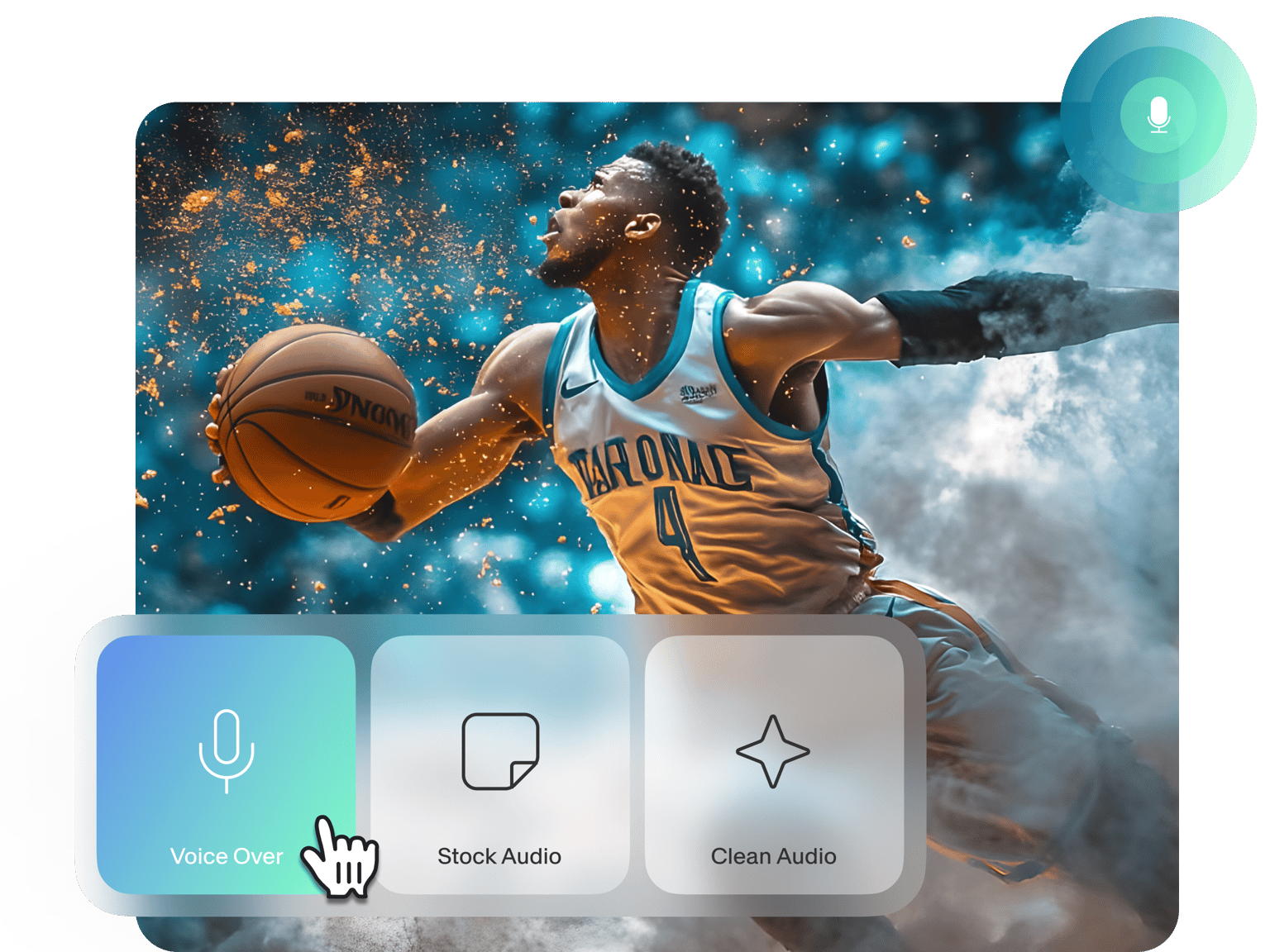
If you need to add narration to existing footage, no problem! VEED lets you record your voice directly within the platform. And you can even remove background noise to achieve professional-sounding voiceovers. Maximize your content’s potential, and unlock new audiences. Create your video now.
How to convert voice recordings to video:
Step 01
Upload or record
Upload your audio or start recording using our voice recorder.
Step 02
Add videos, text, graphics, and more
Drag and drop videos into the editor, add an audio waveform, create captions, and more. You can even create background art with our AI image generator.
Step 03
Export your video
Happy with your video? Click ‘Done’ > ‘Export Video,’ and download your video as an MP4 file.
Learn More
Learn how to add a voice record to video
Convert audio to dynamic videos
Easily add visuals to your audio, such as sound waves, stock footage, and captions. Or create custom background art with our AI image generator. VEED lets you turn audio recordings into shareable videos for YouTube, TikTok, and any other social media platform.
Record your voice over video
Need a voiceover to explain complex topics or better connect with your audience? With VEED, you can record your voice directly over your screen or presentation slides. Bring life to your educational content, product demos, or storytelling videos. No need for expensive recording equipment or editing software – just hit ‘Record’ on VEED!
Create any content on one platform
Create all kinds of videos like a pro. Our video editor equips you with a wide range of tools, from templates to AI text to speech. Whether you’re creating social media posts, online courses, or marketing materials, you can do it all within our editor. No need to switch between different apps!
FAQ
Create a new project and click on the ‘Record’ button. You can choose to record your screen along with your voice or upload presentation slides. For a smooth and professional-sounding voiceover, use our built-in teleprompter, which lets you input a script that you can read while recording. Click ‘Done’ or open the video editor to add more visuals before exporting.
You can achieve high-quality audio by recording in a small, enclosed space with soft furnishings to absorb echo. Record in a quiet environment and position your device's built-in microphone close to your mouth. If your audio still sounds noisy, select the audio track in our editor and click 'Clean Audio' to enhance the sound (available to premium subscribers).
Yes, VEED provides a user-friendly audio trimming tool. Once you’ve added your voice record to the project, click on the audio track in the timeline. Drag the clip to trim the beginning or end of your voice record. You can also split the audio track at a specific point: Place the playhead where you want to make the split and click the Split button.
Yes, VEED provides an AI text-to-speech tool for creating AI voiceovers. Simply type or paste your script into the tool, select your preferred voice, and click ‘Generate.’ The AI voice over will be automatically added to your video within the editor.
Loved by creators.
Loved by the Fortune 500
“
With VEED I didn't need 15 tutorials - I jumped straight in and started editing.

Gwenne Wilcox
Founder,
Brand Brainery
“
You can go beyond choppping things. VEED actually makes my videos look great.

Michael Glover
Demand Gen Manager,
ConvertFlow
“
The first four videos i created with VEED got over 40,000 impressions on LinkedIn.

Travis Tyler
Senior Content Producer,
PandaDoc
“
I found VEED at the right time: if you're making UGC ads and not using Eye Contact Correction and Noise Reduction on VEED you're missing out on ROI.

Sebastian Schurgers
Head of Growth Marketing,
Gronda
“
With VEED I didn't need 15 tutorials - I jumped straight in and started editing.
Gwenne Wilcox
Founder,
Brand Brainery
“
You can go beyond choppping things. VEED actually makes my videos look great.
Michael Glover
Demand Gen Manager,
ConvertFlow
“
The first four videos i created with VEED got over 40,000 impressions on LinkedIn.
Travis Tyler
Senior Content Producer,
PandaDoc
“
I found VEED at the right time: if you're making UGC ads and not using Eye Contact Correction and Noise Reduction on VEED you're missing out on ROI.
Sebastian Schurgers
Head of Growth Marketing,
Gronda
“
The first four videos i created with VEED got over 40,000 impressions on LinkedIn.
Travis Tyler
Senior Content Producer,
PandaDoc
“
I found VEED at the right time: if you're making UGC ads and not using Eye Contact Correction and Noise Reduction on VEED you're missing out on ROI.
Sebastian Schurgers
Head of Growth Marketing,
Gronda
“
With VEED I didn't need 15 tutorials - I jumped straight in and started editing.
Gwenne Wilcox
Founder,
Brand Brainery
“
You can go beyond choppping things. VEED actually makes my videos look great.
Michael Glover
Demand Gen Manager,
ConvertFlow
Discover more
More from VEED
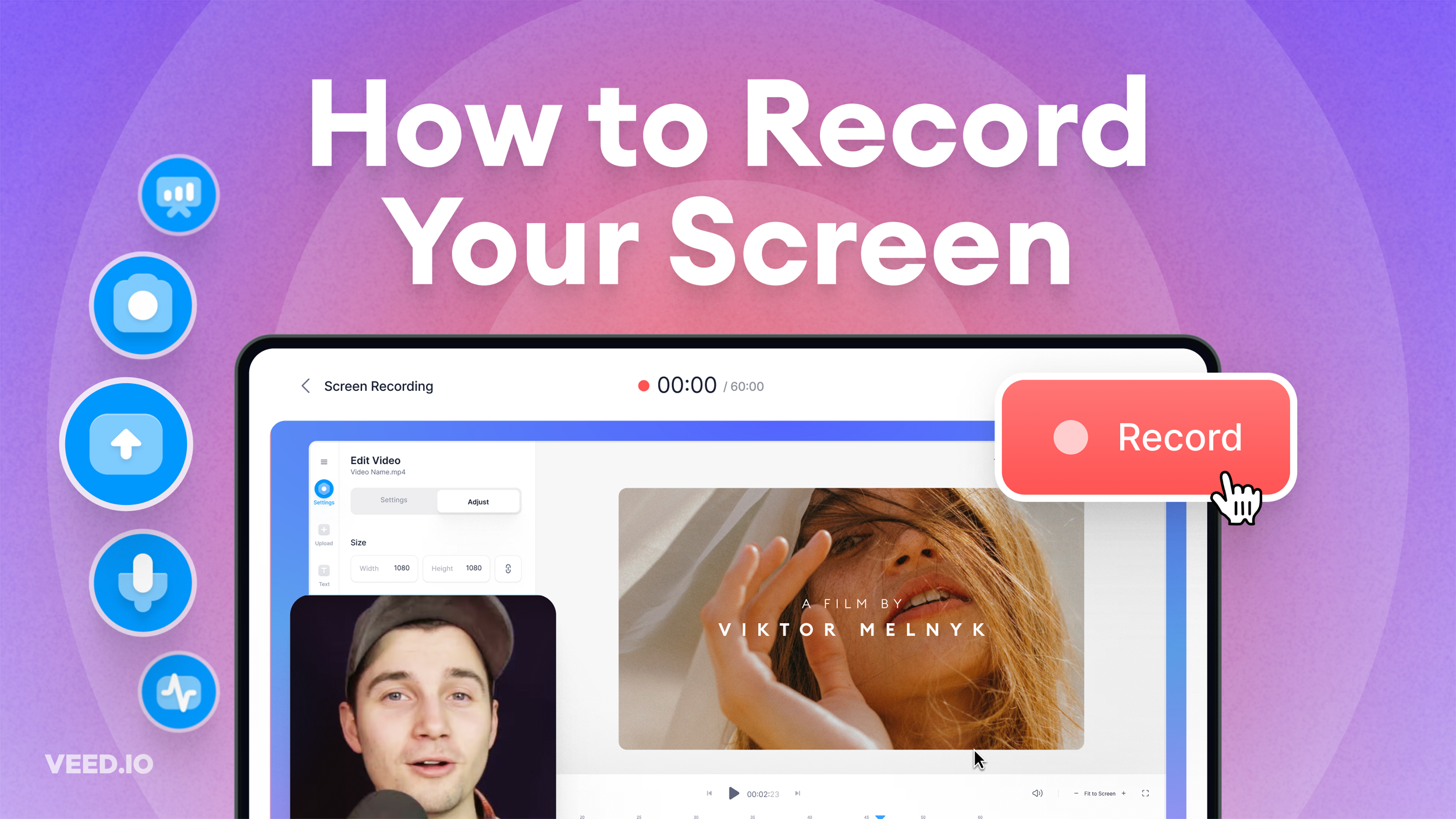
How to Record Your Screen (for Windows, Mac, and More)
Learn about the best tools to record your screen, no matter what platform you're on!

11 Easy Ways to Add Music to Video [Step-By-Step Guide] in 2026
Not sure where to find music for video whether free or paid? Want to learn how to find it, pick the right song, and then add it to your video content? Then dig in!

Podcasting 101: Everything you need to name, ideate, record, edit, and promote a podcast
A 5-step guide to start a podcast from generating a name to recording to promoting it.
Trusted by 1M+ creators
When it comes to amazing videos, all you need is VEED
No credit card required
More than converting audio to video
VEED is much more than a tool for converting voice recordings to video. With our platform, you can create AI avatars from text, auto-generate subtitles, and even clone your voice and convert text to speech. Beyond that, VEED empowers you to create a wide range of content, from product demos to travel videos. No need for complex video editing software or advanced skills; make professional-quality videos in just a few clicks with VEED!