


Trusted by 1M+ creators
GIF Collage
Create GIF collages online; free GIF maker and editor
No credit card required
4.6
2,100+ reviews














Free online GIF collage maker
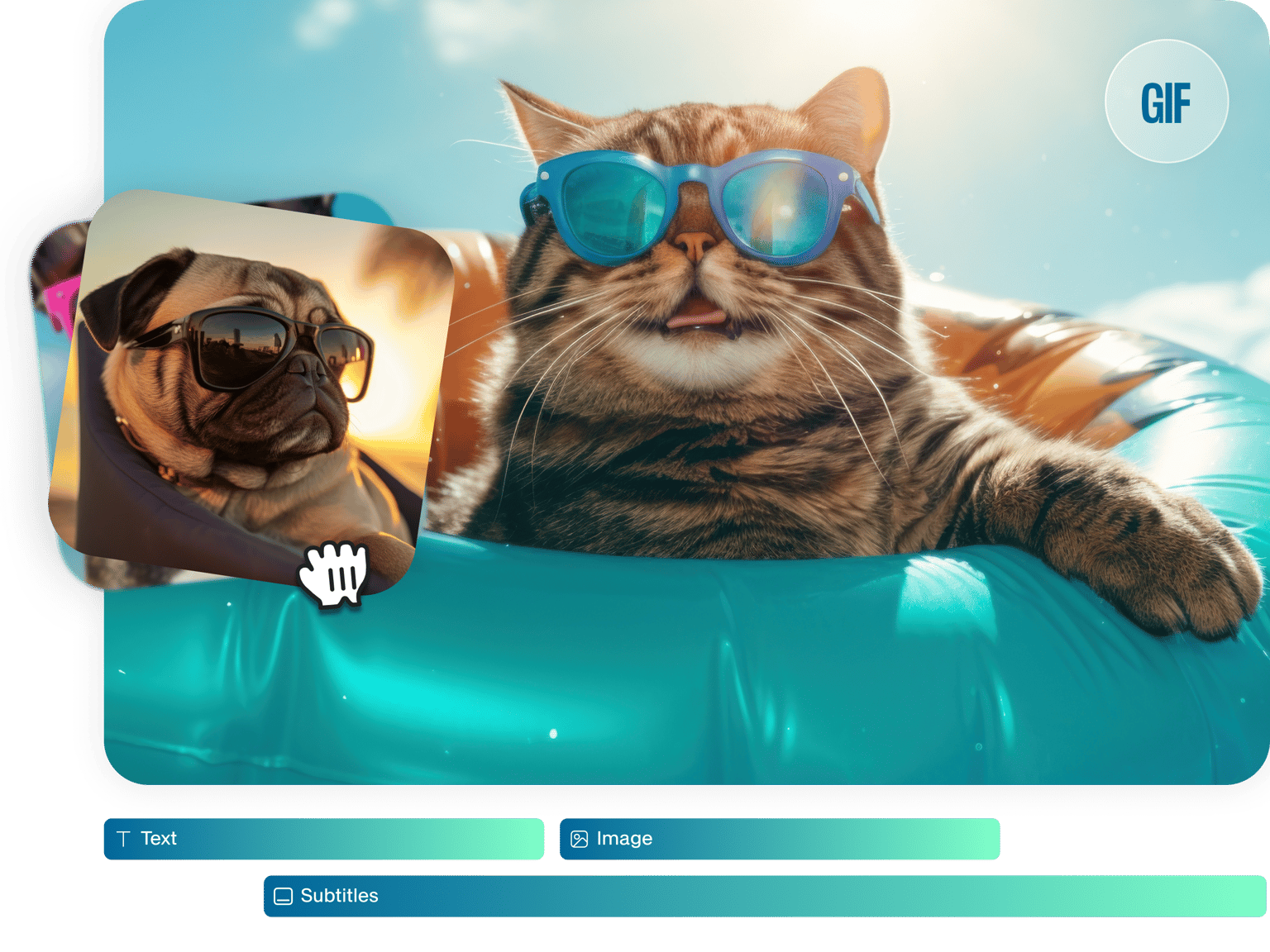
Easily create a GIF collage using VEED’s free online GIF maker and editor. You can upload several GIFs and combine them on the canvas to create a collage. Put GIFs side by side or on top of each other. You can just drag and drop them anywhere on the canvas! Resize, rotate, and crop your GIFs for your collage. Plus, you will have access to a full suite of video editing tools to ensure your GIFs are of the best quality!
How to Create a GIF Collage:
Step 01
Upload your GIF or video
Upload multiple GIFs into the editor; you can also choose videos and download them as GIFs.
Step 02
Create a GIF Collage
Combine or join your GIFs together on the canvas. You can drag and drop them anywhere, put them side by side, and more.
Step 03
Download
Click on ‘Export’ to download your new GIF. Make sure to select Download as GIF from the options.
Learn More
‘GIF Collage’ Tutorial
Customize your GIF collage
VEED’s online GIF collage maker features endless customizations and personalizations. You can add text to your GIFs, add more GIFs, stickers, images, and more. Make funny, inspiring GIFs and design and customize them to your liking. There are so many possibilities. Add images, emojis, and even draw over your GIFs! Share them on Facebook, Instagram, and other social media platforms.
Easy to use collage maker online
Our GIF maker and editor is super easy to use. You can drag and drop GIFs from your device to the editor. To cut, split, and trim a GIF, all you have to do is drag the slider on the timeline, click the Split tool, and delete the clips you don’t want. You can also rearrange clips and then save them as one GIF file. Fast and easy!
Turn videos into GIFs
VEED is also a video editor. You can create GIFs from videos if you don’t have an existing GIF to customize. Simply upload the video, edit it, and download it as a GIF file. You can also do it the other way around! Create videos from animated GIFs. Add music, voice-overs, and sound effects, and download the file as a video. The possibilities are endless!
FAQ
Absolutely! And it’s super easy with VEED’s GIF collage maker.
- Upload your GIFs or videos to VEED
- Drag and drop GIFs to put them side by side or on top of each other to make a collage
- Download it as a GIF file
Upload two GIFs on VEED’s video editor. You can drag and drop them on the canvas to put them side by side—or any position you want.
Absolutely! However, you cannot save it as a GIF file—it will be converted to a video. Otherwise, the sound will not play.
You can easily stack GIFs on VEED! Make sure to drag and drop them on top of each other on the timeline, then reposition them on the canvas to stack them together.
Loved by creators.
Loved by the Fortune 500
“
With VEED I didn't need 15 tutorials - I jumped straight in and started editing.

Gwenne Wilcox
Founder,
Brand Brainery
“
You can go beyond choppping things. VEED actually makes my videos look great.

Michael Glover
Demand Gen Manager,
ConvertFlow
“
The first four videos i created with VEED got over 40,000 impressions on LinkedIn.

Travis Tyler
Senior Content Producer,
PandaDoc
“
I found VEED at the right time: if you're making UGC ads and not using Eye Contact Correction and Noise Reduction on VEED you're missing out on ROI.

Sebastian Schurgers
Head of Growth Marketing,
Gronda
“
With VEED I didn't need 15 tutorials - I jumped straight in and started editing.
Gwenne Wilcox
Founder,
Brand Brainery
“
You can go beyond choppping things. VEED actually makes my videos look great.
Michael Glover
Demand Gen Manager,
ConvertFlow
“
The first four videos i created with VEED got over 40,000 impressions on LinkedIn.
Travis Tyler
Senior Content Producer,
PandaDoc
“
I found VEED at the right time: if you're making UGC ads and not using Eye Contact Correction and Noise Reduction on VEED you're missing out on ROI.
Sebastian Schurgers
Head of Growth Marketing,
Gronda
“
The first four videos i created with VEED got over 40,000 impressions on LinkedIn.
Travis Tyler
Senior Content Producer,
PandaDoc
“
I found VEED at the right time: if you're making UGC ads and not using Eye Contact Correction and Noise Reduction on VEED you're missing out on ROI.
Sebastian Schurgers
Head of Growth Marketing,
Gronda
“
With VEED I didn't need 15 tutorials - I jumped straight in and started editing.
Gwenne Wilcox
Founder,
Brand Brainery
“
You can go beyond choppping things. VEED actually makes my videos look great.
Michael Glover
Demand Gen Manager,
ConvertFlow
Discover more
Trusted by 1M+ creators
When it comes to amazing videos, all you need is VEED
No credit card required
More than a GIF collage maker
VEED is so much more than just a GIF collage maker and editor. It is an extremely powerful GIF and video editor that lets you convert GIFs to videos and videos to GIFs. Merge GIFs together, create new GIFs, and personalize. Add audio to your GIF files to create music videos. Add text, images, stickers, and emojis to your GIFs to make them unique. Create funny GIFs, turn your GIFs into greeting cards for all occasions, and share them on social media.