


Trusted by 1M+ creators
Montage Maker
Use videos, photos and music, to make a video montage. Online, easy-to-use
No credit card required

4.6
2,100+ reviews














Video Montage Maker & Editor
Do you want to make a video montage that shows everything in the life-cycle of a product? With a montage, you can show your product being opened, used, enjoyed, shared, and even reviewed, all in a matter of seconds! Or maybe you want to make a montage that shows all the best parts of a trip, a dining experience, or night out. With VEED’s video montage maker, now you can! Make time go fast, create great videos, and make memories last!
Add montage clips, create video clips, shorten clips, rearrange clips. Use our montage transitions to make it flow nicely. Do it all online, no need to download bulky software or apps. No Experience Needed - VEED lets you make any type of video in only a few clicks. Whether you’re a beginner or pro, VEED is super-easy to use for everyone. It’s all online, requires no download, signup or credit card. Our simple and modern interface makes it very enjoyable to use. Create awesome videos at any time and for any occasion with VEED’s powerful video editor.
How to Make a Video Montage:
Step 01
Record
Record your clips - make them short, but sweet. Remember, a montage is all about making time go fast. Or, just skip recording by using stock videos.
Step 02
Splice
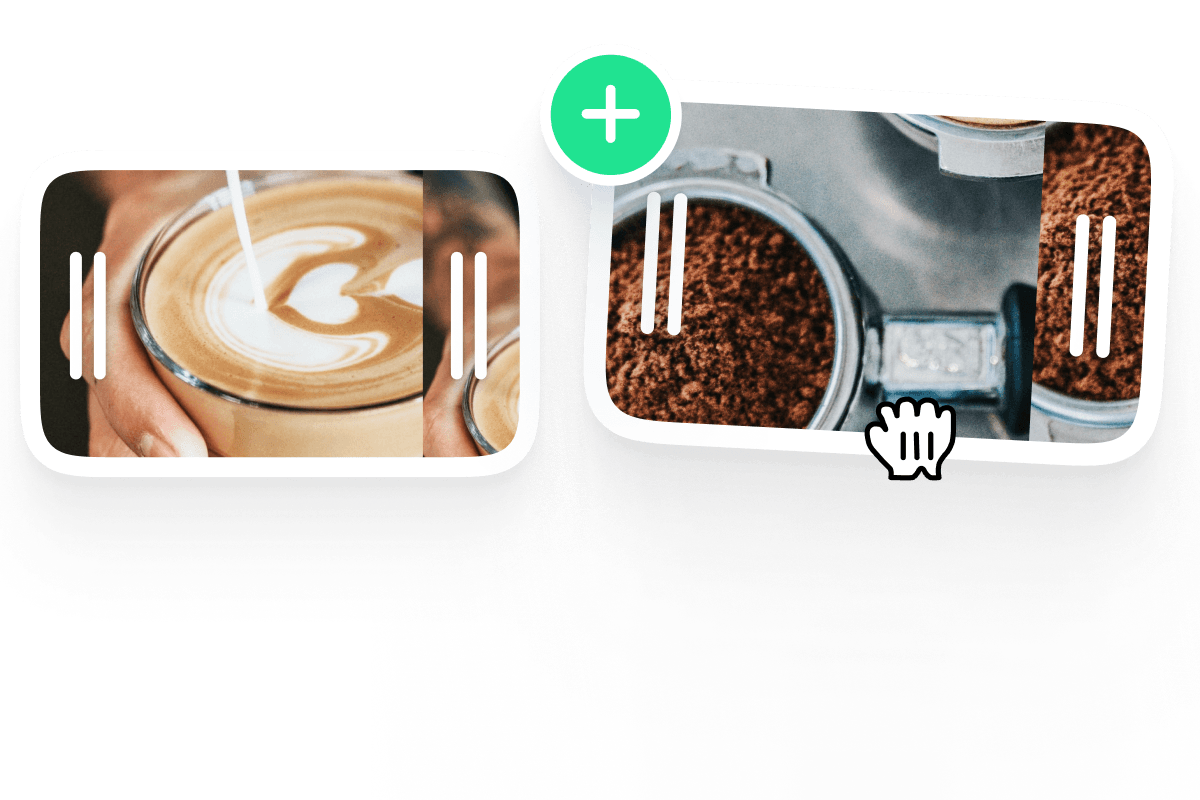
With VEED, you can then splice all your clips together, into a video montage. You can add text, filters, a progress bar, and more. It’s so easy
Step 03
Share
As soon as you’re finished, hit ‘Download’, and you’re ready to go. And with VEED you can resize your video to fit any social media platform. So get sharing!
Learn More
‘How to Create a Video Montage’ Tutorial
Easy Montage
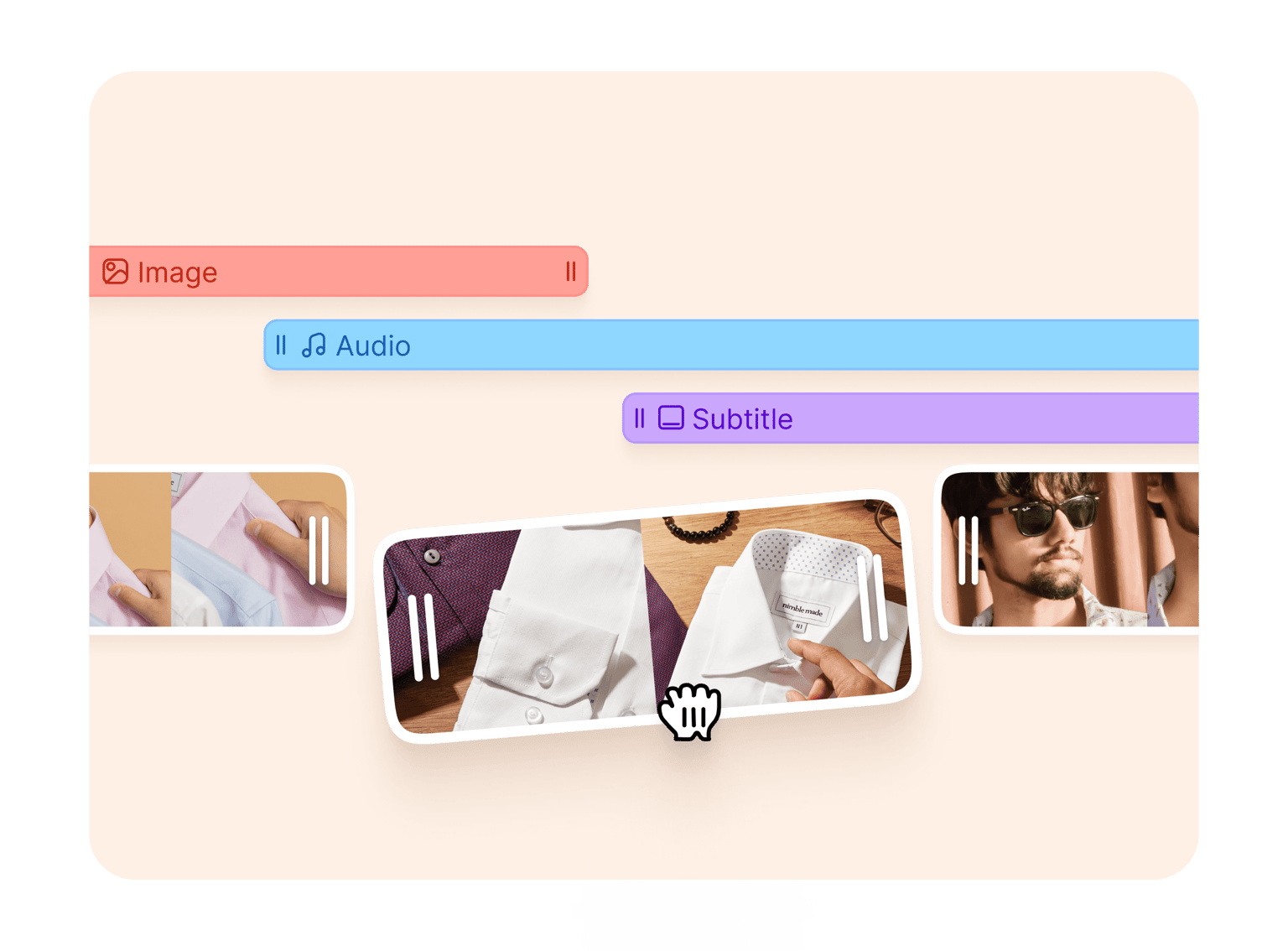
Maker You can combine videos and photos to make stunning montages in just a few clicks. It’s super-fast and online, no need to download any software. With VEED, it’s not just the montage that will be flying by. Our tools are so easy to use, your project will be finished in a flash! You can create new montage clips, add or remove clips, and rearrange them as you like. Then, for an added flair, you can explore our filters, special effects, montage transitions, and much more. VEED will leave your video montage looking extra-special and personal. Our modern and clean user interface is very easy to navigate. This includes our mobile site, which means you can create beautiful montages on the go! Whether you’re a complete beginner or a professional, VEED is here to make life easier!
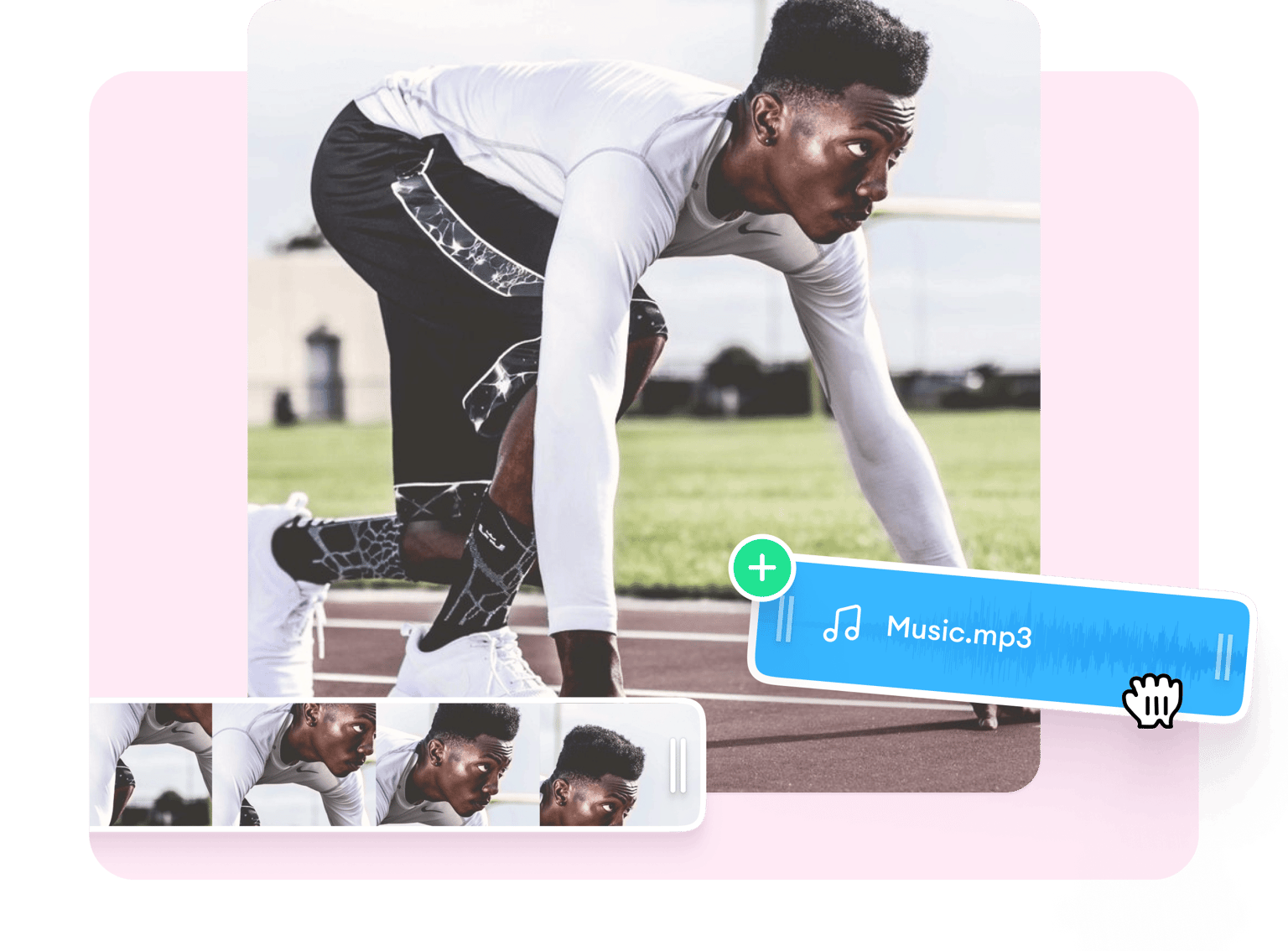
Add Music
No montage is complete without a great soundtrack. Remove audio, add music and sound effects, it’s so easy. With VEED, your videos have never sounded better. Add your favorite song as background music to bring your photo video to life! Upload any song or music track, no need to worry about copyright if video is only for personal use. You can also sound effects, voiceovers, narration, and remove background noise. Upload your favourite audio file to create awesome music videos. To do this - Click on the plus (+) icon on the bottom-right, or click on ‘Upload’ on the left menu. To add audio to specific parts of the video, you can split it, and drag and drop the audio layer across the timeline. VEED’s online video maker makes it easy to work with audio and video tracks at the same time.
Promote
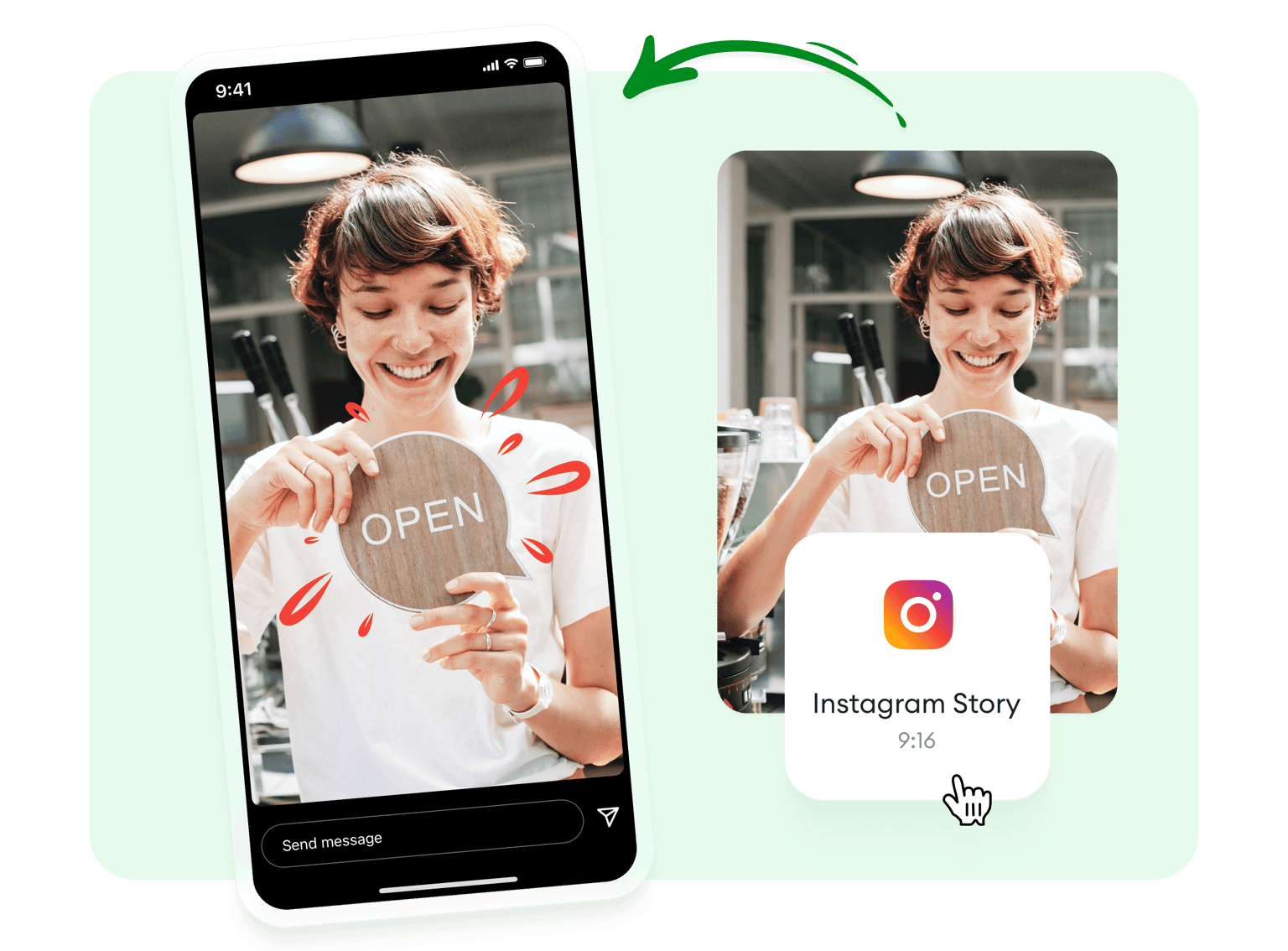
A video montage is a powerful tool for promotion and marketing. Show your audience what it’s like to use one of your products. From opening up the packaging, to leaving a great review. You can show everything there is to show about a product, service, trip, or experience, all in the space of a few seconds. As if that’s not enough, you can also tell a great story with your new video montage. They’re fast, entertaining, but informative. Try to hook your audience from the start with something funny or surprising. With VEED, you can quickly and easily resize your montage to fit any social media platform - YouTube, TikTok, Instagram. You can even turn it into a Facebook Cover video. All with a single click!
FAQ
Upload Splice Add transitions Download Share
A montage isn’t complete without music! Press’ Upload’ on the left to upload your favourite music file. Drag it onto the video track. You can cut, trim and adjust positioning of the audio until it fits with the video.
Here’s why VEED is the best - It’s fast, simple and kitted with all the tools you need like transitions, filters and templates. Above all, it’s free!
Because a montage gets its message across, fast. You can stop people from scrolling through Instagram, clicking through Facebook pages, or stumbling through YouTube, with an eye-catching, sped-up montage. And, most of all, it looks super-cool!
A video montage has many uses. Examples include promo videos, company intros, music videos, travel videos, and many more.
Here’s a useful hack - Make the montage last as long as the song that’s playing in the background. Each individual montage clip should be around 5 - 7 seconds. Add no more than 50 - 70 items to keep the montage short and sweet. Remember, a montage is like a “compressed story”, so it doesn’t have to be detailed.
Loved by creators.
Loved by the Fortune 500
“
With VEED I didn't need 15 tutorials - I jumped straight in and started editing.

Gwenne Wilcox
Founder,
Brand Brainery
“
You can go beyond choppping things. VEED actually makes my videos look great.

Michael Glover
Demand Gen Manager,
ConvertFlow
“
The first four videos i created with VEED got over 40,000 impressions on LinkedIn.

Travis Tyler
Senior Content Producer,
PandaDoc
“
I found VEED at the right time: if you're making UGC ads and not using Eye Contact Correction and Noise Reduction on VEED you're missing out on ROI.

Sebastian Schurgers
Head of Growth Marketing,
Gronda
“
With VEED I didn't need 15 tutorials - I jumped straight in and started editing.
Gwenne Wilcox
Founder,
Brand Brainery
“
You can go beyond choppping things. VEED actually makes my videos look great.
Michael Glover
Demand Gen Manager,
ConvertFlow
“
The first four videos i created with VEED got over 40,000 impressions on LinkedIn.
Travis Tyler
Senior Content Producer,
PandaDoc
“
I found VEED at the right time: if you're making UGC ads and not using Eye Contact Correction and Noise Reduction on VEED you're missing out on ROI.
Sebastian Schurgers
Head of Growth Marketing,
Gronda
“
The first four videos i created with VEED got over 40,000 impressions on LinkedIn.
Travis Tyler
Senior Content Producer,
PandaDoc
“
I found VEED at the right time: if you're making UGC ads and not using Eye Contact Correction and Noise Reduction on VEED you're missing out on ROI.
Sebastian Schurgers
Head of Growth Marketing,
Gronda
“
With VEED I didn't need 15 tutorials - I jumped straight in and started editing.
Gwenne Wilcox
Founder,
Brand Brainery
“
You can go beyond choppping things. VEED actually makes my videos look great.
Michael Glover
Demand Gen Manager,
ConvertFlow
Trusted by 1M+ creators
When it comes to amazing videos, all you need is VEED
No credit card required
More than just a montage maker
VEED can do so much more than turn your photos into videos! VEED can make amazing videos for any context - family, business, marketing, you name it. Our video editing tools are free to use so you can create professional-looking videos without paying a dime. VEED is the perfect creators toolkit with all the features needed to unlock your creativity. Add subtitles, text, images, audio and more! Compatible with all major devices and platforms - Macbook, Windows 10, Linux and mobile devices.