


Trusted by 1M+ creators
Invitation Video Maker
Create invitation videos for any occasion in minutes!
No credit card required

4.6
2,100+ reviews














Create Personalized Invitation Videos Online
Want to record an invitation video using your webcam? Start with our Webcam Recorder, then make any edits you want. Add text, filters, funny GIFs, and more! Surprise your guests with a stunning invitation video by using VEED’s online Invitation Video Maker. Create free video invites for any event or occasion, whether it’s a wedding, birthday, a company event, baby shower, and more. VEED’s video editor lets you create dynamic videos that work perfectly as digital invites.
You can add images from the event location, your own photos, text—to provide them with the event info, and a lot more. With VEED, it is super easy to create event video invites. It only takes a few clicks. Upload photos, background music, add transitions and camera effects and add text. You can drag and drop files, split your video into different clips, and add different filters for each clip. All these make for a more exciting event invitation!
How to Create An Invitation Video:

Step 01
Upload your video
Upload your video to VEED. You can drag and drop your video files into the editor. Or click Upload and select your files.

Step 02
Personalize
You can add images to personalize your invitation. Write your name or your guests’ names, add music, stickers, and more.
Step 03
Export
When you’re happy with your invitation video, just click on ‘Export’. Download your video in the format that you prefer.
Learn More
‘Invitation Video Maker’ Tutorial
Create free video invites online
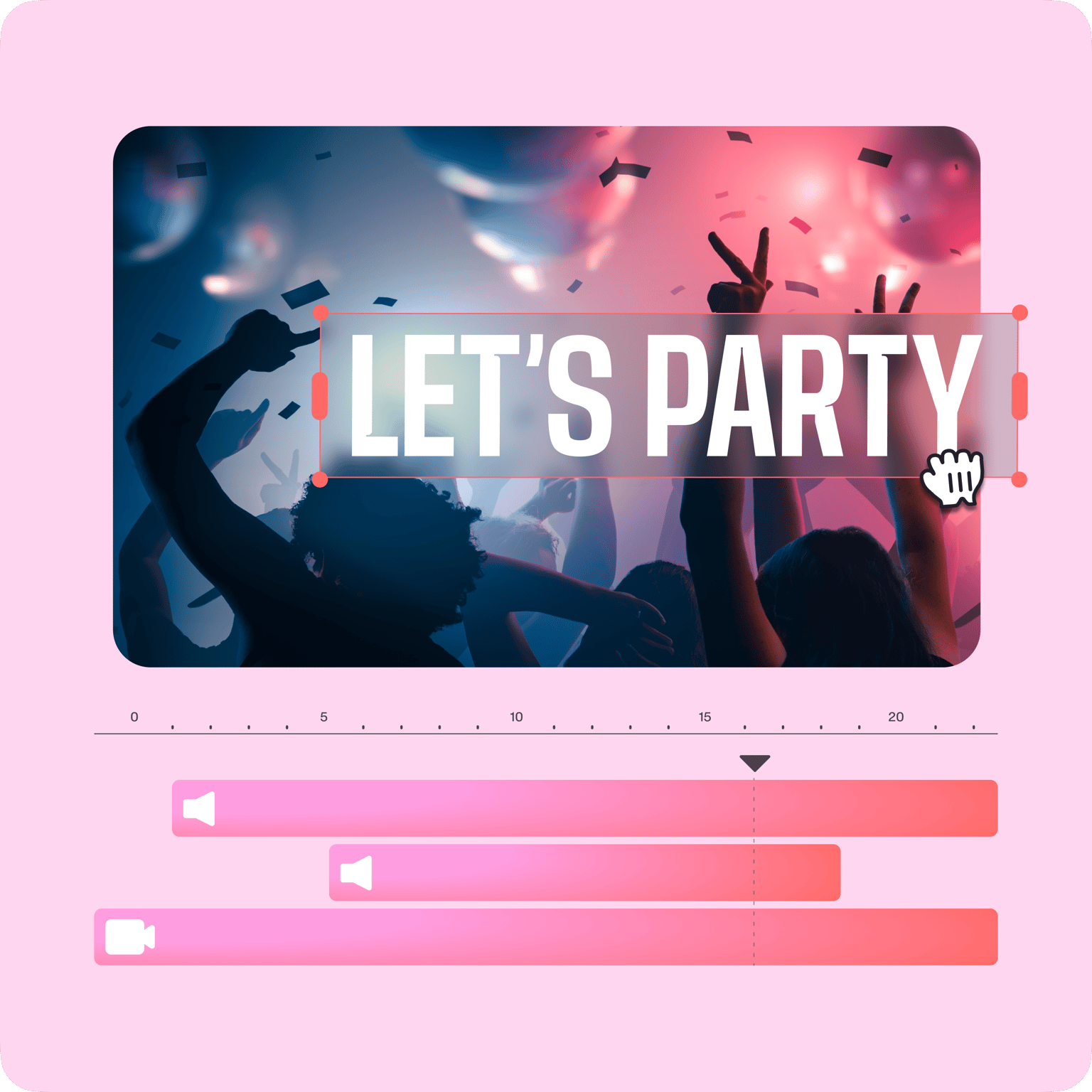
VEED is a completely browser-based video editing software so you can create and edit your invitation video online. No need to download and install an app! Our tools are so simple yet powerful, and you can customize and personalize your video invites in just a few clicks. It only takes minutes compared to using other video editing apps. Create wedding invitations, birthday, anniversary, or holiday party invites. You don’t need to use complicated video editors like Windows Movie Maker. Share your video invites on Facebook, Instagram, and other social media platforms.

Add images, text, stickers, logos, and more
If you’re creating an invitation for a company event, you can also add your logo to make your video more official. Simply upload your logo using our Upload tool or click on the plus (+) icon on the bottom-right of the editor. You can place your logo anywhere on the video frame. Add stickers; there are so many stickers and elements to choose from. You can add a Facebook sticker then put your Facebook Page using the Text tool, add famous brand logos, and swipe-up banners. Check them out by clicking on the Elements tab.
Personalize stock videos and add transitions
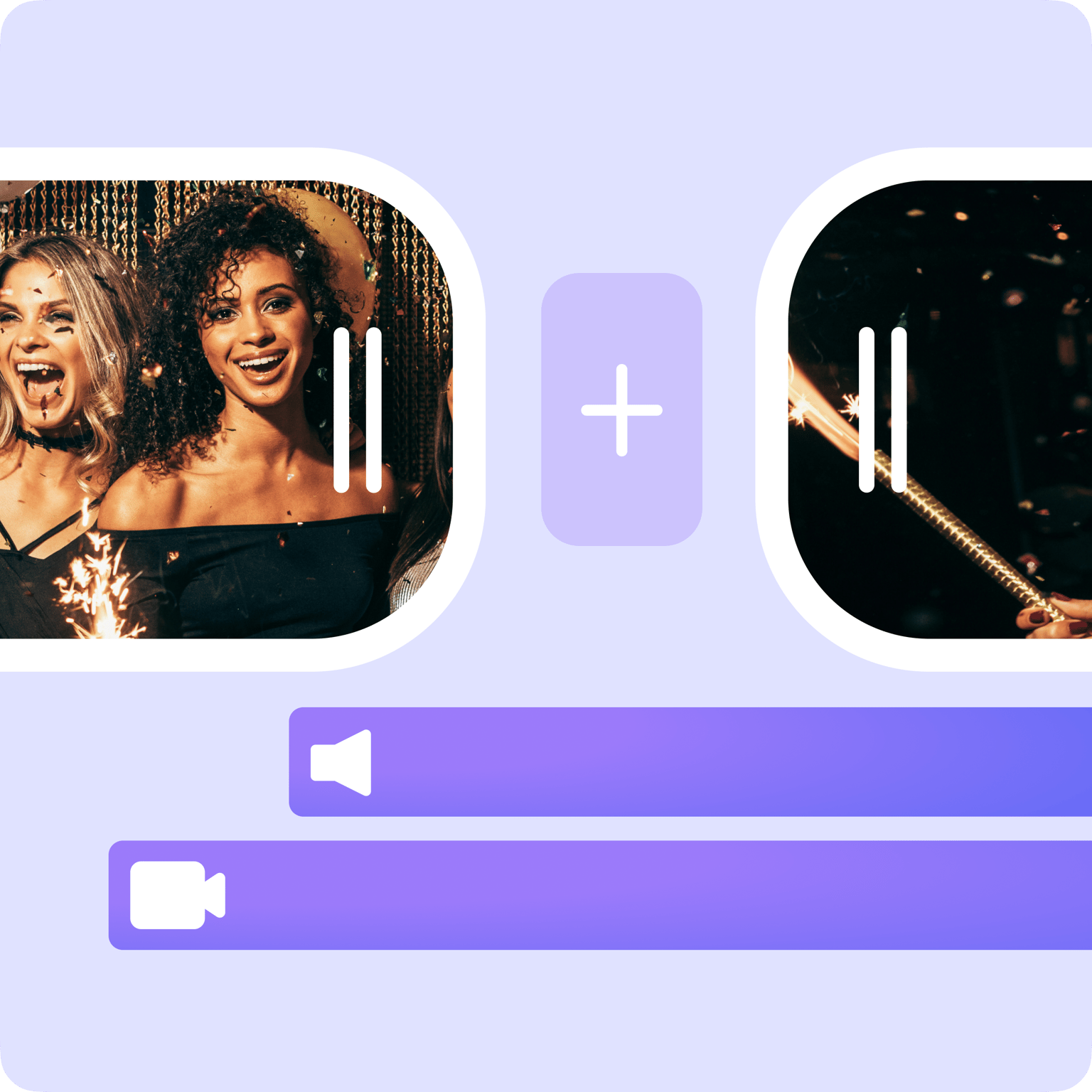
If you don’t have time to record your own video invitation, you can choose from our available stock videos that you can personalize and turn into stunning invitation videos. Our stock videos are professionally filmed so you can be sure that it is high quality. Personalize stock videos by replacing the images, text, and other elements to create your invitation message. You can also add transitions to make your video more exciting. Select from various transition effects that will awe your guests and encourage them to attend your event!
FAQ
Upload your video to VEED and start personalizing your video. It is so easy to turn any video into a video invite. Just add your text, images, music, and more! Download your video in the format that you prefer. You can download it in MP4, AVI, MOV format, and other popular video file types.
VEED’s video maker is completely free to use. You don’t need to sign up or create an account. Just upload your video, personalize it, download, and share!
There are so many video editing apps out there that promise excellent user experience but fall short when you’re using them. They may even be expensive! VEED’s free video editor is extremely user-friendly and it’s free, which makes it the best software for creating invitation videos!
There are so many video editing apps out there that promise excellent user experience but fall short when you’re using them. They may even be expensive! VEED’s free video editor is extremely user-friendly and it’s free, which makes it the best software for creating invitation videos!
VEED is also great for making wedding invitations, and you don’t need to pay anything! Just upload a video or choose from our stock videos, add your invitation text, and download it!
VEED is the most recommended video editing software for beginners. It has an excellent user interface and most of the time, you can drag and drop items to create amazing video effects. All tools only require a few clicks. You don’t need any video editing experience!
Loved by creators.
Loved by the Fortune 500
“
With VEED I didn't need 15 tutorials - I jumped straight in and started editing.

Gwenne Wilcox
Founder,
Brand Brainery
“
You can go beyond choppping things. VEED actually makes my videos look great.

Michael Glover
Demand Gen Manager,
ConvertFlow
“
The first four videos i created with VEED got over 40,000 impressions on LinkedIn.

Travis Tyler
Senior Content Producer,
PandaDoc
“
I found VEED at the right time: if you're making UGC ads and not using Eye Contact Correction and Noise Reduction on VEED you're missing out on ROI.

Sebastian Schurgers
Head of Growth Marketing,
Gronda
“
With VEED I didn't need 15 tutorials - I jumped straight in and started editing.
Gwenne Wilcox
Founder,
Brand Brainery
“
You can go beyond choppping things. VEED actually makes my videos look great.
Michael Glover
Demand Gen Manager,
ConvertFlow
“
The first four videos i created with VEED got over 40,000 impressions on LinkedIn.
Travis Tyler
Senior Content Producer,
PandaDoc
“
I found VEED at the right time: if you're making UGC ads and not using Eye Contact Correction and Noise Reduction on VEED you're missing out on ROI.
Sebastian Schurgers
Head of Growth Marketing,
Gronda
“
The first four videos i created with VEED got over 40,000 impressions on LinkedIn.
Travis Tyler
Senior Content Producer,
PandaDoc
“
I found VEED at the right time: if you're making UGC ads and not using Eye Contact Correction and Noise Reduction on VEED you're missing out on ROI.
Sebastian Schurgers
Head of Growth Marketing,
Gronda
“
With VEED I didn't need 15 tutorials - I jumped straight in and started editing.
Gwenne Wilcox
Founder,
Brand Brainery
“
You can go beyond choppping things. VEED actually makes my videos look great.
Michael Glover
Demand Gen Manager,
ConvertFlow
Discover more
Trusted by 1M+ creators
When it comes to amazing videos, all you need is VEED
No credit card required
More than an Invitation Video Maker
With VEED, you can create videos not just for invitations but for so many different purposes. Create presentation videos, holiday greeting videos, graduation videos, and so much more. VEED also features its own video compressor and converter. You don’t need to use multiple apps; get all your video editing needs in one place. You can add subtitles to your videos, cut trim, resize, and so much more!