


Trusted by 1M+ creators
Infographic Video Maker
Create animated infographics in minutes with AI tools and drag-and-drop video editing. Online infographic maker
No credit card required

4.6
2,100+ reviews














Create infographic videos: Get your message across
Infographic videos help you explain complex ideas in simple ways. Using images, short text descriptions, and drawings on your videos will help convey your message to your audience 100% clearer. The animated infographic maker can help you create infographic videos that are informative and entertaining at the same time - and optimize them for social media platforms.
The infographic animation software also lets you add video animations from our library of royalty-free stock videos. Add music and sound effects in just one click. Plus, there is little to no learning curve compared to using complicated tools like Adobe Express. Add text, subtitles, images, shapes, and drawings in minutes. You can even record your screen if you want to create a demo.
How to Create an Infographic Video:

Step 01
Upload
Upload your video to the editor. You can also record your screen or webcam using our recorder.

Step 02
Add animated infographic elements
Add animated text, clips, and other elements. You can also put your branding, such as your logo, custom fonts, and more.

Step 03
Export
Export your infographic video and share.
Learn More
Walkthrough on how to make an infographic video:

Create infographic videos that inform and entertain
Your infographic videos need not be boring and monotonous. You can make infographics that also engage and entertain your audience while being informative. Create infographic commercials for multiple social media platforms in minutes with AI-assisted video editing tools. Add infographic animations using our animated text maker, animated subtitles, and more.
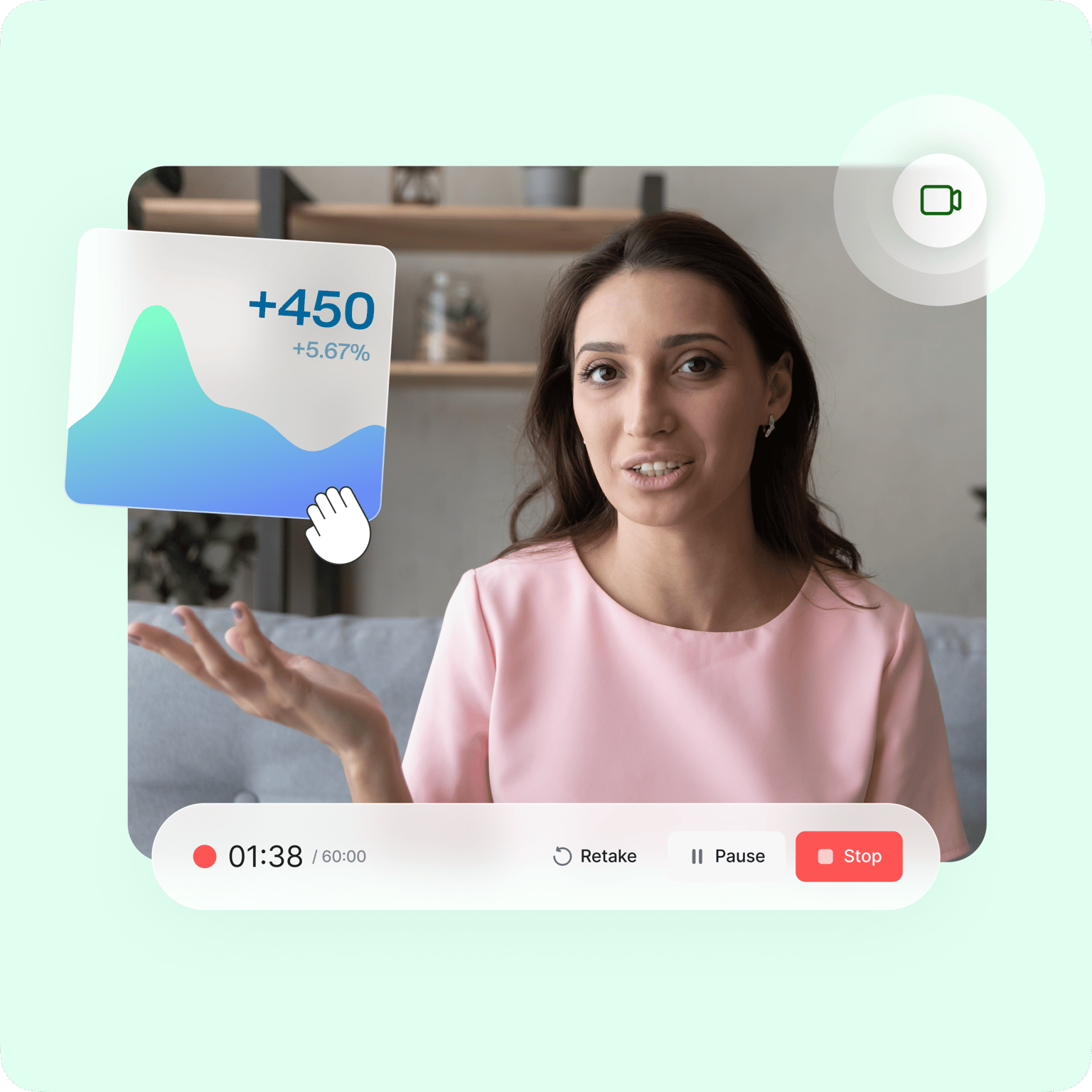
Record your screen and create video infographic demos
Create animated infographic demos by recording your screen and webcam. You can also add voiceovers and annotations. While recording, you can draw over your screen which you can see from your own desktop. Highlight important texts, buttons, and other helpful information on your screen using our drawing tools.
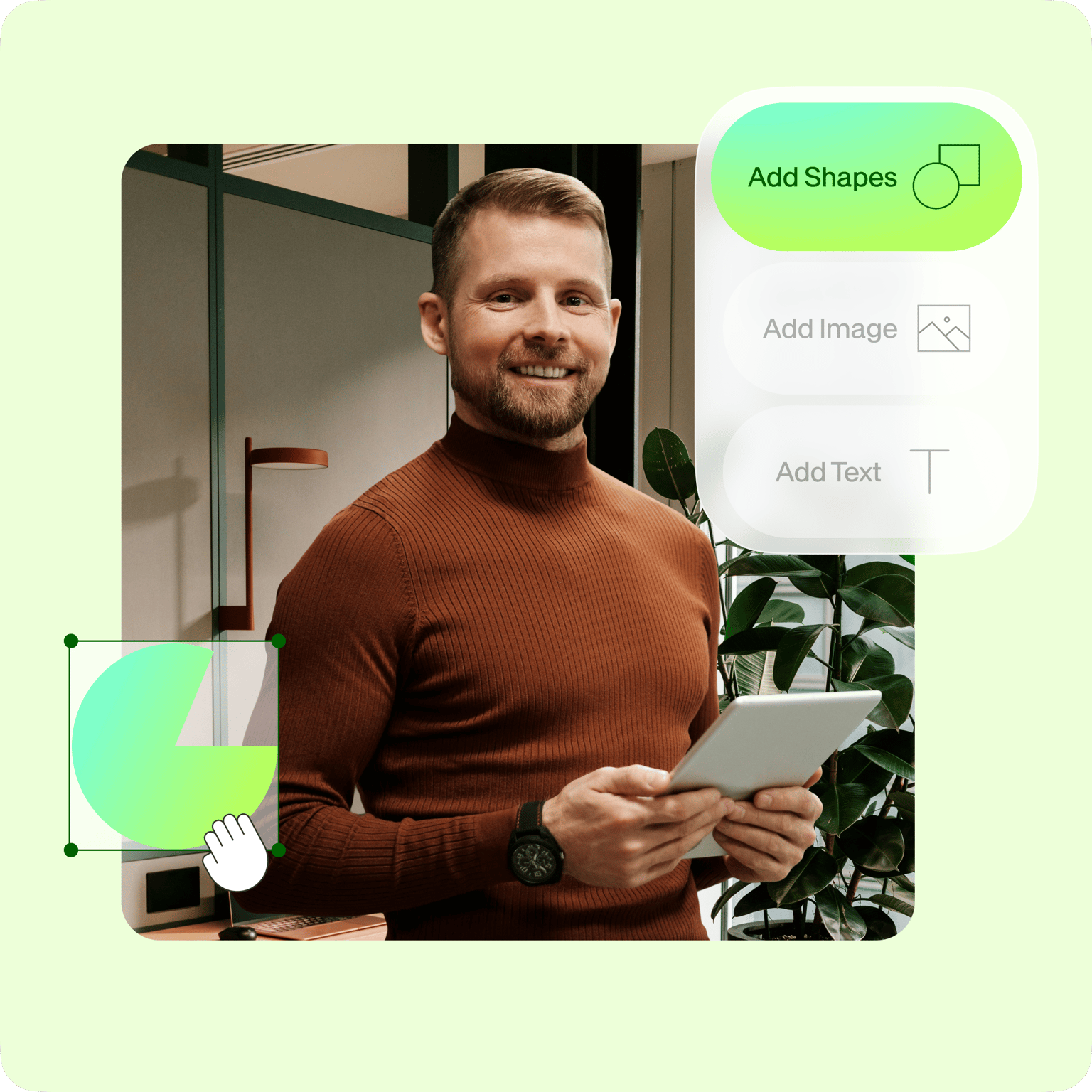
Add text, images, shapes, and more
Text, shapes, and images are key elements in infographic videos. They are incredibly helpful in your presentation because they help viewers visualize your ideas. You can add images simply by clicking on the plus (+) icon from the bottom-left of the screen. Choose images from your folders or drag and drop them into the Upload box. To add text, click on the Text tool from the left and start typing! Choose from a wide variety of fonts, styles, and sizes. The same is true for shapes and so many other visual elements available on VEED.
FAQ
The infographic video maker is completely free to use. Upload your video or images to the editor or record your webcam. You can add annotations, text, background music, and sound effects to your infographic videos in just a few clicks.
Absolutely yes! You can turn your videos into infographics if you add the right and necessary elements, such as text, shapes, and drawings. All of these are available for free on VEED.
If you can’t or don’t want to film an actual video, you can choose from VEED’s collection of stock videos to create a virtual infographic. Personalize it by adding text, images, and more. You can create a virtual infographic in just minutes!
VEED’s online Infographic Maker stands out from so many other video editing software because it is super easy to use and free! You don’t need any experience in video creation or editing. Plus, it’s online so you don’t need to download an app.
A great infographic not only presents information but also tells a story that makes it easier for people to understand the ideas being presented. It needs to add a fresh perspective to already known facts.
Both professionals and beginners alike use VEED to create infographic videos. VEED’s ease of use, practicality and flawless interface make it the perfect software for infographics.
Loved by creators.
Loved by the Fortune 500
“
With VEED I didn't need 15 tutorials - I jumped straight in and started editing.

Gwenne Wilcox
Founder,
Brand Brainery
“
You can go beyond choppping things. VEED actually makes my videos look great.

Michael Glover
Demand Gen Manager,
ConvertFlow
“
The first four videos i created with VEED got over 40,000 impressions on LinkedIn.

Travis Tyler
Senior Content Producer,
PandaDoc
“
I found VEED at the right time: if you're making UGC ads and not using Eye Contact Correction and Noise Reduction on VEED you're missing out on ROI.

Sebastian Schurgers
Head of Growth Marketing,
Gronda
“
With VEED I didn't need 15 tutorials - I jumped straight in and started editing.
Gwenne Wilcox
Founder,
Brand Brainery
“
You can go beyond choppping things. VEED actually makes my videos look great.
Michael Glover
Demand Gen Manager,
ConvertFlow
“
The first four videos i created with VEED got over 40,000 impressions on LinkedIn.
Travis Tyler
Senior Content Producer,
PandaDoc
“
I found VEED at the right time: if you're making UGC ads and not using Eye Contact Correction and Noise Reduction on VEED you're missing out on ROI.
Sebastian Schurgers
Head of Growth Marketing,
Gronda
“
The first four videos i created with VEED got over 40,000 impressions on LinkedIn.
Travis Tyler
Senior Content Producer,
PandaDoc
“
I found VEED at the right time: if you're making UGC ads and not using Eye Contact Correction and Noise Reduction on VEED you're missing out on ROI.
Sebastian Schurgers
Head of Growth Marketing,
Gronda
“
With VEED I didn't need 15 tutorials - I jumped straight in and started editing.
Gwenne Wilcox
Founder,
Brand Brainery
“
You can go beyond choppping things. VEED actually makes my videos look great.
Michael Glover
Demand Gen Manager,
ConvertFlow
Explore related tools
More from VEED

Subtitling 101: How to Automatically Add and Customize Subtitles with VEED
Everything you need to automatically add, customize, translate, and download subtitles like a pro using VEED.

How To Resize Video For Instagram For Free (Quick And Easy)
Learn how to resize videos for Instagram in SECONDS with VEED.
How to Easily Create Training Videos (With Examples)
How to create training videos to support your business with VEED's easy-to-use video recording, editing, and collaboration tool.
Trusted by 1M+ creators
When it comes to amazing videos, all you need is VEED
No credit card required
More than an infographic video maker
VEED can help you with so much more than just infographic videos. You can use VEED to create explainer videos, video advertisements, or just to make fun videos for social media for your personal use. You can even turn GIFs into videos and convert videos into GIFs! Most tools feature a drag-and-drop functionality and it only takes a few clicks to come up with an engaging, stunning, and informative video.